Why are artifacts a good fit for office managers?
Because so much of the job is answering the same question the same way. "What will this cost?" "What do I do on my first day?" "Who do I call about the printer?" Each answer means looking something up and typing it out again, and two people can give two different answers.
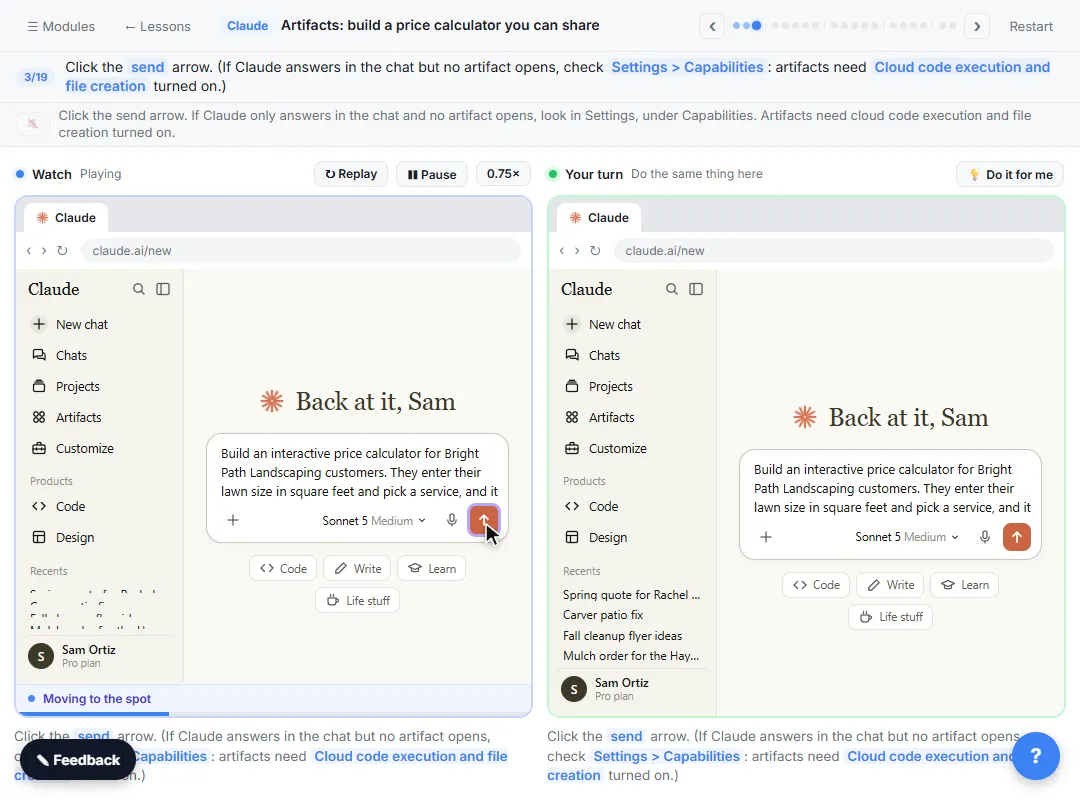
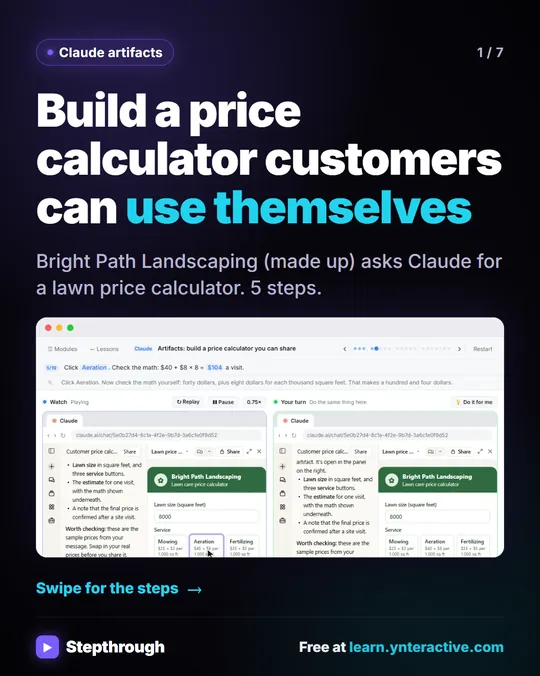
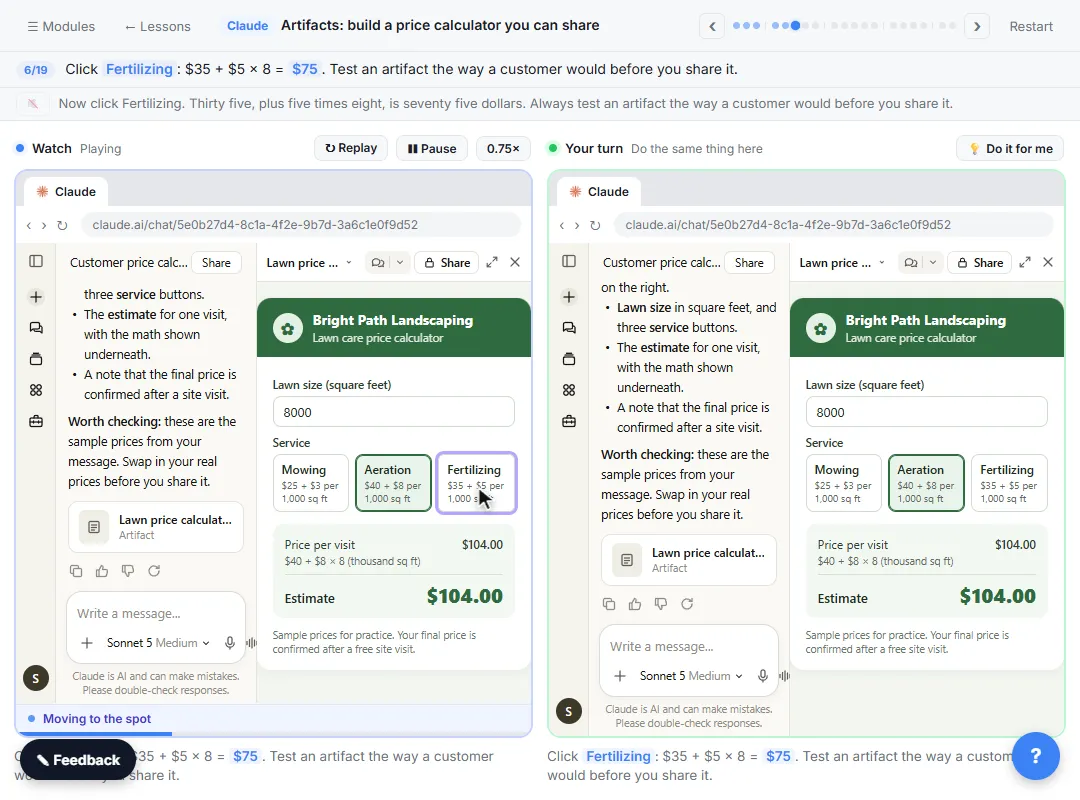
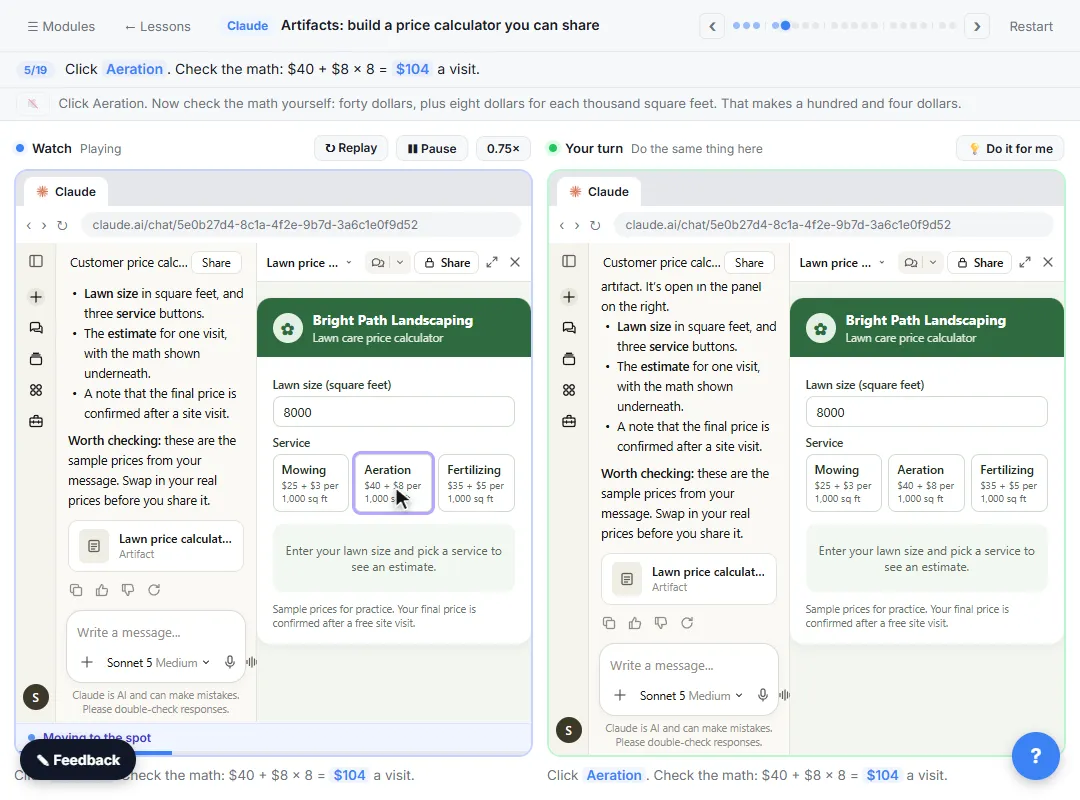
An artifact gives the answer once, in a form people can use themselves. In the lesson, the made-up Bright Path Landscaping gets the same pricing question every day, so you ask Claude for a lawn price calculator: enter a lawn size, pick a service, see the price with the math shown. Then you add one feature, a number of visits with a discount, and share it with a link. The same steps work for internal tools.
1. A quote calculator for the front desk
When the office gives prices over the phone, a calculator keeps everyone on the same numbers.
Build a quote calculator for our front desk. Staff enter [INPUTS] and pick [SERVICE OPTIONS]. Prices: [PRICE RULES]. Show the math for every quote, and add the line "Final price confirmed by [WHO]".
Check: three quotes you can work out by hand, including the smallest and largest job. The lesson's own check: Aeration on 8,000 square feet is $40 + $8 × 8 = $104.
2. A new-hire first-week checklist
A checklist page means a new hire can see what's next without asking.
Build an interactive first-week checklist for a new [ROLE]. Group items by day. Each item has a checkbox and the name of who to ask. Show progress as "X of Y done". Items: [PASTE YOUR LIST].
Check: that every item and contact name came from your list. Don't put personal phone numbers or anything private on a page you'll share.
3. A meeting agenda planner
Meetings run long when nobody adds up the minutes.
Build a meeting agenda planner. Each row has a topic, an owner and minutes. Show the running total and turn it red when the total is over [LENGTH] minutes. Add a button that lists the agenda as plain text I can paste into an invite.
Check: add three items and confirm the total is right. Then try the over-time warning.
4. A supplies reorder sheet
A simple reorder tool turns "we're out of toner again" into a list.
Build a supplies reorder tool. For each item I list, staff enter how many are on the shelf. If it's below the reorder point, show it in a "Reorder" list with the quantity to order. Items, reorder points and order quantities: [PASTE LIST].
Check: set one item just below and one just above its reorder point, and see that only the right one is listed.
5. A room or equipment booking helper
Build a one-week booking grid for [ROOM OR ITEM], Monday to Friday, [START TIME] to [END TIME] in [30 or 60]-minute slots. Clicking a slot asks for a name and marks it booked.
Check: what happens when two people want the same slot, and whether the tool needs to save bookings between visits. Ask Claude how the artifact stores data before the team relies on it, and keep a shared calendar if that's what your office already trusts.
6. A policy FAQ page
When the same policy questions come up every week, a page with your exact answers saves time.
Build a clean FAQ page for staff about [POLICY AREA]. Use only these questions and answers, word for word: [PASTE Q AND A]. Add a search box that filters the questions.
Check: the wording. An FAQ is a promise, so it should say only what the policy already says. Have whoever owns the policy (HR, the owner or your attorney) review it before you share it, because rules vary by state and company.
Try it free, step by step
Claude Artifacts: Build a Price Calculator You Can Try, Change and Share. Have Claude build an interactive lawn price calculator, try it in the artifact panel, ask for a change, and share it with a link. You do every step yourself in a practice copy of Claude, it checks your work as you go, and “Do it for me” finishes any step you get stuck on. Free, and nothing touches your real accounts.
Start the free lessonWhat is the routine for every tool?
The same five steps from the lesson work for all six:
- Describe it plainly. Who it's for, what goes in, what comes out, the exact numbers and rules.
- Test it like a user. Two or three inputs you can check in your head.
- Change one thing at a time. Ask in the same chat. Claude updates the same artifact instead of making a new one.
- Share it on purpose. Artifacts start private. Under Share, General access controls who can open it, and the lesson notes that Anthropic's help center says viewers need a Claude account, so open the link in a private window first.
- Find it again in Artifacts. Everything you build is saved in Artifacts in the sidebar.
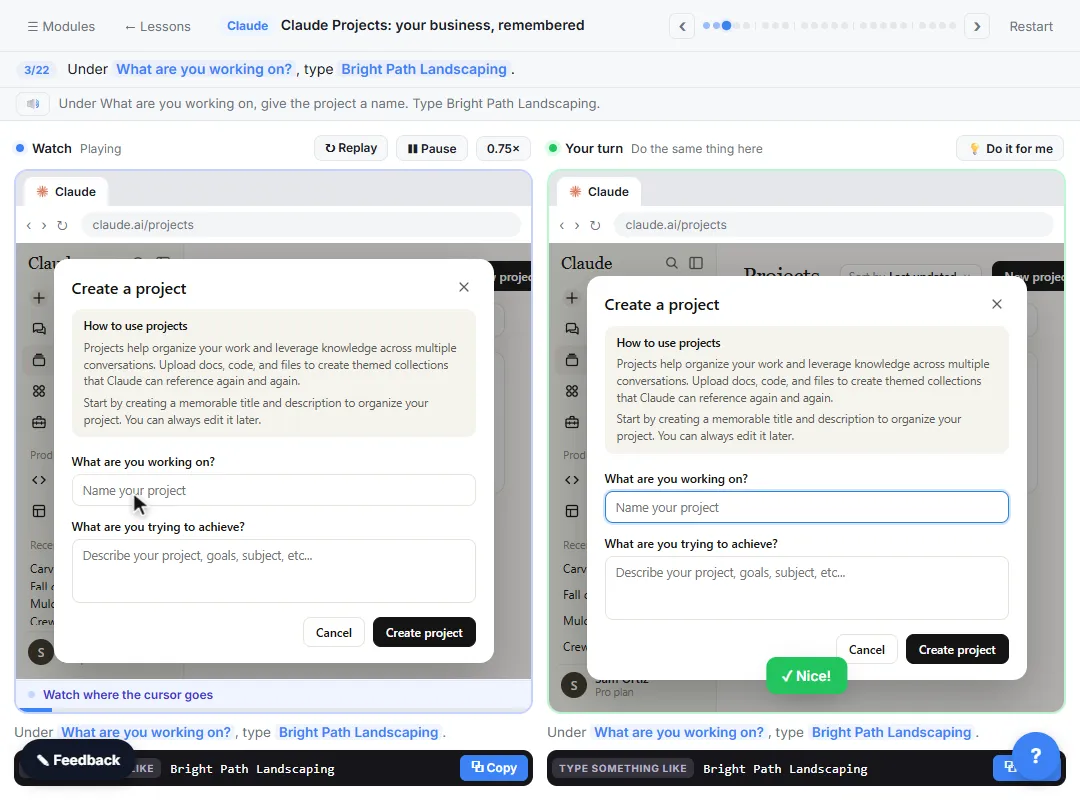
If you build tools for the same business often, keep your price list and policies in a Claude project so you don't paste them every time. The Claude Projects lesson shows how, and the project instructions glossary page explains the idea.
Where should an office manager start?
Take the 7-minute artifacts lesson first. It runs in a practice copy of Claude, so nothing is built or shared for real, and you'll see every step above with numbers you can check. It's module 5 of the free Claude Jump Start course, which also covers projects and research.
Then pick the question your office answers most often and build that one tool. For more starting points, see Claude Artifacts Prompts, and before you share anything, read Claude Artifacts Mistakes to Avoid.
Key takeaways
- Artifacts turn a repeated question into a tool people can use themselves.
- Good first tools for office managers: a quote calculator, an onboarding checklist, a meeting planner, a reorder sheet, a booking grid and a policy FAQ.
- Put your real numbers and wording in the prompt, then test two or three inputs by hand.
- Change one thing at a time in the same chat, and check who has access before you share.
- Have the policy owner review any page that states a policy.
Frequently asked questions
- Do office managers need to code to build artifacts?
No. You describe the tool in plain words and Claude builds it. You test it by clicking and typing, like any user.
- Can I share an artifact with my whole team?
Artifacts start private. Under Share you can invite people by email or change General access to Anyone with the link. Check what your plan shows.
- Do artifacts work on the free Claude plan?
The lesson says artifacts work on every plan, including Free, with Code execution and file creation turned on in Settings > Capabilities.
- What should never go into an artifact?
Anything private the tool doesn't need, like personal phone numbers, salaries or client account numbers, especially on a page you'll share.