If you want the background first, What Is GEO? explains the idea and Why ChatGPT Recommends Your Competitors explains the usual reasons. This page is the toolkit: the exact words to paste.
How to use these prompts
- Fill in the [BLANKS]. Anything in square capitals is yours to replace: your service, your town, your facts.
- One prompt per message. Send one, read the answer, then send the next. Several of them build on the answer before, so keep those in the same chat.
- Start fresh for the customer questions. Prompts 1 to 3 should go in a New chat, so ChatGPT isn't steered by anything you said earlier about your own firm.
- Check the output. Look at the citations and the Sources panel, and never publish an answer you haven't read against your real facts.
Ask like a customer would
These three show you what a new client sees. Type them the way a client would, not the way you describe yourself.
1. The plain customer question
Who is the best [TYPE OF BUSINESS] in [TOWN] for [WHO THE CUSTOMER IS] that needs [SERVICE 1] and [SERVICE 2]?
This is the lesson's first question, word for word with blanks: "Who is the best CPA in Cedar Hollow for a small business that needs bookkeeping and taxes?" Note which firms it names and whether you're one of them.
2. The narrow-need question
I run [KIND OF BUSINESS] in [TOWN] with [NUMBER] employees. Which [TYPE OF BUSINESS] should I call for [ONE SPECIFIC PROBLEM]?
Customers often ask about a single problem, like books that are months behind. Try two or three real problems your clients bring you, each in a new chat, and see whether the names change.
3. The comparison question
I'm choosing between [YOUR BUSINESS] and [A COMPETITOR] in [TOWN]. What do you know about each, and what should I ask them before I decide?
This tells you what ChatGPT can find about you by name. If it says little or nothing about you, that is your first gap.
See which pages it trusted
4. Ask for the sources behind the answer
List every page you used for that answer, with the site name and what each page told you. Mark which ones are the businesses' own websites and which are other sites that mention them.
The small grey tags are AI citations. In the lesson the sources are firm websites, a Chamber of Commerce directory and a local "best of" list. You can also click Sources under the answer in ChatGPT; this prompt puts the same list in a form you can save.
5. Ask why you weren't named
We're [YOUR BUSINESS] in [TOWN], and we weren't named. Based on the pages you found, what did those firms make easy to find that helped you recommend them?
In the lesson the answer is four plain things: they say who they serve and where, each service has its own section with a "from" price, their FAQ answers real questions in full sentences, and other sites mention them.
6. Get the questions customers ask
List the 10 questions [WHO THE CUSTOMER IS] ask before choosing a [TYPE OF BUSINESS], in their own words.
These ten questions become your FAQ page. Cross out any that don't fit your firm and add any you hear on the phone every week.
Try it free, step by step
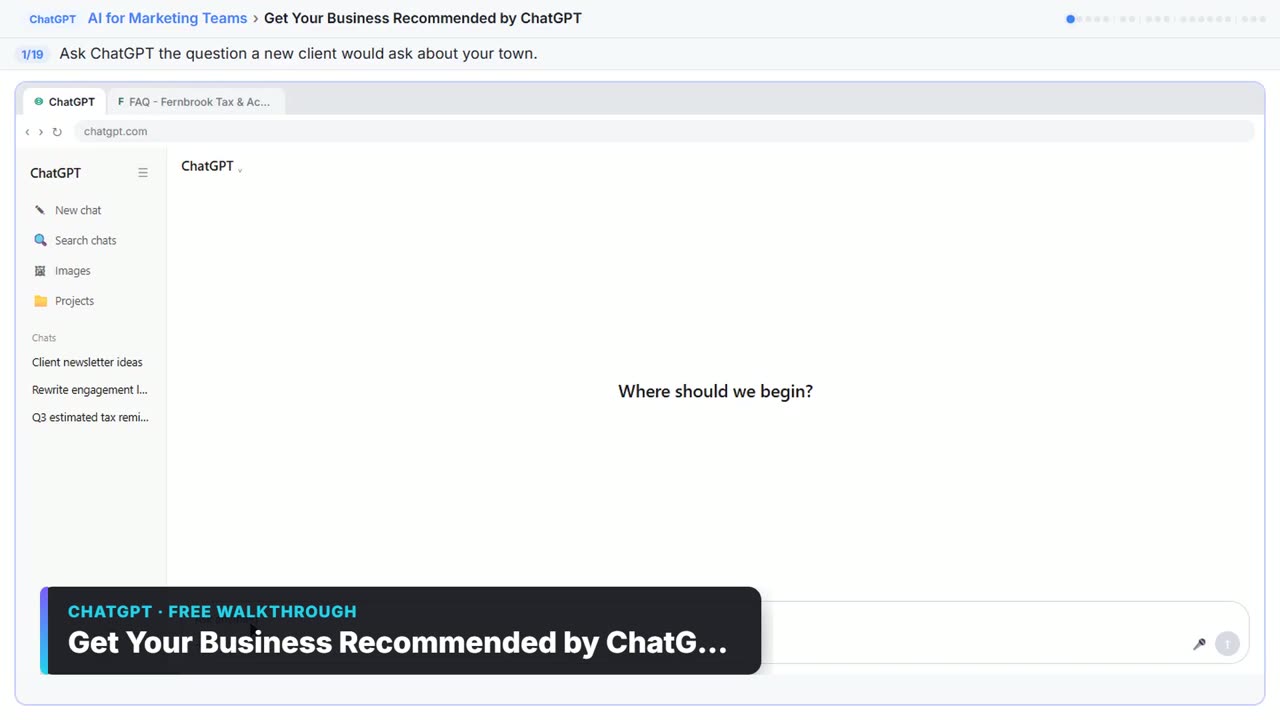
Get Your Business Recommended by ChatGPT. Ask ChatGPT who it recommends in your town, see which pages it trusts, then use it to write an FAQ page and Business Profile copy that answer real customer questions. You do every step yourself in a practice copy of ChatGPT, it checks your work as you go, and “Do it for me” finishes any step you get stuck on. Free, and nothing touches your real accounts.
Start the free lessonWrite your answers from your own facts
7. The FAQ page, with a placeholder rule
Write an FAQ page for our website that answers those 10 questions. Use only these facts. If a question needs a fact that isn't here, write [ask [OWNER NAME]] instead of guessing.

Facts about [YOUR BUSINESS]:
- Office: [ADDRESS]. Meetings: [IN PERSON / ONLINE].
- Who we serve: [WHO, AND HOW BIG].
- Prices: [STARTING PRICES].
- Tools we work in: [SOFTWARE].
- Reply time: [HOW FAST].
- Team: [NAMES AND TITLES]. Founded [YEAR].

Write it in plain words, one short paragraph per answer, and mention [TOWN] where it fits naturally.
The placeholder rule is the important line. In the lesson, the IRS letter question comes back as "[ask Dana]" because no fact covered it. That is the right answer, and a reason this rule matters: it shows you exactly what to fill in yourself. How to Stop ChatGPT Making Things Up covers the same habit for emails, and the hallucination entry explains why guesses happen.
8. Your Business Profile description
Now write our Google Business Profile description, under 750 characters, and a list of services with a one-line description each. Same facts only. Tell me the character count.
The lesson's version comes back at 460 characters, under Google's 750-character cap. Asking for the count saves you pasting it in only to find it's too long.
9. FAQ markup for your web person
Also give me the FAQ as FAQPage schema markup (JSON-LD) that my web person can add to the page.
Send the result to whoever edits your website. It labels each question and answer clearly; it won't win you a special spot. If ChatGPT leaves out the placeholder questions until you have real answers, that's correct.
10. A short "about us" paragraph from the same facts
Using only the facts above, write a three-sentence "About us" paragraph for our homepage that says who we serve, where we are, and what we do. No claims I didn't give you, no words like "leading" or "best".
The lesson shows that recommended firms say plainly who they serve and where. Your homepage should say it in the same plain words as your FAQ and your profile.
Check the page the way an AI reads it
11. What would you say about us now?
Here's our new FAQ page. Read it the way you would to answer a customer. What would you now say about us, and what is still missing?

[PASTE THE PAGE TEXT]
Do this once the page is live. In the lesson, ChatGPT gives a one-paragraph description of the firm, then lists three gaps: the placeholder answer, no reviews or outside mentions, and no examples of the industries the firm knows best.
12. Do our listings match?
Here is the text from our website, our Business Profile and our [DIRECTORY] listing. List every fact that differs between them, such as address, services, prices or who we serve.

[PASTE EACH ONE UNDER A LABEL]
The lesson tells you to check your Chamber directory listing. This prompt makes the comparison quick, so a customer and an AI see the same facts wherever they look.
13. A review request clients will actually answer
Write a short, friendly email I can send to a happy client asking for a Google review. Under 80 words, no pressure, no incentive, and include [REVIEW LINK]. Sign it from [YOUR NAME] at [YOUR BUSINESS].
No reviews or outside mentions is one of the two gaps the lesson finds. Send this to clients you know are happy, one at a time, from your own email.
14. The monthly re-check
Who is the best [TYPE OF BUSINESS] in [TOWN] for [WHO THE CUSTOMER IS] that needs [SERVICE 1] and [SERVICE 2]? After your answer, list the sources you used.
Ask this in a New chat every month, and try the same words in Perplexity and Google's AI Mode, as the lesson suggests. Keep a simple log: the date, the firms named, and whether your own pages appear in the sources.
Key takeaways
- Ask as a customer, in a new chat, before you ask anything about your own firm.
- The Sources panel and prompt 4 show which pages the answer was built from, and those pages are your model.
- Give ChatGPT your facts and a placeholder rule, so a missing fact shows up as [ask NAME] instead of a guess.
- Keep your FAQ, Business Profile and directory listings saying the same facts in the same plain words.
- Re-check monthly in ChatGPT, Perplexity and Google's AI Mode. No one can promise a spot.
Frequently asked questions
- Can these prompts guarantee ChatGPT will recommend my business?
No. Nobody can promise a spot in AI answers. The prompts help you see what ChatGPT reads and give it clear, accurate answers to work with, which gives you a real chance.
- Which ChatGPT plan do I need for these prompts?
The lesson says the free plan or any paid one works. ChatGPT may ask to share your location for local questions; saying no is fine.
- Why ask the customer questions in a new chat?
So the answer isn't shaped by what you already told ChatGPT about your firm. You want to see what a stranger would see.
- Is Fernbrook Tax & Accounting a real firm?
No. Fernbrook Tax & Accounting, Cedar Hollow, the other firms and every website in the lesson are made up. The lesson is part of the AI for Marketing Teams course, as module 12.


![Prompt of the day. The text to send after a missed call. Role: You write the automatic text [BUSINESS] sends when we miss a call. It should sound like a person at our office, not a robot. Context: Our hours: [HOURS]. Our callback promise: [CALLBACK TIME]. For urgent problems: [URGENT OPTION]. Ask the caller to text us: [WHAT TO ASK]. Don't quote prices, diagnose problems, promise a visit time or ask for payment details. Part 1 of 2. Replace every [BLANK] with your own details.](/content/visual/prompt-missed-call-text-back/01-540.webp)
![An FAQ page ChatGPT wrote only from the firm's facts, with the IRS-letter answer marked [ask Dana] because that fact was missing](/content/img/chatgpt-ai-search/02-faq-from-your-facts.webp)