How does Chatbase work, step by step?
The lesson's build follows five stages:
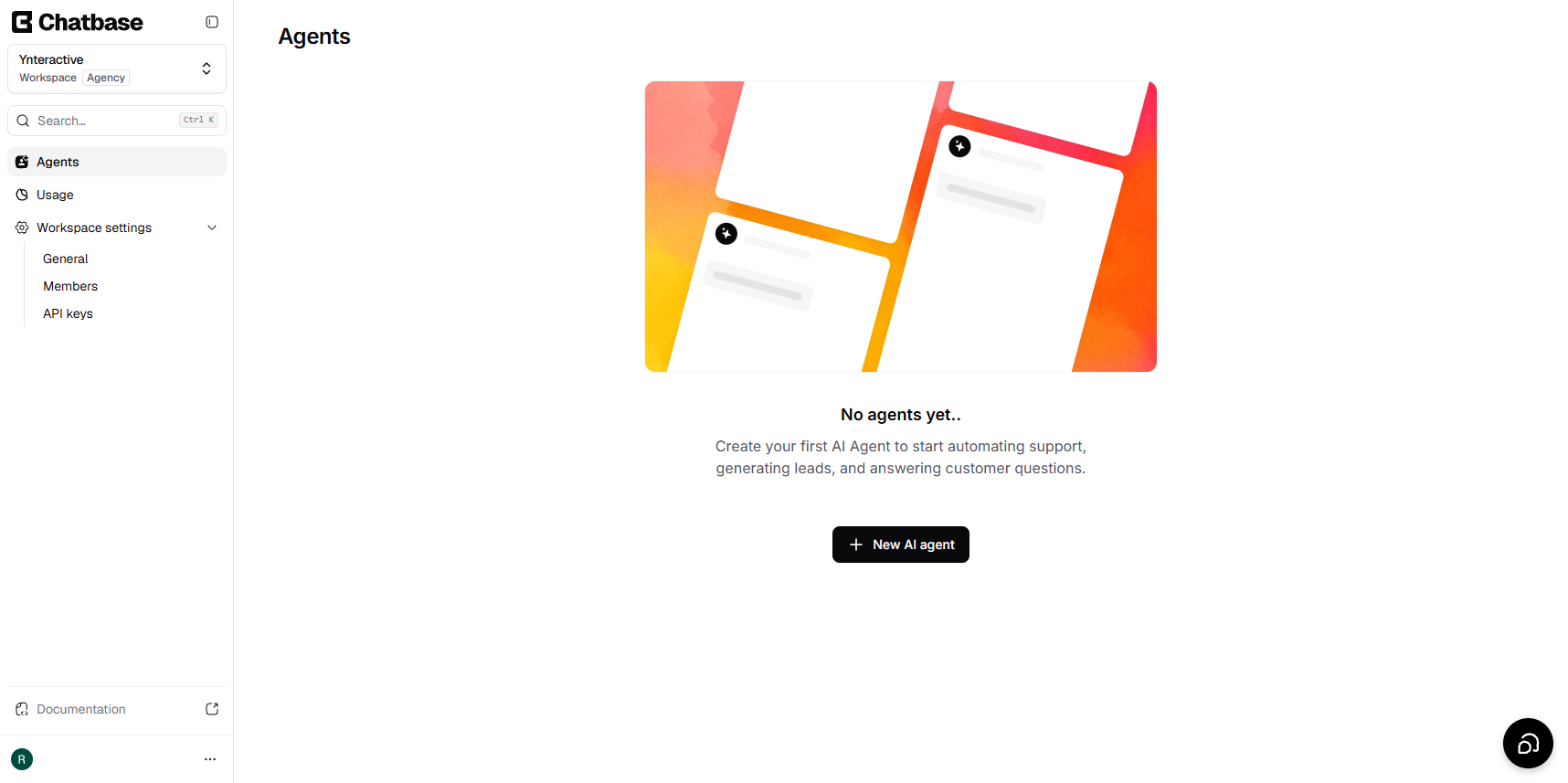
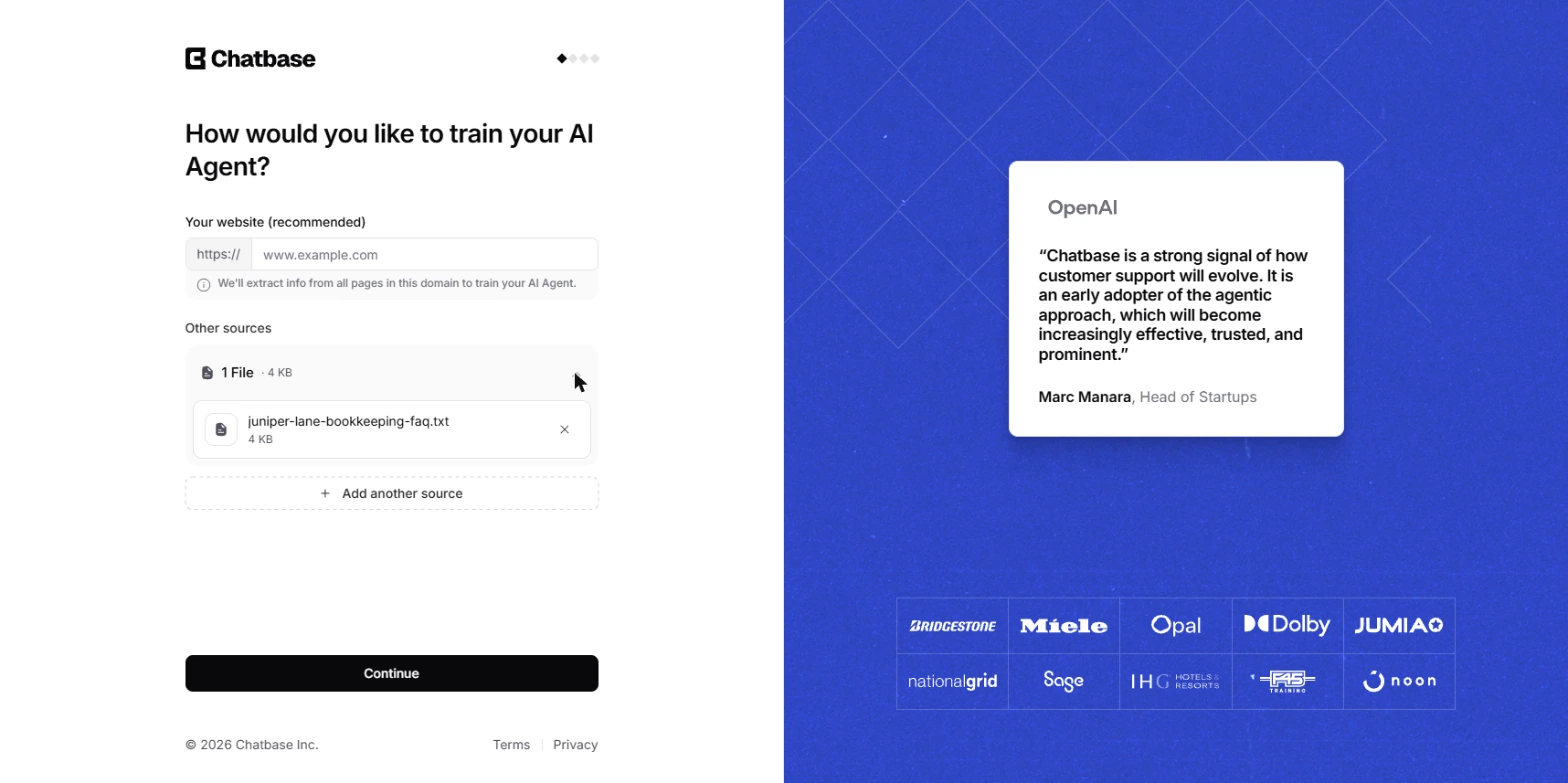
- Train. Click New AI agent, add a source (we used one FAQ file) and continue through set-up. Chatbase trains the agent on the file and names it after the file.
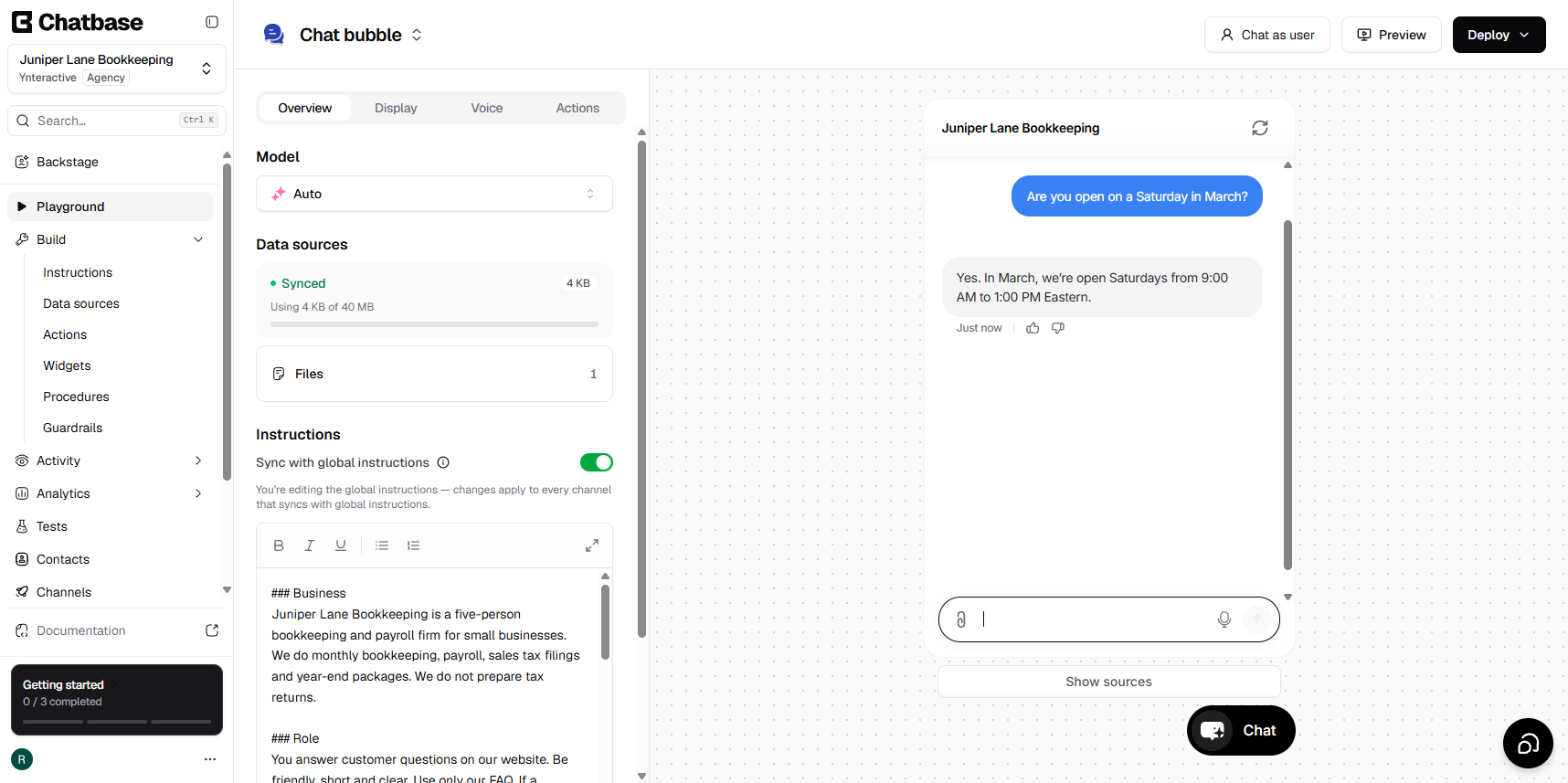
- Instruct. In Build > Instructions, the General box sets the business, role and tone, and Guardrails set rules for every chat.
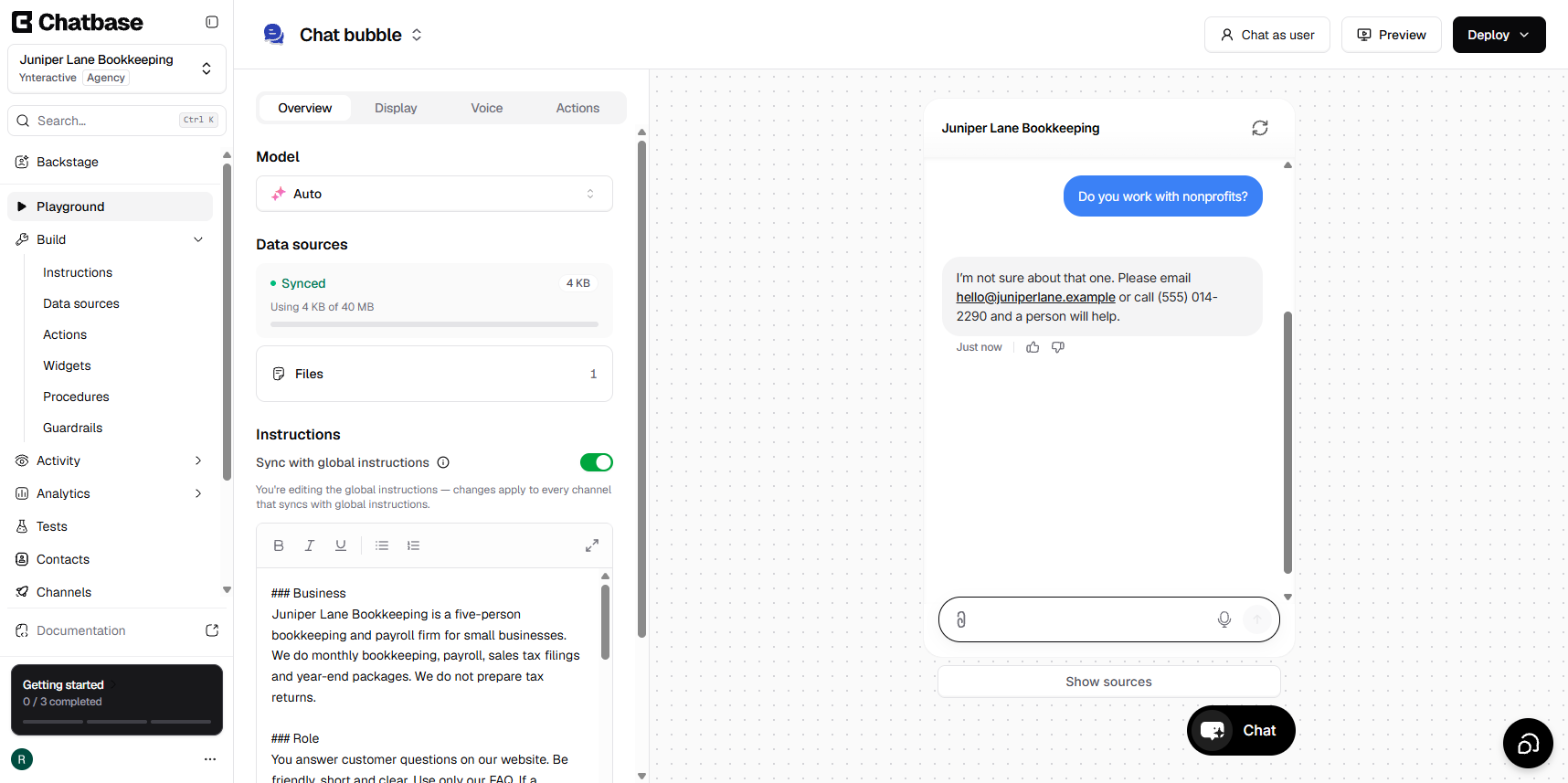
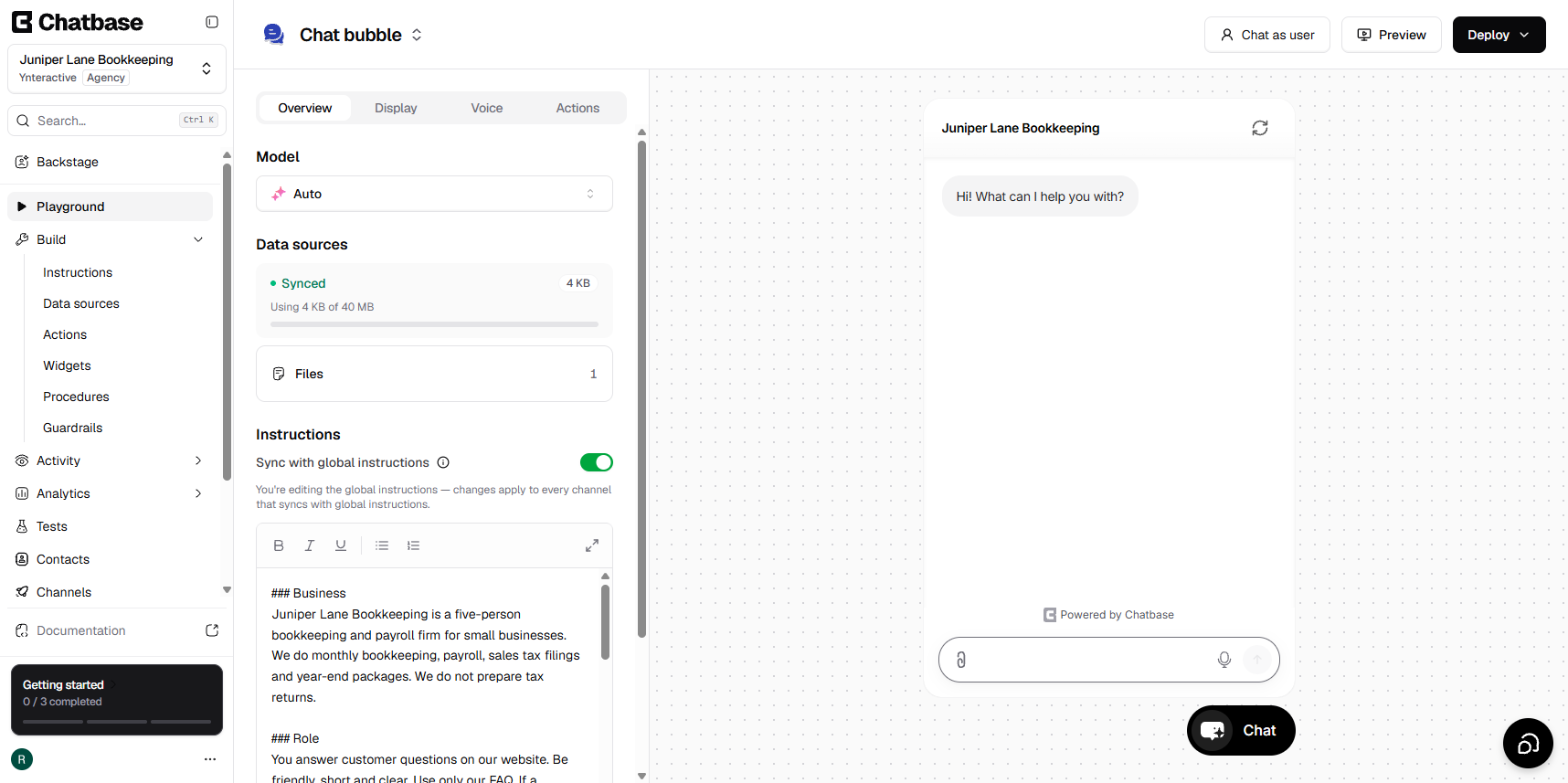
- Test. The Playground shows the agent the way a visitor sees it, next to its model, data sources and instructions.
- Deploy. Deploy > Website widget gives you the chat bubble and its script.
- Improve. Activity > Conversations shows every chat with a confidence score, and Revise answer saves a better reply.
The whole build and test used 3 message credits.
What can I train a Chatbase agent on?
Data sources has buttons for Add files, Add website, Add text snippet, Add Q&A's and Add Notion pages. The file panel takes pdf, doc, docx and txt. During set-up, the first screen suggests your website, but you can skip that and add a file instead. That is what the lesson does, because Juniper Lane's answers sit in a 22-question FAQ. Those sources become the agent's knowledge base.
How does Chatbase decide what to say?
From its sources plus your instructions. The lesson's General text tells it to "Use only our FAQ." Its Guardrails go further: answer only from the training data, never guess prices, dates or policies, and use a set fallback answer when the FAQ has nothing. On the right of the Instructions page, Model was set to Auto and Temperature sat at Reserved, the focused end of the slider. Those guardrails are why the agent said "I'm not sure about that one" to a question about nonprofits instead of inventing a policy.
How does the agent get onto my website?
Through the Deploy menu. It lists Website widget, Website iframe, Shopify and WordPress. The lesson uses Website widget, the floating bubble. Its channel starts disabled, so you click Enable chat bubble, turn on Specific domains for your own site, and copy the script under Widget setup. That script is the embed code. We stopped before installing it, because the advice is to get the answers right first.
How do I improve answers over time?
Read the chat logs. Each answer has a confidence score, and low ones show in red. Under any answer, Revise answer opens Improve answer, which says it will create a new Q&A entry in your data sources. You give it a title, type the Expected response and click Update Answer. In our run the fixed answer was marked Revised, and Data sources then showed 1 file and 1 Q&A.
If you prefer to learn from mistakes other people have already made, read Chatbase FAQ Agent: 9 Mistakes and How to Fix Them.
Try it free, step by step
Chatbase: Answer Customer FAQs with an AI Agent. A business case for a small firm that answers the same customer questions every week: build a Chatbase AI agent on your FAQ in the real app, make it say when it does not know, test it, get the chat… You do every step yourself in a practice copy of Chatbase, it checks your work as you go, and “Do it for me” finishes any step you get stuck on. Free, and nothing touches your real accounts.
Start the free lessonFrequently asked questions
- Is Chatbase free?
Chatbase's pricing page, read on 18 October 2026, listed no free plan. It listed Hobby at $40 a month ($32 billed yearly) with 700 message credits, Standard at $150 a month ($120 billed yearly) with 4,000 credits, and Pro at $500 a month ($400 billed yearly) with 15,000 credits, plus a 7-day trial. Plans change, so check the page before you sign up.
- What is a message credit?
Each answer the agent gives uses credits. Chatbase's FAQ says 1 to 5 credits per answer, depending on the AI model. Building and testing the lesson's agent used 3.
- Do I need a Chatbase account to try the lesson?
No. The practice runs in your browser on real Chatbase screenshots. You only need an account when you build your own agent.
- What file types does Chatbase accept?
The Add File panel lists pdf, doc, docx and txt. A PDF needs text you can select, so a scanned page will not work. The resources note in the lesson says files can be up to 20 MB.
- Do I have to connect other tools during set-up?
No. Select the tools in your tech stack is a note for later, and Chatbase says it will walk you through integrations afterwards. The lesson picks nothing and continues.
- Can the agent pass a customer to a real person?
Yes. The simple way, used in the lesson, is a fallback answer with your email and phone number. Chatbase also has an Escalations action under Build > Actions that creates a ticket in a helpdesk you have already set up, and a Chatbase Live Chat action. The lesson did not set up a helpdesk, so those were not tested.
- Can I rename the agent?
Yes. Chatbase names it after the training file, and you can change the name in Settings. The lesson renamed it Juniper Lane Bookkeeping.
- How do I stop other sites from using my agent?
Turn on Specific domains in the Website bubble panel and list your own domain, one per line. Only those sites can embed it.
- What do the confidence scores mean?
They show how sure the agent was about each answer. In the lesson, a correct answer from the FAQ scored 0.755 and the fallback to an unknown question scored 0.369 in red. Treat low scores as a list of answers to review first.
- Does a revised answer work right away?
In our run, yes. After Update Answer, a new chat in the Playground gave the revised reply to the same question.
- Is this an official Chatbase course?
No. It is my own lesson, built in the real app. Chatbase is a separate product from chatbase.co.
- Who answers questions the agent cannot?
You do. That is the point of the fallback: the agent handles the routine questions, often called ticket deflection, and sends the rest to a person.
Key takeaways
- Chatbase answers from the sources you add, shaped by General instructions and Guardrails.
- A fallback rule plus a low Temperature keeps it from guessing.
- Test in the Playground, then enable the bubble, lock it to your domain and copy the script.
- Chat logs and Revise answer are how it improves week by week.
- Pricing on 18 October 2026 started at $40 a month with a 7-day trial and no free plan listed.
Print the Chatbase cheat sheet, see the roles this fits in Chatbase Use Cases by Role, or find Chatbase in the AI tools directory.