What is in the Chatbase FAQ template?
The file opens with three header lines: the title "Juniper Lane Bookkeeping: Customer FAQ", a note that the business and every detail are made up, and "Last updated: October 2026". Then come five sections, each a block of plain Q: and A: pairs.
| Section | Questions | What they cover |
|---|---|---|
| ABOUT US | 4 | Who the firm is, office hours, location and service area, how to contact |
| SERVICES AND PRICING | 6 | Monthly bookkeeping, payroll, catch-up work, tax returns, software, setup fee |
| BOOKING AND GETTING STARTED | 4 | Free consultation, what to bring, how soon work starts, contract length |
| BILLING, REFUNDS AND CANCELLING | 4 | When you are billed, refunds, how to cancel, late payment |
| WORKING WITH US | 4 | Sending documents, monthly reports, who works on your books, talking to a person |
A few answers show the level of detail that makes an agent useful. Monthly bookkeeping "starts at $350 a month for businesses with up to 100 transactions a month." Payroll is "$60 a month plus $8 per employee per pay run." The tax return answer is a plain no, followed by what the firm does instead. The refund answer separates three cases: months not started, setup fees and finished catch-up work.
Why is the file written this way?
Each choice in the file heads off a problem you would otherwise see in the Playground.
- One question per Q: line, in the customer's words. "Do you prepare tax returns?" is how people ask, so the agent has a close match to work from.
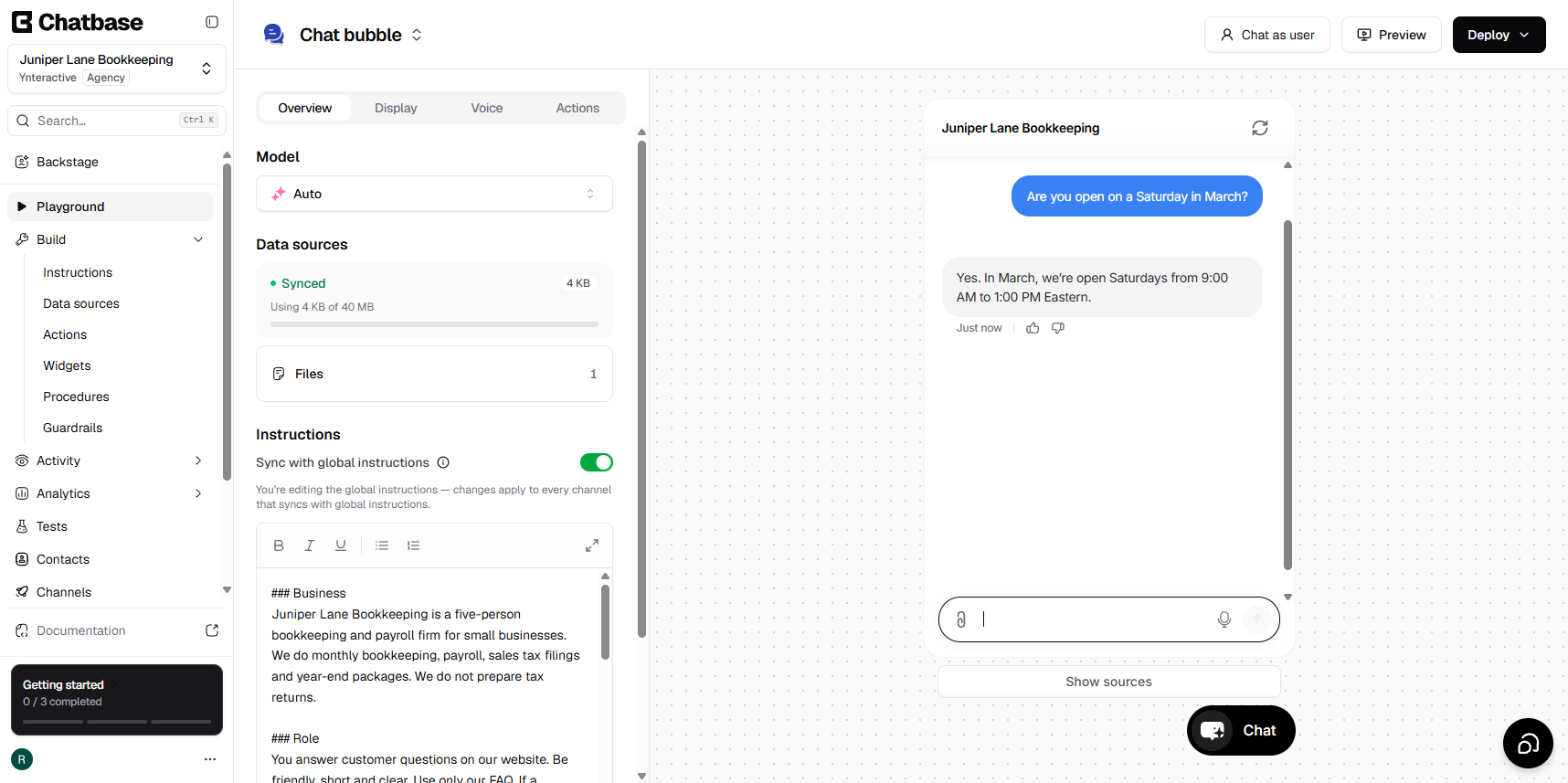
- Exact numbers and dates. Hours are "8:30 AM to 5:00 PM Eastern", and the Saturday season is "February 1 to April 15". The agent answered "Are you open on a Saturday in March?" correctly because the dates were there.
- Things the firm does not do. A clear no stops the agent from being helpful in the wrong direction.
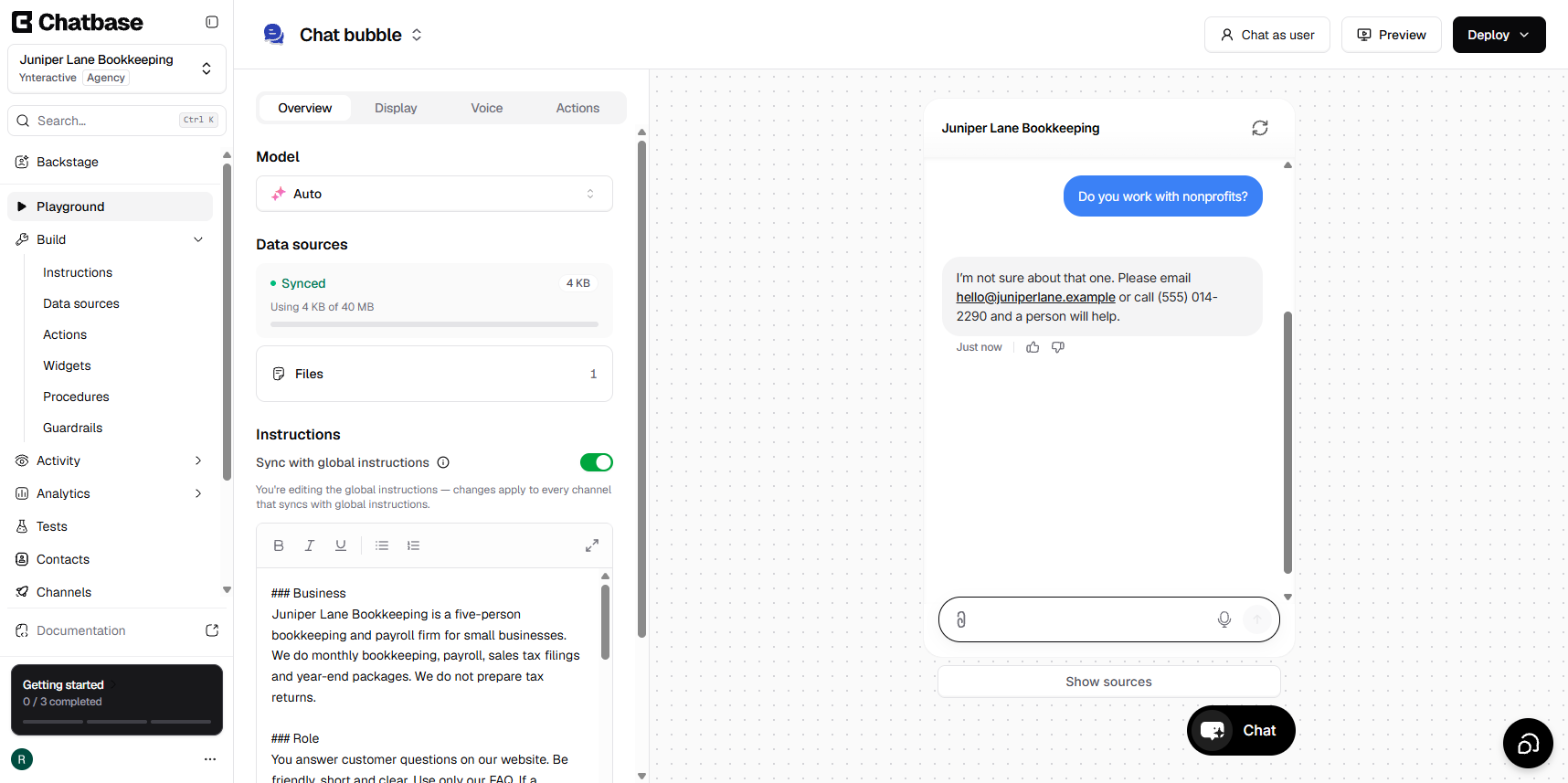
- A last question about talking to a person. "Can I talk to a person?" gives the email and phone and says the chat assistant will point you to a person when it cannot answer. It matches the fallback answer in the agent's Guardrails.
- A safety line. The documents answer asks clients to use the secure portal and not to email bank statements or Social Security numbers. That pairs with the Guardrail that bans asking for them in the chat.
- A date at the top. "Last updated" reminds whoever owns the file that the agent is only as current as this text.
How do I upload the template to Chatbase?
These are the lesson's steps, in the real app:
- Click New AI agent.
- On How would you like to train your AI Agent? leave the website box empty and click Add Notion, Files, Text and more.
- Click File, then click the upload area or drag in juniper-lane-bookkeeping-faq.txt.
- Under Other sources you should see 1 File, 4 KB. Click Continue.
- Skip the tech stack screen, pick Chat bubble and click Continue.
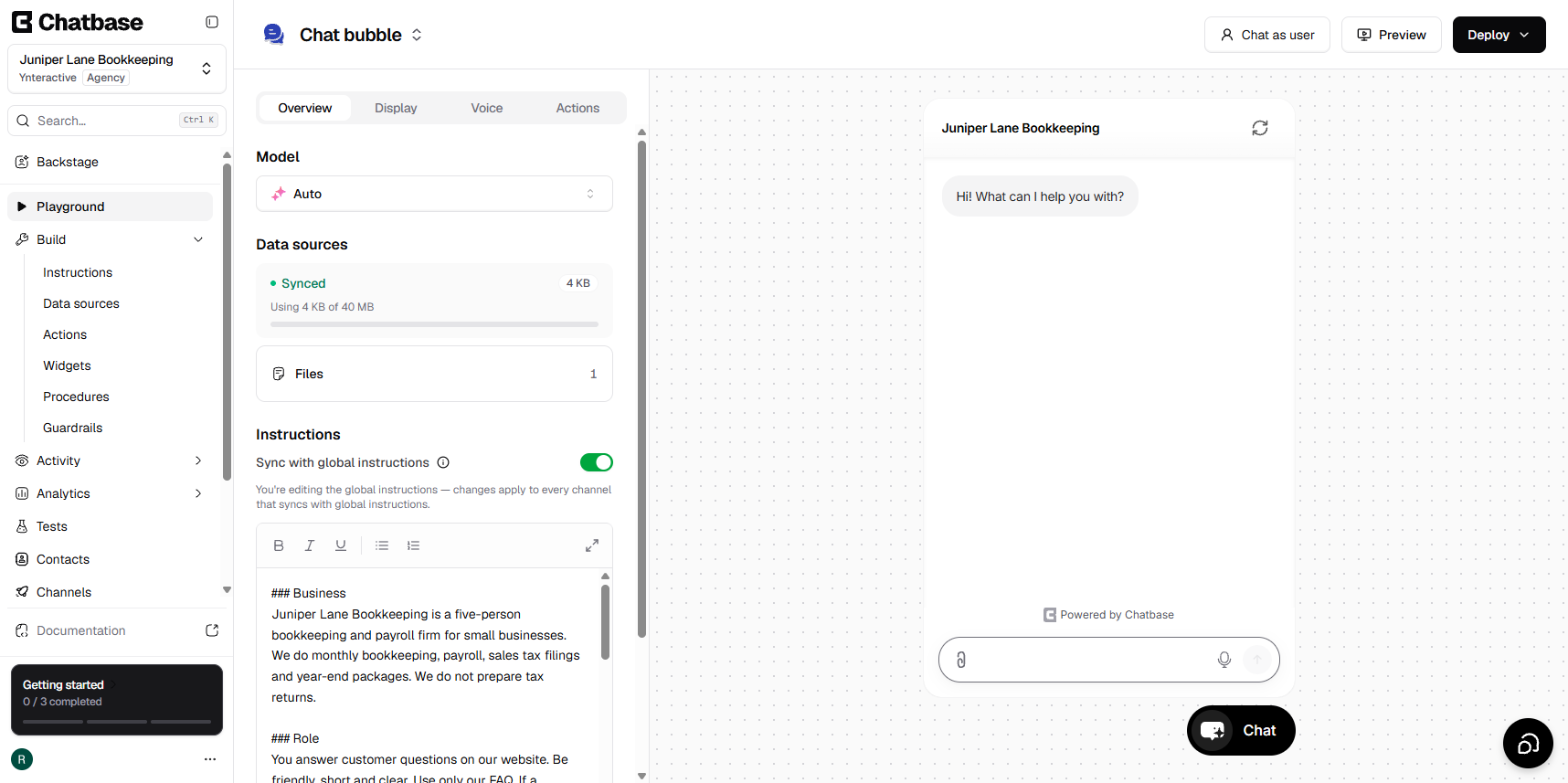
- Open Build > Data sources and confirm the file is listed with Last synced at the top.
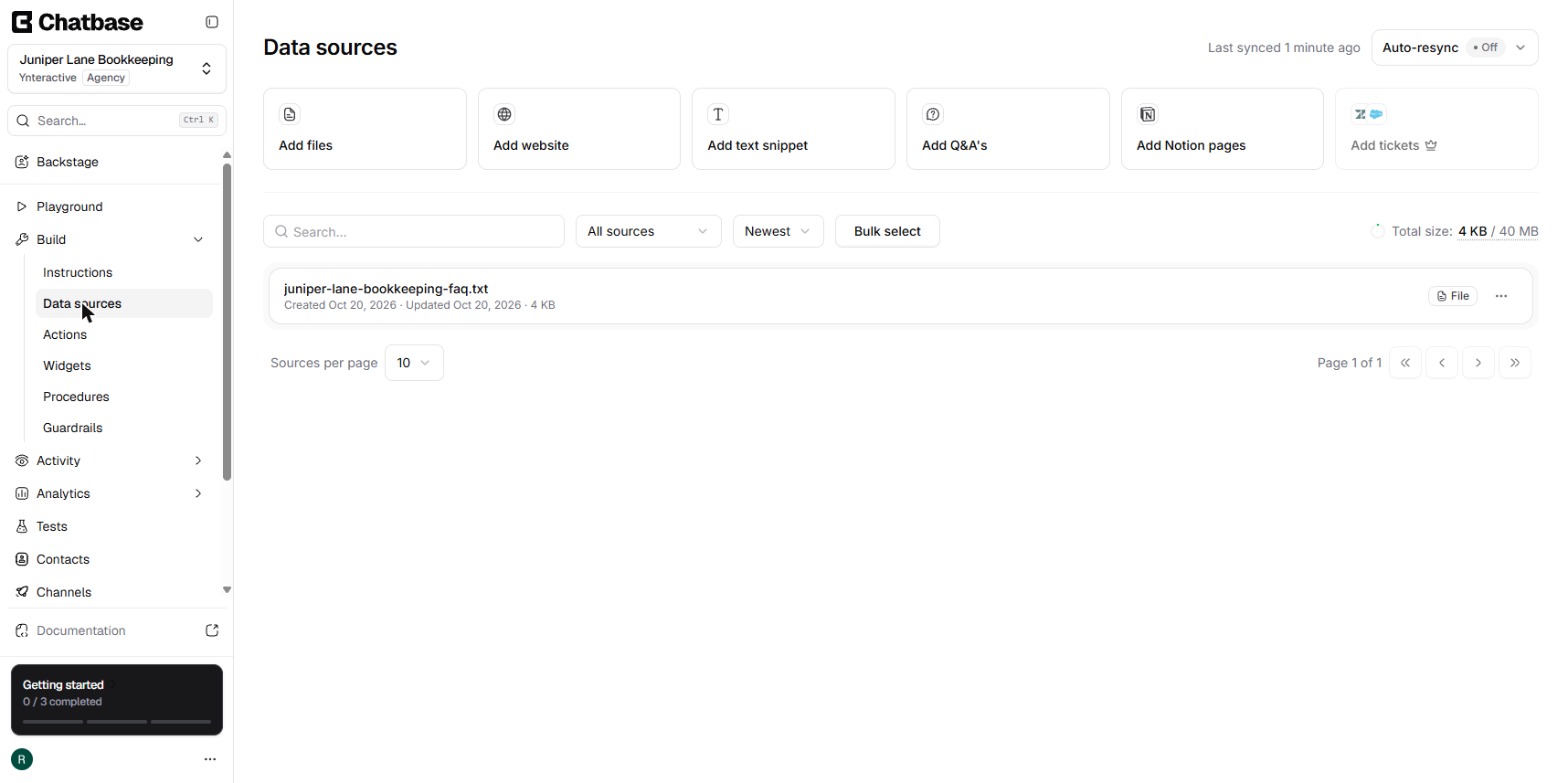
The file becomes the agent's knowledge base. Then add the lesson's General text and Guardrails before you test.
Try it free, step by step
Chatbase: Answer Customer FAQs with an AI Agent. A business case for a small firm that answers the same customer questions every week: build a Chatbase AI agent on your FAQ in the real app, make it say when it does not know, test it, get the chat… You do every step yourself in a practice copy of Chatbase, it checks your work as you go, and “Do it for me” finishes any step you get stuck on. Free, and nothing touches your real accounts.
Start the free lessonHow do I adapt the template for my business?
Work through it in this order:
- Keep the structure. Five headed sections and Q:/A: pairs are easy for you to maintain and easy to read back.
- Rewrite ABOUT US first. Say what you do, and in one sentence what you do not do. Copy that sentence into the agent's General text too.
- Replace every number. Prices, hours, dates, notice periods. Delete any line you cannot answer with a real fact rather than leaving the sample in.
- Use your customers' wording. Pull the questions from a few weeks of real emails.
- Keep a "talk to a person" answer with your real email and phone, and use the same contact details in the Guardrails fallback.
- Change the header. Remove the made-up note and set "Last updated" to today.
- Save it in a format Chatbase reads. The Add File panel lists pdf, doc, docx and txt. Plain .txt is the safest, and a PDF needs selectable text.
How do I check my version works?
Ask the agent questions straight from your file, then a few that are worded differently, then one the file does not answer. The lesson's three tests from the sample are a good pattern: a service you do not offer, a seasonal hours question and a refund question with timing. For the unknown question, you want the fallback, not a guess. If an answer is wrong after launch, Revise answer in the chat logs saves the fix as a new Q&A source, but the cleaner long-term fix is to add it to the file.
Key takeaways
- The template is a 22-question .txt FAQ in five sections, all made up, ready to upload.
- Exact numbers, clear "we do not" lines and a talk-to-a-person answer make the agent's answers reliable.
- Upload it with Add Notion, Files, Text and more and File, then confirm Last synced.
- Replace every fact with your own, keep the structure and update the date when anything changes.
See how other roles would use the same file in Chatbase Use Cases by Role, get quick answers in Chatbase Questions Answered, print the cheat sheet, or find Chatbase in the AI tools directory.
Frequently asked questions
- Is the template free?
Yes. It is a plain .txt file you can download and edit in any text editor.
- Can I upload it as a Word file or PDF instead?
Chatbase's Add File panel lists pdf, doc, docx and txt, so yes. If you use a PDF, make sure the text is selectable.
- How long should my FAQ be?
The sample has 22 questions and is 4 KB. Start with the questions you get most, and add more as the chat logs show what people really ask.
- Do I need to re-upload the file when a price changes?
Update the source whenever a price or policy changes. The lesson's advice is to keep one clean FAQ file, update it and upload it again, so the agent and your team say the same thing.
- Can I use the sample answers for my business?
No. They are invented for a made-up firm. Use the file for practice and for its structure, then replace every answer with your own facts.