The 4-part prompt that stops generic ChatGPT answers
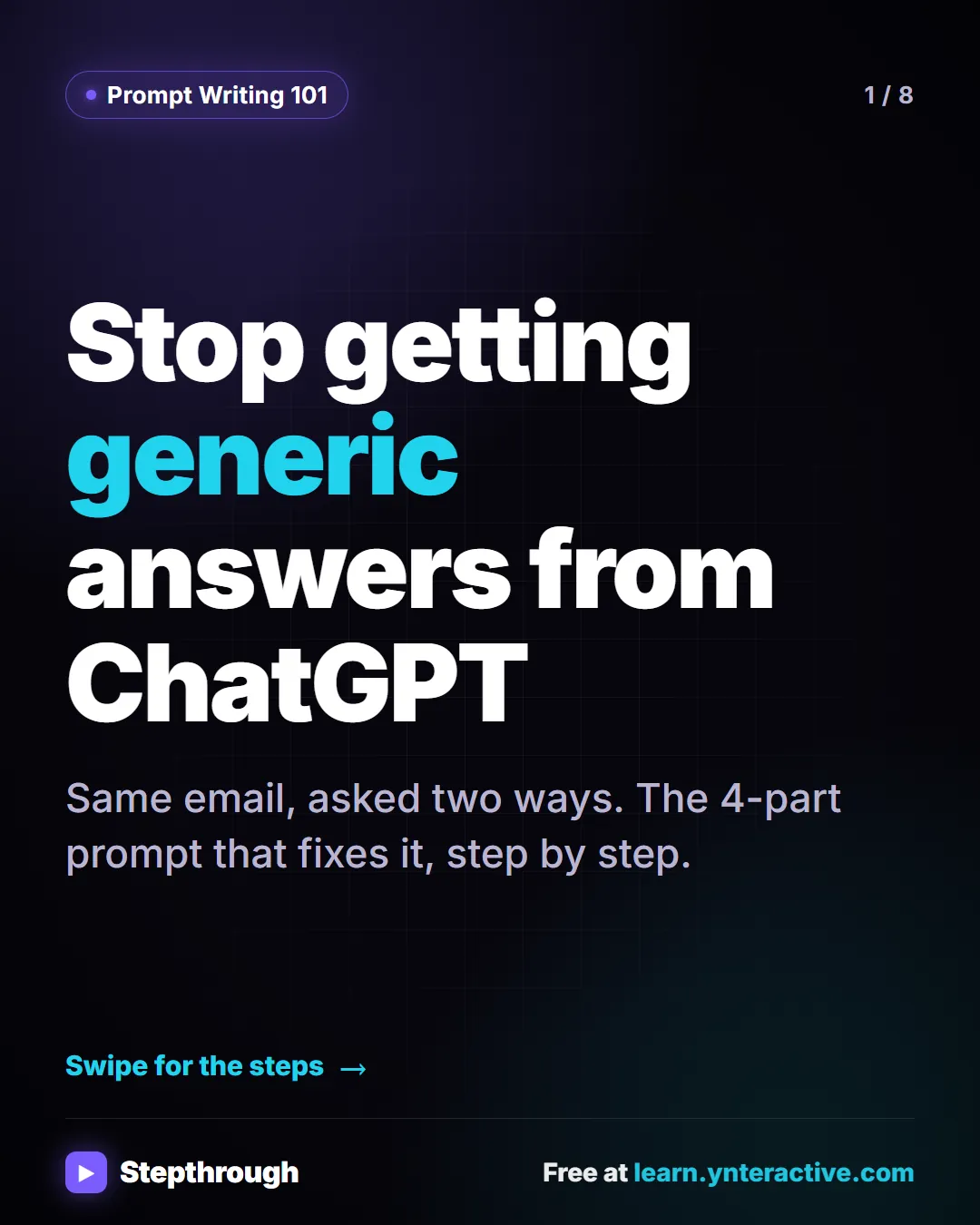
Most people give ChatGPT one quick sentence and get back something generic: Dear Valued Customer, emoji, and blanks for your company name.
Slide 1 of 8 ![Ask the vague way first. "Write an email to my customers about our new service." Back comes Dear Valued Customer, emoji, and blanks like [Your Company Name]. Stepthrough, free at learn.ynteractive.com.](/content/visual/four-part-prompt/02.webp)
Slide 2 of 8 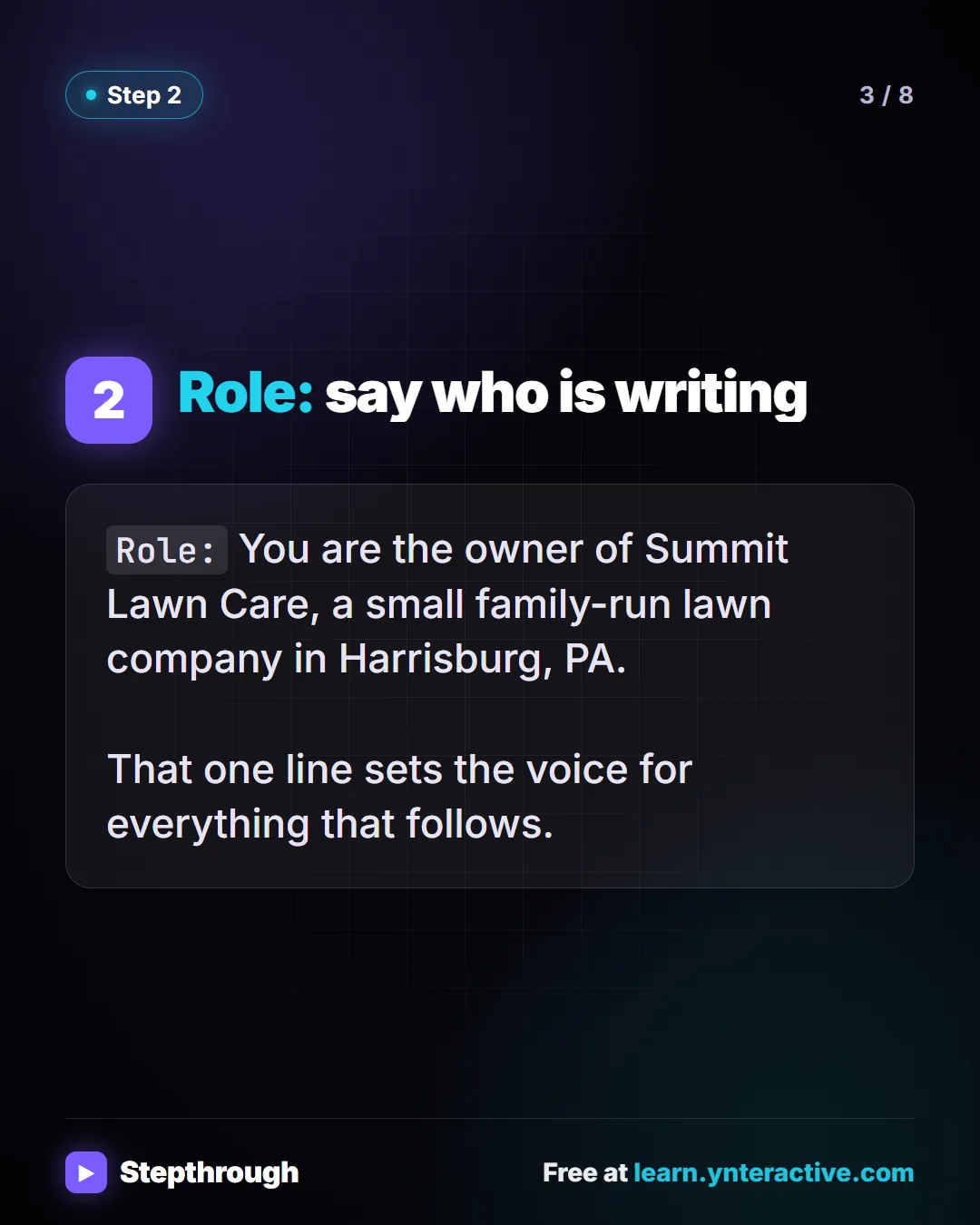
Slide 3 of 8 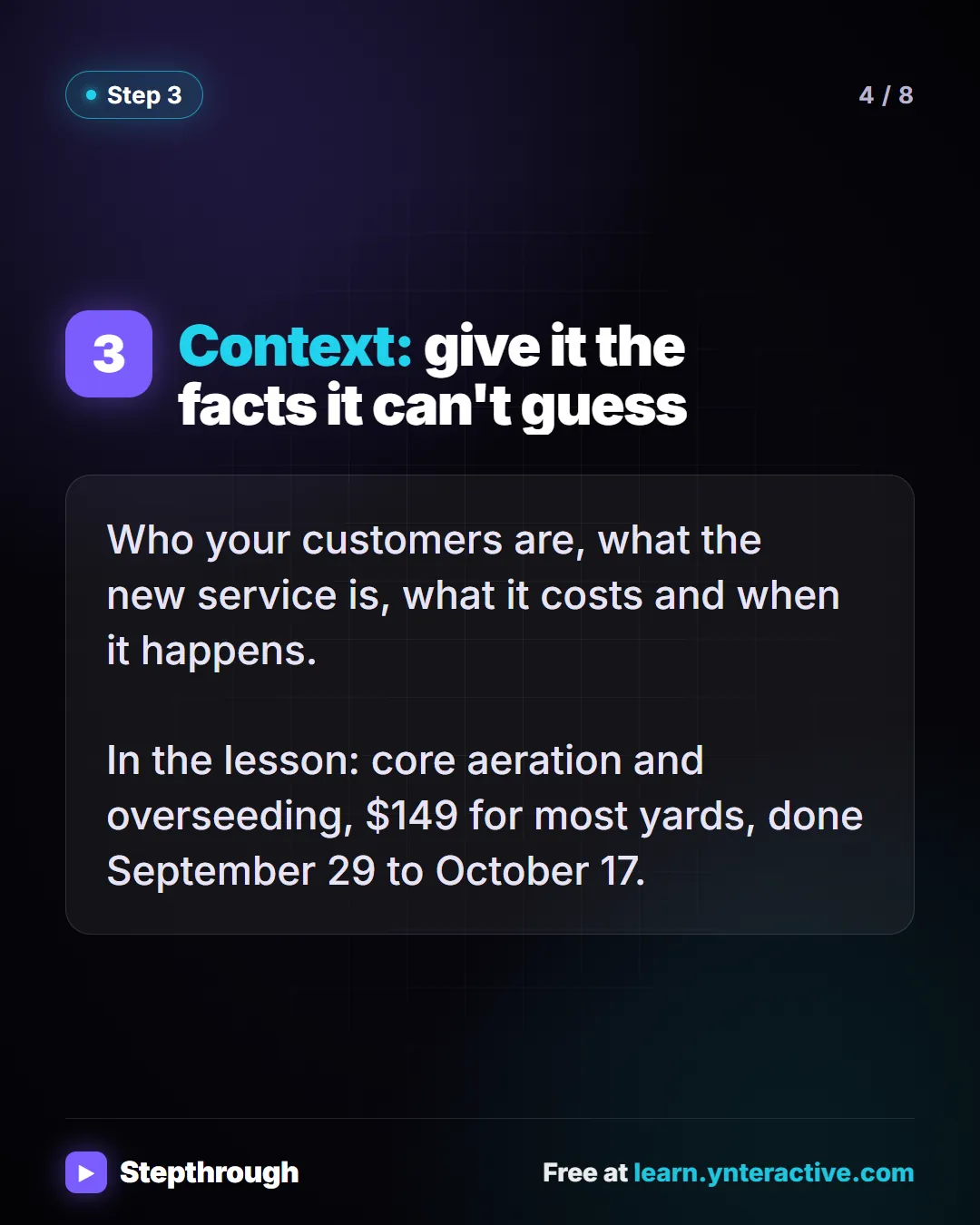
Slide 4 of 8 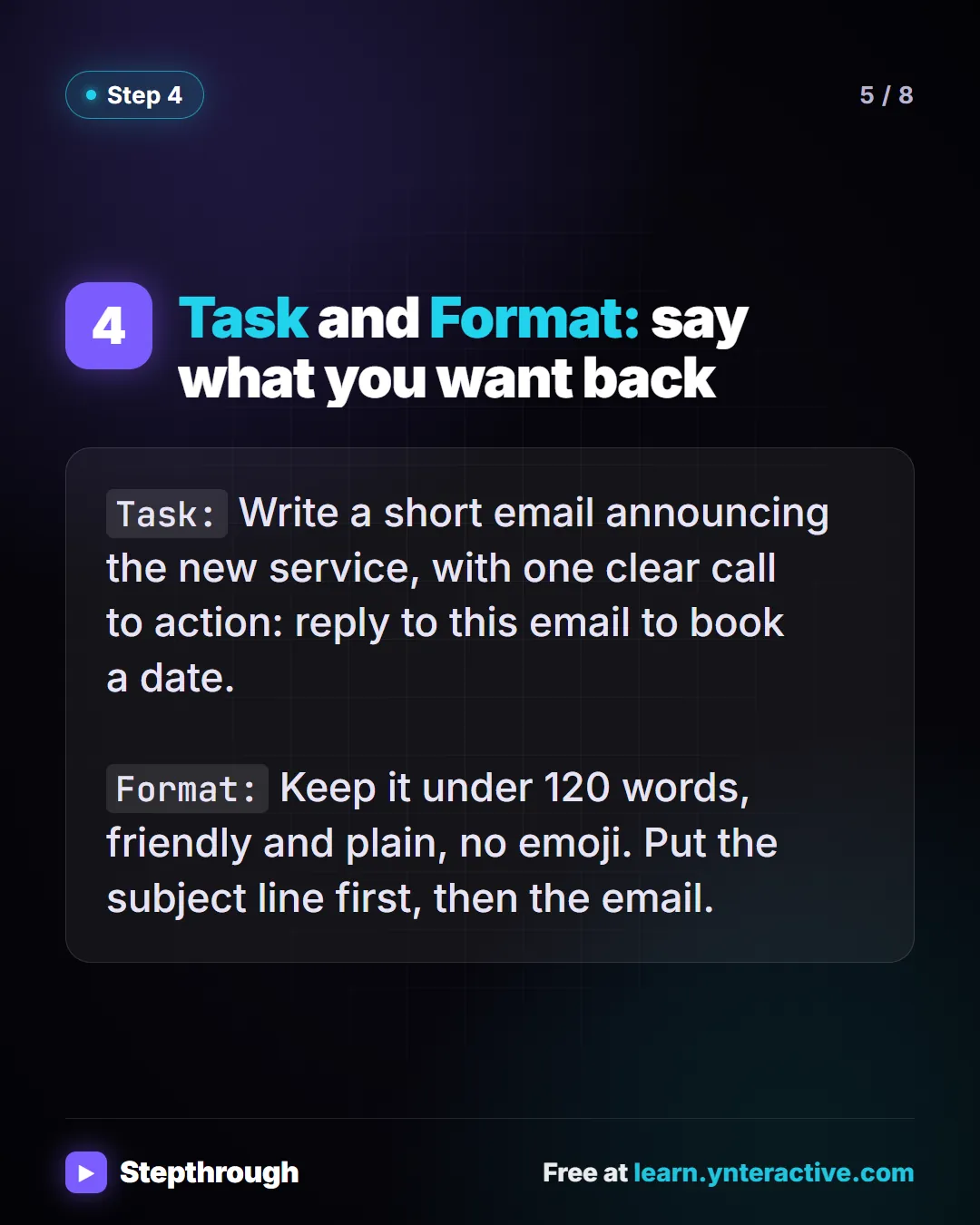
Slide 5 of 8 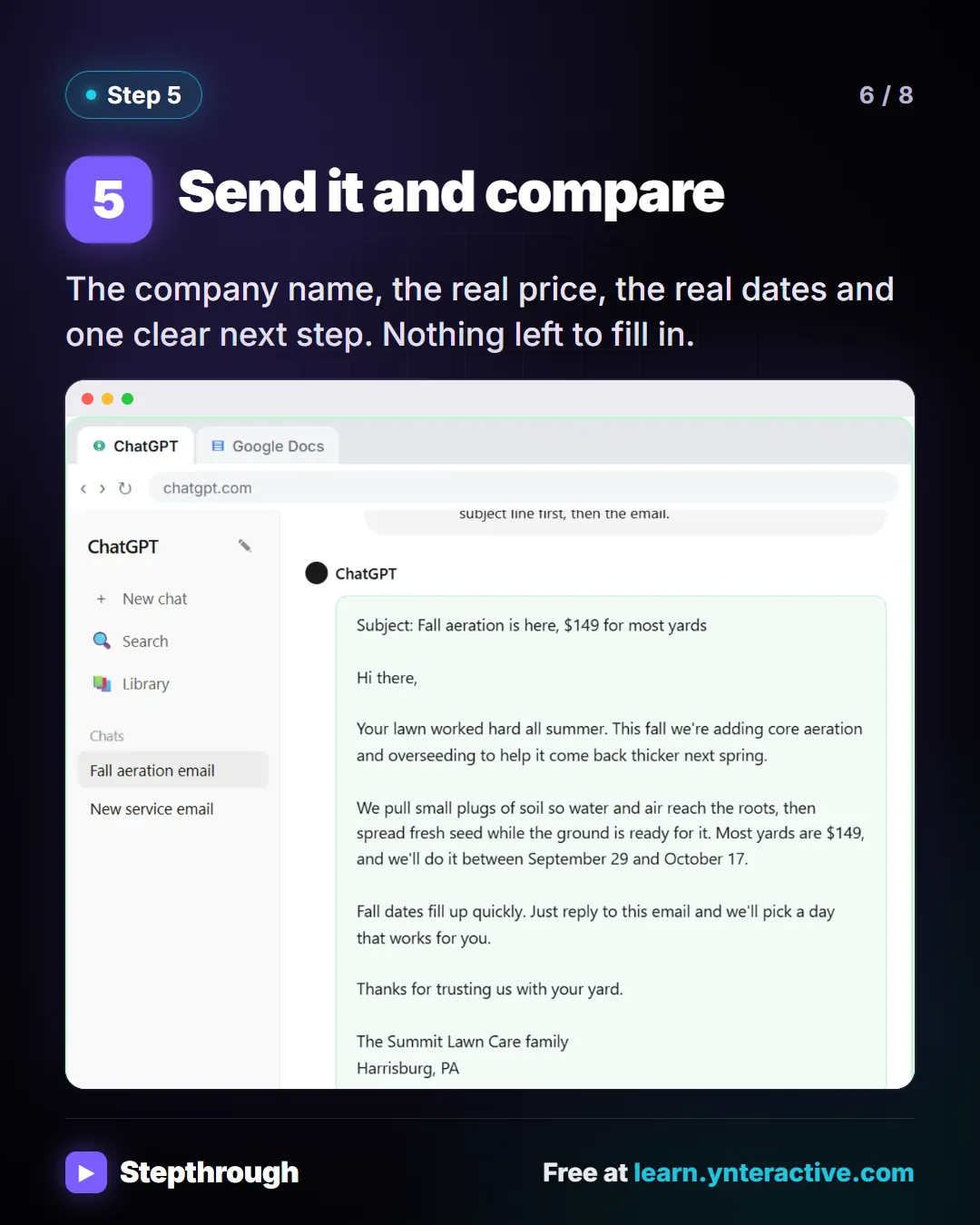
Slide 6 of 8 ![Save it as a template. Swap the details for [BUSINESS], [SERVICE] and [DETAILS]. Keep it in a Prompt Templates doc, so you never start from a blank box. Stepthrough, free at learn.ynteractive.com.](/content/visual/four-part-prompt/07.webp)
Slide 7 of 8 
Slide 8 of 8
The guide in text
Same email, asked two ways. The 4-part prompt that fixes it, step by step.
Step by step
Ask the vague way first
"Write an email to my customers about our new service." Back comes Dear Valued Customer, emoji, and blanks like [Your Company Name].
Role: say who is writing
Role:You are the owner of Summit Lawn Care, a small family-run lawn company in Harrisburg, PA.That one line sets the voice for everything that follows.
Context: give it the facts it can't guess
Who your customers are, what the new service is, what it costs and when it happens.
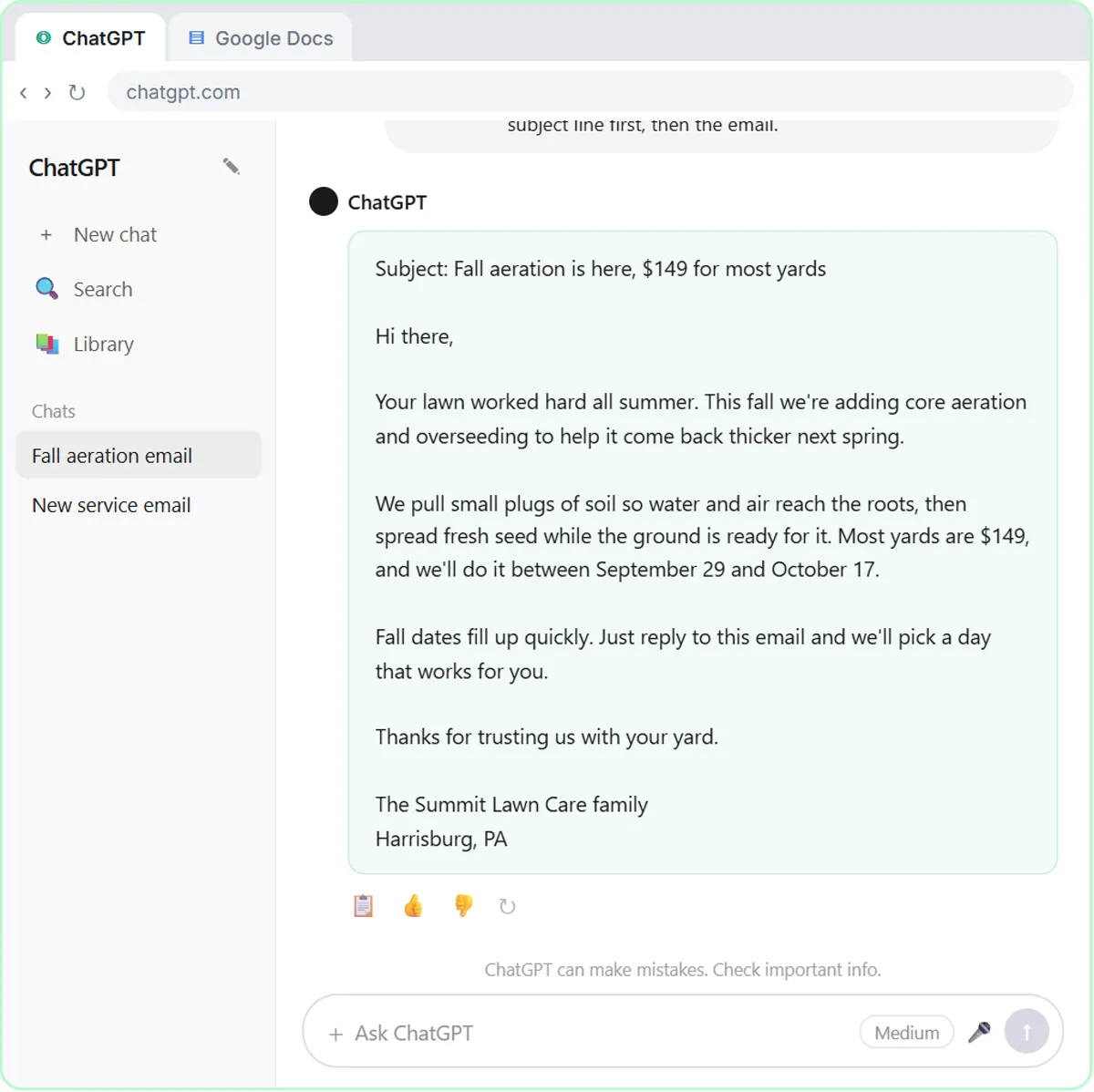
In the lesson: core aeration and overseeding, $149 for most yards, done September 29 to October 17.
Task and Format: say what you want back
Task:Write a short email announcing the new service, with one clear call to action: reply to this email to book a date.Format:Keep it under 120 words, friendly and plain, no emoji. Put the subject line first, then the email.Send it and compare
The company name, the real price, the real dates and one clear next step. Nothing left to fill in.
Save it as a template
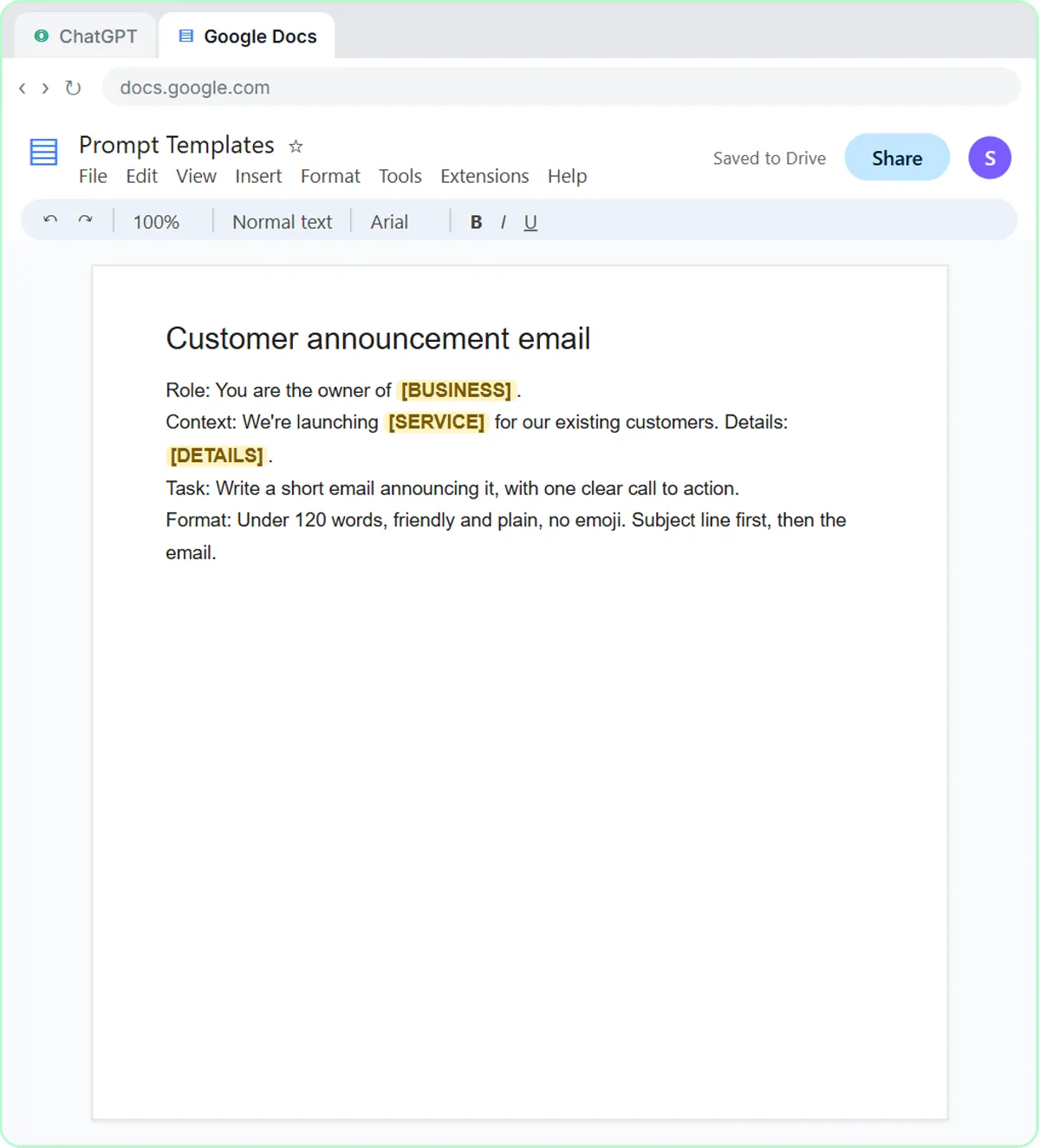
Swap the details for [BUSINESS], [SERVICE] and [DETAILS]. Keep it in a Prompt Templates doc, so you never start from a blank box.
Businesses and people in the examples are made up. The steps, screens and wording come from the free lesson and the Stepthrough glossary and prompt library.
Do it yourself, free
Prompt Writing 101: Role, Context, Task, Format. Ask ChatGPT for the same customer email twice, once vaguely and once with a four-part prompt, and see exactly why structure gets a better answer. You do every step yourself in a practice copy of ChatGPT, it checks your work as you go, and “Do it for me” finishes any step you get stuck on. Free, and nothing touches your real accounts.
Start the free lessonRelated terms
Plain-English definitions, each with an example from a free lesson.
Related prompts
- Buyer inquiry reply prompt: Reply to a buyer's listing inquiry from your facts sheet: fees, rules and showing times, with sources instead of opinions on…
- Listing description prompt: Write listing remarks and a social caption from your verified property facts, describing the home and never who should live…
- Neighborhood guide prompt: Turn neighborhood facts you checked yourself into a buyer-friendly guide with sources: parks, errands, transit and events. No…
- New service announcement email prompt: Copy a four-part ChatGPT prompt that announces a new service to existing customers: real price, real dates, one call to action…
From the blog
 AI Training for Employees: A Free Plan for Small Teams
AI training for employees on a small-business budget: one rule set, three shared ChatGPT lessons, then role-based picks, all free in practice copies.
Oct 1, 2026 6 min read
 ChatGPT Tone of Voice for Business Emails: Lines That Work
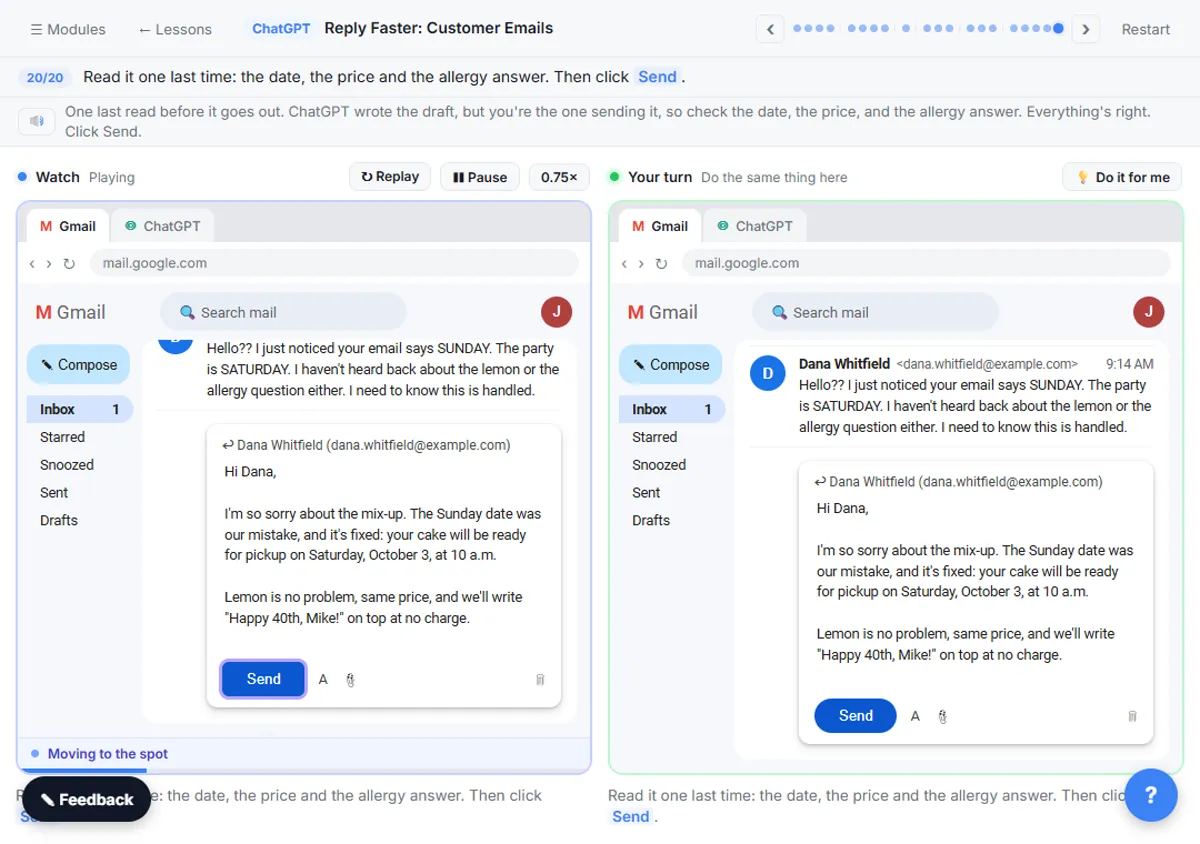
Set ChatGPT's tone of voice for business emails with one Format line, a "sound like" comparison and specific fixes, using tone lines from real lessons.
Oct 1, 2026 6 min read
 AI for Lawn Care Businesses: 3 Off-Season Projects
AI for lawn care and landscaping owners: three off-season projects, from ChatGPT customer emails to morning crew job emails and an online estimate form.
Oct 1, 2026 6 min read
More visual guides
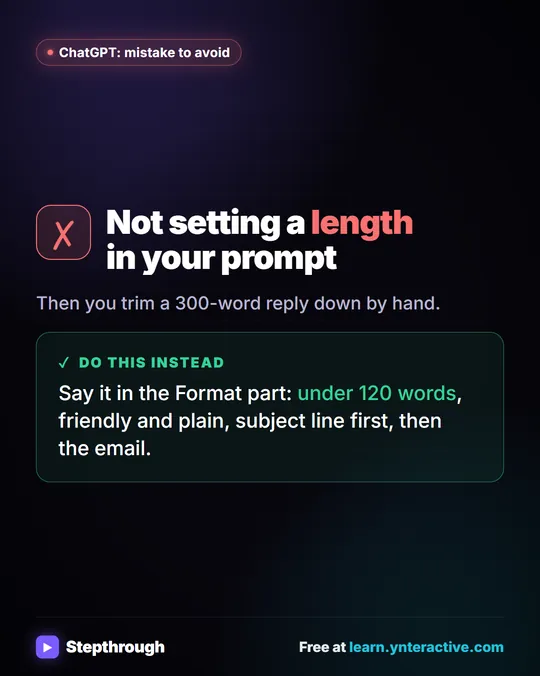 Mistake to Avoid: Not Setting a Length in Your Prompt
A visual tip: say the length in the Format part of your prompt, like under 120 words, instead of trimming a 300-word reply by hand.
Mistake to avoid One graphic
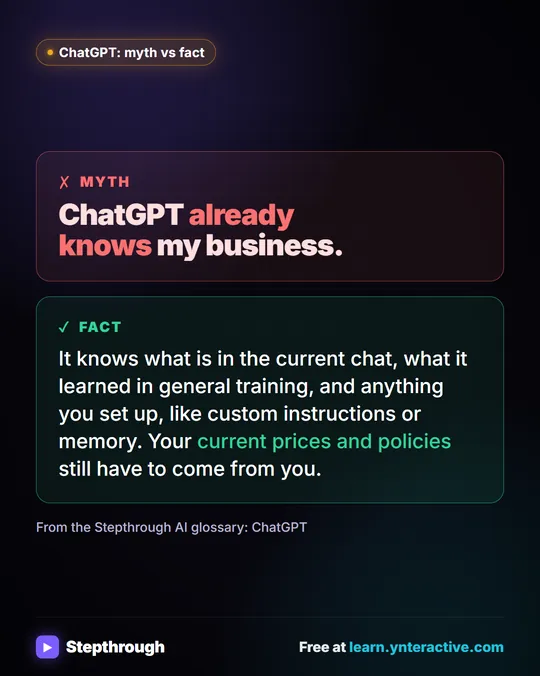 Myth: ChatGPT Already Knows My Business
Myth vs fact: ChatGPT knows the current chat, its general training and what you set up. Your current prices and policies still have to come from you.
Myth vs fact One graphic
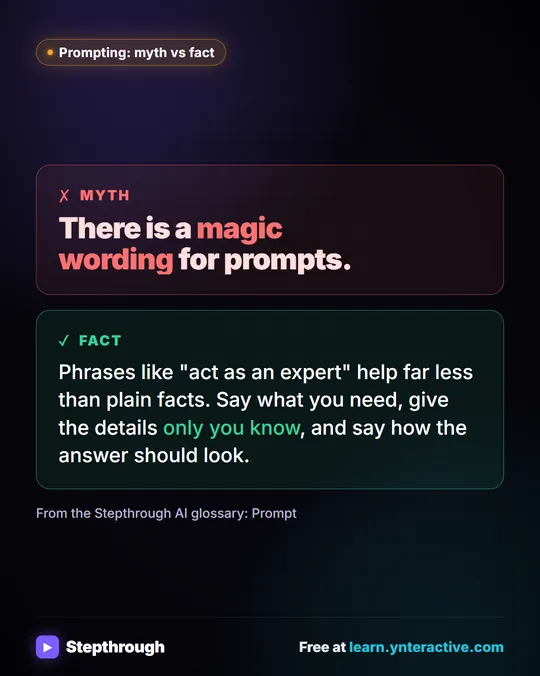 Myth: There Is a Magic Wording for ChatGPT Prompts
Myth vs fact: "act as an expert" helps far less than plain facts. Say what you need, give the details only you know and say how it should look.
Myth vs fact One graphic