Updated . Built against the tool’s current screens and checked step by step. How we check this lesson
An Etsy candle listing gets no views. Score its title and tags with ListingLift's free checkers, get better options from the free optimizer, fix them and check again. No account, no credits.
At a glance
| Question | Answer |
|---|---|
| What you build | An Etsy candle listing gets no views. Score its title and tags with ListingLift's free checkers, get better options from the free optimizer, fix them and check again. No account, no credits. |
| Tools | ListingLift |
| Time | About 8 minutes, 25 steps in 6 parts |
| Level | Beginner, no coding needed |
| Cost | Free |
| Ways to learn it | Practice it step by step |
The 6 parts, in short
- Audit the title: Start with the free checkers, Paste the title you have now, Run the free check.
- Audit the tags: The title scores 55 out of 100, Open the tag checker, Paste the tags you have now, One tag is already red.
- Get free fixes: The tags score 50 out of 100, Pick the marketplace, Etsy, Enter the current name, and 3 more steps.
- Fix and re-check the title: A description, and why it changed, Back to the title checker, Paste the new title, 119 of 140 characters, and 2 more steps.
- Re-check the tags: 100 out of 100, Back to the tag checker, Paste the 13 new tags, All 13 fit.
- Optional: the paid pack: Fixed: now paste it into Etsy.
Start here first: How to Use n8n in Marketing: An AI Agent That Plans Your Content Calendar (module 1 of AI Automation for Marketing)
Part of: AI for Marketing Teams (step 55 of 55)
Part of: AI Apps Worth Knowing (step 175 of 175)
What you'll build
You run Juniper Lane Candles, a made-up two-person Etsy shop. Your Cedar Sage Candle is listed with a three-word title and five hurried tags, and it gets almost no views. In this lesson you audit the listing with ListingLift's free Etsy title and tag checkers, get new title and tag options from its free optimizer, fix the one problem the checker still finds, and check everything again before it goes on Etsy. Every screen is real, and none of it needs an account or credits. The paid listing pack comes at the very end, as an optional step you only look at.
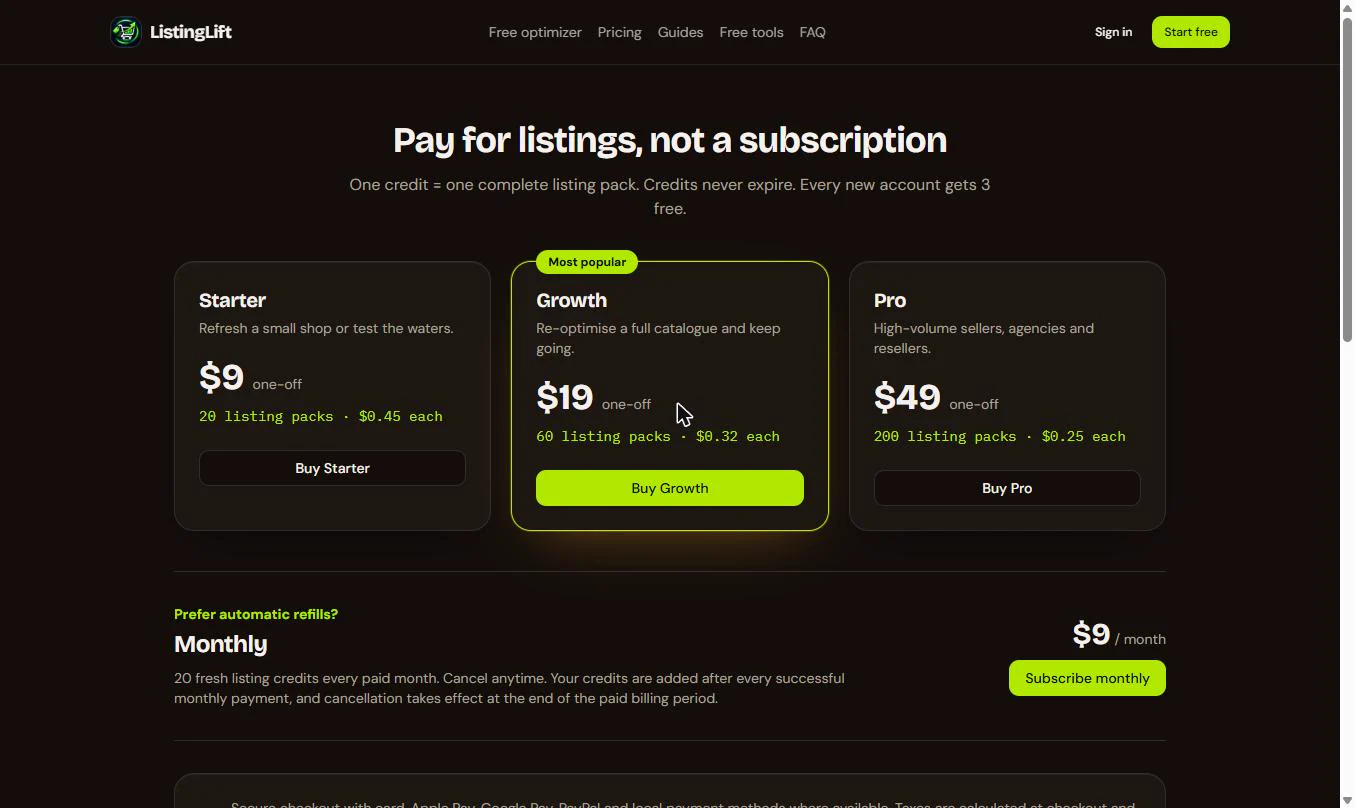
You audited the title (55/100) and the tags (50/100), got three title options and 13 tags from the free optimizer, removed a repeated word the checker flagged, and got both to 100/100. All of it was free, with no account. Optional, and not part of this walkthrough: a full ListingLift listing pack costs one credit and includes three optimised titles, the full tag set, five bullet points, a ready-to-paste description, 10 backend keywords and a breakdown of what changed and why. New accounts get 3 free credits. One-time packs are $9 for 20, $19 for 60 or $49 for 200, and credits never expire. An optional monthly plan adds 20 credits each paid month for $9. The checker screens also show a one-time "Fix it fully with AI" offer of $3 for 3 listings. Next, run the same audit on your three weakest listings, and keep only words that are true about each product.
- Tools: ListingLift
- Time: about 8 minutes, 25 steps in 6 chapters
- Level: beginner, no coding needed
- Price: free
Practice first, then build it for real
Practice copy built from real ListingLift screens (golistinglift.com), captured 18 November 2026 with the free checkers and the free optimizer, with no account. Nothing here touches ListingLift or Etsy. The shop and its listing are made up. To build it for real you need your own ListingLift account, and some services charge once you use them for real work, so check each tool's current pricing.
Try it yourself, free
Reading the steps is a start. Doing them is how it sticks. The interactive module walks you through every click in a practice copy of ListingLift, checks each step, and never touches your real accounts.
Start “ListingLift: Audit and Fix an Etsy Listing with the Free Tools for Marketing”Step by step: ListingLift: Audit and Fix an Etsy Listing with the Free Tools for Marketing
All 25 steps of the interactive module, in order. In the module you watch each one, then do it yourself in a practice copy that checks your work.
1. Audit the title
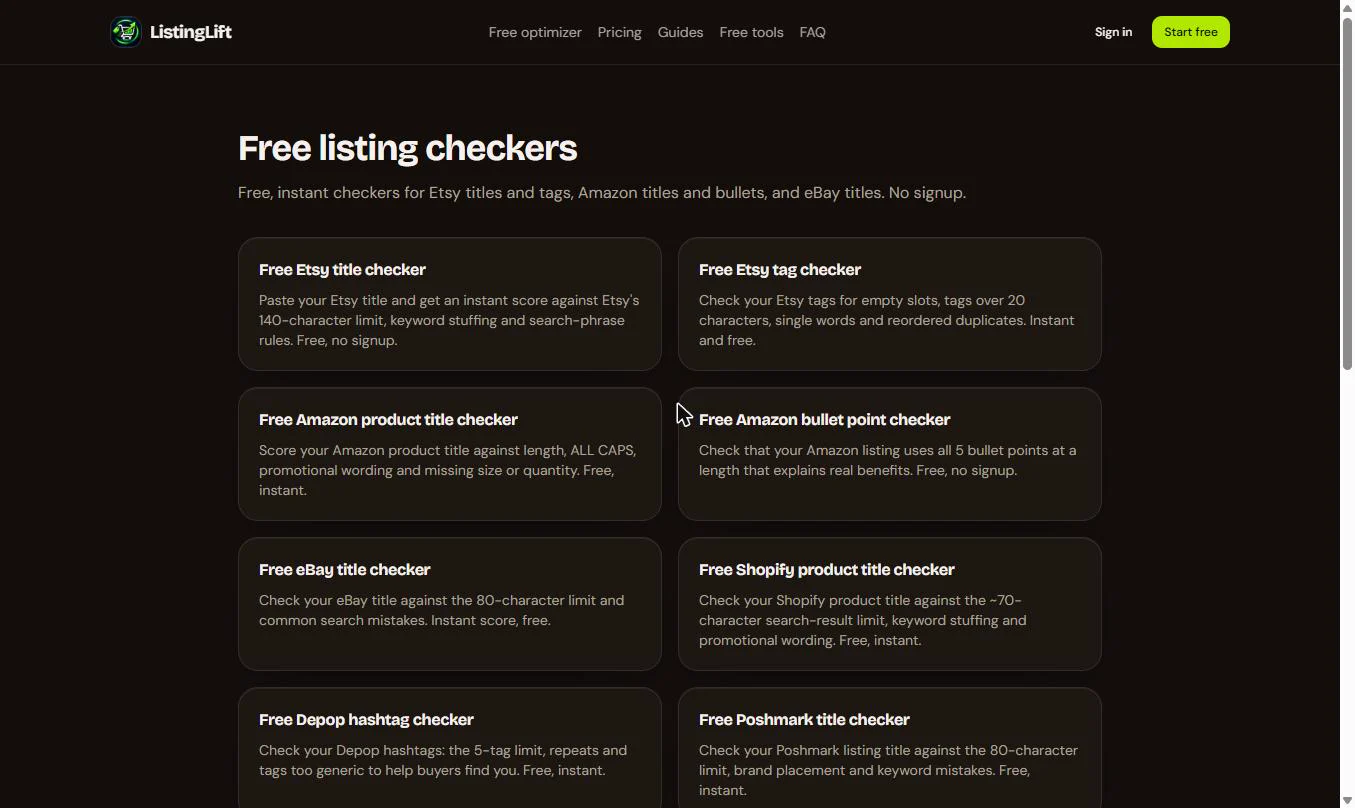
- Start with the free checkers. You run Juniper Lane Candles (made up), a small Etsy shop. Your Cedar Sage Candle gets almost no views. Before you rewrite anything, find out what is wrong. These are ListingLift's Free listing checkers: no account, no credits. Click Free Etsy title checker.
Your cedar sage candle gets almost no views on Etsy. First, find out why.
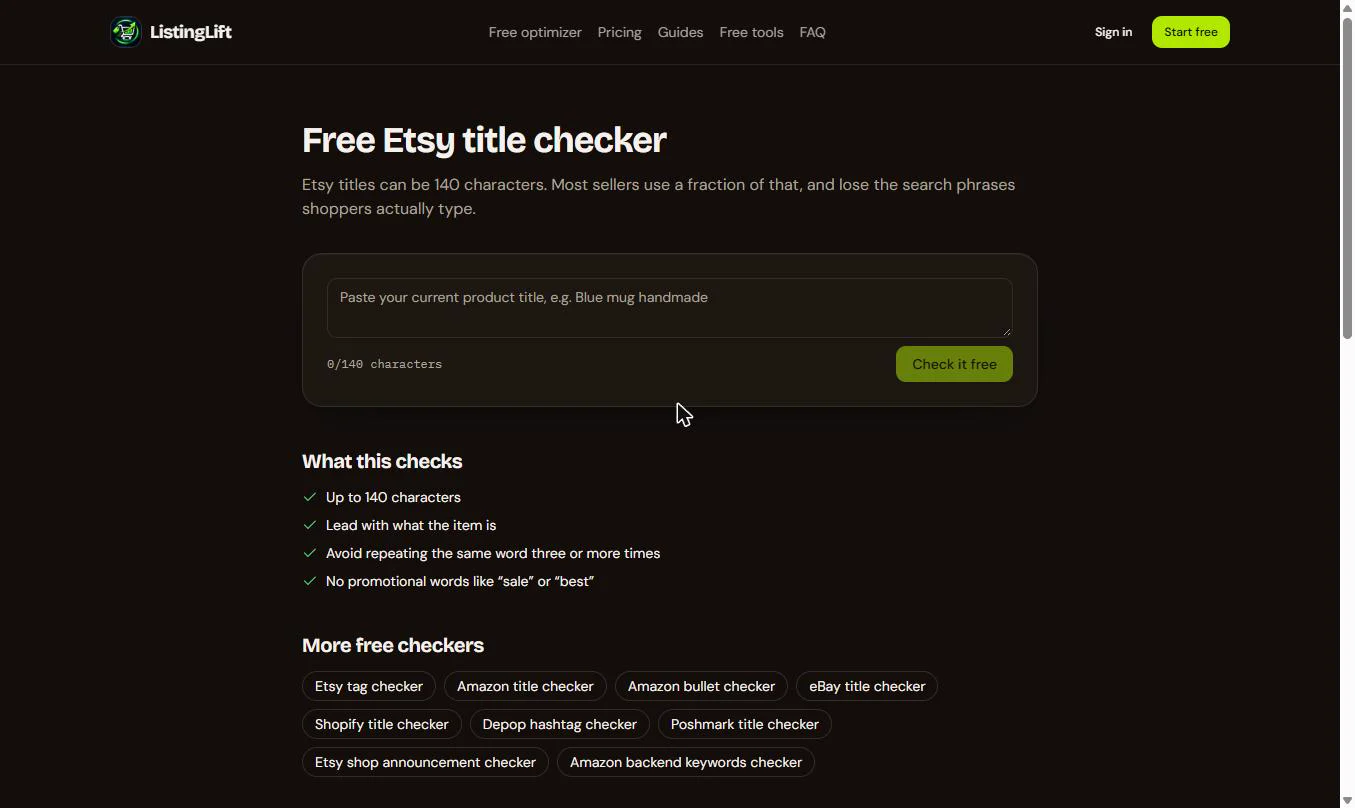
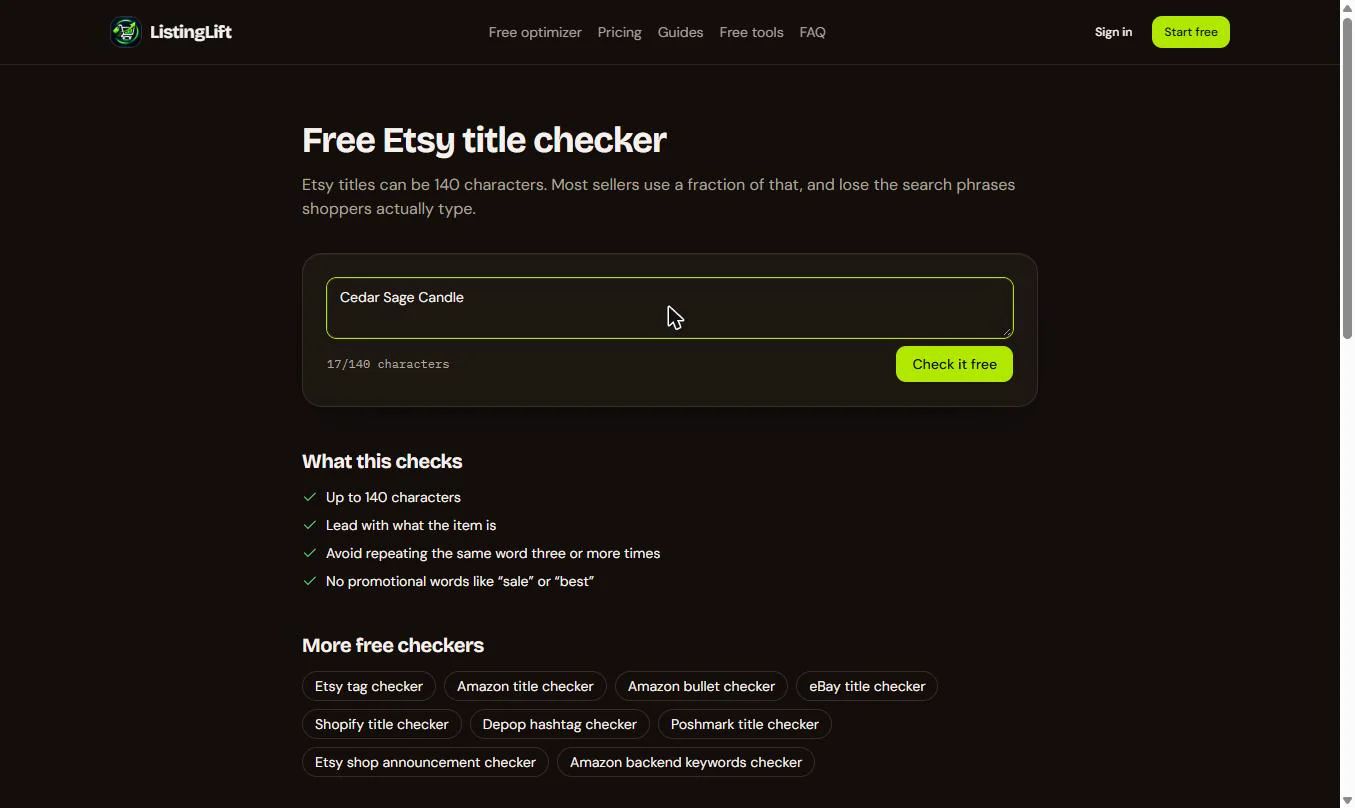
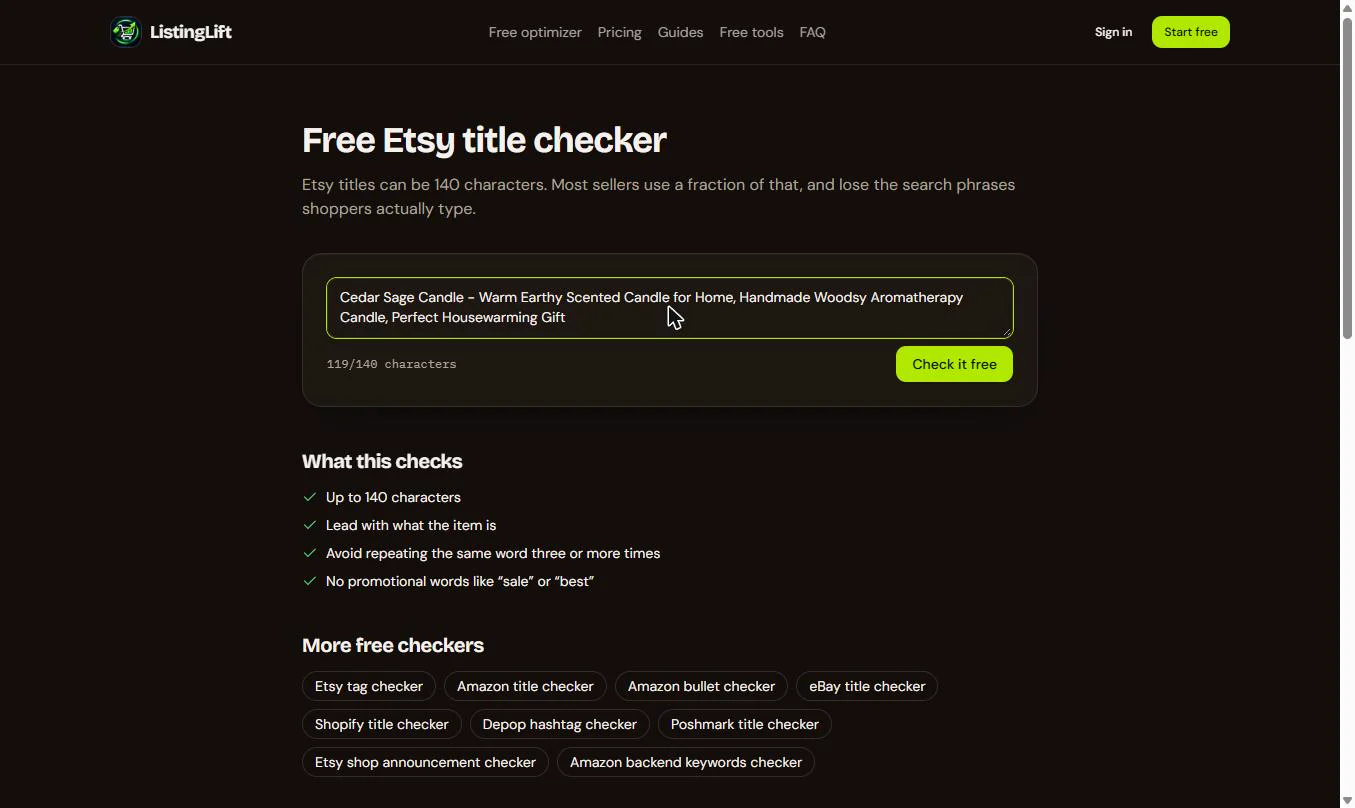
- Paste the title you have now. Paste the listing's current Etsy title, exactly as it is. The counter shows how much of Etsy's 140 characters you use.
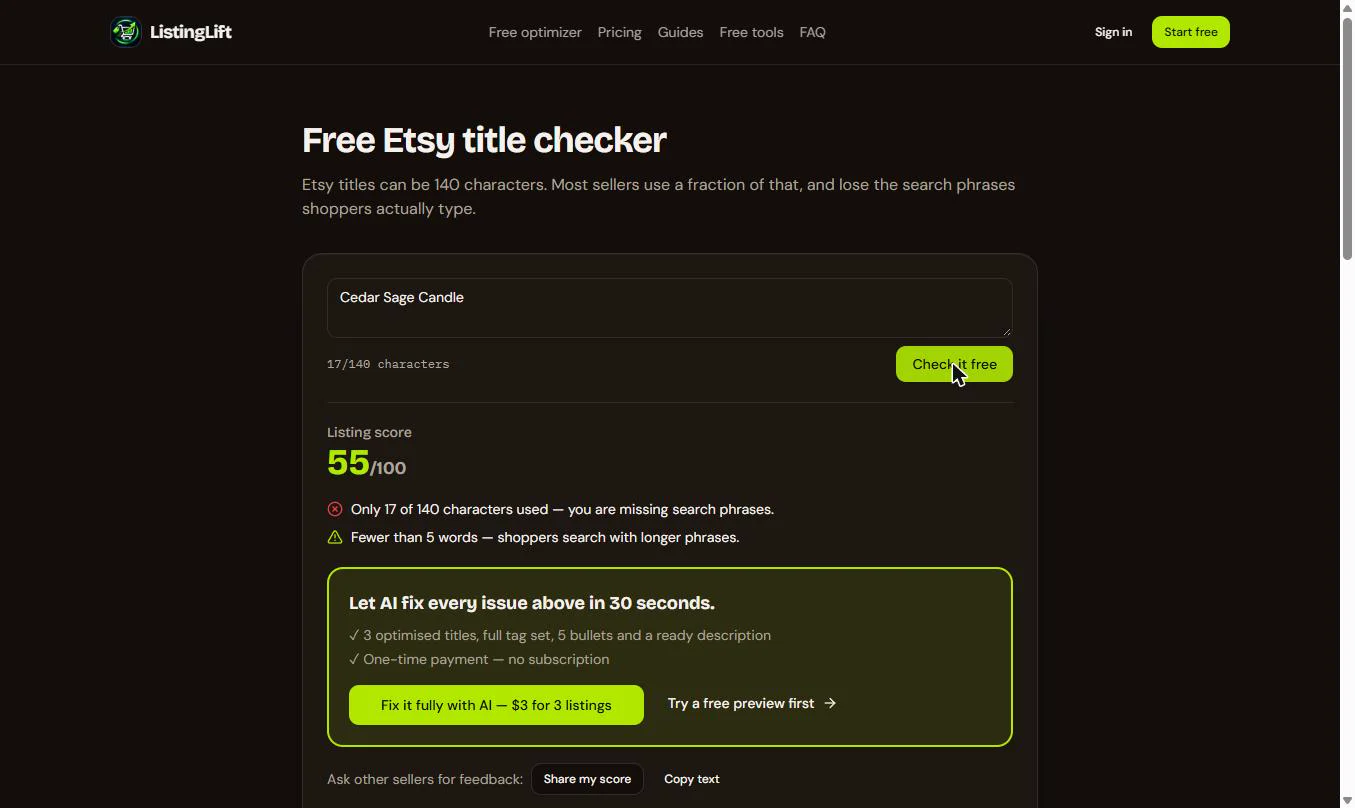
- Run the free check. 17/140 characters. Click Check it free.
Seventeen of a hundred and forty characters.
2. Audit the tags
- The title scores 55 out of 100. Two findings: only 17 of 140 characters are used, so the title misses the phrases shoppers type, and it has fewer than 5 words. You will fix that soon. The box below offers a paid fix; skip it, the free tools come first. Now the tags. Click Free tools in the top menu.
Fifty five out of a hundred. Too short, and missing the phrases shoppers type. Now the tags.
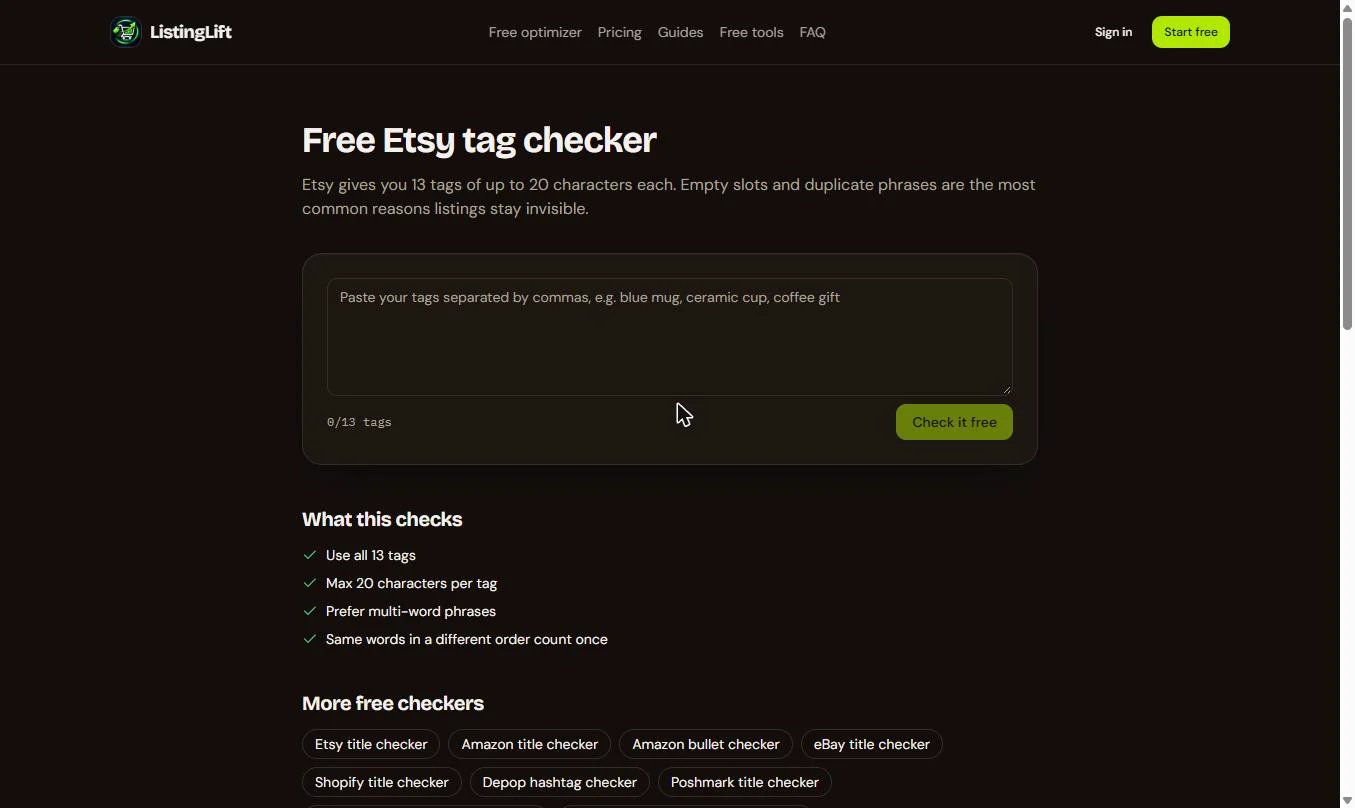
- Open the tag checker. Etsy gives every listing 13 tags. Click Free Etsy tag checker.
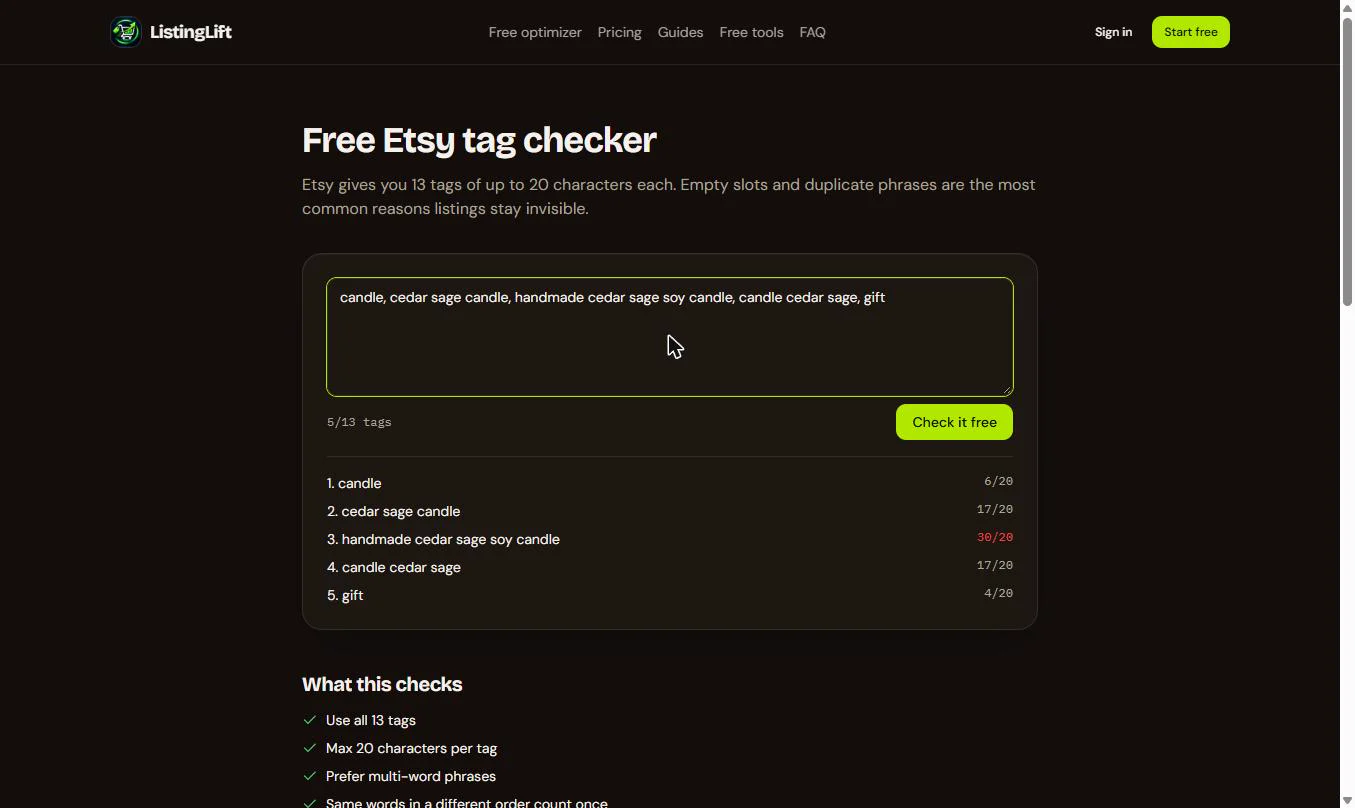
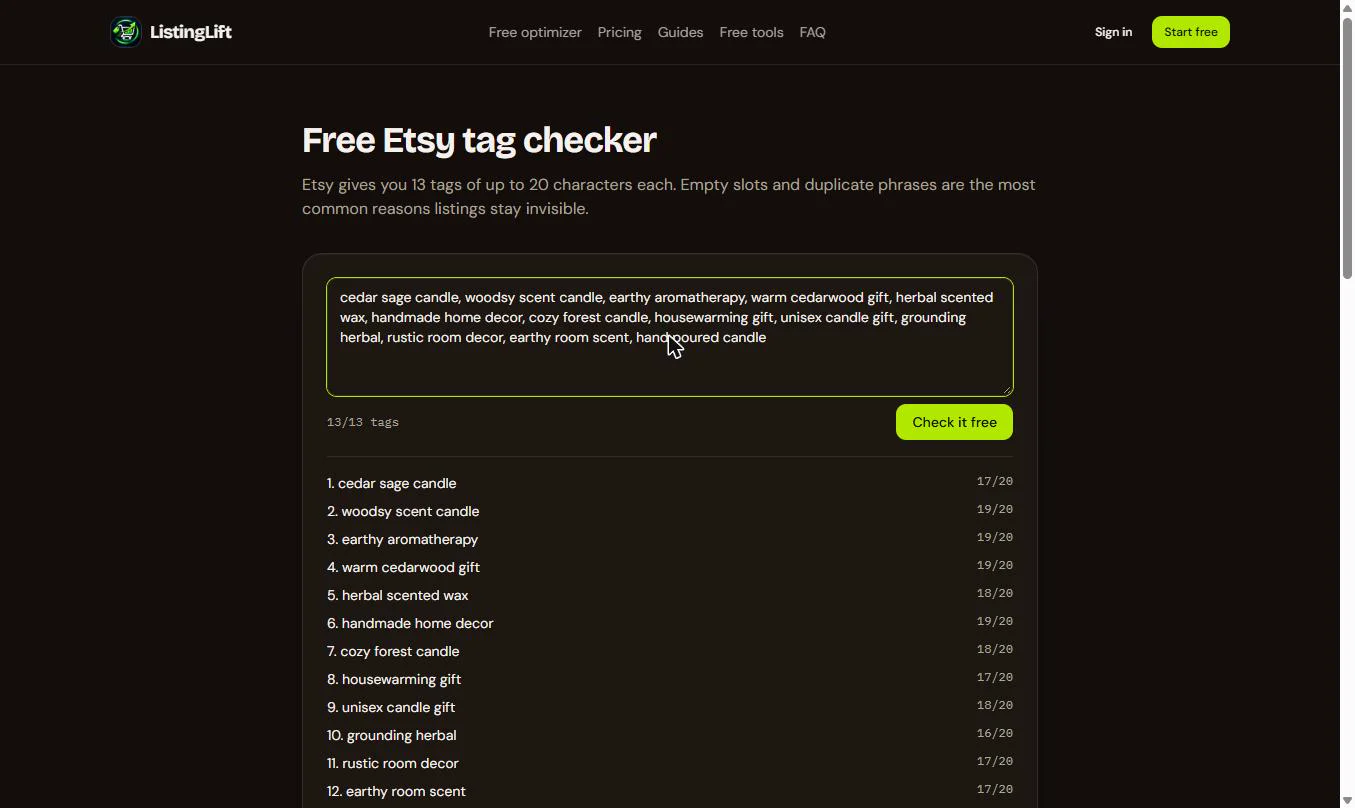
- Paste the tags you have now. Paste the listing's current tags, separated by commas. Each tag gets a line with its length out of 20.
- One tag is already red. Tag 3 shows 30/20 in red: too long for Etsy. Click Check it free.
One tag is thirty characters, in red.
3. Get free fixes
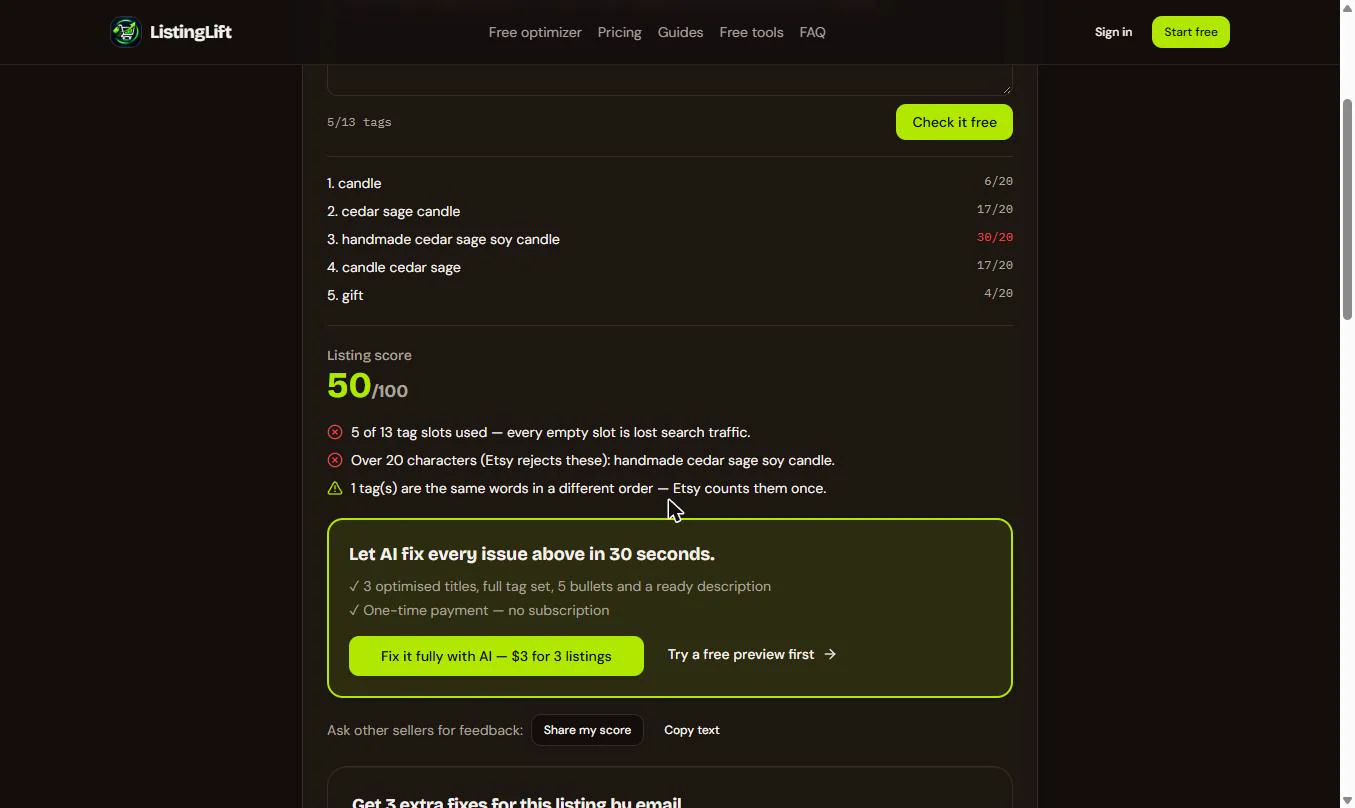
- The tags score 50 out of 100. Three findings: 5 of 13 tag slots used, a tag over 20 characters that Etsy rejects, and two tags that are the same words in a different order, which Etsy counts once. Now get better words. Click Free optimizer in the top menu.
Fifty out of a hundred. Empty slots, a tag that is too long, and a repeat.
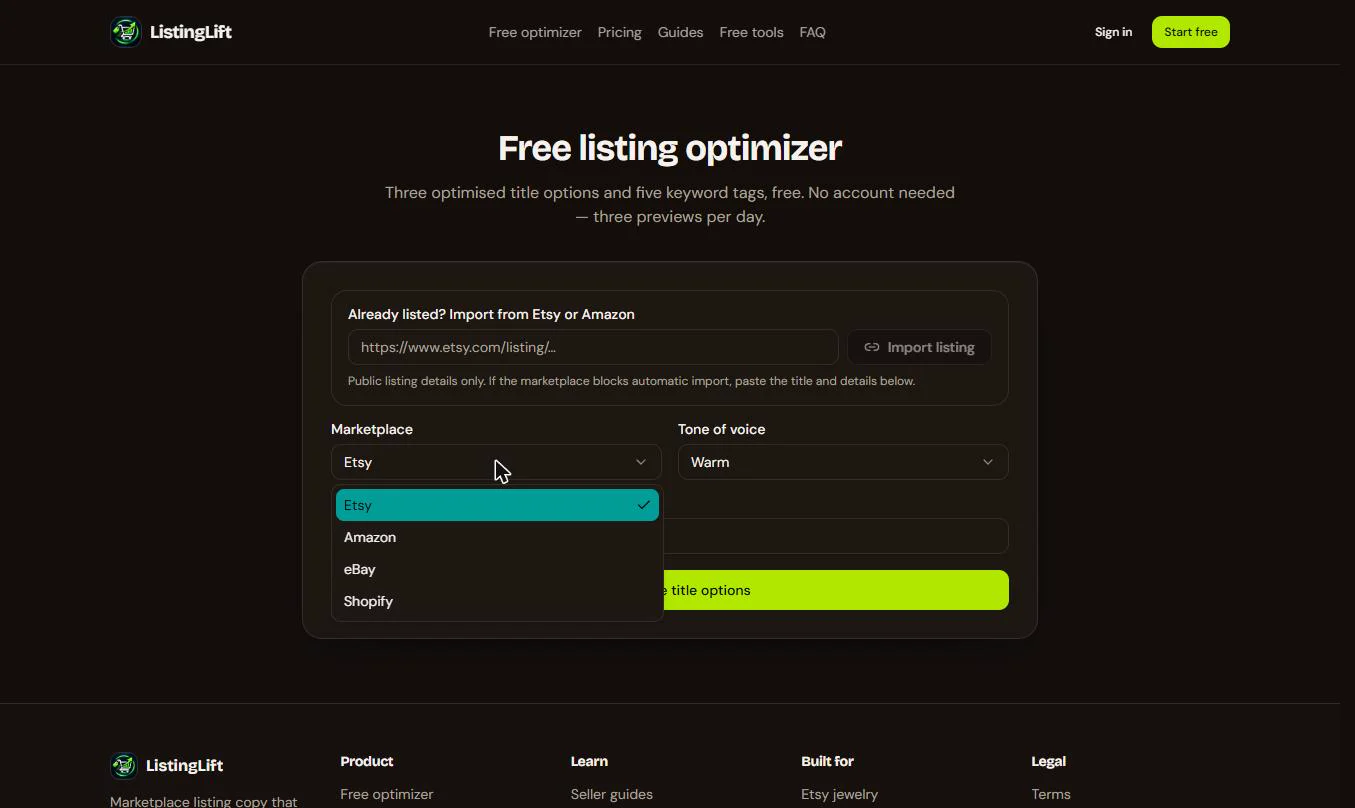
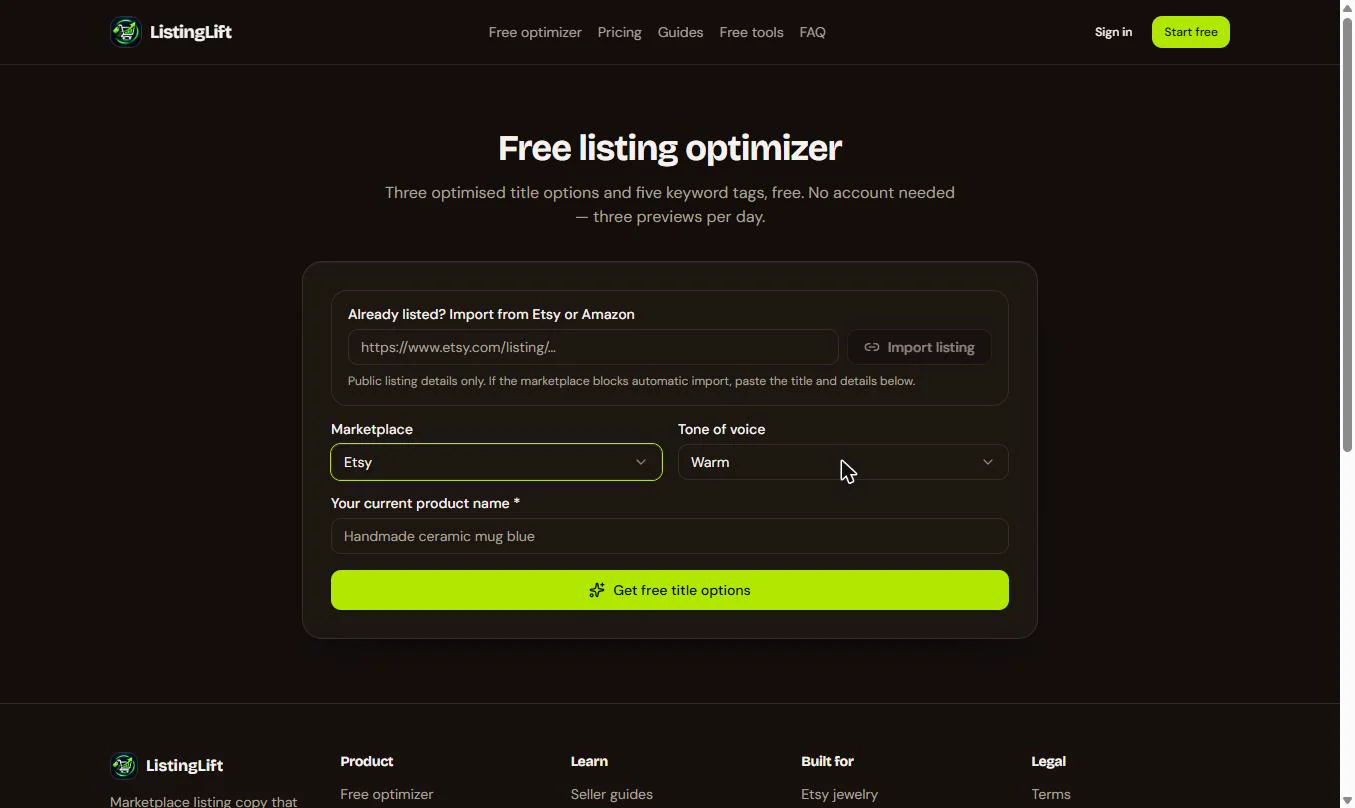
- Pick the marketplace. The Free listing optimizer gives three title options and keyword tags, with no account, three previews a day. Import listing can try to pull in a public Etsy or Amazon listing from its link; here we type the name. Open Marketplace.
The free optimizer gives three title options and tags, three previews a day.
- Etsy. It also writes for Amazon, eBay and Shopify. Pick Etsy.
Pick Etsy.
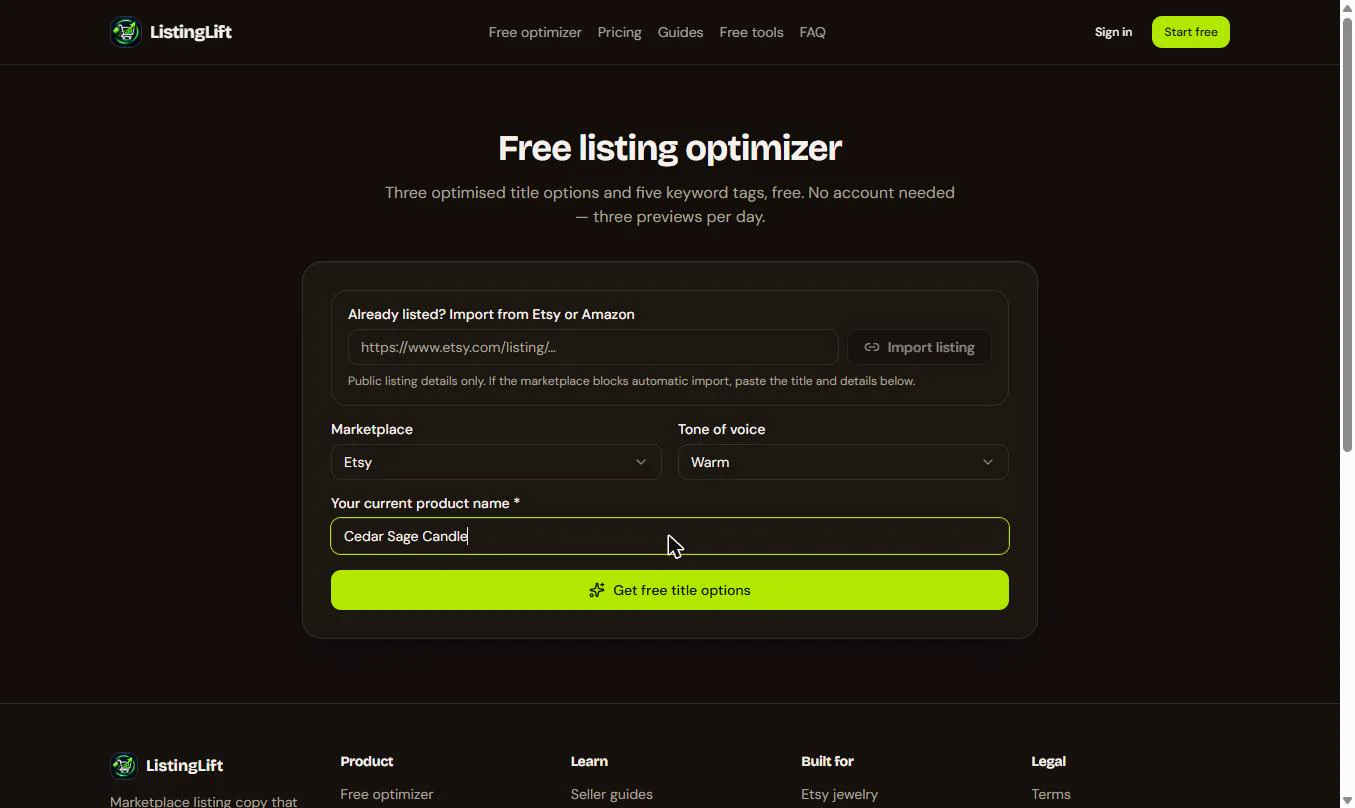
- Enter the current name. Tone of voice is Warm, which suits a handmade shop; Premium, Playful, Technical and Minimal are the others. Paste the product's current name.
Leave the tone on Warm, and paste the current product name.
- Get the free options. Click Get free title options. It takes a few seconds ("Writing your listing...").
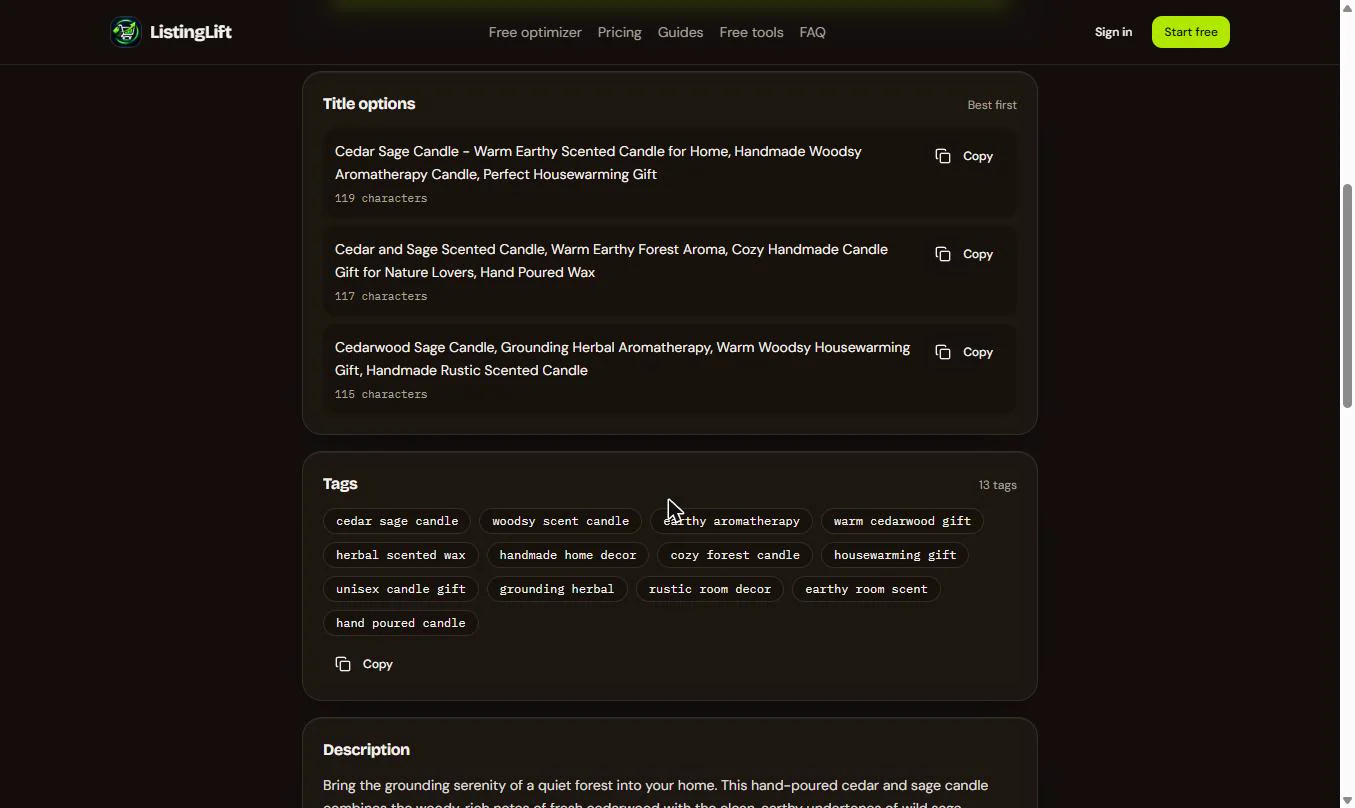
- Three titles and 13 tags. You get three title options, best first, each with its length, and 13 tags. Read them before you use them: every word must be true about your candle. Copy the first title.
Three title options, best first, and thirteen tags. Copy the first title.
- Copy the tags. Click Copy under the tags to copy all 13 at once.
Copy all thirteen tags.
4. Fix and re-check the title
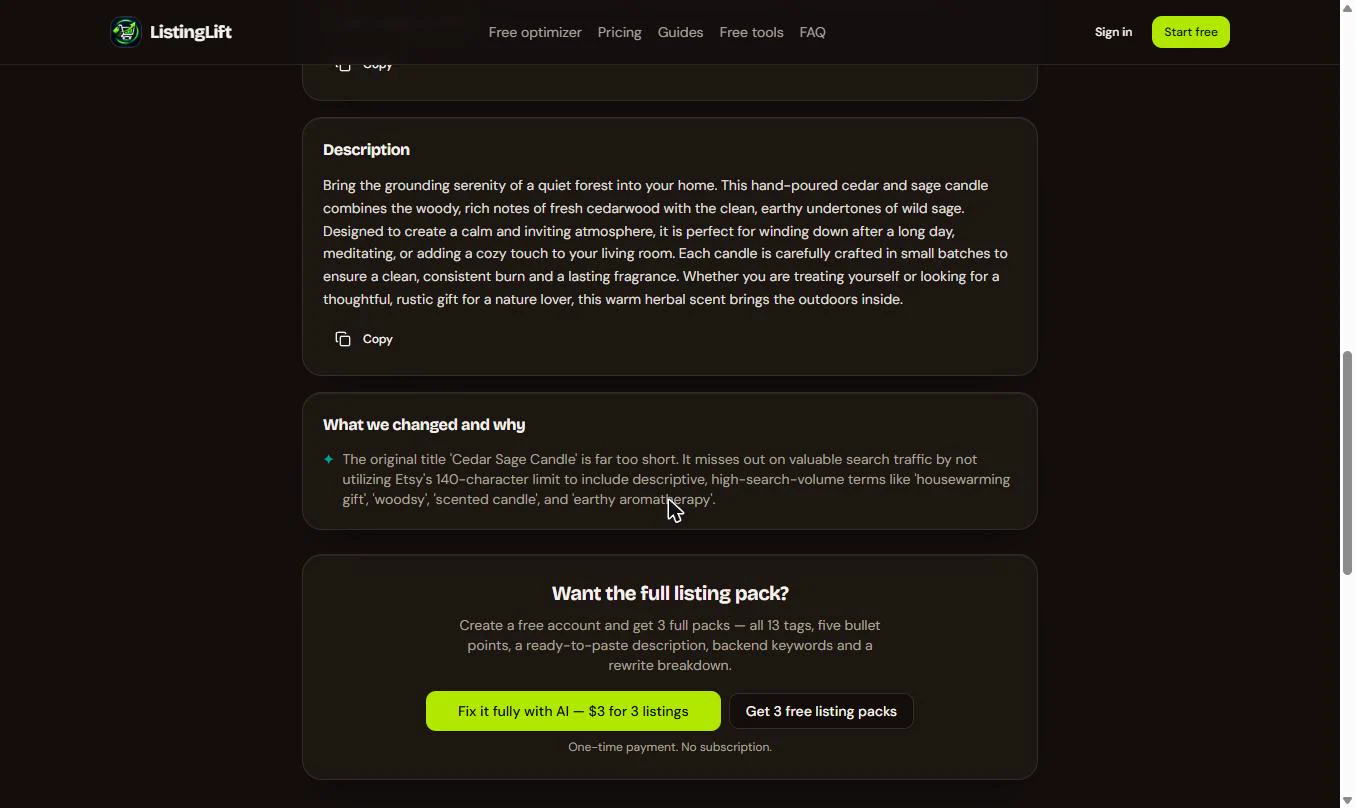
- A description, and why it changed. Below are a Description and What we changed and why: the old title was far too short for Etsy's 140 characters. Keep only claims that are true: if your candles are not hand-poured in small batches, edit those words out. Now check the new title before it goes on Etsy. Click Free tools.
There is a description too, and a note on what changed and why. Now check the new title.
- Back to the title checker. Click Free Etsy title checker.
- Paste the new title. Paste the title you copied from the optimizer.
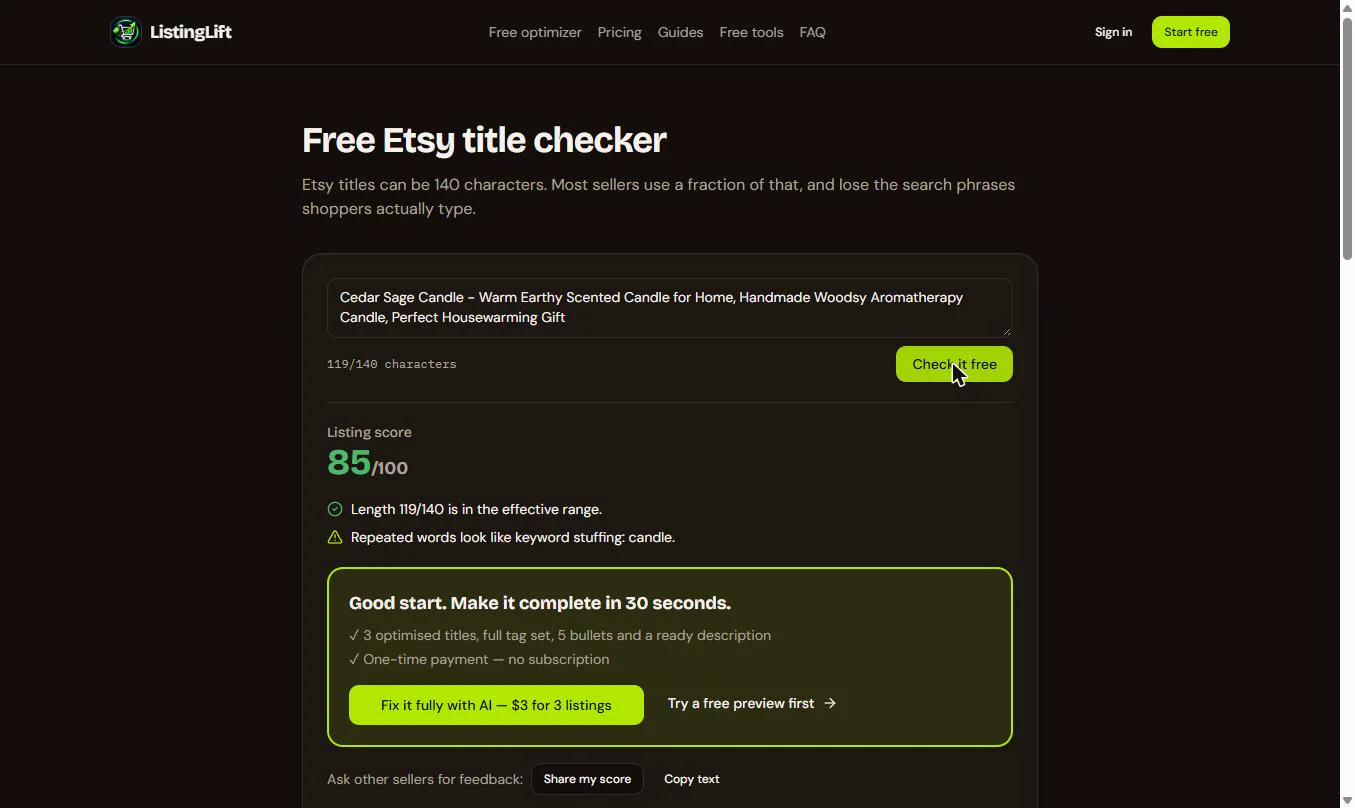
- 119 of 140 characters. Click Check it free.
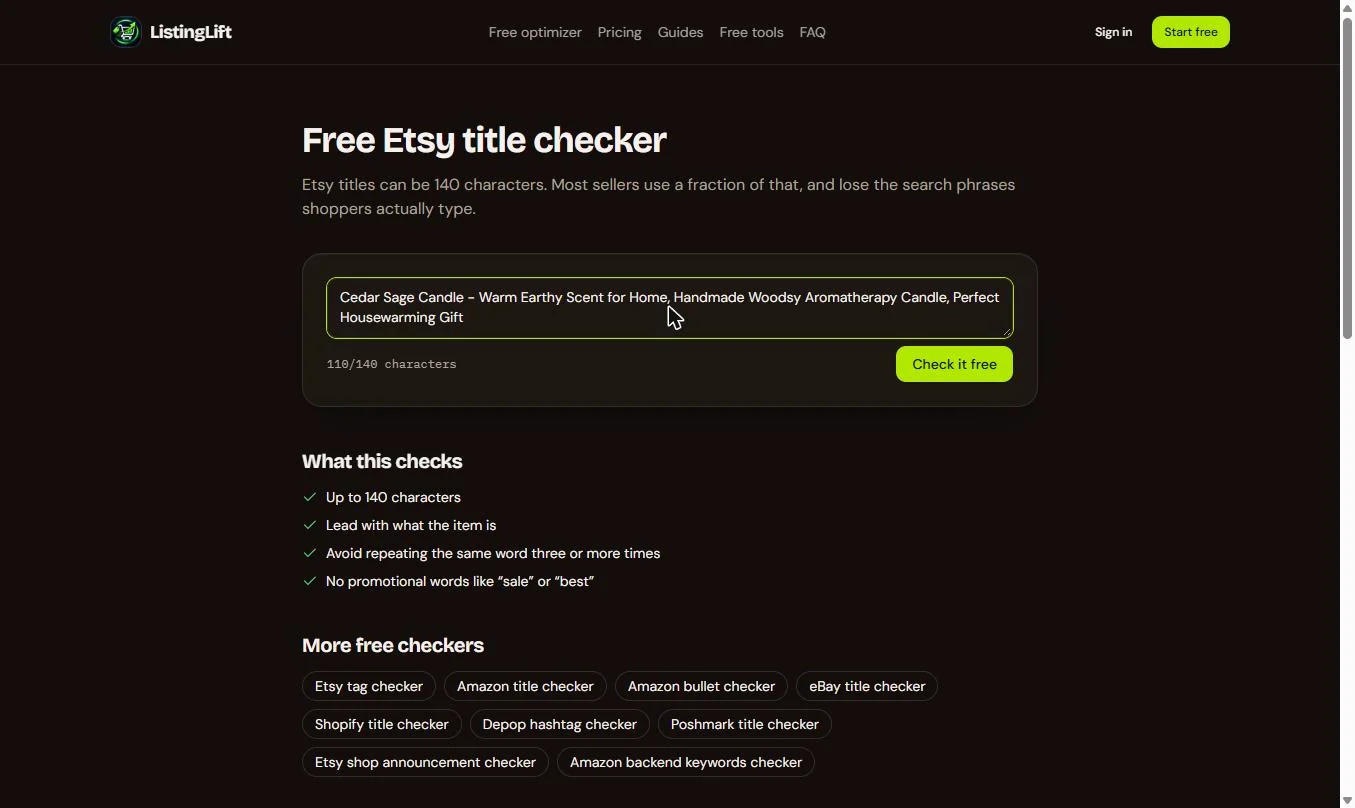
- 85: one word too many. 85/100. The length is fine, but "candle" appears three times, which looks like keyword stuffing. A checker is a second pair of eyes, even on AI-written text. Change "Scented Candle" to Scent: paste the edited title over the old one.
Eighty five. Candle appears three times, which looks like keyword stuffing.
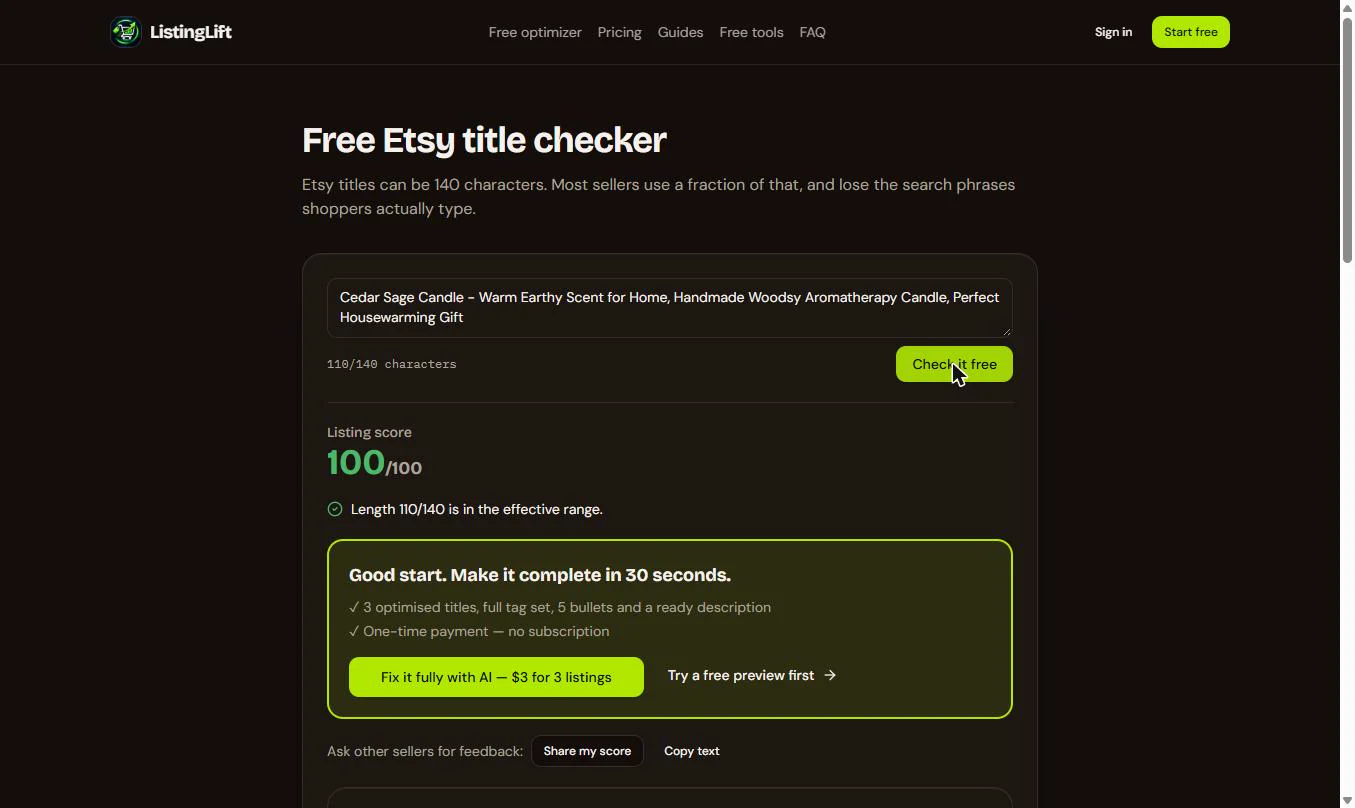
- Check it again. Now 110/140, with "candle" twice. Click Check it free.
5. Re-check the tags
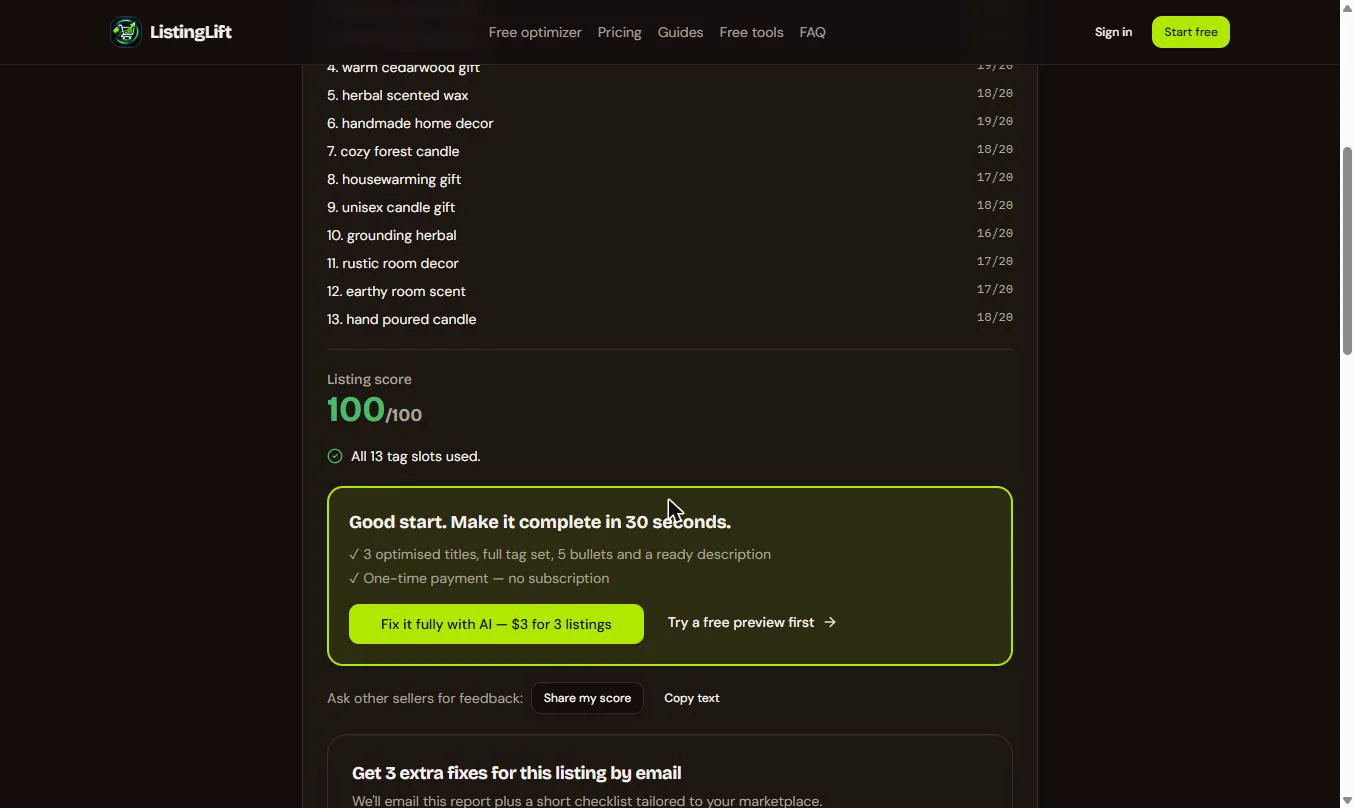
- 100 out of 100. The title scores 100/100: the right length, it leads with what the item is, and no word repeats three times. Now the tags. Click Free tools.
A hundred out of a hundred. Now the tags.
- Back to the tag checker. Click Free Etsy tag checker.
- Paste the 13 new tags. Paste the tags you copied from the optimizer.
cedar sage candle, woodsy scent candle, earthy aromatherapy, warm cedarwood gift, herbal scented wax, handmade home decor, cozy forest candle, housewarming gift, unisex candle gift, grounding herbal, rustic room decor, earthy room scent, hand poured candle
- All 13 fit. 13/13 tags, each 16 to 19 characters. Click Check it free.
Thirteen tags, all under twenty characters.
6. Optional: the paid pack
- Fixed: now paste it into Etsy. The tags score 100/100: all 13 slots used. In Etsy, open the listing, paste the edited title and the 13 tags, check the description, and save. That is the whole free walkthrough. Optional, not part of this lesson: the green box offers a paid full listing pack. To see what that costs, click Pricing.
A hundred out of a hundred. The paid pack is optional. To see its price, click Pricing.
Screenshots
More in AI Automation for Marketing
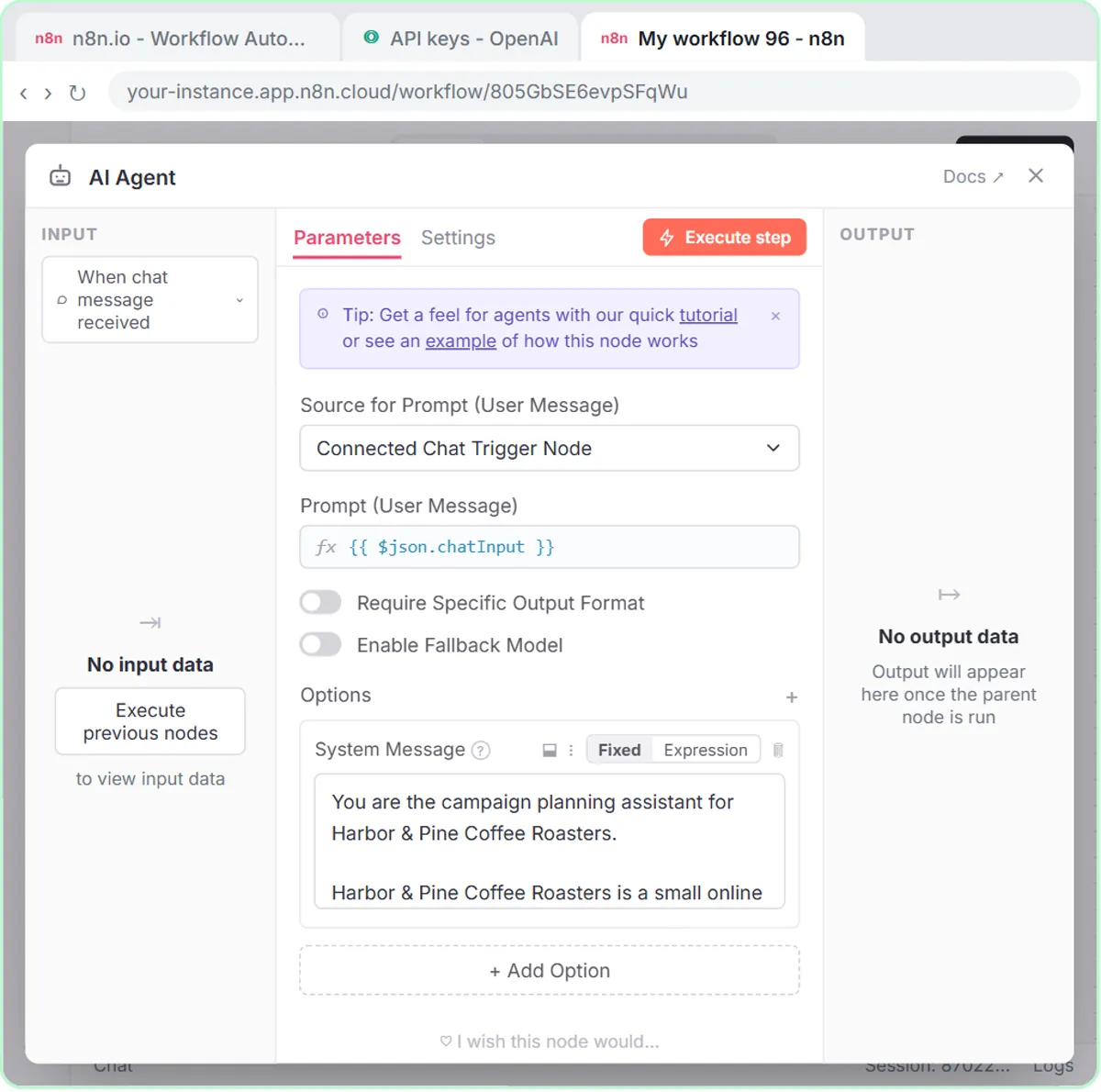 How to Use n8n in Marketing: An AI Agent That Plans Your Content Calendar
Build an AI agent for Harbor & Pine Coffee Roasters that turns one campaign theme into a two-week email and content calendar in Google Sheets — chat trigger, AI Agent…
Free · Live ~12 min Intermediate
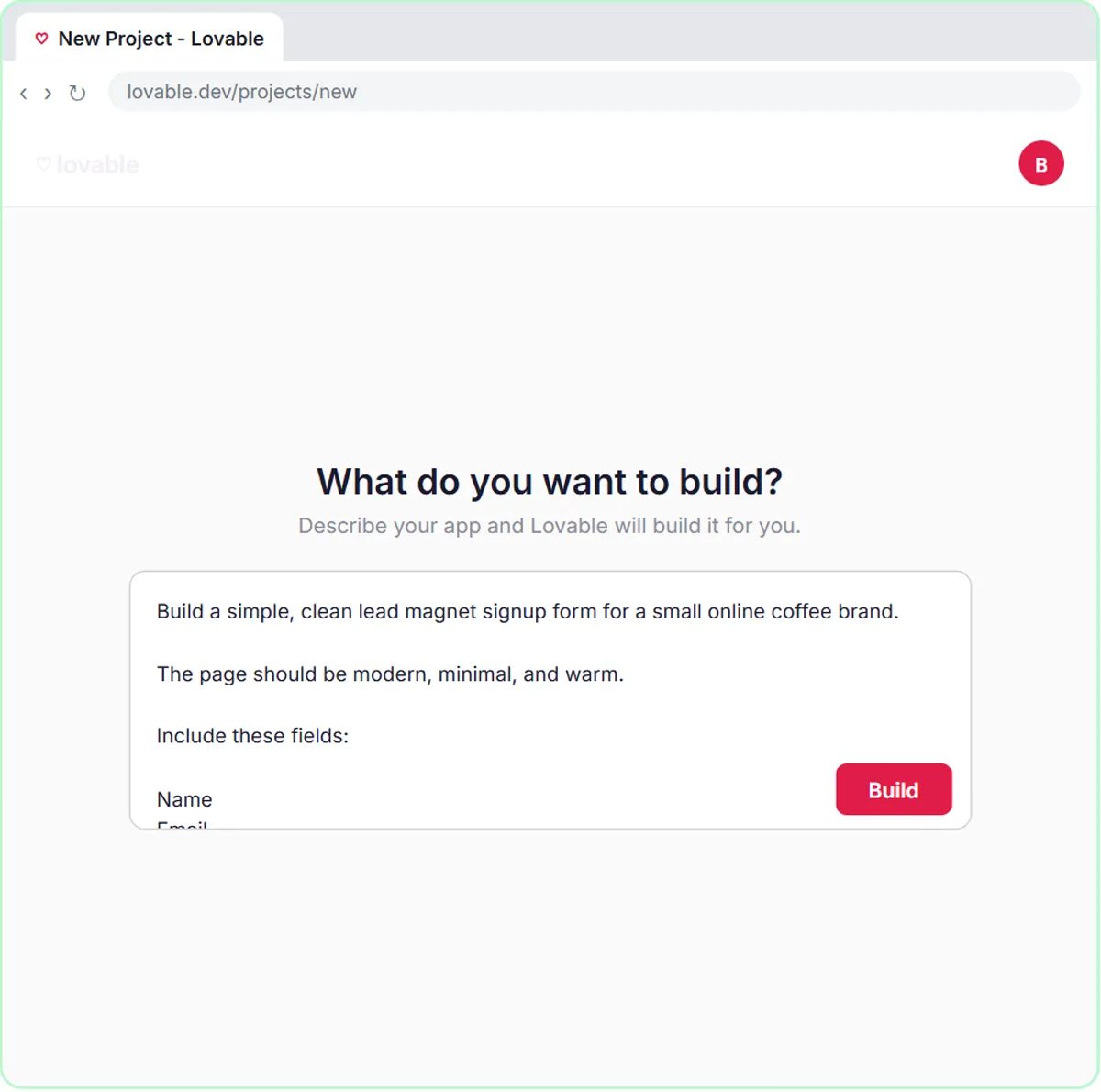 Build a Lead Magnet Signup Form with an AI Welcome Email
Build a "Get the free guide" signup form in Lovable for Harbor & Pine Coffee Roasters and connect it to n8n — the AI agent tags each lead by interest, saves it to…
Free · Live ~15 min Advanced
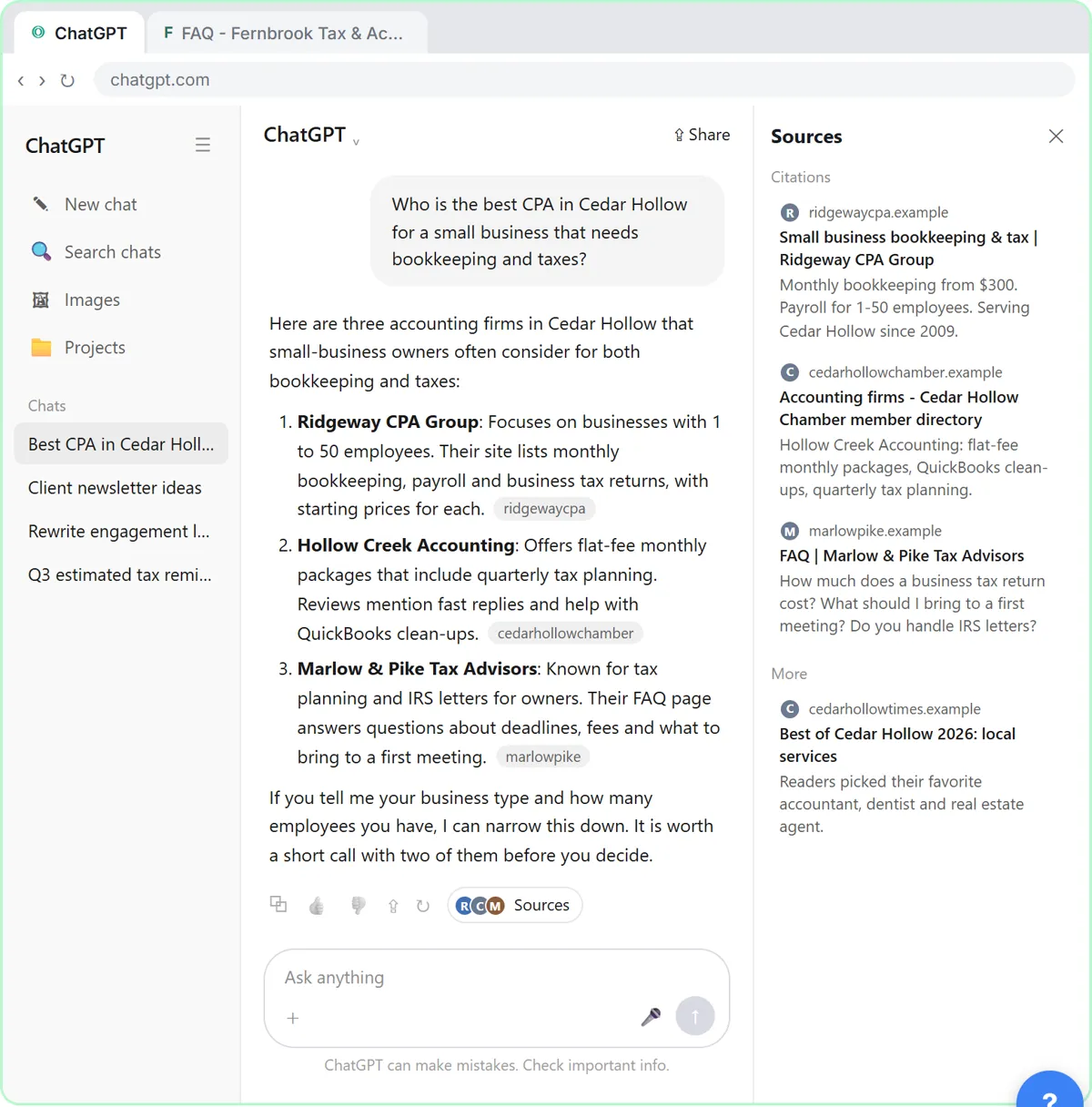 Get Your Business Recommended by ChatGPT
Ask ChatGPT who it recommends in your town, see which pages it trusts, then use it to write an FAQ page and Business Profile copy that answer real customer questions.
Free · Live ~10 min Intermediate
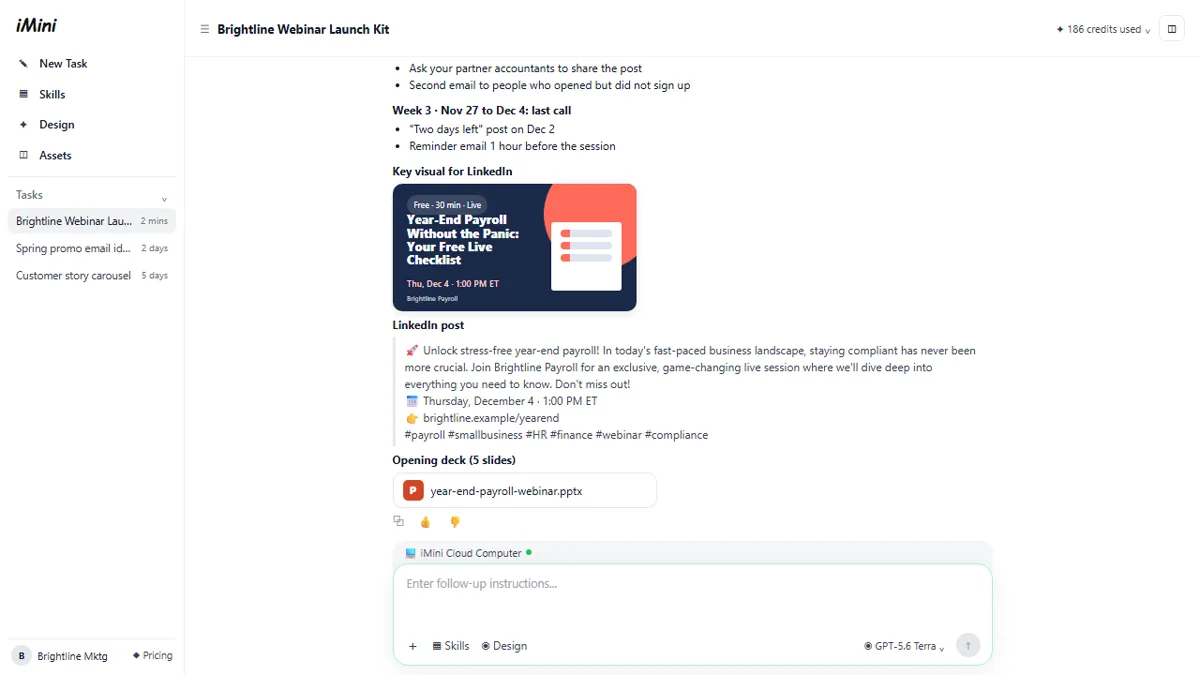 iMini AI Agent: Turn a Rough Idea into a Launch Kit
Brief the iMini Creative Agent once and get a launch plan, a LinkedIn visual, a post and a 5-slide deck, then fix the visual and humanize the post with follow-ups.
Free · Live ~8 min Beginner
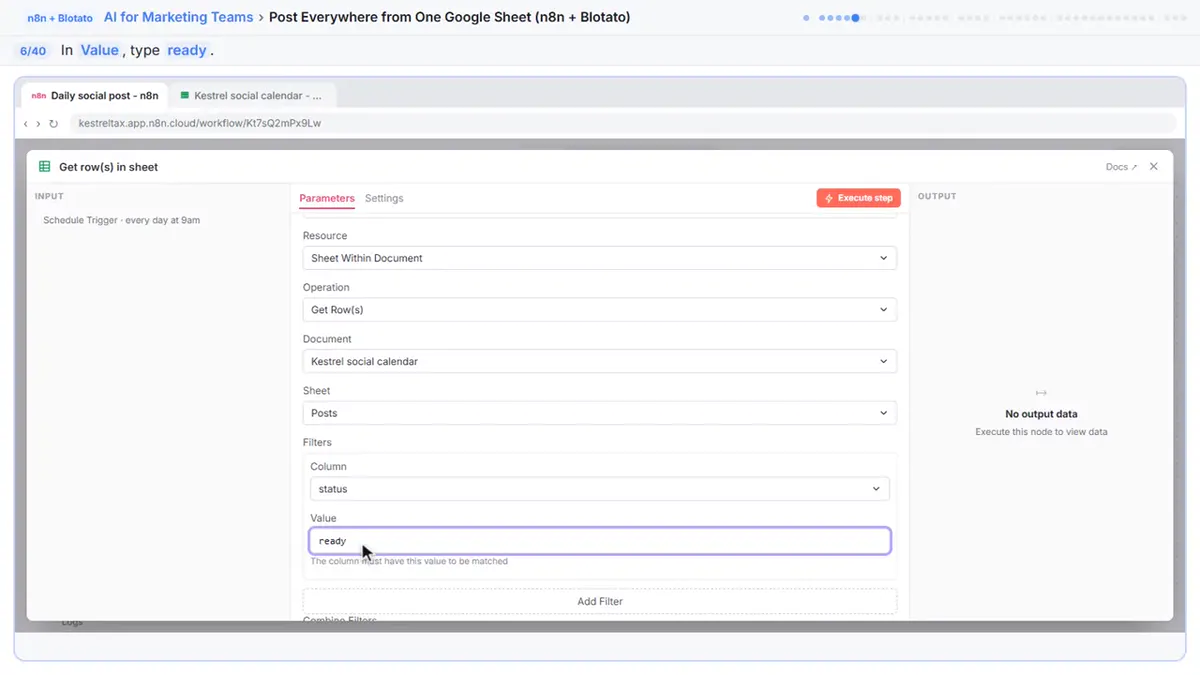 Post to Every Channel Daily from One Sheet using n8n + Blotato
Copying the same post into every social app can take half an hour a day, and on busy days nothing goes out. Plan a week of posts in one Google Sheet; every morning n8n…
Free · Live ~14 min Advanced
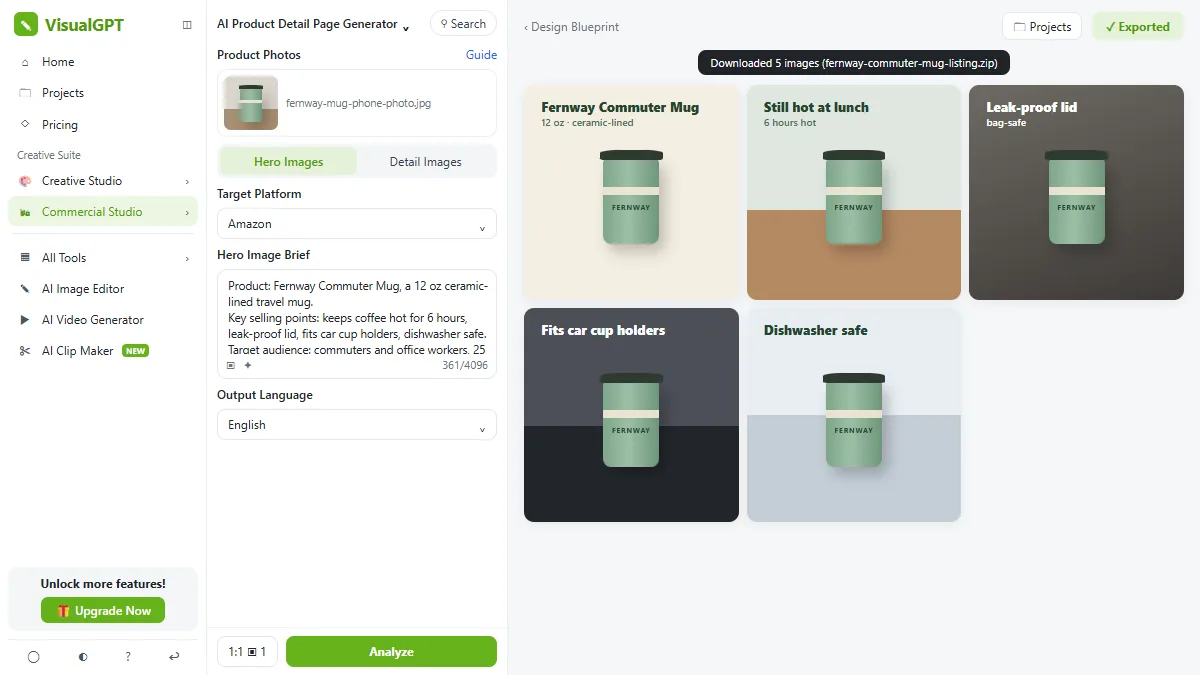 VisualGPT: Product Photos, Listing Images and Ads from One Phone Photo
Turn one phone photo into a lifestyle product shot, a five-image Amazon listing set and three launch ads in VisualGPT's Commercial Studio, checking the plan and every…
Free · Live ~8 min Beginner
All 29 modules in AI Automation for Marketing
Terms in this lesson
Plain-English definitions, each with an example from a free lesson.