What is Zapier Interfaces?
Quick answer
Zapier Interfaces is a no-code builder for simple web pages, forms and chatbots that connect directly to your Zaps and Zapier Tables. A form built in Interfaces can start a Zap when someone submits it, or write a record into a table, without a separate form tool in between.
Last updated
Take the free module →Module 2 of the free Make & Zapier Jump Start course, about 10 minutes. No account needed.
Updated · By Robert Breen
Why it matters for a small business
Many automations start with a person filling something in: a request, an intake, an approval. Interfaces lets you build that front door inside the same tool that does the work, so there is one less app to connect and one less place for a field name to drift out of step.
It is meant for simple pages and internal tools, not a full website. For a public site with your brand, many offices keep their existing form tool and use a trigger or a webhook. For a quick internal request form or a page that shows a table's records, Interfaces is often the fastest route.
Where you'll use it: open Interfaces from Zapier's left menu, start a project, add a page and drag in components such as a form, a table view or a chatbot. Connect a form to a Zap with the Zapier Interfaces trigger, or to a Zapier Table so each submission becomes a record.
In a real lesson: Never Miss a New Client Inquiry using Zapier
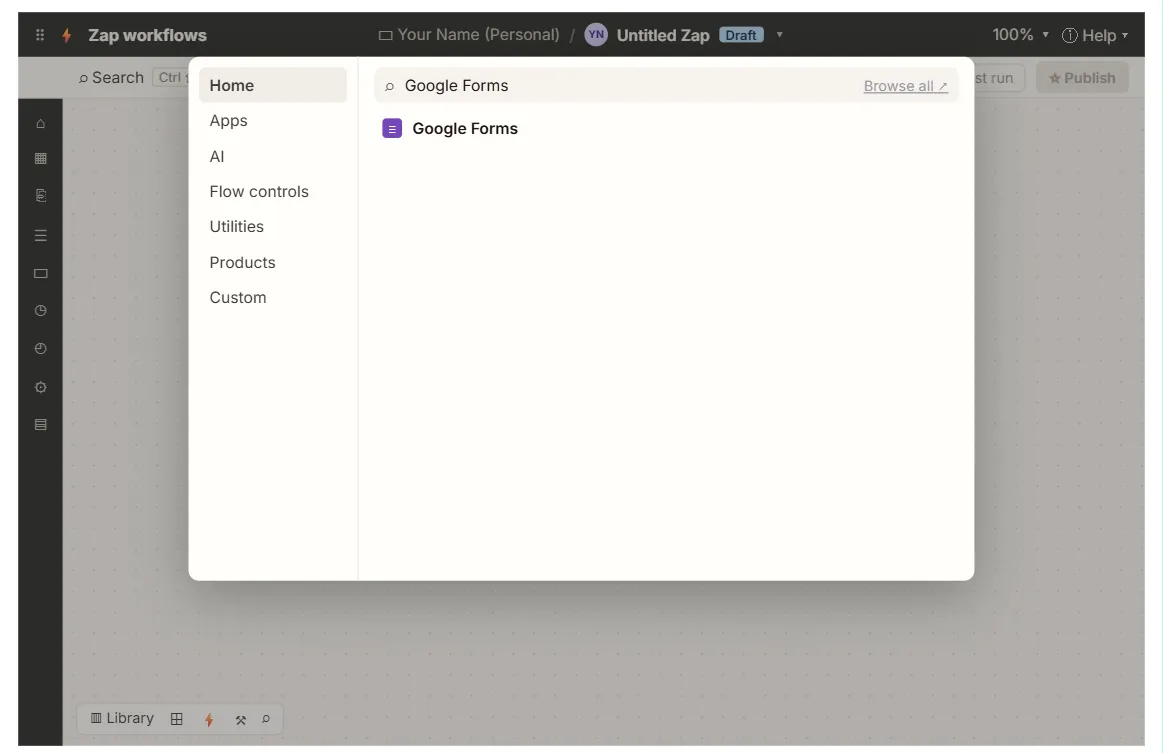
In the free Your First Zap lesson, Northgate Accounting's inquiries come from a Google Form, and the Zap's trigger is Google Forms New Form Response. The form already lives on the firm's website, so the lesson connects to it.
A firm without a form could build the same New Client Inquiry form in Interfaces, with Name, Email and Service fields, and use it as the trigger instead. The rest of the Zap, the Create Spreadsheet Row action and its mapping, would work the same way.
Try this lesson free or read the step-by-step guide.
Common confusions
Zapier Interfaces vs a web form tool
A web form tool such as Google Forms or Jotform is its own product. Interfaces is part of Zapier and built to feed Zaps and Tables.
Zapier Interfaces vs Lovable
Lovable builds full custom web apps from a prompt. Interfaces builds simple pages from ready-made blocks.
Tips
- Use Interfaces for internal forms first, where branding matters less.
- Match field names to your table or sheet headers so mapping stays obvious.
- Check who can see each page before you share the link.
Related terms
More Web apps terms
Where you use it: free lessons
- Never Miss a New Client Inquiry using Zapier (Zapier, 10 min)
Frequently asked questions
- Do I need to code to use Zapier Interfaces?
- No. You build pages by adding blocks such as forms, text and table views.
- Can an Interfaces form start a Zap?
- Yes. Use the Zapier Interfaces trigger for a new form submission, then add your actions.