What is a sub-workflow in n8n?
Quick answer
A sub-workflow is a workflow that another workflow calls to do one job, then hands the result back. In n8n, the parent uses the Execute Sub-workflow node, and the sub-workflow starts with the When Executed by Another Workflow trigger. It works like a reusable building block: build "look up a client" once, then call it from every workflow that needs it.
Last updated
Take the free module →Module 7 of the free n8n Jump Start course, about 10 minutes. No account needed.
Updated · By Robert Breen
Why it matters for a small business
Offices repeat the same small jobs across many automations: find the client in the CRM, format an address, send the standard alert. Copying those steps into every workflow means fixing a bug five times. A sub-workflow keeps one copy, so a change in one place reaches every workflow that calls it.
It also keeps big workflows readable. A 40-node canvas is hard to follow; five workflows of eight nodes, each named for its job, are not. n8n's docs also note that sub-workflow runs do not count toward your plan's execution limits, which makes splitting a big job cheaper to run as well as easier to read.
Where you'll use it: in the sub-workflow, add the When Executed by Another Workflow trigger and define the inputs it accepts. In the parent, add Execute Sub-workflow, pick the sub-workflow from the list and map the inputs. An AI agent can call a sub-workflow too, as a workflow tool.
In a real lesson: Get Alerted When an n8n Automation Fails, and Let It Retry by Itself
The free n8n error handling lesson builds the idea one step away from a sub-workflow. Maple Lane Florist (made up) gets a separate error workflow, starting with an Error Trigger, that emails the owner whenever the 6am supplier-price workflow fails. One alert workflow serves every workflow that points to it.
A sub-workflow works the same way, but the parent calls it on purpose rather than on failure. If the florist had three workflows that each look up today's wholesale prices, that lookup could become one sub-workflow, called from each with Execute Sub-workflow.
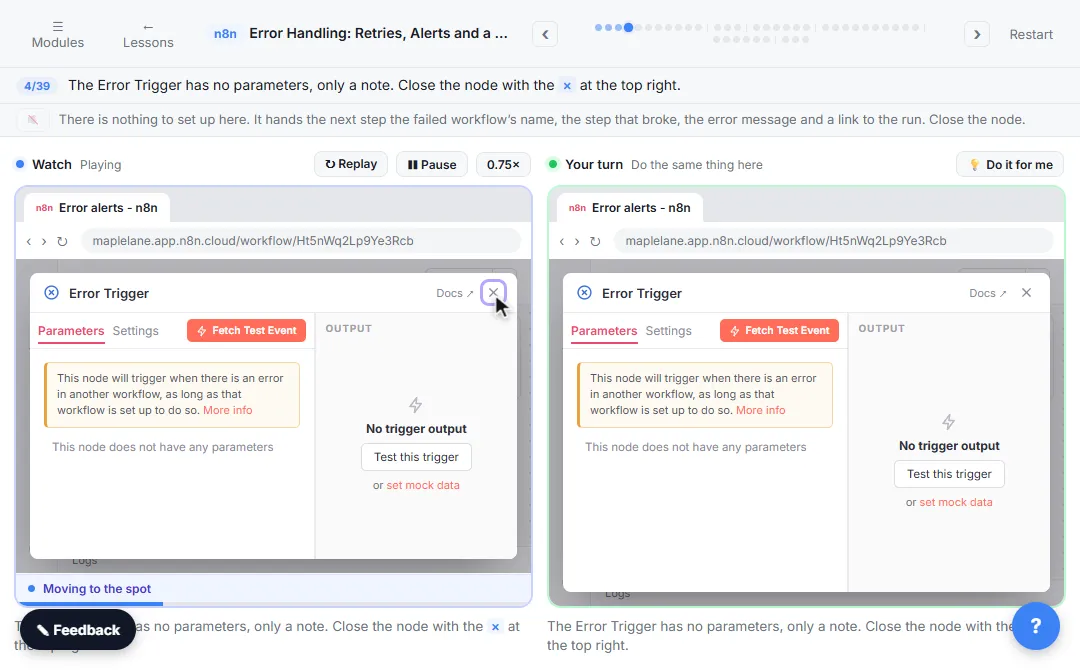
Try this lesson free or read the step-by-step guide.
Common confusions
Sub-workflow vs Execute workflow button
Execute workflow is the button that runs the whole workflow you are editing. A sub-workflow is a separate workflow called by a node.
Sub-workflow vs error workflow
An error workflow runs automatically when another workflow fails. A sub-workflow runs when a parent calls it.
Tips
- Name sub-workflows by the job they do, such as "Lookup client by email".
- Define the inputs in the trigger, so every caller sends the same fields.
- Test the sub-workflow on its own with pinned data before calling it.
Related terms
More n8n and automation terms
Where you use it: free lessons
- Get Alerted When an n8n Automation Fails, and Let It Retry by Itself (n8n, 10 min)
- n8n AI Agent with Tools: Check Google Calendar, Book It and Log It (n8n, 11 min)
Frequently asked questions
- Can a sub-workflow send data back to the parent?
- Yes. The output of the sub-workflow's last node is returned to the Execute Sub-workflow node in the parent.
- Is a sub-workflow the same as a template?
- No. A template is a starting copy you import and change. A sub-workflow is a live workflow that other workflows call while they run.