What is a workflow tool for an AI agent?
Quick answer
A workflow tool is a whole workflow that an AI agent can call as one of its tools. In n8n you attach the Call n8n Workflow Tool to the AI Agent, pick a workflow that starts with When Executed by Another Workflow, and describe what it does. The agent decides when to call it and passes the inputs.
Last updated
Take the free module →Module 11 of the free n8n Jump Start course, about 11 minutes. No account needed.
Updated · By Robert Breen
Why it matters for a small business
Giving an agent raw access to many apps invites mistakes: the wrong row updated, a step skipped. A workflow tool packs a tested sequence, such as "look up the client, check their balance, return a summary", into one action the agent can only call as a whole. The agent decides when; the workflow decides how.
It also keeps agents simpler to build and review. The agent's canvas shows a few clear tools instead of a dozen app nodes, and each workflow can be tested on its own with pinned data. Many teams start an agent with app tools, then move anything sensitive into workflow tools.
Where you'll use it: on n8n's AI Agent node, click the plus under Tool and choose Call n8n Workflow Tool. Pick the workflow, write a clear description of when to use it, and define its inputs. The called workflow is a sub-workflow that returns its result to the agent.
In a real lesson: n8n AI Agent with Tools: Check Google Calendar, Book It and Log It
In the free Book Appointments from Chat lesson, Maple Street Dog Grooming (made up) turns a chat agent into a booking assistant. You give it three app tools: a Google Calendar tool that checks if an hour is free, a second that creates the event, and a Google Sheets tool that logs the booking, with the model filling in start, end, title and columns from the chat.
Those three tools always run together in the same order once a time is agreed. Moved into one workflow, "book the hour and log it" could be a single workflow tool, so the agent can never create the event and forget the log.
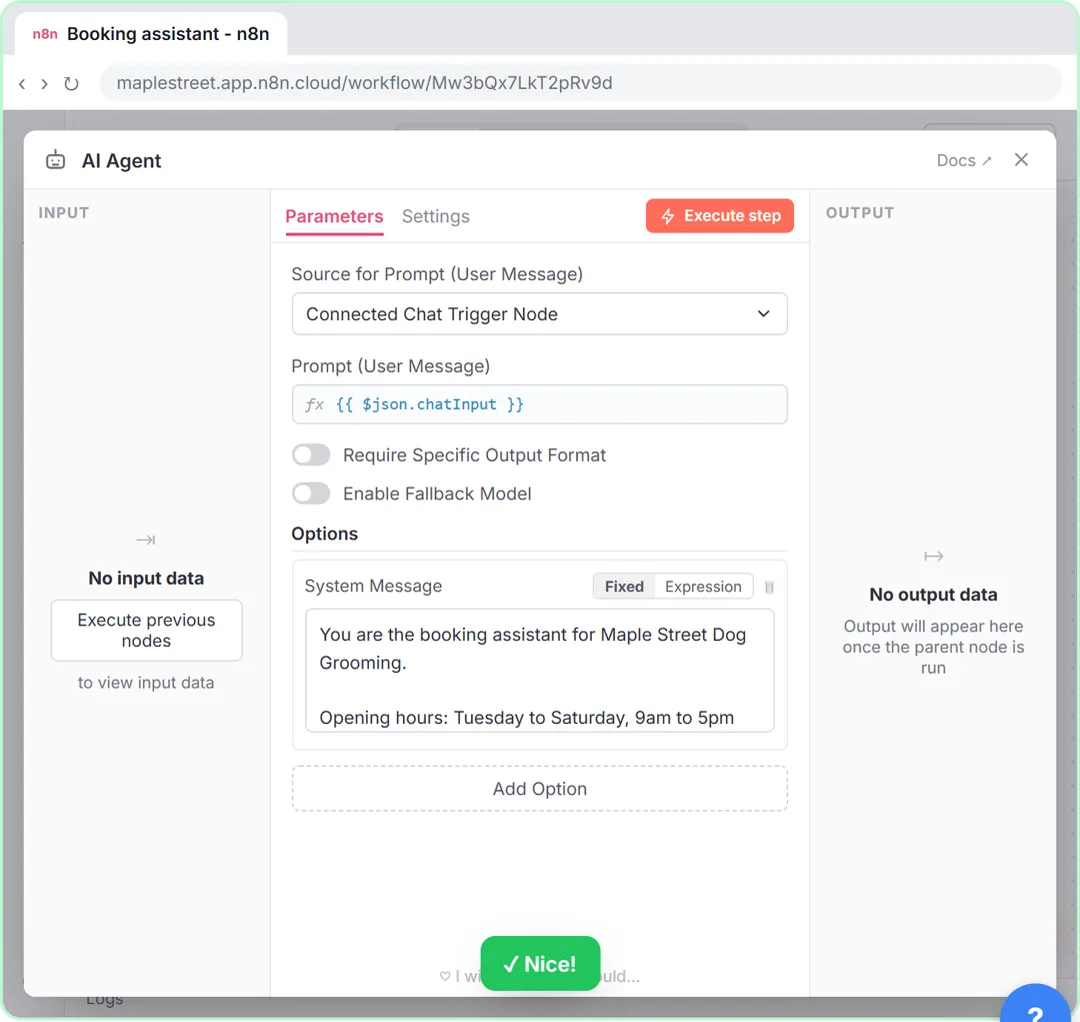
Try this lesson free or read the step-by-step guide.
Common confusions
Workflow tool vs app tool
An app tool does one action in one app. A workflow tool runs a full workflow with as many steps as it needs.
Workflow tool vs MCP server
A Model Context Protocol server shares tools with outside AI apps. A workflow tool is used by an agent inside n8n.
Tips
- Write the tool description as "Use this when...", so the agent knows when to call it.
- Keep inputs few and named plainly, such as client_email.
- Return a short, clear result, such as "Booked 10:00 to 11:00".
Related terms
More AI agents terms
Where you use it: free lessons
- n8n AI Agent with Tools: Check Google Calendar, Book It and Log It (n8n, 11 min)
- n8n AI Agent Tutorial: Save Social Media Ideas to Google Sheets (n8n, 12 min)
- Build an n8n AI Agent That Plans Your Content Calendar (n8n, 12 min)
Frequently asked questions
- Can a workflow tool use other apps?
- Yes. The called workflow can use any nodes, including several apps and its own checks.
- How does the agent know what to send?
- From the tool's description and input fields. Clear names and a one-line description help the model pick the right values.