What is robotic process automation (RPA)?
Quick answer
Robotic process automation (RPA) is software that copies what a person does on screen: it opens apps, clicks buttons, types into boxes and copies data from one system to another. There is no physical robot. The "robot" is a program, often called a bot, that follows a recorded or scripted set of steps.
Last updated
Take the free module →Module 43 of the free AI Apps Worth Knowing course, about 10 minutes. No account needed.
Updated · By Robert Breen
Why it matters for a small business
RPA became popular in finance and HR teams because many office systems are old and have no API, the door other software uses to talk to them. A bot can still log in and work through the screens, so it can move invoices from an email into an accounting system or copy new hires from one portal to another without anyone rebuilding those systems.
The weak spot is the screen itself. If a button moves, a pop-up appears or a field is renamed, the bot can stop or type in the wrong place. Where an app does have an API, a workflow tool such as n8n, Make or Zapier connecting to it directly is usually sturdier. Many teams now use both: API workflows where they can, and RPA bots only for the systems that offer nothing else.
In a real lesson: Screenpipe: Map a Recurring Task Before You Automate It
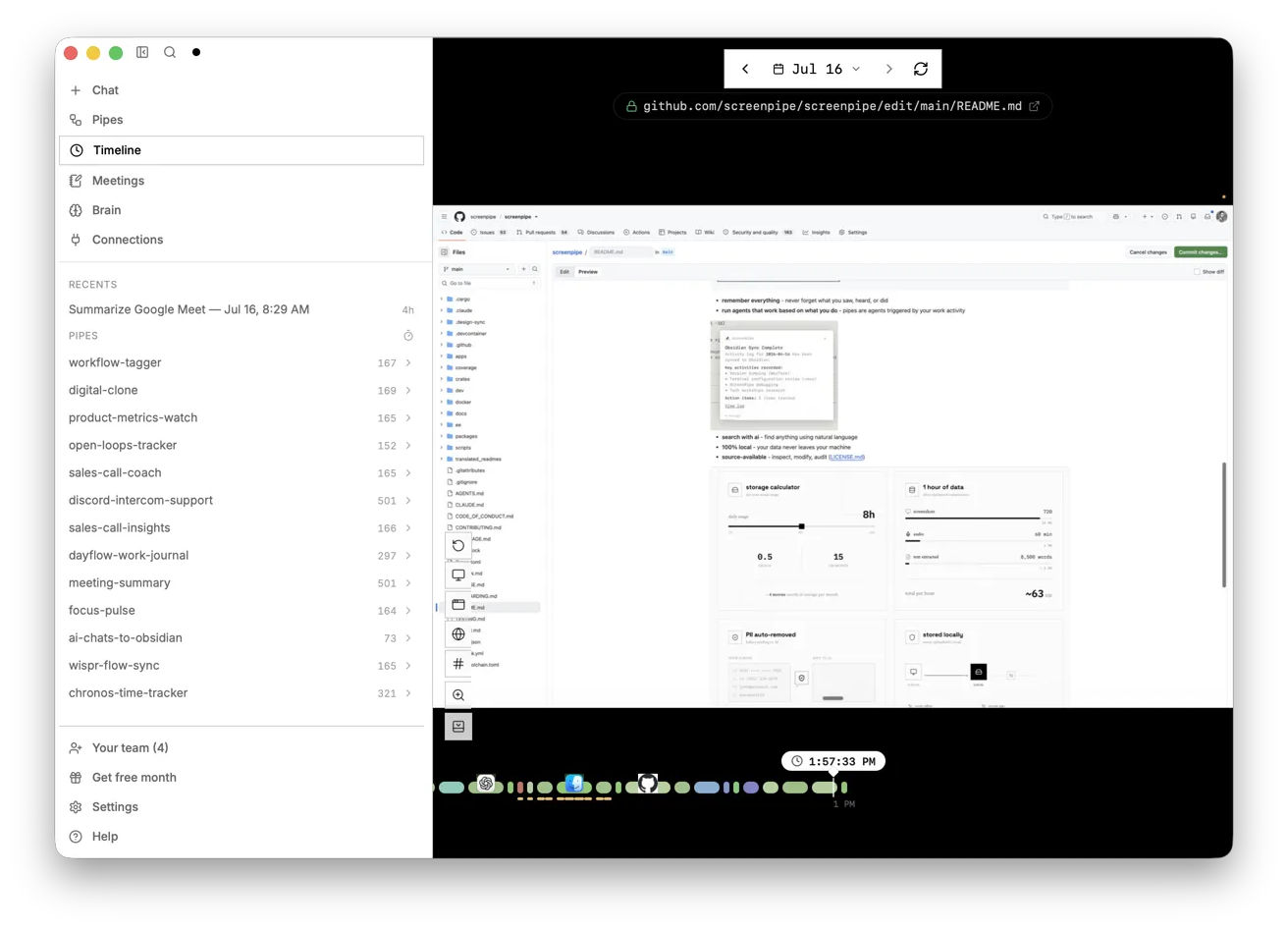
Screenpipe: Map a Recurring Task Before You Automate It doesn't build an RPA bot, but it covers the step every RPA project needs first. Priya Shah at Alder & Finch Bookkeeping, a made-up firm, chases overdue invoices every month-end. Screenpipe has recorded her screen, so you search the history for "past due", ask the AI for a numbered step list with a timestamp on every step, and check one of those times against the recording.
Then you rank the steps as automation candidates. Building the overdue list and logging the Chased on date are stable and safe to automate, the reminder becomes a draft Priya reads, and the phone calls and disputed invoices stay with a person. An RPA bot that blindly replayed her clicks would copy the exceptions too, which is exactly where automations break.
Try this lesson free or read the step-by-step guide.
Common confusions
RPA vs workflow automation
RPA works through the screen like a person. Workflow tools such as n8n connect apps through their APIs, behind the screen. Both are forms of workflow automation.
RPA vs AI agent
A classic RPA bot follows fixed steps and never decides anything. An AI agent works out its own steps toward a goal, so it can handle variety but needs closer checking.
Tips
- Write down the real steps, including the exceptions, before you record or build any bot.
- Check whether the app has an API or a ready connector first; use screen clicking only when it doesn't.
- Plan for screen changes: someone must own the bot and fix it after each software update.
Related terms
More n8n and automation terms
Where you use it: free lessons
- Screenpipe: Map a Recurring Task Before You Automate It (Screenpipe, 10 min)
- AI Agent vs Chatbot vs Automation: One Job Done Three Ways (ChatGPT, 7 min)
- Automation Basics: Triggers, Actions and Data Mapping (Automation basics, 6 min)
Frequently asked questions
- Is RPA the same as AI?
- No. Classic RPA follows fixed rules and steps. Many RPA products now add AI features, such as reading documents, but the bot itself is rule-based.
- When should I use RPA instead of n8n or Zapier?
- When the system you need has no API or connector and the only way in is its screen. If an API exists, a workflow tool is usually more reliable.
- Why do RPA bots break?
- They depend on the screen looking the same. A moved button, a new pop-up or a renamed field can stop the bot or send it to the wrong place.