What is Pitch?
Quick answer
Pitch is collaborative presentation software. Teams build decks together in a shared editor, start from a prompt with Create with AI, keep slides on brand with a brand library and templates, and share decks by link with analytics on who viewed them.
Last updated
Take the free module →Module 6 of the free AI at Work: Start Here course, about 8 minutes. No account needed.
Updated · By Robert Breen
Why it matters for a small business
Pitch is built for decks a whole team touches, such as sales decks, client updates and agency proposals. Several people edit at once, the brand library keeps logos and colors consistent, and viewer analytics show whether the client actually opened the deck you sent.
Its help center describes the AI path. From the dashboard you click Create with AI, describe the audience, tone and goals, optionally attach PDF, text or CSV files, choose a template and click Generate. Inside the editor, Pitch Agent answers questions, adds images and proofreads. Sharing outside your workspace uses Share externally links, which can require a passcode or a visitor email and expire on a date. Pitch lists a free plan for unlimited presentations with a one-time allowance of AI credits.
In a real lesson: Prompt Writing 101: Role, Context, Task, Format
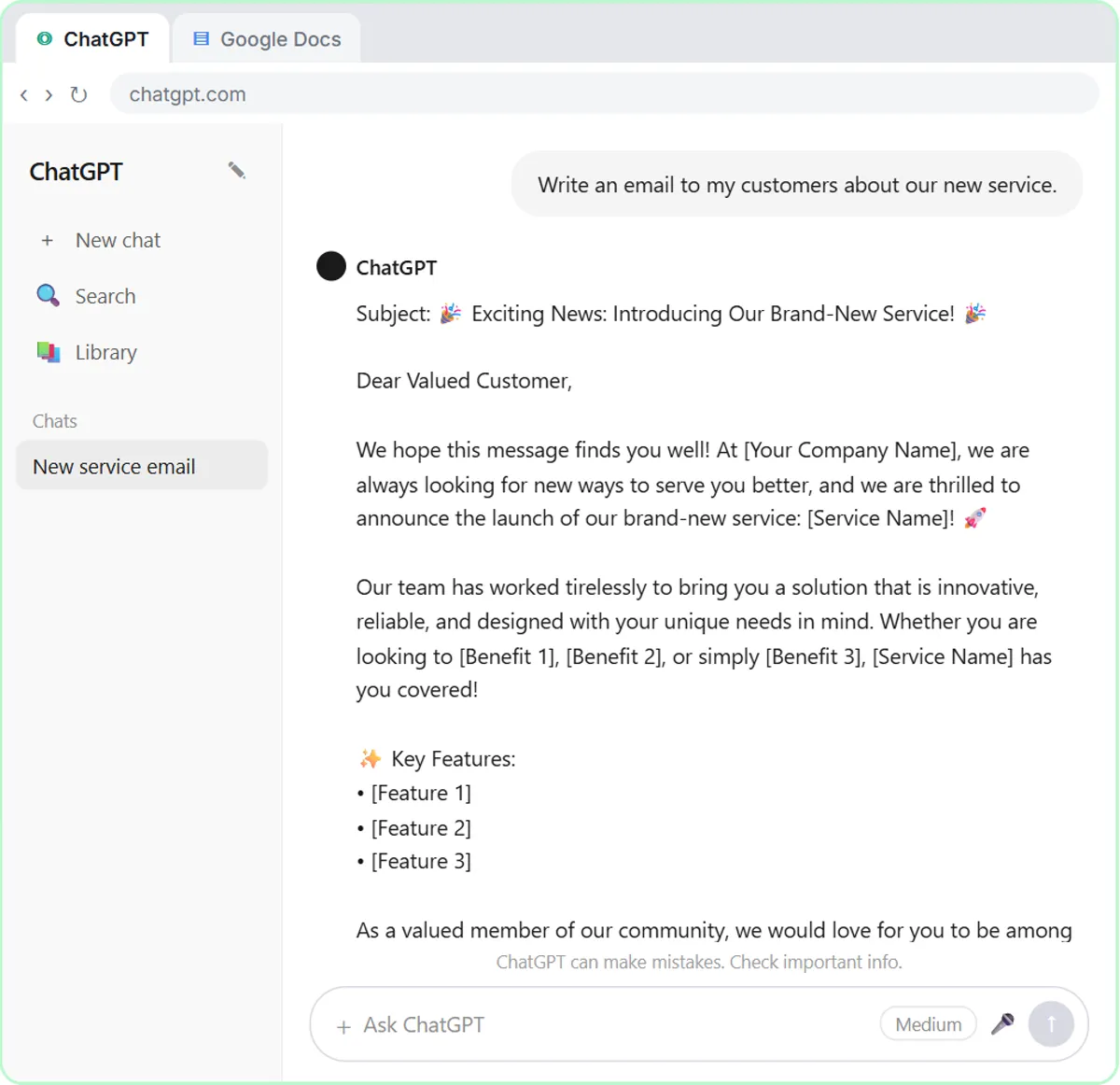
The prompt writing lesson teaches the habit that decides how good an AI-built deck is: say who it is for, give the context, ask for one clear task and name the format.
Pitch's own help center asks for the same things in the Create with AI box: the audience, the tone, the objectives and the key deliverables. Write that brief once, with your real numbers, and the first draft needs far less fixing.
Try this lesson free or read the step-by-step guide.
Common confusions
Pitch vs a pitch deck
Pitch is the software. A pitch deck is a kind of presentation, which you can build in Pitch or anything else.
Share link vs Share externally
Inside your workspace, teammates open the deck directly. Share externally makes a link for people outside it, with optional passcode and expiry.
Tips
- Give Create with AI the audience, tone, goals and real figures.
- Use a passcode on external links to client decks.
- Ask Pitch Agent to proofread before you share.
Related terms
More Business terms
Where you use it: free lessons
- Prompt Writing 101: Role, Context, Task, Format (ChatGPT, 8 min)
AI tools that use it
Frequently asked questions
- Is Pitch free?
- Pitch lists a free plan for unlimited presentations, with a one-time allowance of AI credits that does not renew. Check pitch.com/pricing for details.
- How do I create a deck with AI in Pitch?
- From your dashboard click Create with AI, describe the presentation, optionally attach files, pick a template and click Generate.
- Can I see who viewed my Pitch deck?
- Pitch lists viewer analytics, and external links can require a visitor email, so you know who opened the deck.