What is the Merge node in n8n?
Quick answer
The Merge node in n8n combines data that arrives on two or more inputs. It can append the items into one list, combine items that share a field such as an email address, combine them by position, or simply wait for one branch and pass it on. It is how two lines on the canvas become one again.
Last updated
Take the free module →Module 5 of the free n8n Jump Start course, about 10 minutes. No account needed.
Updated · By Robert Breen
Why it matters for a small business
Real workflows often branch and then need to come back together. An If node might send big jobs one way and small ones another, but both should end in the same log. Or you might pull clients from a CRM and invoices from a sheet, and need one item per client with their invoice attached. The Merge node handles both.
Matching on a shared field is the most useful mode for offices. It works like a lookup in a spreadsheet: match the email in input 1 with the email in input 2, and each output item carries fields from both. Getting the matching field right matters, because a stray space or capital letter means no match.
Where you'll use it: add Merge from the node panel and connect each branch to its own input. Choose a Mode, such as Append or Combine, and for Combine pick how to match, for example Matching Fields with the field name from each input. The output panel shows the joined items.
In a real lesson: IF and Switch in n8n: Route Work by Rules
In the free IF and Switch lesson, Harbor Point Handyman (made up) routes each service request: a Switch sends emergencies straight to the owner and repairs to an If node, which sends budgets over $1,000 to the owner and the rest to the request log. Each branch ends in its own action, so the lesson needs no Merge node.
If the owner later wanted every request, whatever its branch, written to one summary sheet at the end, a Merge node in Append mode after the branches would bring them back into a single line before that last step.
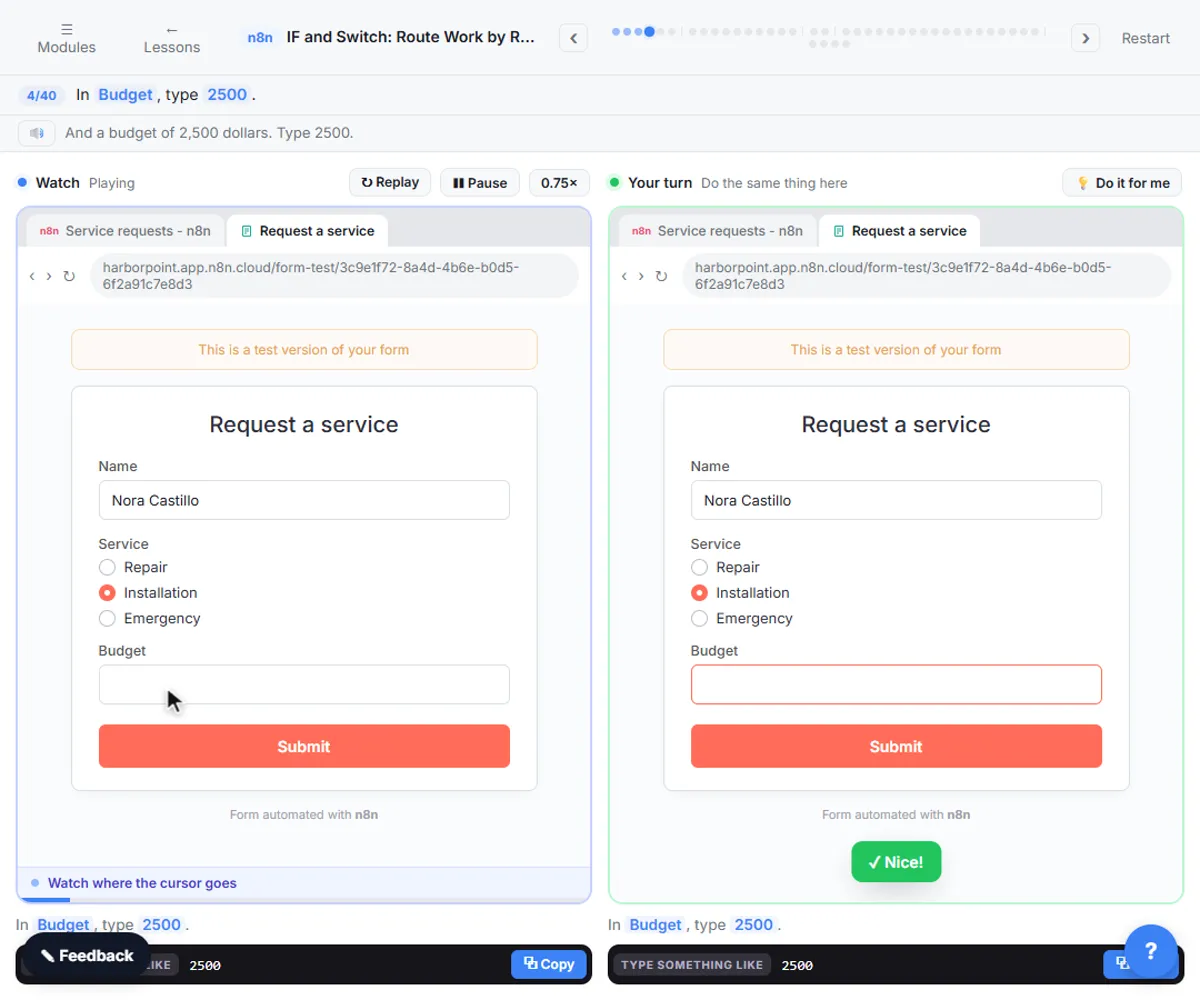
Try this lesson free or read the step-by-step guide.
Common confusions
Merge node vs merge field
A merge field is a placeholder in a template, such as a name in an email. The Merge node joins data in a workflow.
Merge node vs Make aggregator
A Make aggregator turns many bundles into one. The Merge node joins separate inputs, which may each hold many items.
Tips
- Clean the matching field first, for example with lower case and trimmed spaces.
- Check the output count: fewer items than expected usually means failed matches.
- Rename the inputs' source nodes so you can tell which is input 1.
Related terms
More n8n and automation terms
Where you use it: free lessons
- IF and Switch in n8n: Route Work by Rules (n8n, 10 min)
- n8n: Read, Add and Update Google Sheets Rows with an AI Step (n8n, 12 min)
Frequently asked questions
- Why does my Merge node output nothing?
- In some modes it waits for data on every input. If one branch did not run, nothing reaches that input. Check both branches in the run.
- Can Merge take more than two inputs?
- Yes. Recent versions let you set the number of inputs on the node.