What is data transformation in automation?
Quick answer
Data transformation is changing data from the shape one step produces into the shape the next step needs. It covers joining fields into a sentence, turning text into numbers, calculating a value, rounding, renaming fields and reformatting dates. In n8n it is usually done with expressions in an Edit Fields node.
Last updated
Take the free module →Module 4 of the free n8n for Beginners: Your First Automations course, about 9 minutes. No account needed.
Updated · By Robert Breen
Why it matters for a small business
Apps rarely hand data over in exactly the form you want. A form sends submitted_at when your sheet wants Date received; an invoice tool returns a total as text when the If node needs a number. Transformation is the step in between, and in most automations it is where the real work happens, between the trigger and the final action.
It is also where quiet errors creep in. A number stored as text won't compare correctly, a calculation can show a long tail of decimals, and a date in the wrong order can sort badly. Testing each transform with sample data, and looking at the result for more than one record, catches most of these before they reach a customer or a report.
In a real lesson: n8n: Items, JSON and Expressions, Explained by Doing
In n8n: Items, JSON and Expressions, Clearview Bookkeeping's five overdue invoices come in as pinned test data. In an Edit Fields (Set) node you build a reminder field from client and days_late, so item 0 reads "Lakeside Dental is 12 days late" and item 1 reads "Northpoint Realty is 34 days late". Then you add late_fee as a Number, switch it to Expression, and paste a formula for 2 percent of the amount with .round(2), because without it 760 times 0.02 shows as 15.200000000000001.
Automation Basics: Triggers, Actions and Data Mapping covers the lighter cousin, field mapping: pointing Date received at submitted_at and Notes at message, so each inquiry fills its own row. Mapping moves values across; transformation changes them on the way.
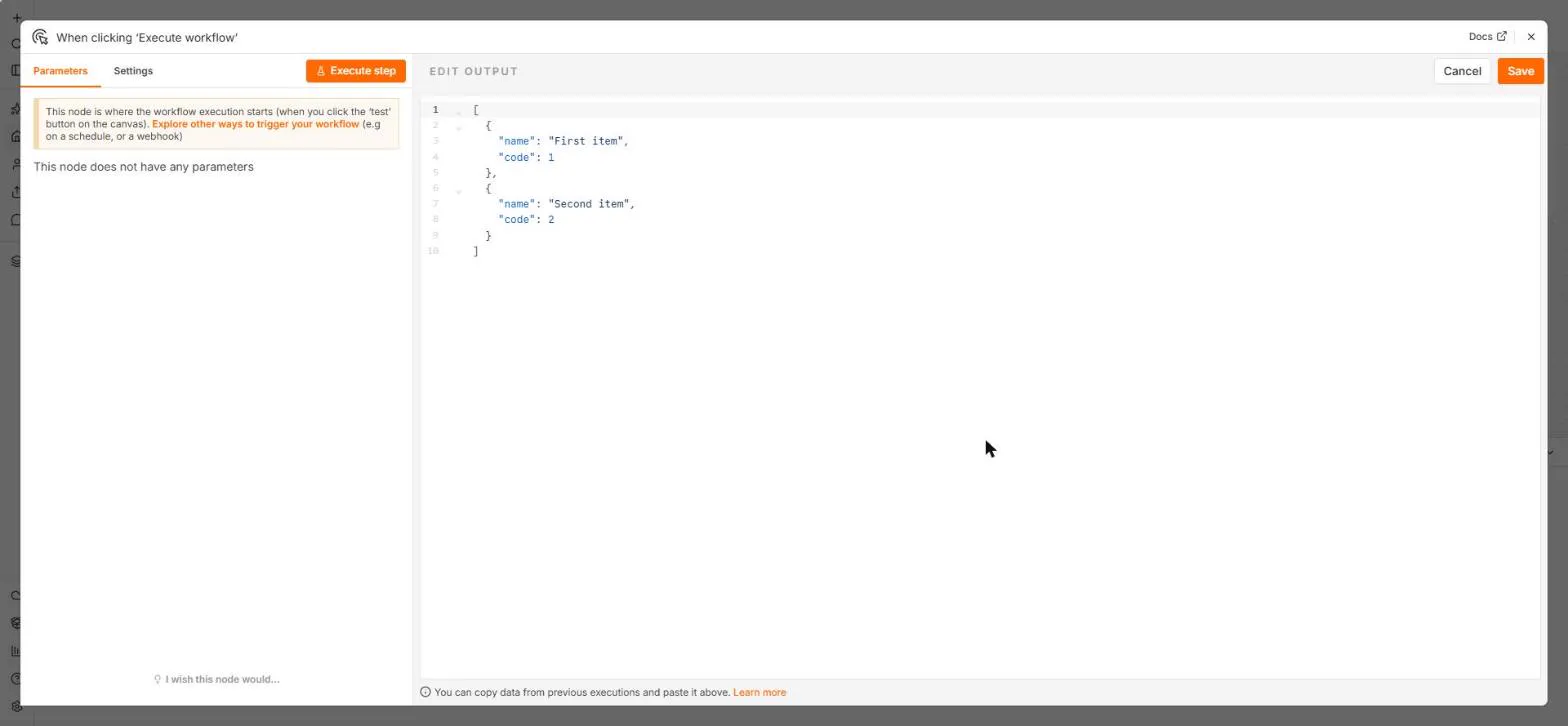
Try this lesson free or read the step-by-step guide.
Common confusions
Data transformation vs field mapping
Field mapping connects a source field to a destination box as it is. Transformation changes the value, for example rounding, combining or converting it.
Data transformation vs data extraction
Extraction pulls values out of a document or app. Transformation reshapes values you already have.
Tips
- Preview the result for at least two items, not just the first one.
- Set numbers as Number type and round money to two decimals.
- Keep transforms in one clearly named Edit Fields node, so the next person can find them.
Related terms
More n8n and automation terms
Where you use it: free lessons
- n8n: Items, JSON and Expressions, Explained by Doing (n8n, 9 min)
- Automation Basics: Triggers, Actions and Data Mapping (Automation basics, 6 min)
- n8n: What Is n8n? Build Your First Workflow (n8n, 8 min)
Frequently asked questions
- Do I need code to transform data in n8n?
- Usually not. Expressions in Edit Fields cover most jobs, such as joining text, simple math and rounding. The Code node is there for harder cases.
- Why does my number field show odd decimals?
- Computers store some decimals inexactly. Round the result, as the lesson does with .round(2).
- Is data transformation the same as data cleaning?
- Cleaning, such as removing duplicates or filling blanks, is one kind of transformation. Transformation also covers reshaping clean data.