The best AI tools for project managers in 2026
Quick answer
The best AI tools for project managers cut the overhead around a project: planning the week, writing up meetings, chasing action items and reporting status. As of October 2026, Routine puts tasks, calendar and notes in one app with an AI assistant that catches clashes; Runable turns a brief into a finished deck or report; Kosuke builds each website or app change in its own preview so you can check it before the client does; CoHear turns a recorded session into notes, action items and a handout; n8n can move meeting action items into a sheet and send weekly client status emails; and Gamma turns notes into a presentation.
Last updated
Take the free module →Module 20 of the free AI Apps Worth Knowing course, about 8 minutes. No account needed.
This list is for project managers, delivery leads and agency account managers. Features come from each vendor's own pages as of October 2026, with no prices, because plans change often. Partner tools with a free Stepthrough lesson come first where they fit; that is not a ranking. Start with the free Routine lesson.
How do they compare at a glance?
| Tool | Best for | What the vendor says it does | Practice it free |
|---|---|---|---|
| Routine | Planning the week across projects | Tasks, calendar and notes in one app; an AI assistant reads all three and proposes changes | Plan your week from one inbox |
| Runable | Decks and reports from a brief | A general AI agent that plans a task and carries it out, with builders for slides, sites and reports | Brief to proposal deck |
| Kosuke | Checking website or app changes | Each change gets its own branch, sandbox and live preview; QA runs in your app and is recorded | Preview every change |
| CoHear | Notes from long sessions | Records on a phone; transcript with speakers; summary, action list or slides; exports to Word, PowerPoint or PDF | Session to notes and handout |
| n8n | Action items and status emails on autopilot | Visual workflows with AI steps and human approval steps; 500+ integrations | Meeting notes to action items |
| Gamma | A status deck from your notes | Creates presentations, documents and web pages; exports to PDF or PowerPoint | A presentation from notes |
How can AI help a project manager plan the week?
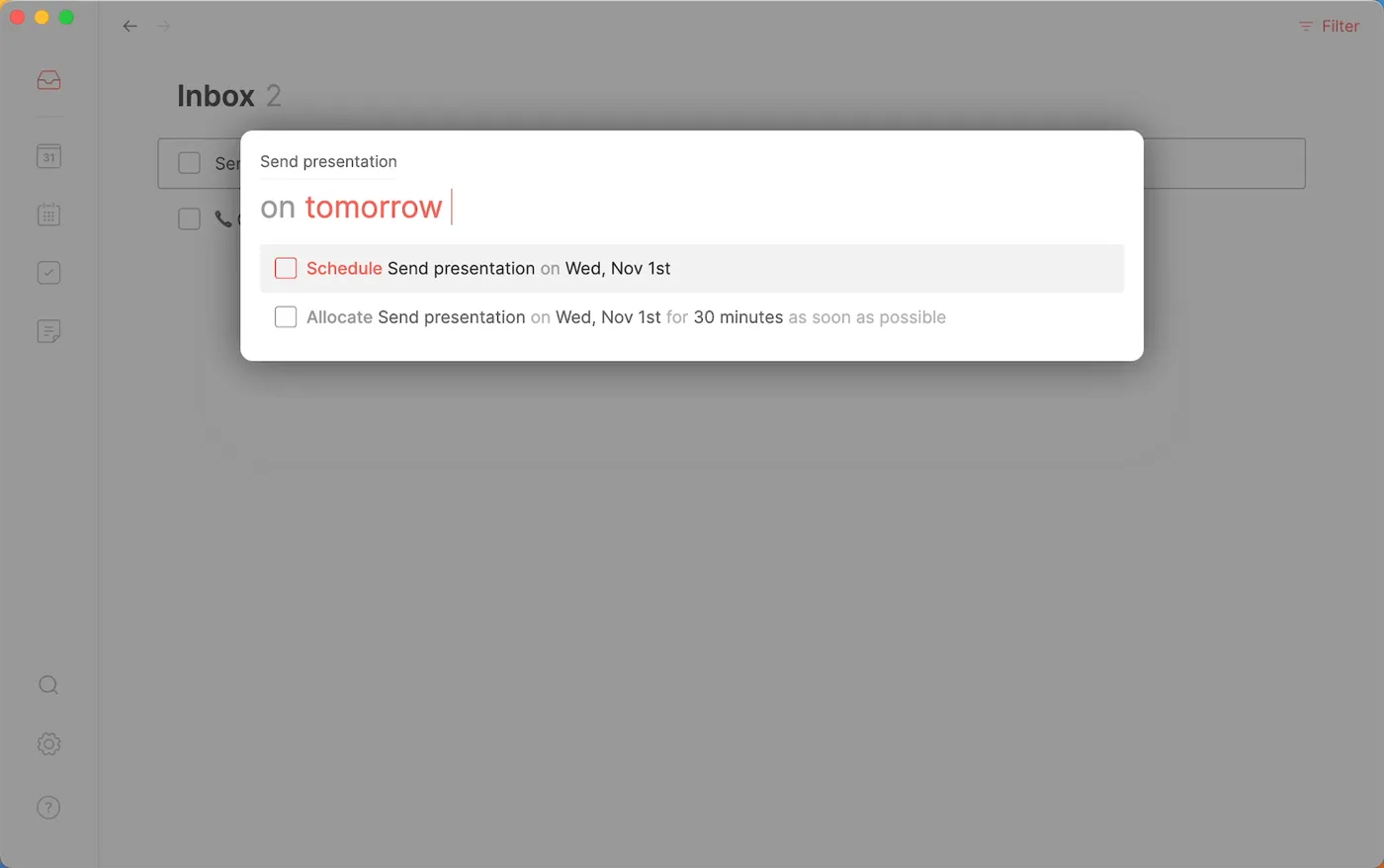
Get every task into one list, then give the important work a day. Routine says it captures tasks in plain words, has an Inbox you process to zero, and an AI assistant that reads your tasks, calendars and notes to answer questions and propose changes, as of October 2026. The free Routine lesson catches a clash between a meeting and a deadline. See time blocking.
How do I stop action items from getting lost after meetings?
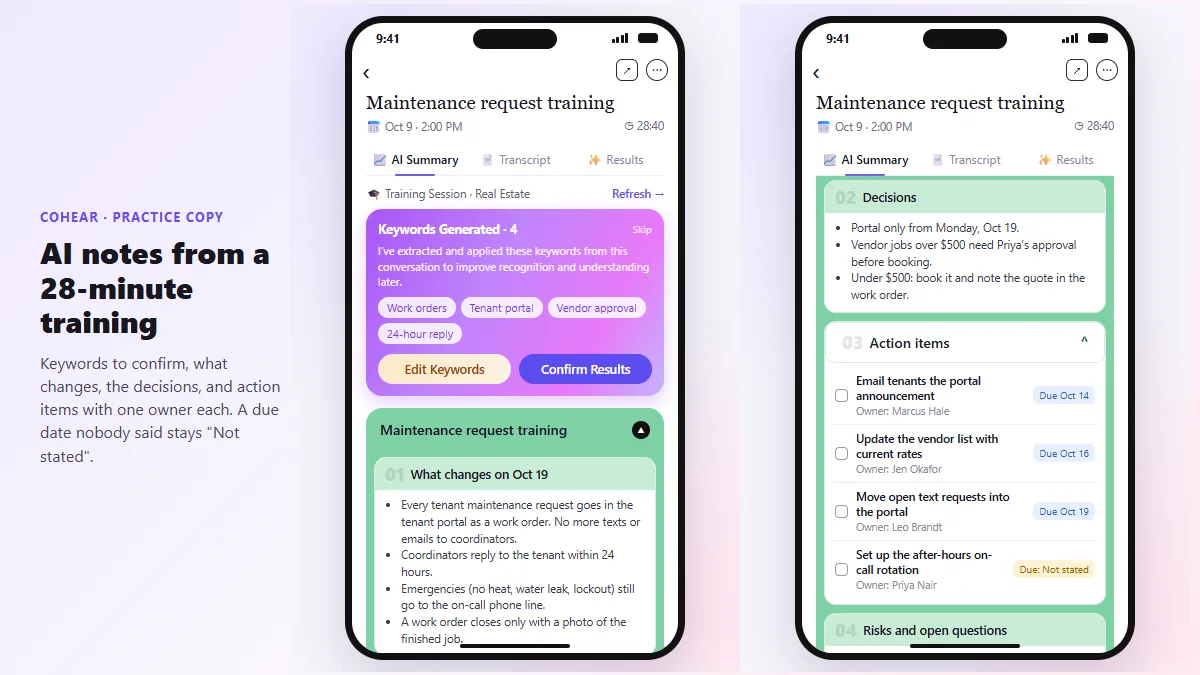
Write them down with an owner and a date, in a place the team checks. CoHear says it turns a recording into a summary or action list and exports it to Word, PowerPoint or PDF, as of October 2026. To go further, the free n8n meeting notes lesson moves action items into a Google Sheet, and the weekly client status email lesson writes the update from that sheet. See action items.
How can I check website changes before the client sees them?
Look at every change in its own preview first. Kosuke says each change gets its own branch, sandbox and live preview, and QA runs in your running app and is recorded, as of October 2026. The free Kosuke preview lesson checks a change at phone size before sharing a link. See preview deployment.
Who is each one for?
Routine
For PMs running several projects whose tasks arrive by email, chat and meetings. Practise free in Routine: Plan Your Week from One Inbox. Official site: routine.co. Directory card: Routine.
Runable
For a first-draft proposal, report or deck from a messy brief. Practise free in Turn a Messy Client Brief into a Finished Proposal Deck using Runable. Official site: runable.com. Directory card: Runable.
Kosuke
For PMs on website and app projects who need to check changes before they go live. Practise free in Preview Every Website Change Before Your Client Sees It using Kosuke. Official site: kosuke.ai. Directory card: Kosuke.
CoHear
For turning workshops, trainings and long meetings into notes and handouts. Practise free in CoHear: turn a team training session into notes, action items and a handout. Official site: cohear.work. Directory card: CoHear.
n8n
For automating action-item tracking and weekly status emails. Practise free in n8n: Turn Meeting Notes into Action Items in a Google Sheet. Official site: n8n.io. Directory card: n8n.
Gamma
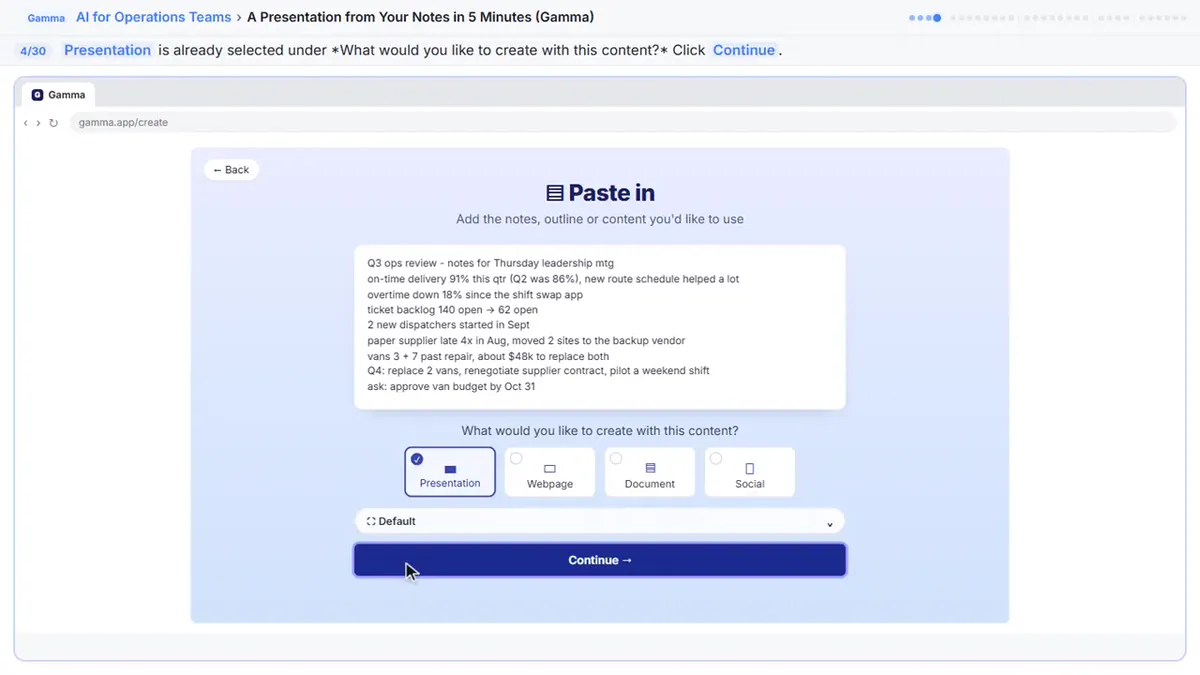
For a clean status or kickoff deck from your notes. Practise free in A Presentation from Your Notes in 5 Minutes (Gamma). Official site: gamma.app. Directory card: Gamma.
Which of these tools have a free Stepthrough lesson?
- Routine: free lesson: Routine: Plan Your Week from One Inbox
- Runable: free lesson: Turn a Messy Client Brief into a Finished Proposal Deck using Runable
- Kosuke: free lesson: Preview Every Website Change Before Your Client Sees It using Kosuke
- CoHear: free lesson: CoHear: AI Meeting Notes from a Team Training Session
- n8n: free lesson: n8n: Turn Meeting Notes into Action Items in a Google Sheet
- Gamma: free lesson: A Presentation from Your Notes in 5 Minutes (Gamma)
Practice it free, step by step
Routine: Plan Your Week from One Inbox. Get scattered client tasks into one place with Routine: capture them in plain words, clear the Inbox in minutes, give the important work a day and let the AI assistant catch a calendar clash. You do every step yourself in a practice copy of Routine, it checks your work as you go, and “Do it for me” finishes any step you get stuck on. Free, and nothing touches your real accounts.
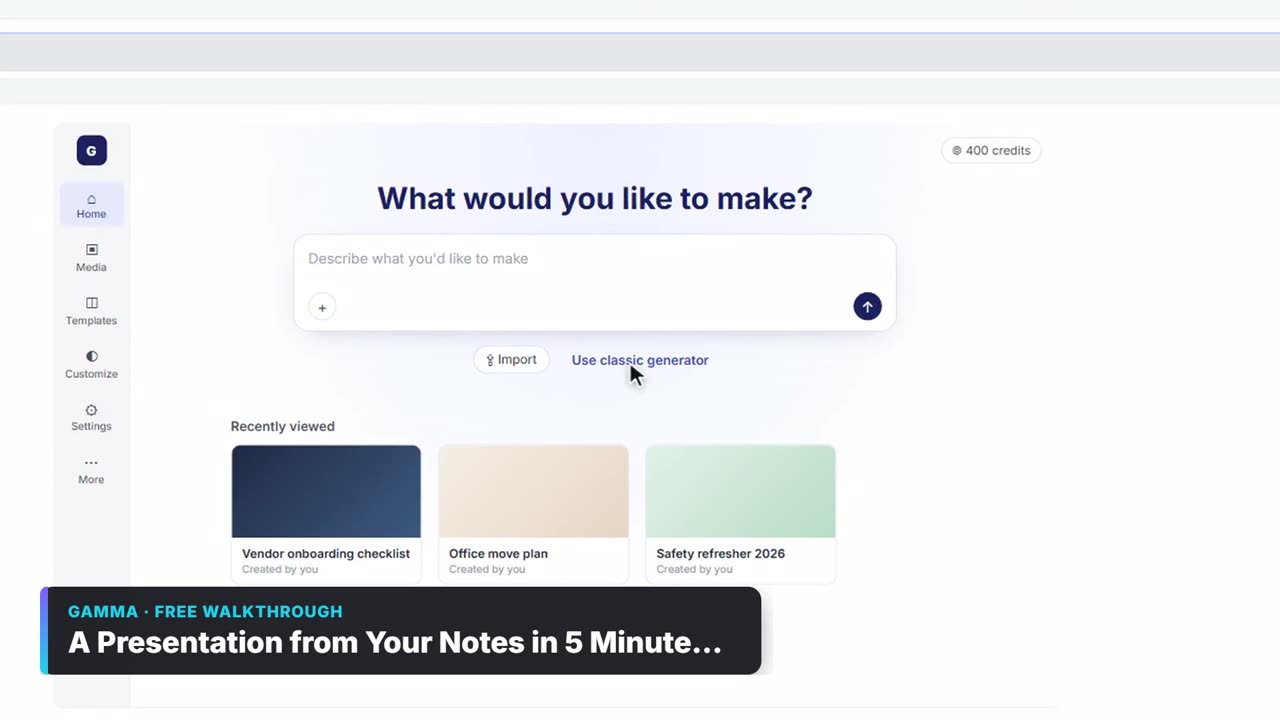
Start the free lessonWatch it in a free lesson: A Presentation from Your Notes in 5 Minutes (Gamma)
 3:03
3:03A Presentation from Your Notes in 5 Minutes (Gamma): video walkthrough
Paste rough meeting notes into Gamma, pick a theme, fix one slide by chatting with its AI, and export the deck to PowerPoint and PDF. The whole lesson narrated step by step, recorded in Stepthrough’s simulated practice environment.
Key takeaways
- Plan in one place: Routine keeps tasks, calendar and notes together with an AI that spots clashes.
- Turn every meeting into owned action items with CoHear or an n8n workflow.
- Let Runable and Gamma draft decks and reports; check every number before it goes out.
- Check website changes in a Kosuke preview before the client sees them.
Frequently asked questions
What is the best AI tool for project management?
Start with a planner that combines tasks and calendar, such as Routine, then add meeting notes and status automation. Try the free Routine lesson.
Can AI write my status reports?
It can draft them from your tracker. The free n8n client status email lesson writes a weekly update from a Google Sheet; read it before it goes out.
Can AI help with scope creep?
It can help you write the reply, not decide the scope. The free scope change reply lesson shows how. See scope creep and change order.
Do I need to code to use Kosuke?
No, you describe the change in plain language. Kosuke says every plan needs your own coding agent subscription, such as Claude Code or Codex, as of October 2026.
Where do these prices and features come from?
Every price and feature on this page was checked against the vendor's own page, as of October 2026. No numbers here are estimates or third-party figures. The example businesses in the Stepthrough lessons are made up.