The best AI presentation makers for work decks in 2026
Quick answer
The best AI presentation maker is the one that starts from what you already have, such as notes, a document or a spreadsheet, and exports a deck your team can still edit. As of October 2026, Presentations.AI builds a deck from notes, files or a URL and exports to PowerPoint and Google Slides, Slidebean is built for pitch decks with viewer analytics, Gamma turns a topic, pasted text or an imported file into slides you can export to PowerPoint or PDF, Copilot in PowerPoint works inside the app Microsoft 365 offices already use, and Beautiful.ai keeps every slide on brand with layouts that adjust as you edit.
Last updated
Take the free module →Module 30 of the free AI Apps Worth Knowing course, about 12 minutes. No account needed.
This list is for sales leads, consultants, founders and managers who build quarterly reviews, client proposals and pitch decks. Features come from each vendor's own pages as of October 2026, with no prices, because plans change often. Tools with a free Stepthrough lesson come first; that is not a ranking. Disclosure: Stepthrough has an affiliate relationship with Gamma. There are no affiliate links on this page. Practise the whole routine for free in Presentations.AI: Build a Quarterly Sales Review Deck from Your Notes.
How do they compare at a glance?
| Tool | Best for | What the vendor says it does | Practice it free |
|---|---|---|---|
| Presentations.AI | Data-backed work decks | Deck from a topic, notes, PDF, Word, Google Doc, URL or Excel file; Brand Sync from your website; PowerPoint and Google Slides export; data connections | Quarterly sales review deck |
| Slidebean | Investor pitch decks | AI pitch deck builder, automatic slide design, team invites, analytics on views and time spent | Investor-ready deck |
| Gamma | A fast first draft from rough notes | Generate from a topic, paste text or import a file or URL; presentations, documents and webpages; export to PDF, PNG and PowerPoint | A presentation from your notes |
| Copilot in PowerPoint | Microsoft 365 offices | New presentation from a description, optional questions about audience and length, applies your Brand Kit | Not yet |
| Beautiful.ai | On-brand decks for a whole team | Deck from a prompt, outline or document; 300+ Smart Slide layouts; locked brand themes; PowerPoint import and export | Not yet |
What should an AI presentation maker do for a work deck?
Start from your material, not a blank prompt. A quarterly review should come from your numbers and notes, and a proposal from the client brief. As of October 2026, Presentations.AI accepts notes, PDFs, Word files, Google Docs, URLs and Excel files, Gamma can import a file or URL or take pasted text, and Beautiful.ai builds from a prompt, outline or document.
Then make sure the deck can leave the tool. Presentations.AI exports editable PowerPoint and Google Slides files, Gamma exports to PowerPoint and PDF, and Beautiful.ai imports and exports PowerPoint. If your company sends every deck as a .pptx, check export before your team commits. The AI presentation maker entry covers the basics.
Which AI presentation maker is best for pitch decks?
Slidebean is built for them. It lists an AI pitch deck builder, more than 100 startup pitch deck templates and analytics that show which slides an investor viewed and for how long, as of October 2026. The free Turn a One-Page Business Plan into an Investor-Ready Deck using Slidebean lesson walks through it. The pitch deck entry lists the slides investors expect.
Should Microsoft 365 offices just use Copilot in PowerPoint?
It is the simplest choice if your company already licenses Copilot, because the deck never leaves PowerPoint. Microsoft's help page says Copilot creates a new presentation from a description, may ask about audience, length and template first, and applies your organization's Brand Kit when one exists. A dedicated tool can still be worth it when you need features Copilot does not list on that page, such as Presentations.AI's live data connections or Slidebean's viewer analytics.
How do you keep AI slides accurate?
Give the tool the numbers instead of asking it to find them, then check every figure and claim before the deck goes out. AI layouts look finished long before the content is right. Read each slide against your source, cut anything you cannot back up, and keep the speaker notes in your own words.
For the writing before the slides, such as an outline or an executive summary, a chat assistant works well; which AI should I use? compares the main ones.
Who is each one for?
Presentations.AI
For data-backed work decks such as sales reviews and board updates: it builds from your files, matches your brand from your website, exports to PowerPoint and Google Slides, and connects to sources like Salesforce, HubSpot and Google Sheets. Practise free in Presentations.AI: Build a Quarterly Sales Review Deck from Your Notes. Official site: presentations.ai. Directory card: Presentations.AI.
Slidebean
For founders and consultants building investor or fundraising decks, with viewer analytics after you share. Practise free in Turn a One-Page Business Plan into an Investor-Ready Deck using Slidebean. Official site: slidebean.com. Directory card: Slidebean.
Gamma
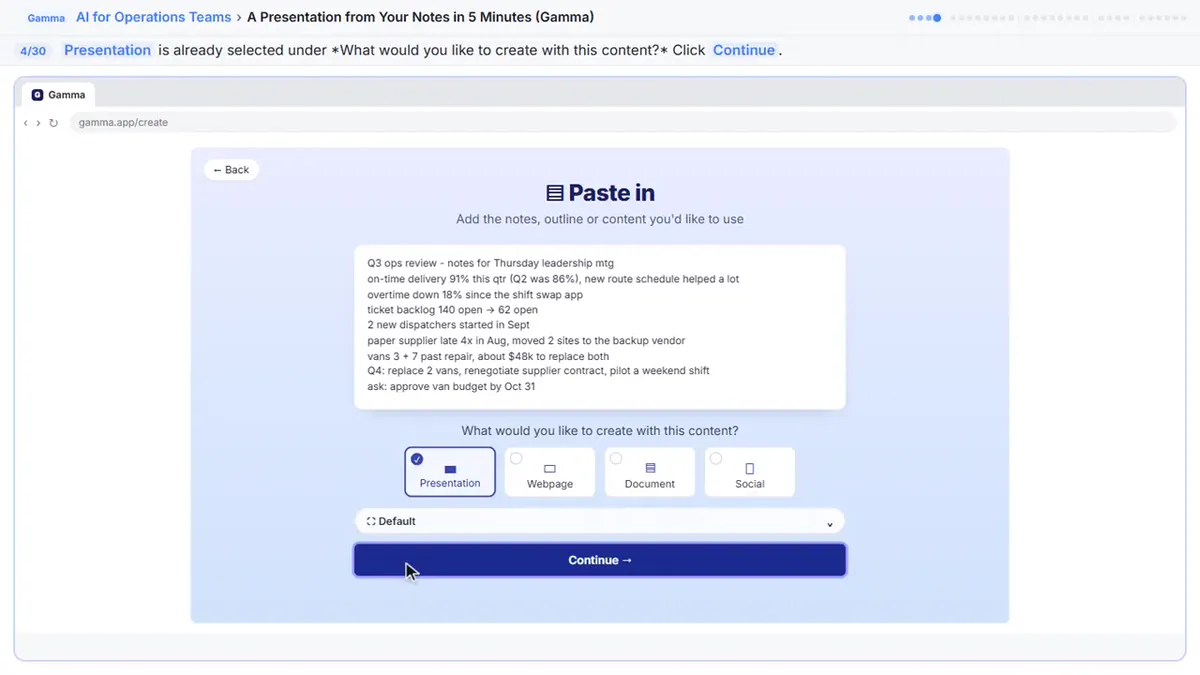
For a fast first draft from rough notes, as slides, a document or a webpage, exported to PowerPoint or PDF. Practise free in A Presentation from Your Notes in 5 Minutes (Gamma). Official site: gamma.app. Directory card: Gamma.
Microsoft Copilot in PowerPoint
For Microsoft 365 offices with Copilot licenses that want decks to stay in PowerPoint with the company Brand Kit applied. Official help: Create a presentation with Copilot in PowerPoint. Directory card: Microsoft 365 Copilot.
Beautiful.ai
For teams that want every deck on brand: saved colors, fonts and logos, lockable themes, shared slide libraries and charts that link to a spreadsheet. Official site: beautiful.ai. Directory card: Beautiful.ai.
Which of these tools have a free Stepthrough lesson?
- Presentations.AI: free lesson: Presentations.AI: Build a Quarterly Sales Review Deck from Your Notes
- Slidebean: free lesson: Turn a One-Page Business Plan into an Investor-Ready Deck using Slidebean
- Gamma: free lesson: A Presentation from Your Notes in 5 Minutes (Gamma)
- Microsoft Copilot in PowerPoint: a free Stepthrough lesson is coming.
- Beautiful.ai: a free Stepthrough lesson is coming.
Practice it free, step by step
Presentations.AI: Build a Quarterly Sales Review Deck from Your Notes. A business case for sales managers who rebuild the same quarterly review deck every quarter: price that, then have Presentations.AI turn your notes into a 7-slide draft, and check every number it… You do every step yourself in a practice copy of Presentations.AI, it checks your work as you go, and “Do it for me” finishes any step you get stuck on. Free, and nothing touches your real accounts.
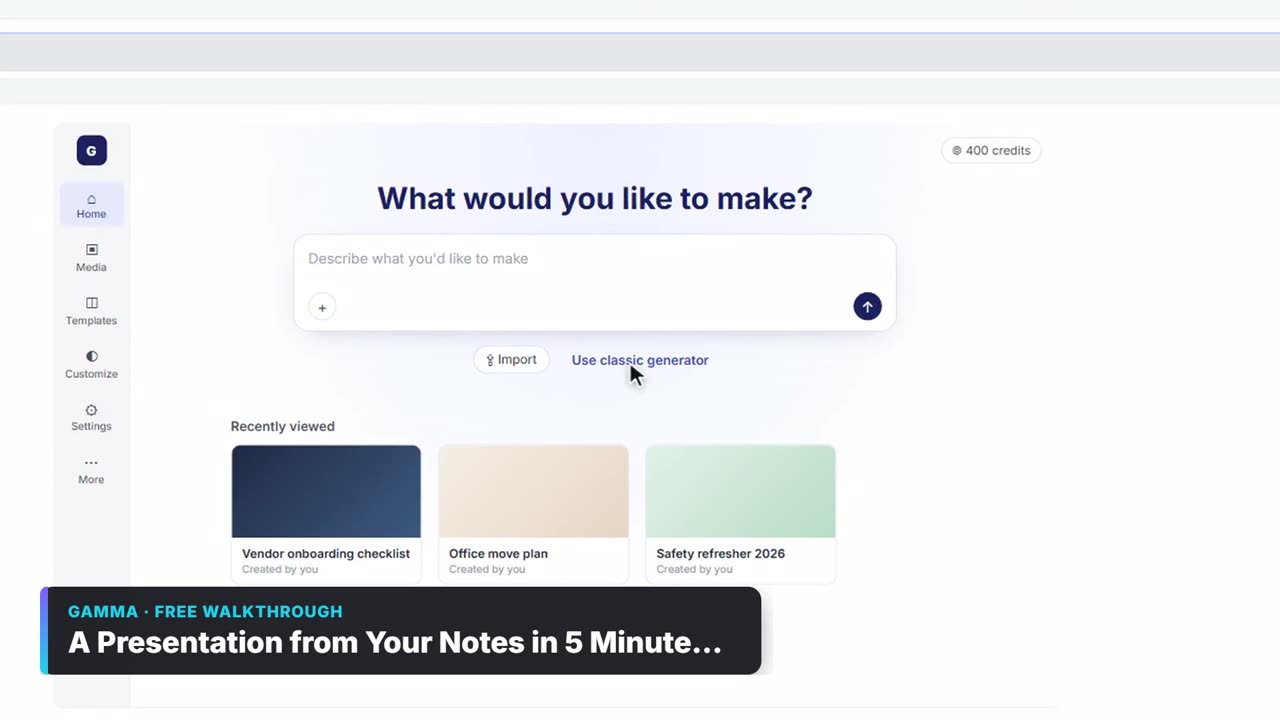
Start the free lessonWatch it in a free lesson: A Presentation from Your Notes in 5 Minutes (Gamma)
 3:03
3:03A Presentation from Your Notes in 5 Minutes (Gamma): video walkthrough
Paste rough meeting notes into Gamma, pick a theme, fix one slide by chatting with its AI, and export the deck to PowerPoint and PDF. The whole lesson narrated step by step, recorded in Stepthrough’s simulated practice environment.
Key takeaways
- Start the deck from your own notes, files or numbers; as of October 2026 Presentations.AI, Gamma and Beautiful.ai all build from documents.
- Check export before you commit: Presentations.AI, Gamma and Beautiful.ai all list PowerPoint export.
- Slidebean fits pitch decks; Copilot in PowerPoint fits Microsoft 365 offices that already license it.
- AI slides look finished before they are right; check every number against your source.
Frequently asked questions
What is the best AI for making PowerPoint presentations?
If you already license Microsoft 365 Copilot, Copilot in PowerPoint keeps everything in the app. Otherwise Presentations.AI, Gamma and Beautiful.ai all list PowerPoint export as of October 2026. Try the routine in the free Presentations.AI lesson.
Can AI make a presentation from a PDF or Word document?
Yes. Presentations.AI lists PDF and Word as starting points, Gamma can import a document, and Beautiful.ai builds from a document, as of October 2026.
Can AI presentation makers use my company's branding?
Several can. Presentations.AI's Brand Sync takes your logo, fonts and colors from your website, Beautiful.ai saves brand settings and can lock themes, and Copilot in PowerPoint applies your organization's Brand Kit.
Is Gamma good for business presentations?
It is a quick way to get a first draft from rough notes, and it exports to PowerPoint and PDF. Practise it in the free Gamma lesson, then edit the draft in your usual tool.
Where do these prices and features come from?
Every price and feature on this page was checked against the vendor's own page, as of October 2026. No numbers here are estimates or third-party figures. The example businesses in the Stepthrough lessons are made up.