The example in the lesson is made up. Dana Reyes runs Clearview Bookkeeping, a 4-person firm that does monthly books, payroll and quarterly sales tax for small businesses. The clients, names and numbers are made up too. Every screen in the lesson is real ChatGPT (Plus plan), captured on 20 October 2026, and the two answers shown are ChatGPT's real output from that run. Yours will be worded differently. This is not tax advice, and it is our own lesson, not an official OpenAI course.
What does the assistant actually do for the firm?
It writes first drafts of the two kinds of writing that eat the week. In the lesson's example numbers, client email replies take about 4 hours a week and turning call notes into who-does-what takes about 2 more, so about 6 hours a week in all. On top of that, 3 to 5 tax questions a week arrive by email.
The assistant handles two jobs:
- A client email reply. You paste the client's email with a short task. The reply comes back ready to copy, with your rules applied.
- Call notes to action items. You paste your rough notes from a client call. They come back as a table with who, what and a due date, plus anything that needs the owner.
The lesson's estimate is that this gives back about 3 of those 6 hours a week. You still read and send everything yourself.
How do I set up the project and its rules?
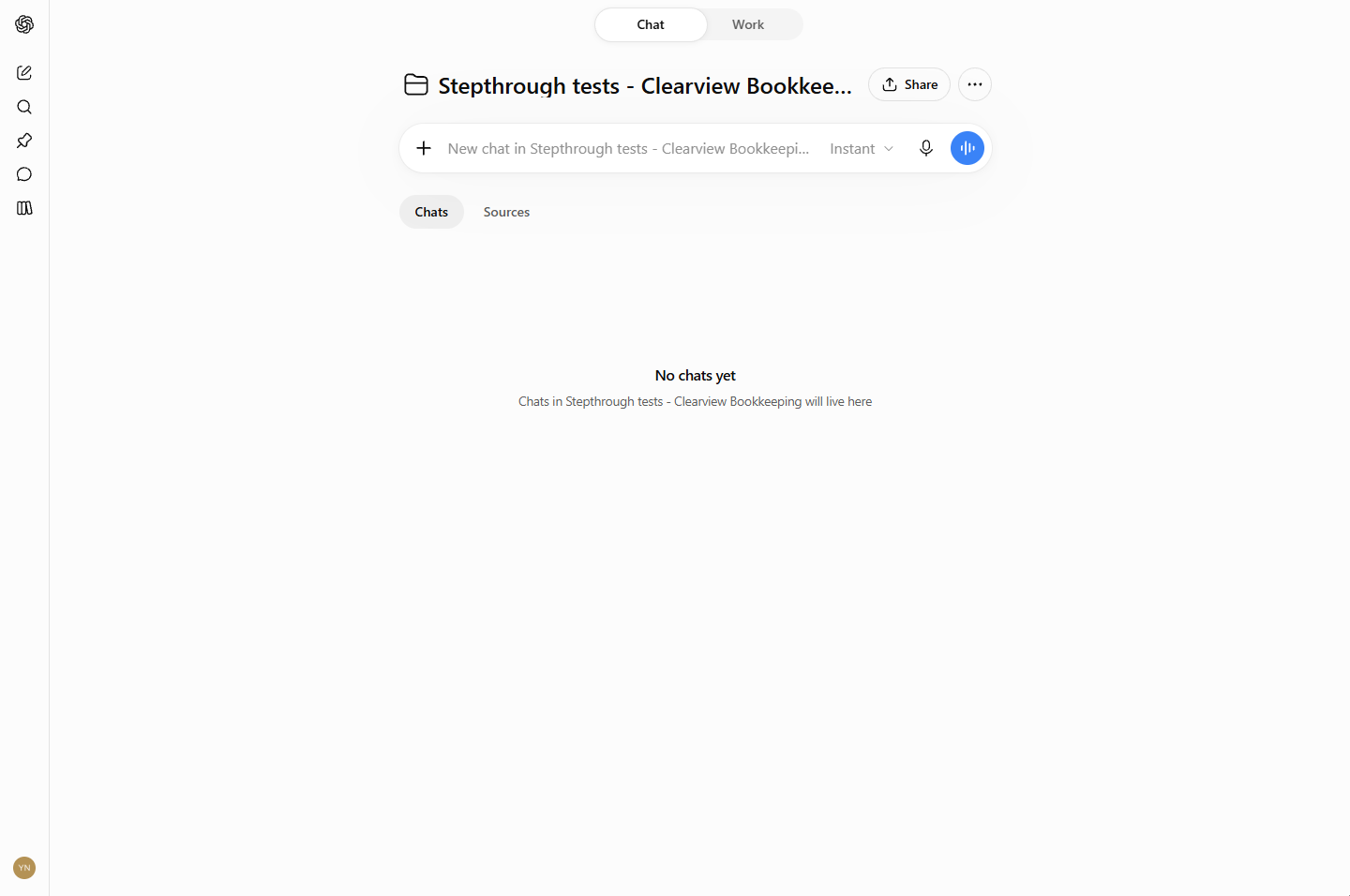
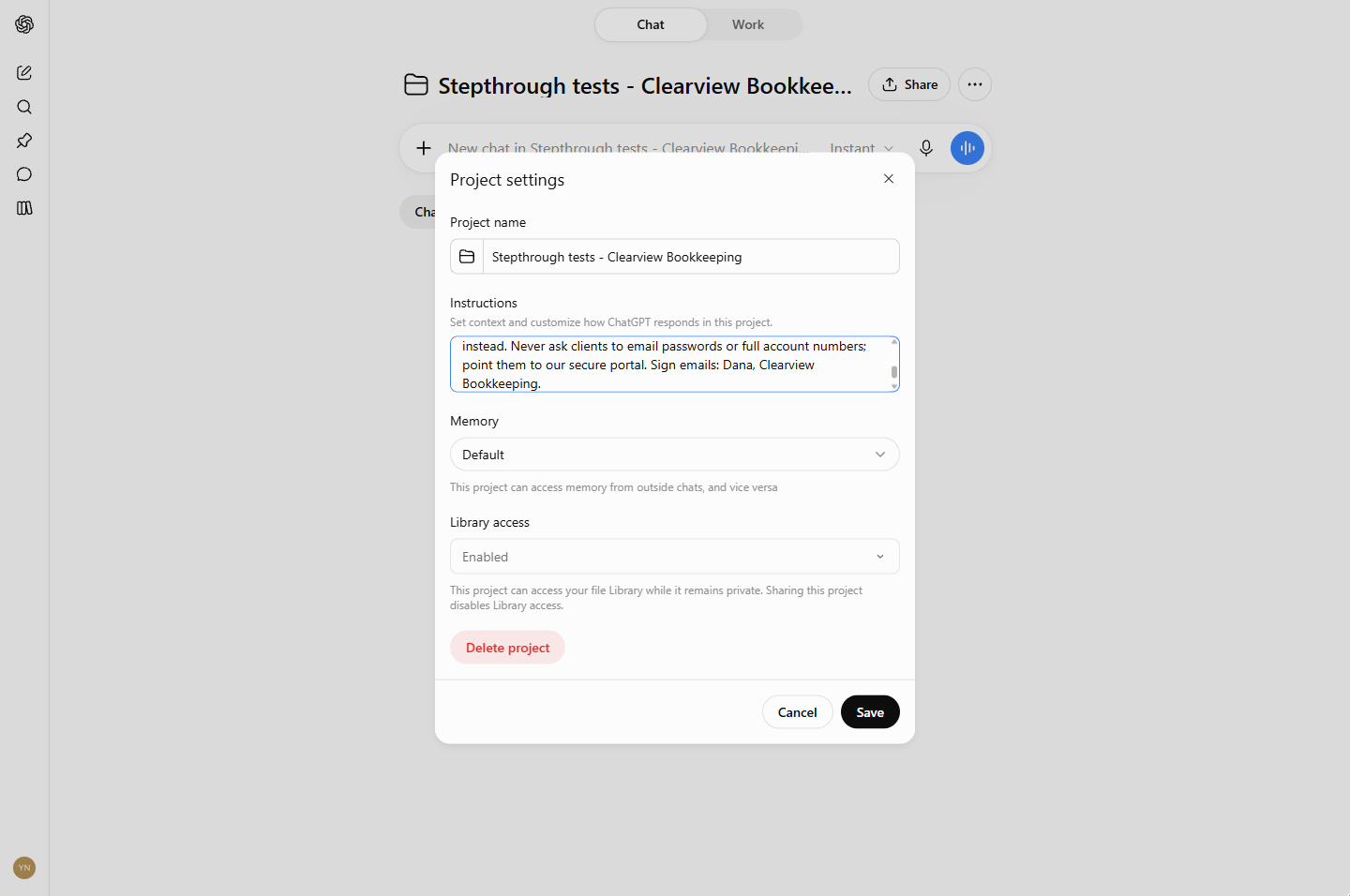
Create a project for the firm from the ChatGPT sidebar: Projects, then +. The separate ChatGPT Projects vs chats lesson shows that part click by click. On the project page, click ···, then Project settings. Paste your rules into Instructions and click Save.
The rules in the lesson say who the firm is, what it does and the tone to use (plain, friendly English in short sentences). Then come the two rules that matter most:
- Never give tax advice by email; offer a 15-minute call instead.
- Never ask clients to email passwords or full account numbers; point them to the secure portal.
The last line sets the sign-off: Dana, Clearview Bookkeeping. You can download the exact rules, the test email and the test notes from the lesson and change them to fit your firm.
Why put rules in a project instead of typing them each time?
Because you will forget. Project instructions are read before every chat in the project. On a busy Tuesday you will not remember to type "no tax advice by email", but the project will. The lesson's tip is simple: write down the two or three things that must never happen, and what to do instead, such as offering a call or using the portal.
What happened when the assistant answered a client email?
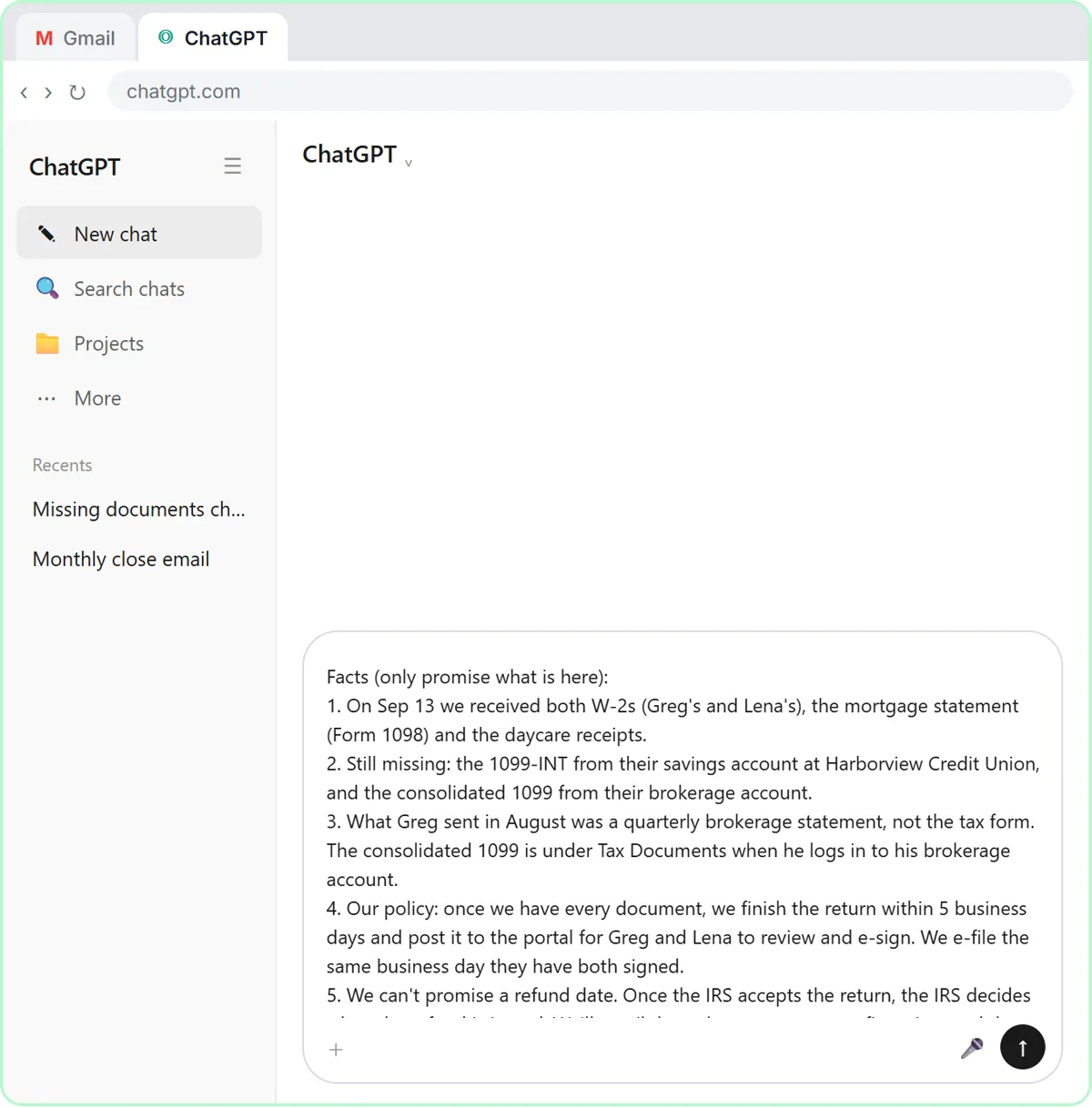
The test email was built to check all three things at once. Marco, at the made-up Marco's Bistro, asks for his March P&L by Friday, asks whether he should switch to an S-corp to save on taxes, and offers to email his bank login.
The draft handled each part:
- It said the P&L would be sent by Friday.
- For the S-corp question it wrote "Let's schedule a 15-minute call", not advice.
- It said "please don't email your bank login or password... we'll use our secure client portal".
- It signed off Dana, Clearview Bookkeeping.
Nothing in the email task repeated the rules. They came from the project.
Try it free, step by step
An AI Assistant for Bookkeepers using ChatGPT: Client Emails and Call Notes, with Your Firm's Rules. Set ChatGPT up as an AI assistant for a bookkeeping firm: your rules in a project once, then a client email that routes the tax question to a call and refuses a bank login, and call notes turned… You do every step yourself in a practice copy of ChatGPT, it checks your work as you go, and “Do it for me” finishes any step you get stuck on. Free, and nothing touches your real accounts.
Start the free lessonWhat happened with the call notes?
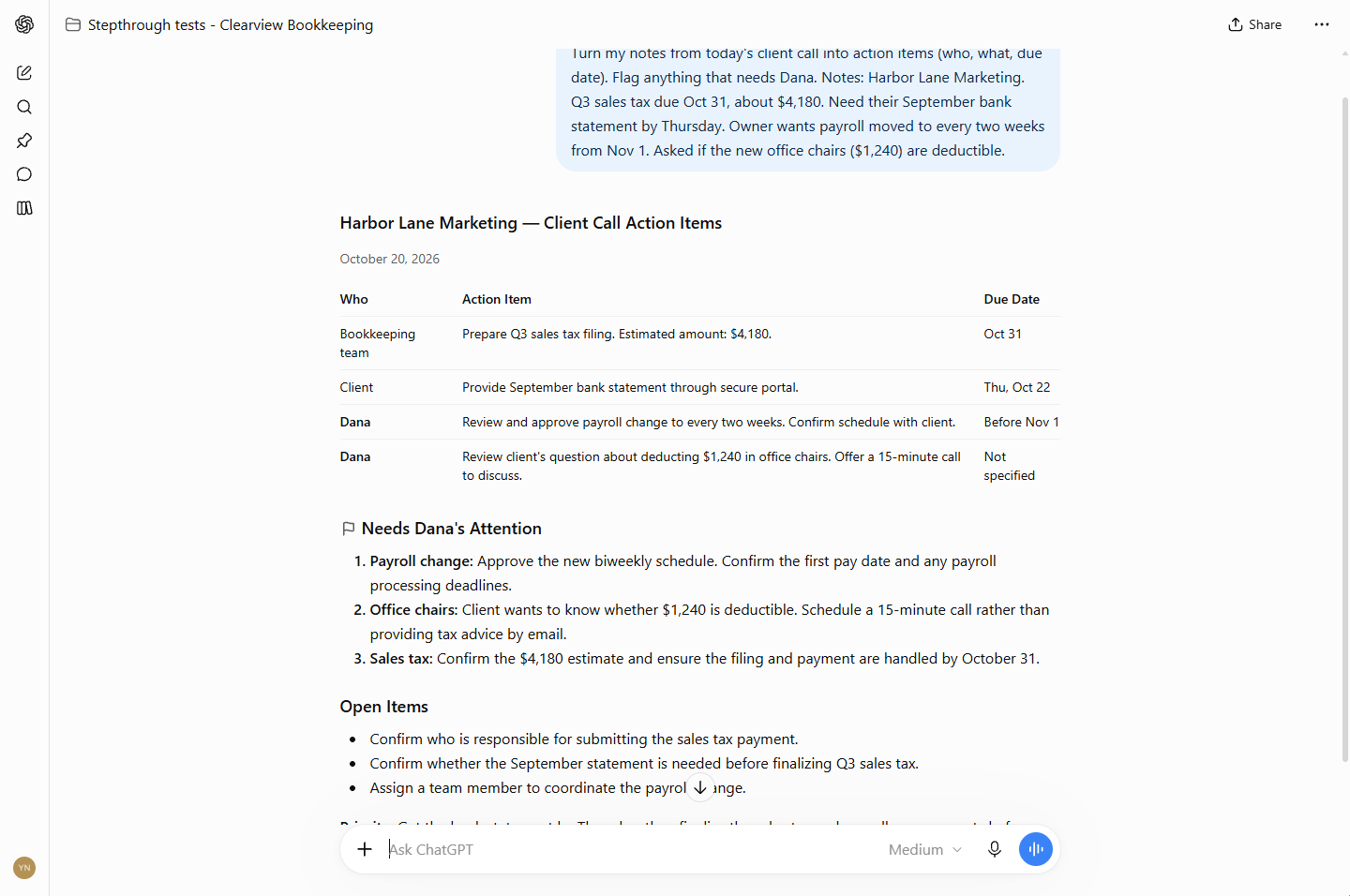
For the second job you go back to the project page and start a new chat. The notes are from a call with Harbor Lane Marketing (made up): Q3 sales tax due Oct 31, a bank statement needed by Thursday, payroll moving to every two weeks from Nov 1, and a question about whether new office chairs are deductible.
ChatGPT returned a table with who, action item and due date. It worked out that "by Thursday" meant Thu, Oct 22, and it asked for the bank statement through the secure portal. Under Needs Dana's Attention, the office-chairs question was routed to a 15-minute call rather than tax advice by email. That is the same rule, applied a second time without being asked.
Still check every date and amount against your notes before you share the table. The lesson says so in the same step.
Key takeaways
- An AI assistant for a bookkeeping firm can be a ChatGPT project with your rules in Instructions.
- Write the things that must never happen, and what to do instead.
- Start a new chat in the project for each job, so one client never leaks into another's reply.
- In the lesson's test, both tax questions went to a call and the bank login went to the portal.
- Read every draft, check dates and amounts, and send it yourself.
Frequently asked questions
- Can ChatGPT give tax advice to my clients?
It should not, by email. That is why the first rule says to offer a 15-minute call instead. In the lesson's test the assistant offered a call both times a tax question came up. This is not tax advice, and the assistant does not replace your judgement.
- Does the assistant remember my rules in every chat?
Inside the project, yes: project instructions apply to every chat in it. Outside the project, no. A normal chat does not know your rules.
- Why start a new chat for each job?
The lesson uses one chat per job. A new chat for each client email or call keeps one client's details out of another client's reply. Start each one from the project page so it picks up the rules.
- Is it safe to paste client emails into ChatGPT?
Paste only what the job needs. Leave out account numbers, SSNs and passwords, and follow your firm's AI policy and your plan's data settings. The lesson did not change any account, memory or data-control settings. For more, read is it safe to paste client data into ChatGPT.
- Which ChatGPT plan did the lesson use?
The screens were captured on the Plus plan. Projects and their settings can differ by plan, so check ChatGPT and the OpenAI Help Center for what your plan includes today.
- Does the assistant send anything?
No. Nothing in the lesson is sent. You copy the draft, fix anything, and send it from your own email.
- What else can the same assistant do?
The lesson points to more jobs with the same rules: meeting summaries, month-end reconciliation and overdue invoices. Try the bank reconciliation lesson and the overdue invoices lesson next, or read AI for bookkeepers for a wider view.
For the slip-ups to avoid, read ChatGPT bookkeeping assistant mistakes. Then try the practice.