Gamma: Turn Rough Meeting Notes into a Deck in 5 Steps
A visual guide to Gamma: paste rough notes, let it condense them into a deck, change a slide by chatting with Agent, then export to PowerPoint and PDF.
Slide 1 of 7 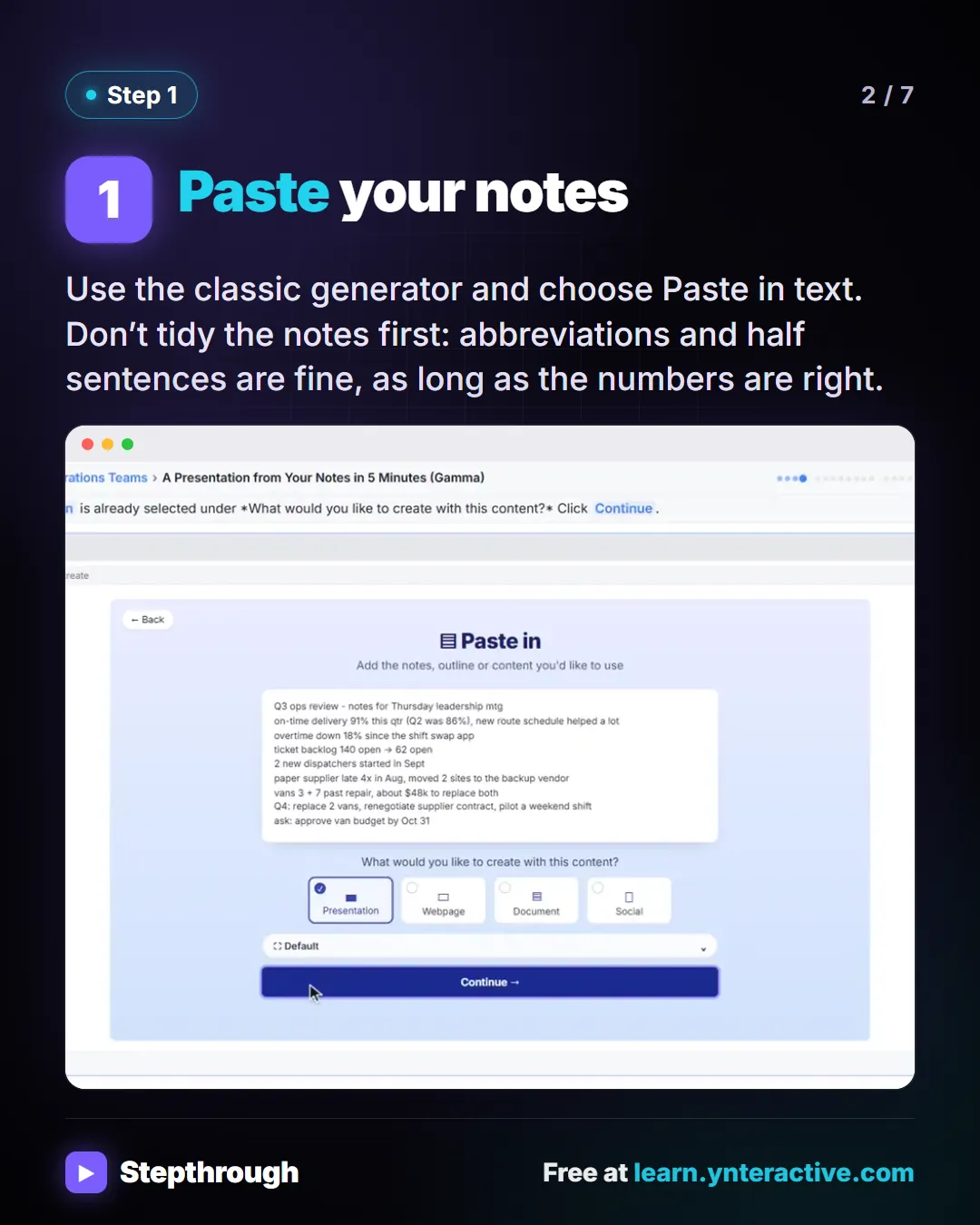
Slide 2 of 7 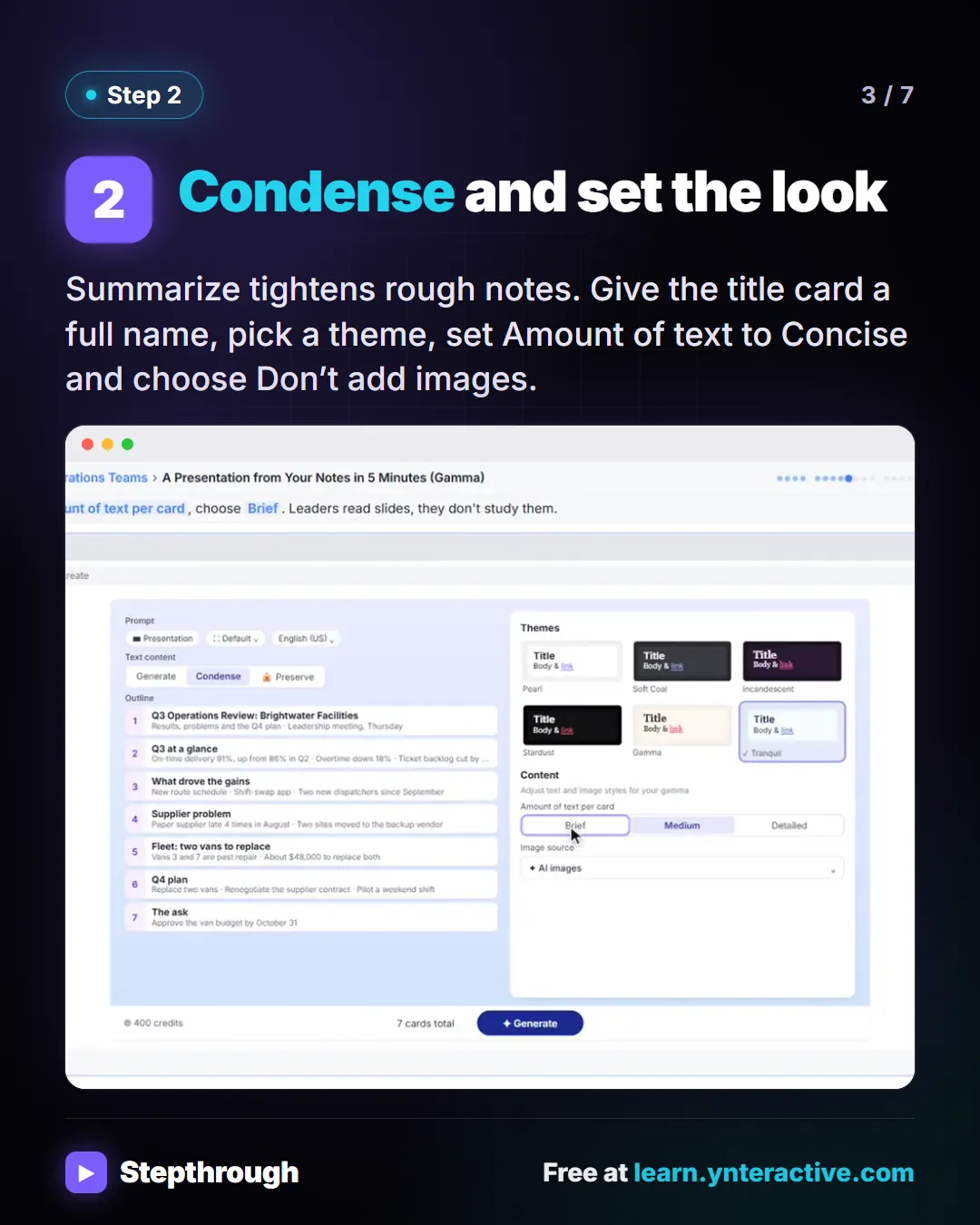
Slide 3 of 7 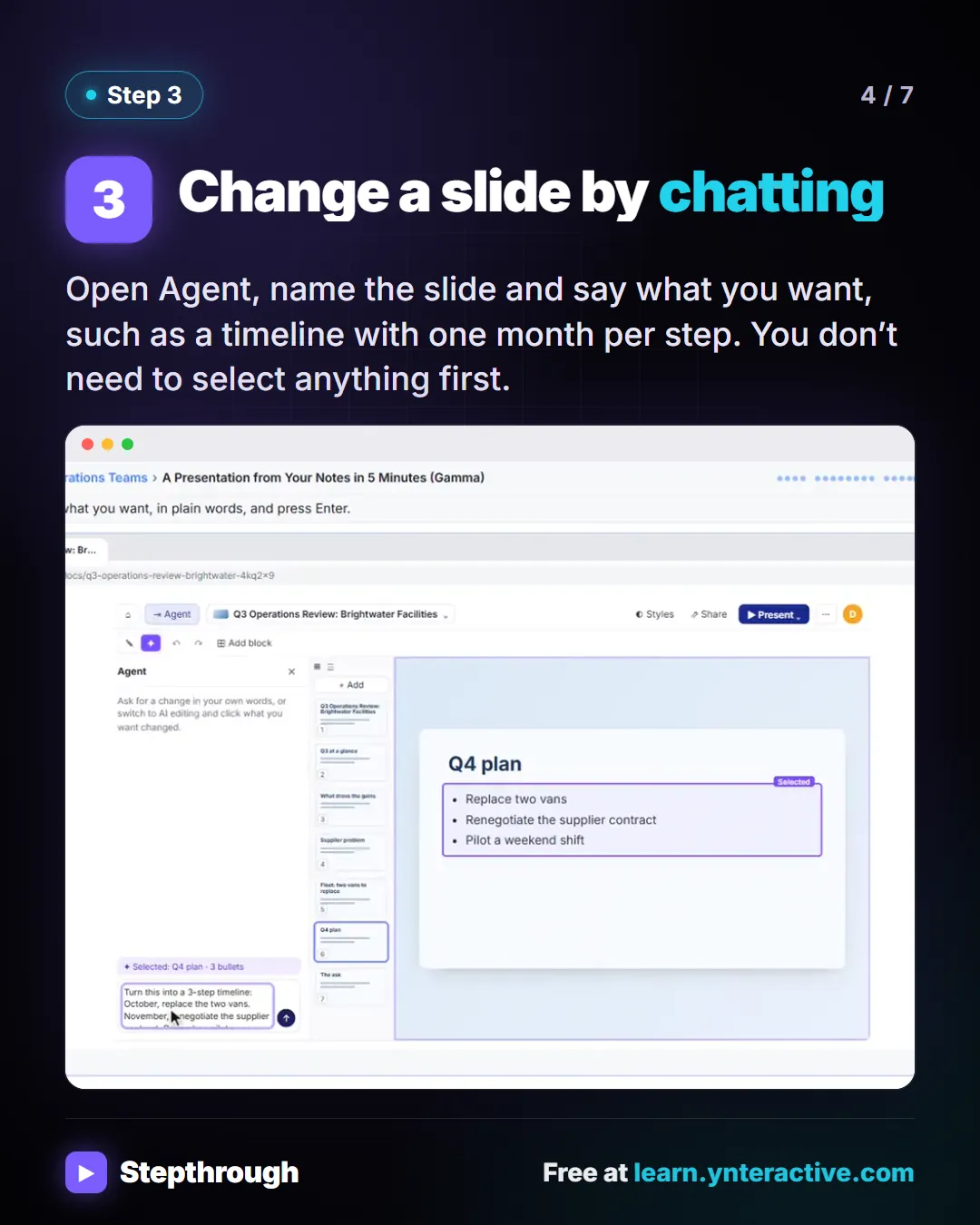
Slide 4 of 7 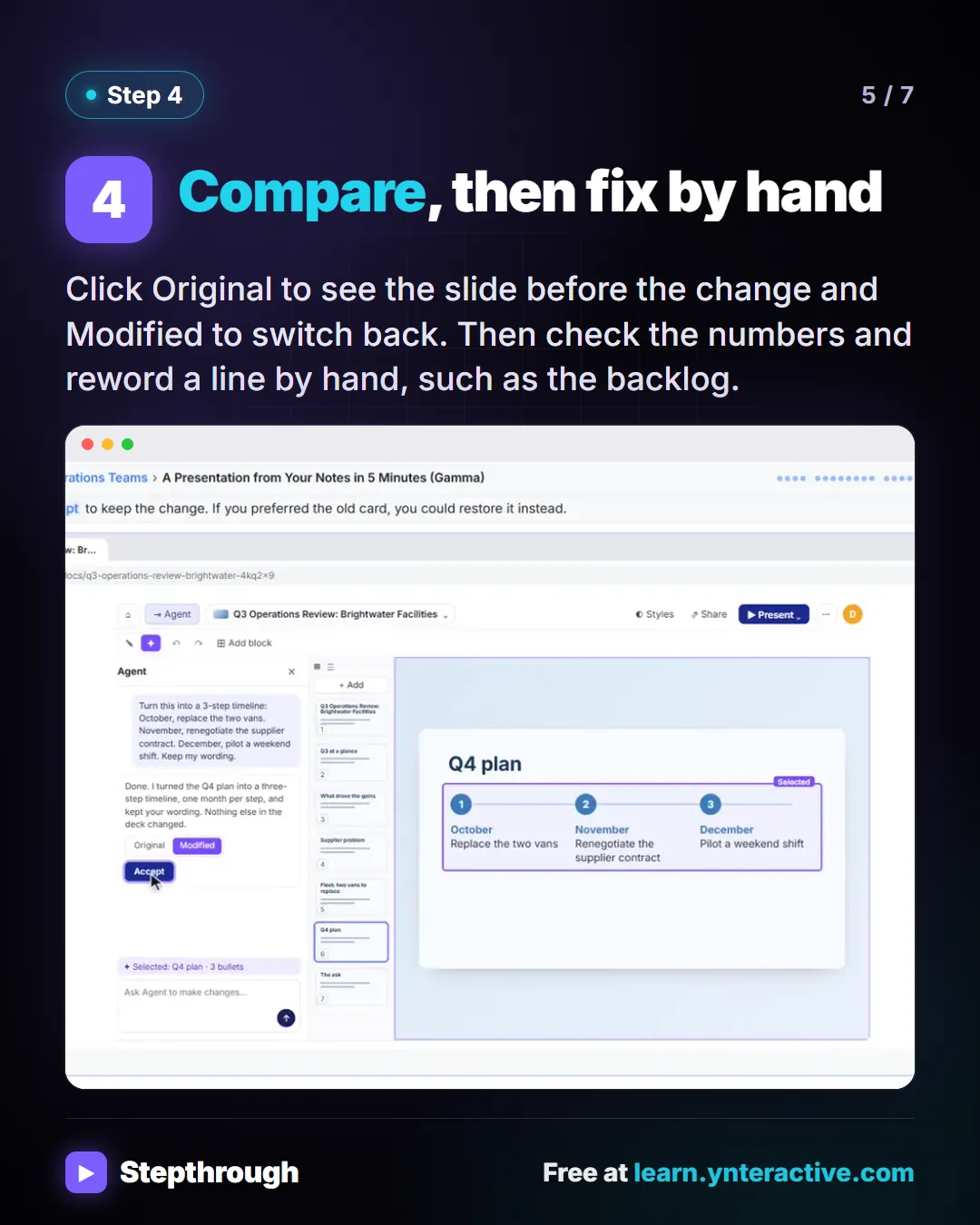
Slide 5 of 7 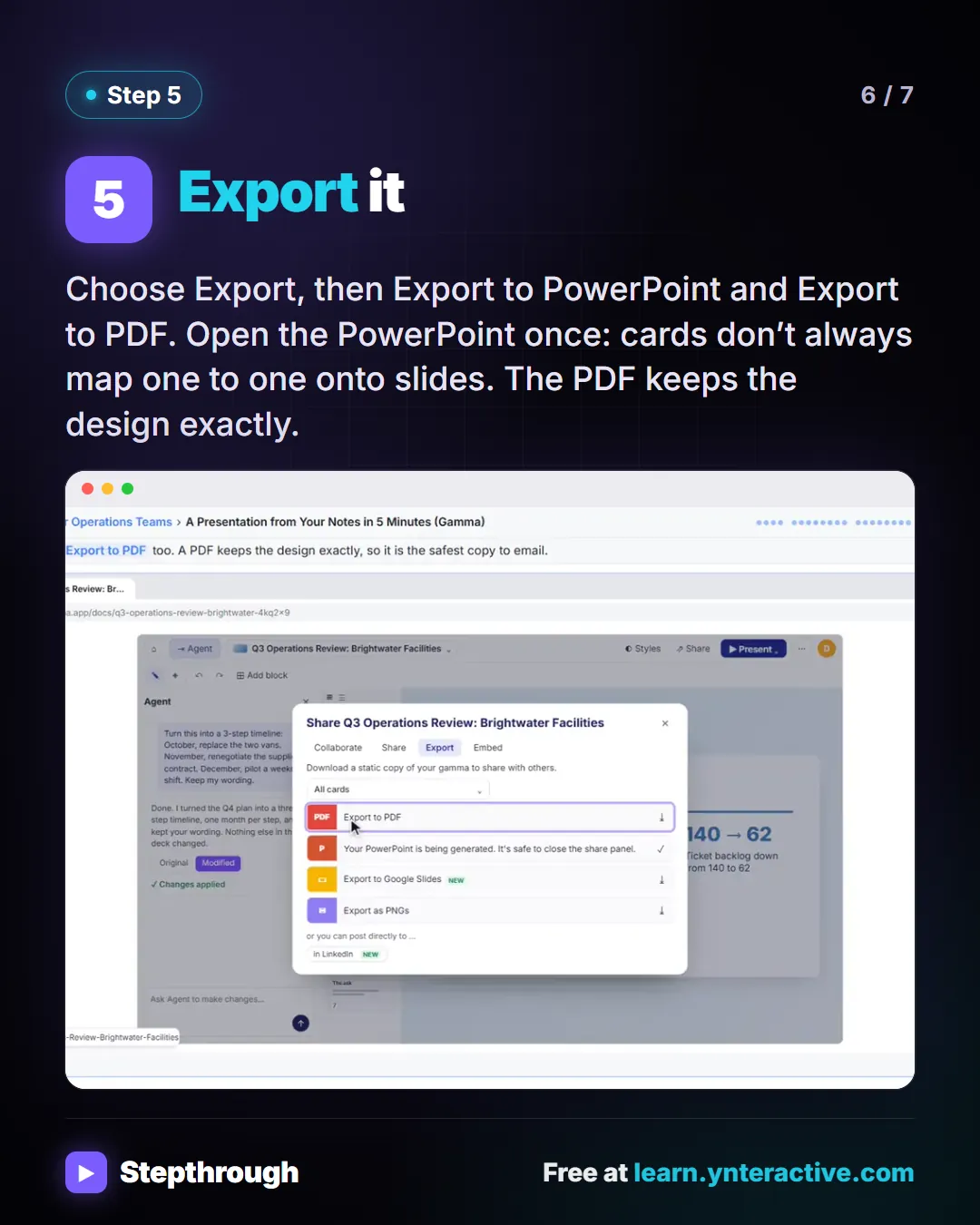
Slide 6 of 7 
Slide 7 of 7
The guide in text
A quarterly review for leadership on Thursday and one page of notes. A made-up operations manager at Brightwater. 5 steps.
Step by step
Paste your notes
Use the classic generator and choose Paste in text. Don’t tidy the notes first: abbreviations and half sentences are fine, as long as the numbers are right.
Condense and set the look
Summarize tightens rough notes. Give the title card a full name, pick a theme, set Amount of text to Concise and choose Don’t add images.
Change a slide by chatting
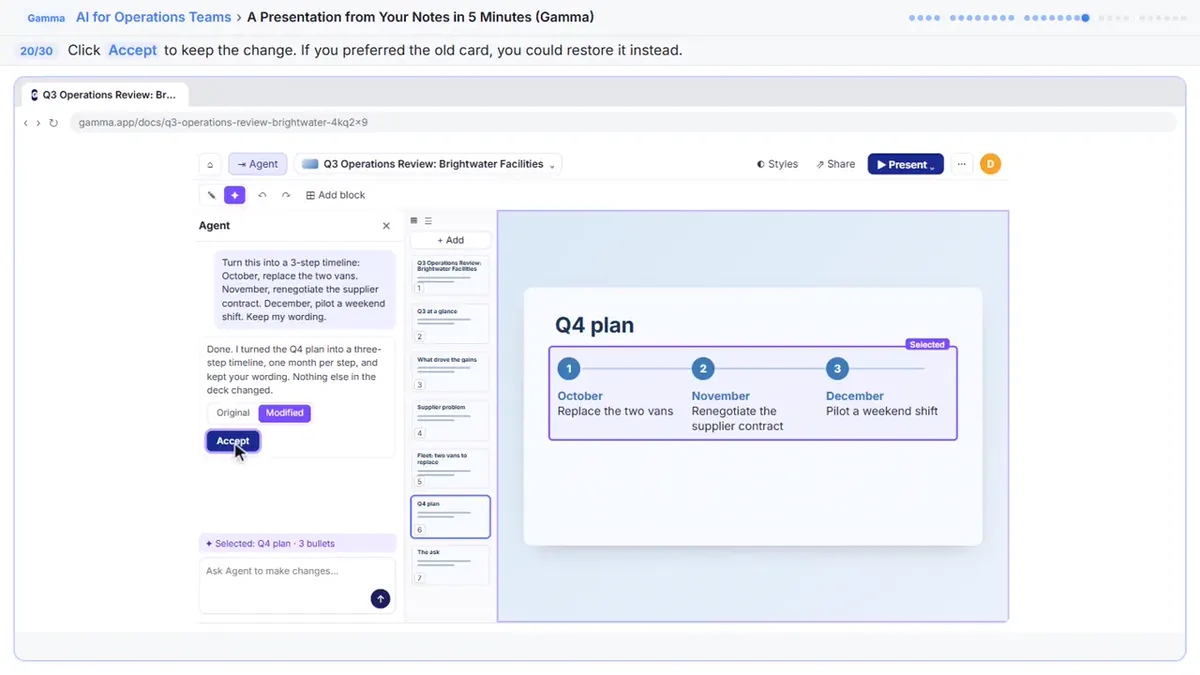
Open Agent, name the slide and say what you want, such as a timeline with one month per step. You don’t need to select anything first.
Compare, then fix by hand
Click Original to see the slide before the change and Modified to switch back. Then check the numbers and reword a line by hand, such as the backlog.
Export it
Choose Export, then Export to PowerPoint and Export to PDF. Open the PowerPoint once: cards don’t always map one to one onto slides. The PDF keeps the design exactly.
Businesses and people in the examples are made up (Brightwater Facilities Group is a made-up business). The steps, screens and wording come from the free lesson and the Stepthrough glossary and prompt library.
Do it yourself, free
A Presentation from Your Notes in 5 Minutes (Gamma). Paste rough meeting notes into Gamma, pick a theme, fix one slide by chatting with its AI, and export the deck to PowerPoint and PDF. You do every step yourself in a practice copy of Gamma, it checks your work as you go, and “Do it for me” finishes any step you get stuck on. Free, and nothing touches your real accounts.
Start the free lessonRelated terms
Plain-English definitions, each with an example from a free lesson.
Related prompts
- Meeting notes to slide deck prompt: Clean up rough meeting notes so an AI presentation maker can condense them: a real title, grouped topics and every number kept…
From the blog
More visual guides
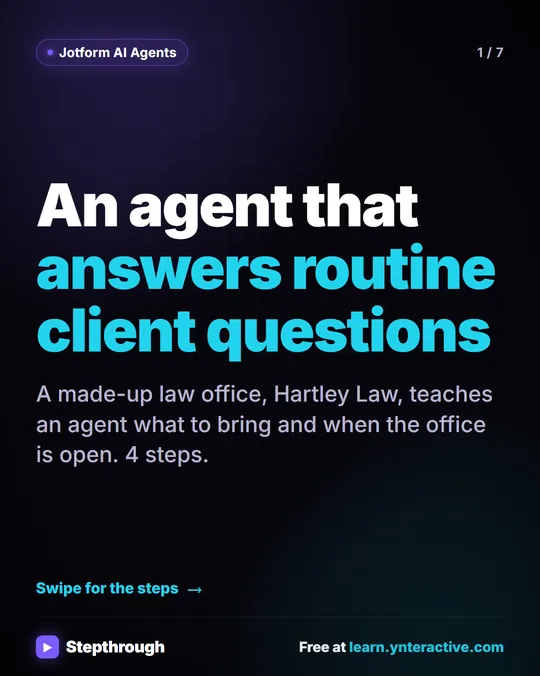 Jotform AI Agent: Answer Client Questions in 4 Steps
A visual guide to a Jotform AI Agent that answers routine client questions: create it, teach it one answer, test it in Test Mode and copy the embed code.
Step-by-step guide 7 slides
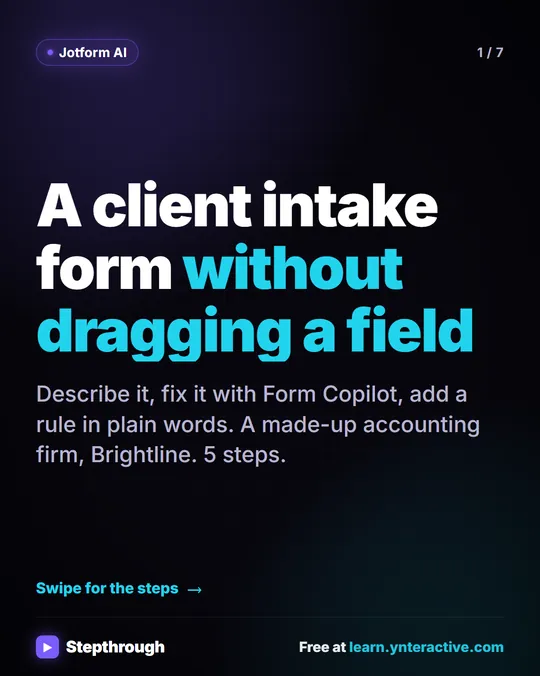 Jotform AI Intake Form: 5 Steps to Build and Share One
A visual guide to building a client intake form with Jotform AI: describe it, read the fields, fix it with Form Copilot, add a rule and share the link.
Step-by-step guide 7 slides
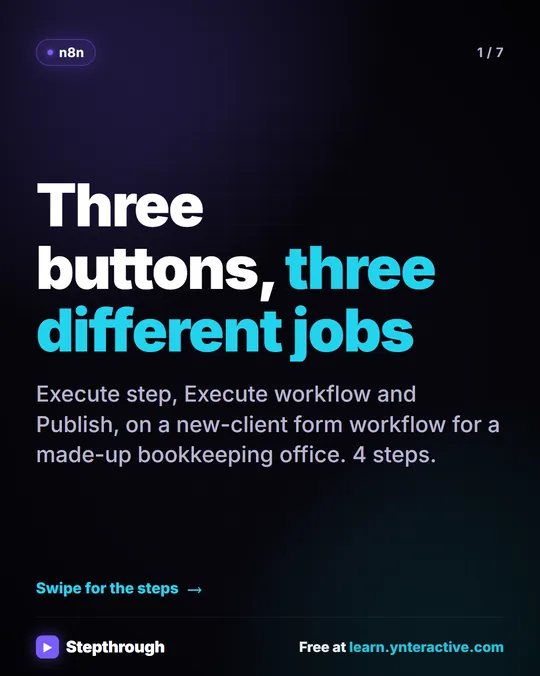 n8n Execute Step vs Execute Workflow vs Publish
A visual guide to the three n8n buttons: run one node with Execute step, pin test data, run everything with Execute workflow, then Publish for real.
Step-by-step guide 7 slides