Jotform AI Agent: Answer Client Questions in 4 Steps
A visual guide to a Jotform AI Agent that answers routine client questions: create it, teach it one answer, test it in Test Mode and copy the embed code.
Slide 1 of 7 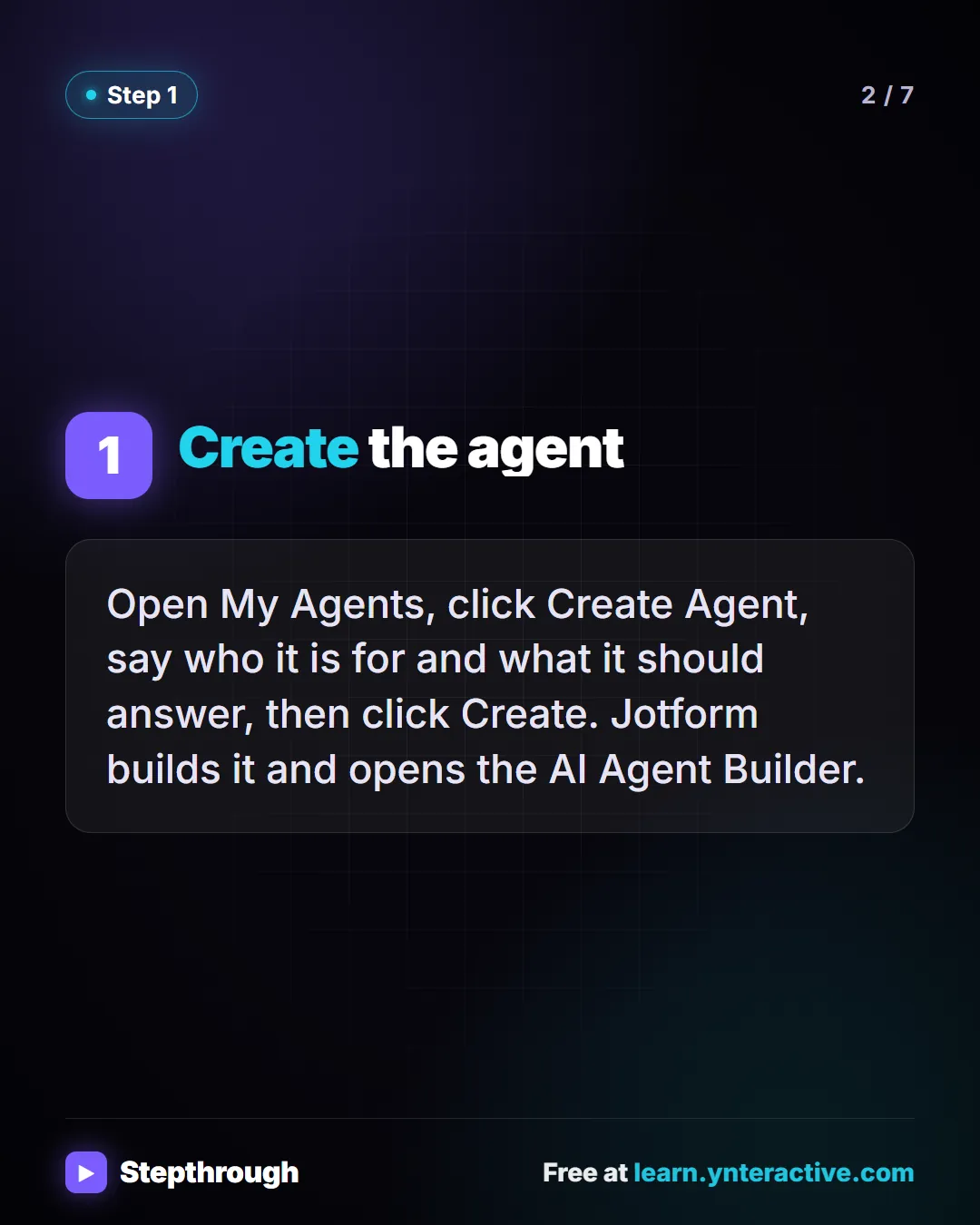
Slide 2 of 7 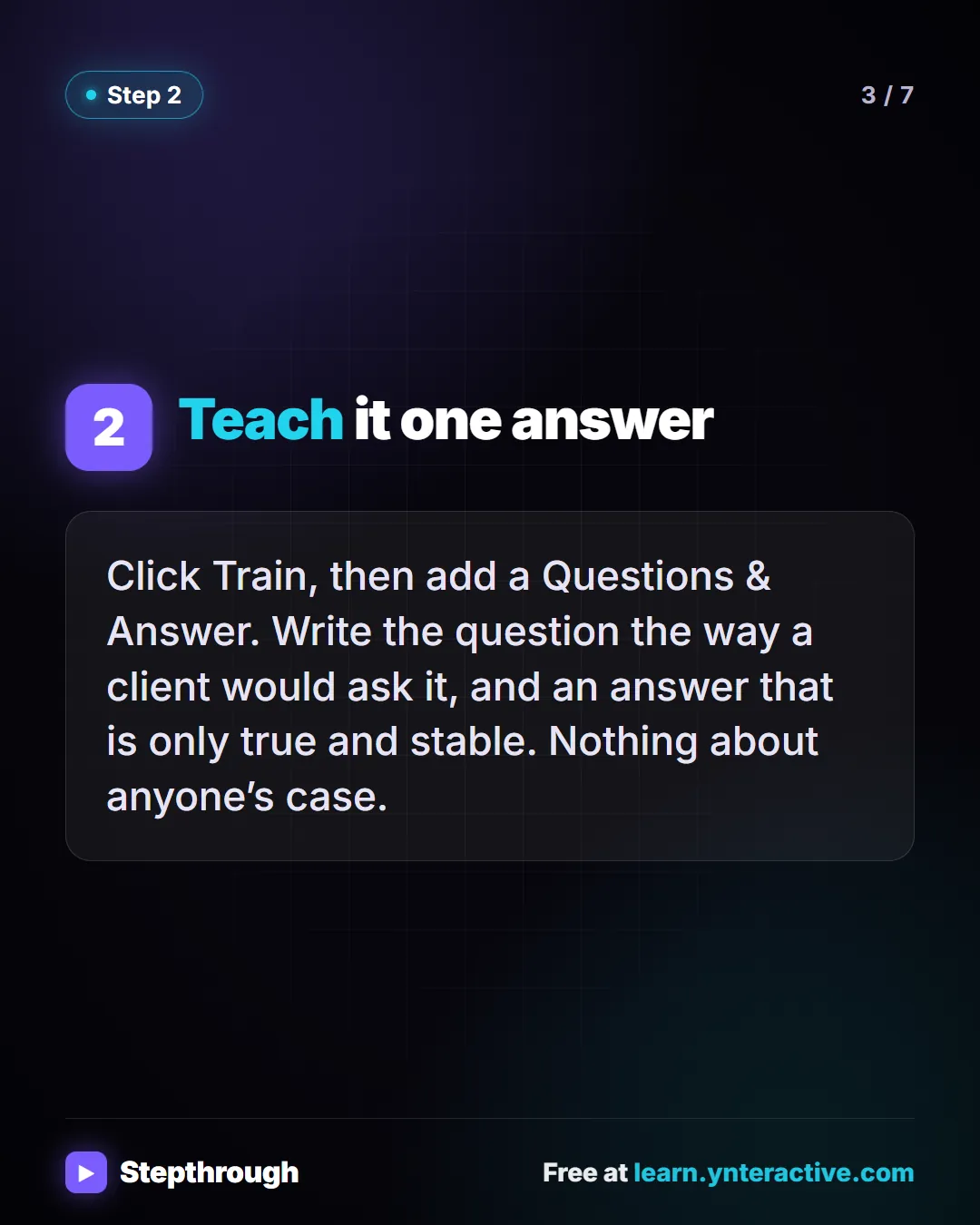
Slide 3 of 7 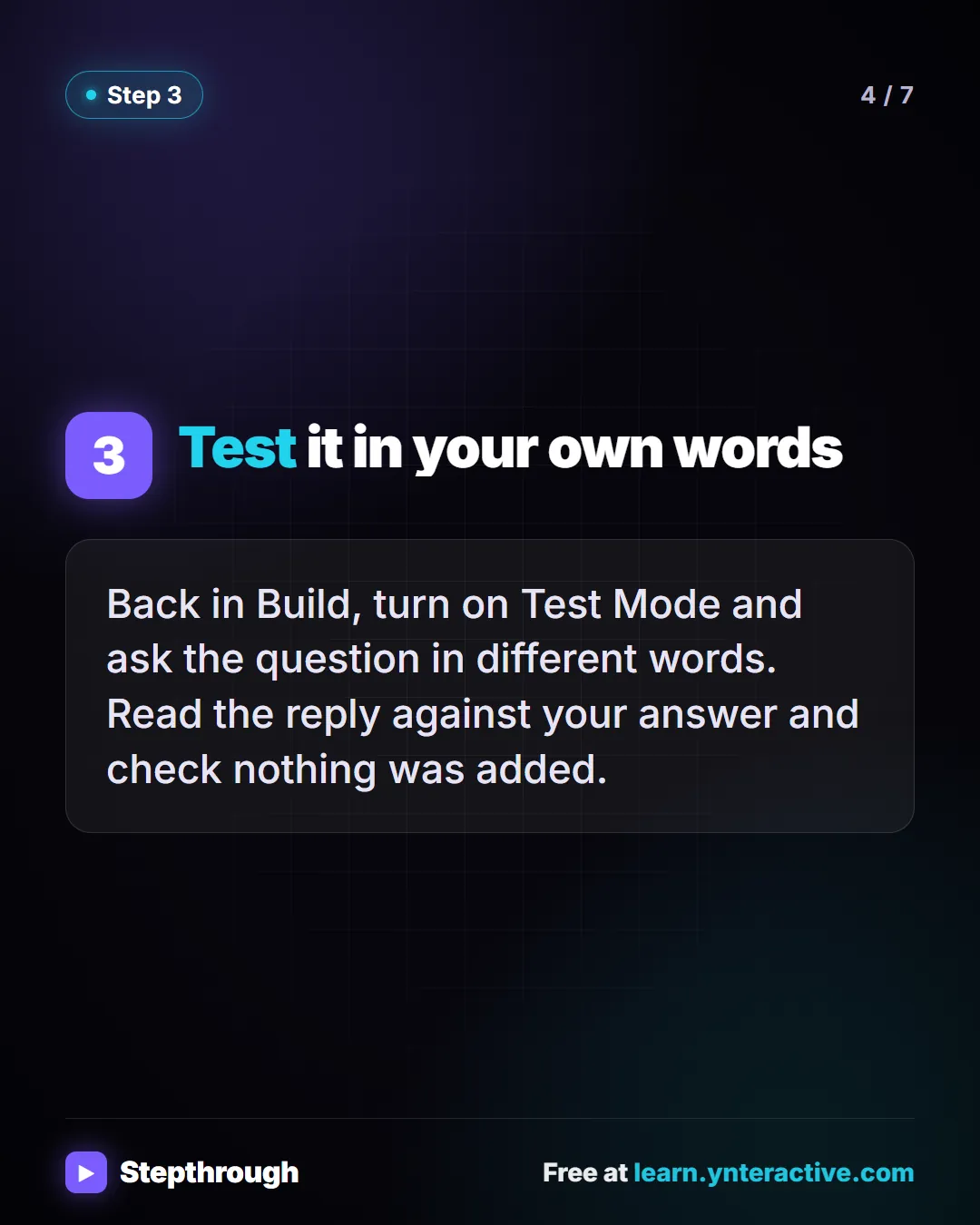
Slide 4 of 7 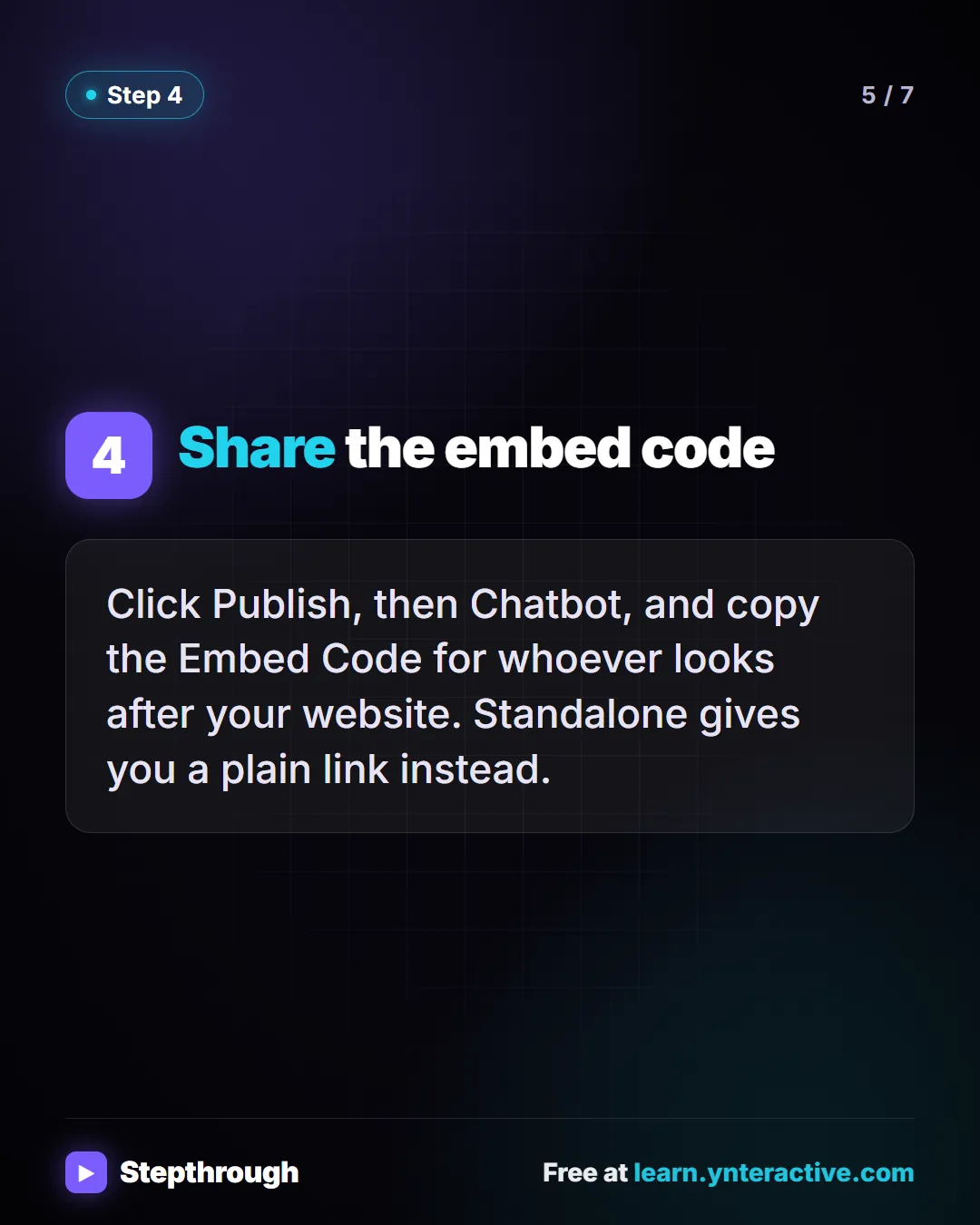
Slide 5 of 7 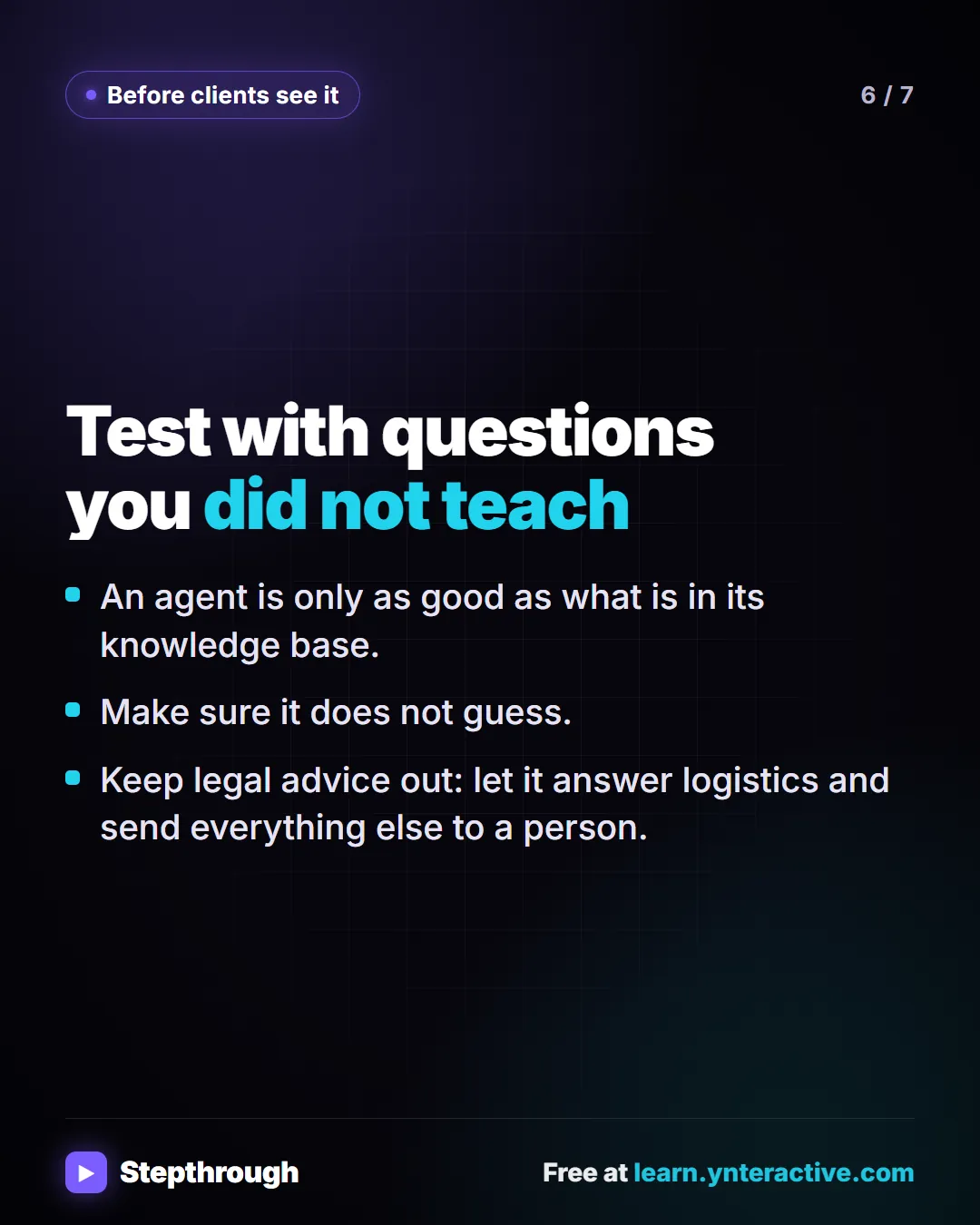
Slide 6 of 7 
Slide 7 of 7
The guide in text
A made-up law office, Hartley Law, teaches an agent what to bring and when the office is open. 4 steps.
Step by step
Create the agent
Open My Agents, click Create Agent, say who it is for and what it should answer, then click Create. Jotform builds it and opens the AI Agent Builder.
Teach it one answer
Click Train, then add a Questions & Answer. Write the question the way a client would ask it, and an answer that is only true and stable. Nothing about anyone’s case.
Test it in your own words
Back in Build, turn on Test Mode and ask the question in different words. Read the reply against your answer and check nothing was added.
Share the embed code
Click Publish, then Chatbot, and copy the Embed Code for whoever looks after your website. Standalone gives you a plain link instead.
Test with questions you did not teach
- An agent is only as good as what is in its knowledge base.
- Make sure it does not guess.
- Keep legal advice out: let it answer logistics and send everything else to a person.
Businesses and people in the examples are made up (Hartley Law is a made-up business). The steps, screens and wording come from the free lesson and the Stepthrough glossary and prompt library.
Do it yourself, free
Jotform AI Agents: An Agent That Answers Client Questions. Create a Jotform AI Agent for a small law office, teach it an answer, test it in the preview chat and find the code that puts it on your website. You do every step yourself in a practice copy of Jotform, it checks your work as you go, and “Do it for me” finishes any step you get stuck on. Free, and nothing touches your real accounts.
Start the free lessonRelated terms
Plain-English definitions, each with an example from a free lesson.
Related prompts
- Agent knowledge-base answer prompt: Write one clear question-and-answer for an AI chat agent's knowledge base using only stable facts, so it answers client…
More visual guides
 Jotform AI Intake Form: 5 Steps to Build and Share One
A visual guide to building a client intake form with Jotform AI: describe it, read the fields, fix it with Form Copilot, add a rule and share the link.
Step-by-step guide 7 slides
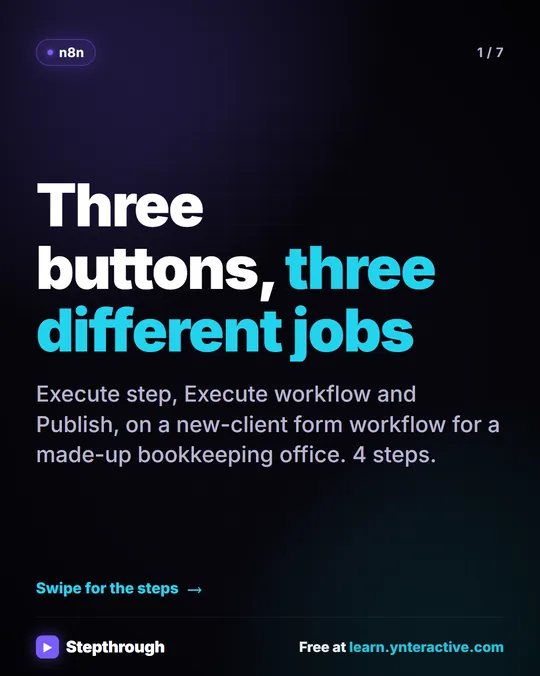 n8n Execute Step vs Execute Workflow vs Publish
A visual guide to the three n8n buttons: run one node with Execute step, pin test data, run everything with Execute workflow, then Publish for real.
Step-by-step guide 7 slides
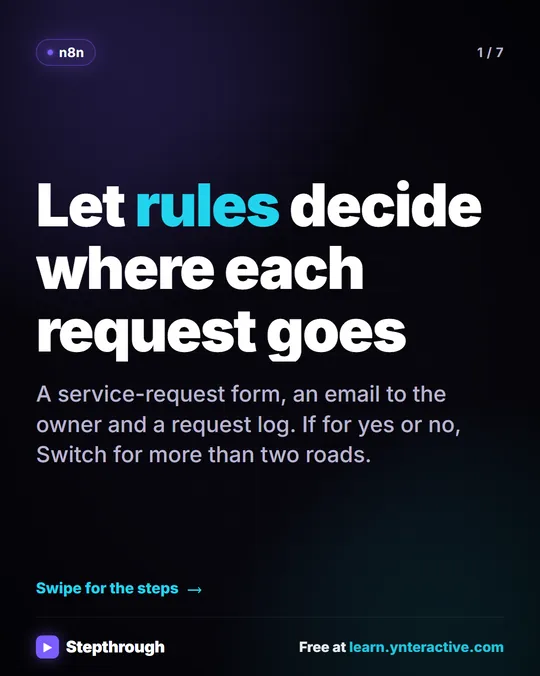 n8n If and Switch Nodes: Route Requests by Rules
A visual guide to n8n If and Switch nodes: split big jobs from small ones with one condition, then route by service with named outputs and a fallback.
Step-by-step guide 7 slides