Free Strawberry tutorials for small business
Updated
Strawberry. These 2 free modules teach it by building real projects, not by reading about features: Strawberry: Research Leads into a Sheet and Approve Every Email and Strawberry: Sort the Quote Inbox Every Morning and Approve Every Reply.
The Strawberry modules cover Sales. Every module runs in a practice copy of Strawberry, so you can learn it without an account, then set it up for real.
2 modules
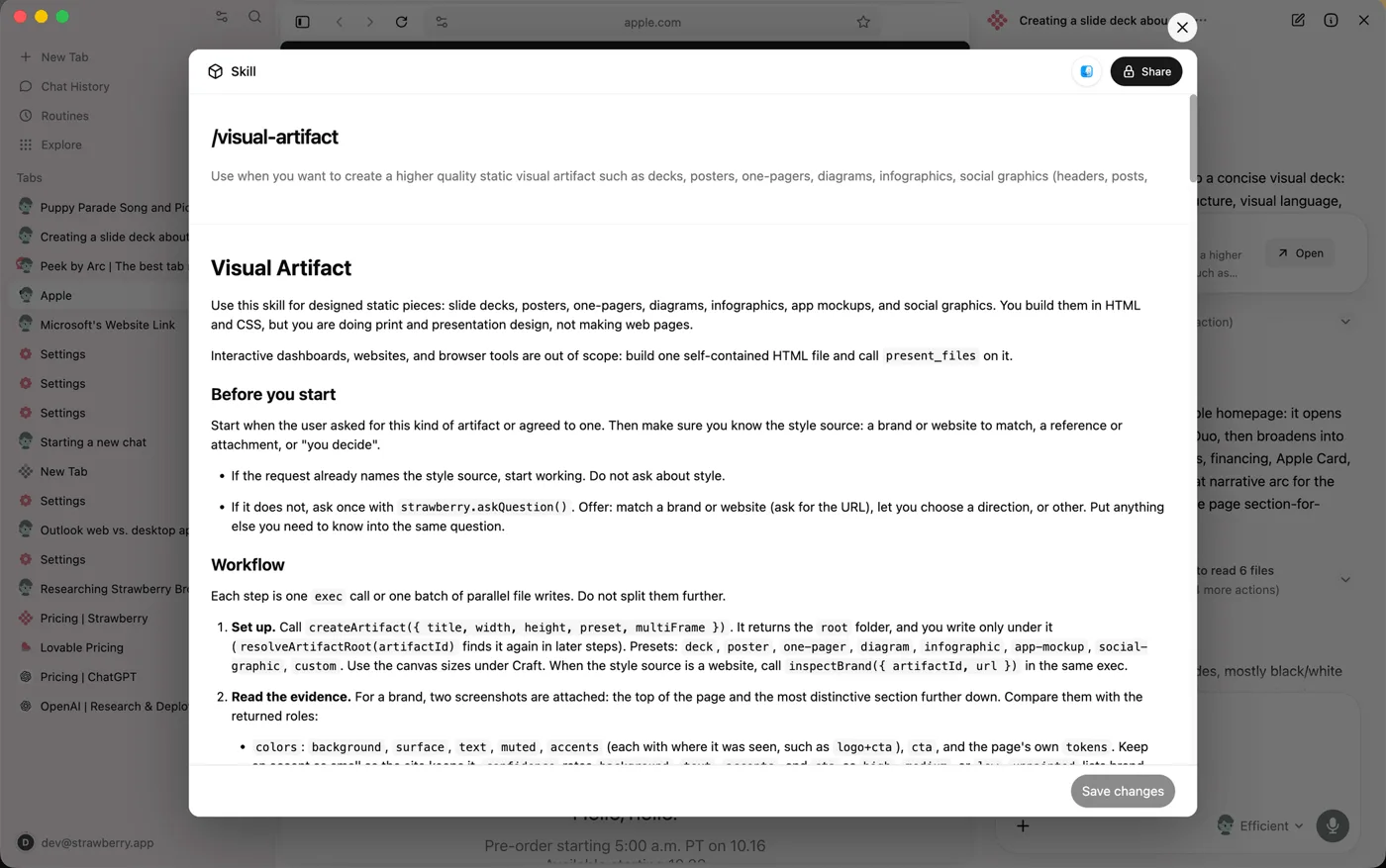 Strawberry: Research Leads into a Sheet and Approve Every Email
Use the Strawberry AI browser to research 10 target firms with sources, save them to a Google Sheet and draft first emails, with a person approving every send.
Free · Live ~9 min Beginner
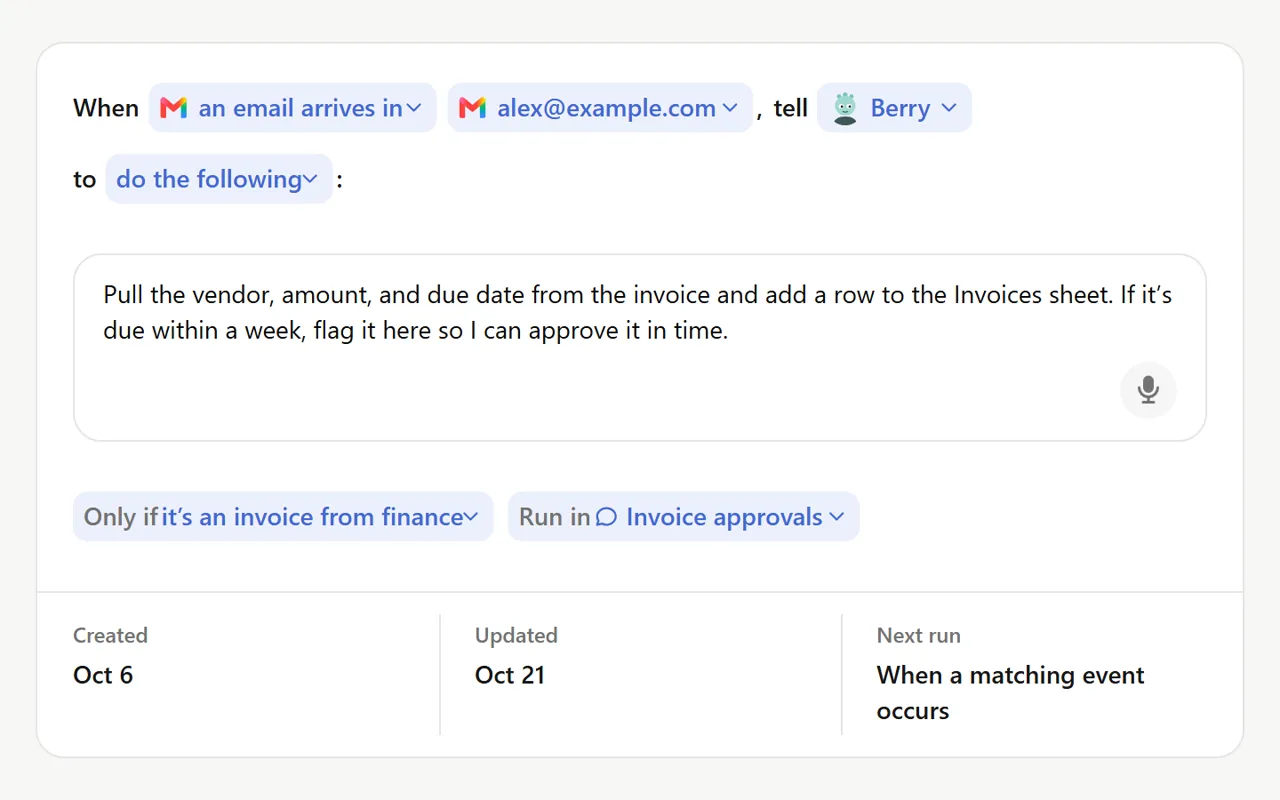 Strawberry: Sort the Quote Inbox Every Morning and Approve Every Reply
Build a Strawberry routine that reads a shared quote inbox every morning, logs each request to a Google Sheet, drafts the urgent replies and stops at an approval card…
Free · Live ~9 min Beginner
Prefer to watch or read? 1 of these module has a video walkthrough or a screenshot guide
What you do in each module
- Strawberry: Research Leads into a Sheet and Approve Every Email (about 9 minutes, 15 steps, beginner). You work through: Set the guardrail, Research the leads, Put them in a sheet, Draft, check, approve and Make it repeatable.
- Strawberry: Sort the Quote Inbox Every Morning and Approve Every Reply (about 9 minutes, 16 steps, beginner). You work through: Open Routines, Build the routine, Run it and read the trace, Approve, fix, decline and Tune it.
Common questions
How long will this take?
The 2 modules take about 18 minutes in total, and you can do them in separate sittings.
Do I need experience first?
No. These modules are beginner level, and each step tells you exactly where to click.
Do I need a Strawberry account to start?
No. The practice runs in a copy of Strawberry inside your browser, and nothing touches your real accounts. When you are ready, you repeat the steps in your own account.
Is it free?
Yes. All 2 modules are free.
Where should I start?
Start with Strawberry: Research Leads into a Sheet and Approve Every Email, then continue with Strawberry: Sort the Quote Inbox Every Morning and Approve Every Reply.
Compare tools
Side-by-side comparisons, with prices and features checked against the vendors’ own pages.
The best AI tools for sales reps as of October 2026: Strawberry, Felo, Signatoro, OLVA, Capsule CRM, Kylon and Coefficient, with a free lesson for each.
Frequently asked questions
- Are these Strawberry tutorials free?
- Yes. All 2 live Strawberry lessons here are free, and you can start without signing up. Each one is a real project you build step by step in a practice copy of Strawberry that checks your work.
- Where should a beginner start with Strawberry?
- Start with Strawberry: Research Leads into a Sheet and Approve Every Email, about 9 minutes. Every step shows you where to click, and "Do it for me" finishes any step you get stuck on.
- Do I need my own Strawberry account to practice?
- No. The lessons run in a practice copy of Strawberry in your browser, so nothing touches your real accounts. To build the same workflow for real afterwards you need your own Strawberry account; check Strawberry's current pricing first.
Related
How every module works
Each step is shown on the left, with a cursor pointing to exactly where to click. You do the same thing on the right, in a practice copy of the real tool. Get it right and it moves on. Nothing touches your real accounts until you're ready to build it for real.
Start learning free