Updated . Built from Temp Mail PW’s official docs and help center. Screens may differ slightly in your account. How we check this lesson
A new signup form is only half the job: the confirmation or welcome email has to arrive and work. Temp Mail PW gives you a free, receive-only temporary inbox the moment the page loads, with no account. In this free starter lesson, built from Temp Mail PW's own pages, you are the marketing coordinator at Brightpath Home Care, a made-up home-care agency launching a caregiver job-alert form on its own website: copy a temporary address, submit it on the form, check the confirmation email, test a second domain and delete the address. 8 steps, about five minutes.
At a glance
| Question | Answer |
|---|---|
| What you build | Before a new job-alert signup form goes live, run it end to end with a throwaway inbox: submit a Temp Mail PW address on your own form, check the confirmation email arrives and reads right, test a second domain, then delete the address, all from Temp Mail PW's own pages. |
| Tools | Temp Mail PW |
| Time | About 5 minutes, 8 steps in 2 parts |
| Level | Beginner, no coding needed |
| Cost | Free |
| Ways to learn it | Practice it step by step |
The 2 parts, in short
- Run the form: Copy a temporary address, Open your signup form, Paste the address, Submit the form.
- Check the email: Go back to the inbox, Refresh and read the email, Test a second domain, Delete the address, then test your real form.
The business case: a confirmation email nobody tested
Picture Luis, the marketing coordinator at Brightpath Home Care, a made-up home-care agency. Tomorrow he announces a caregiver job-alert signup form on the agency's site. If the confirmation email never arrives or its link is broken, applicants give up and nobody tells him.
Testing from his work inbox fills it with test sign-ups and only tries one address. A free temporary inbox lets him run the form end to end, check the email and throw the address away.
Who this is for, and what you need
Marketing coordinators, web managers and QA testers checking forms they own. Free use needs no account. Paid plans from $2.99 a month (Basic) and $9.99 a month (Pro) add custom domains, a longer history, saved favorite messages, no ads, email forwarding and API requests.
Use it the right way
Test only forms you own or are allowed to test. Temp Mail PW itself says not to use a temporary address for any account you plan to keep, or for banking, healthcare, work or school logins: password resets go to the address on file, and a deleted temporary inbox is gone. The inbox only receives mail; sending is switched off.
What this saves you
- A launch where the confirmation email silently fails.
- A work inbox full of test sign-ups.
- What it does not do: it does not test how your email lands in Gmail or Outlook spam filters. Send one final test to a real inbox you own too.
How this lesson was built
This is a starter lesson based on Temp Mail PW's public pages (home page; FAQs; Why temp mail is not working), read on 15 November 2026. The practice screen is a plain frame that uses the labels from those pages; it is not a copy of Temp Mail PW's site, and the domains offered under Change are not listed publicly, so the frame shows a placeholder address. Brightpath Home Care and its form are made up.
Links
- Temp Mail PW: the temporary address, Copy, Refresh, Change, Delete, History and the live mailbox.
- Temp Mail PW: FAQs: how long messages take, receive-only mail and plan features.
- Temp Mail PW: Why temp mail is not working: what to try when a message does not arrive, including sites that block disposable domains.
Try it yourself, free
Reading the steps is a start. Doing them is how it sticks. The interactive module walks you through every click in a practice copy of Temp Mail PW, checks each step, and never touches your real accounts.
Start “Temp Mail PW: Test Your Own Signup Form and Welcome Email”Step by step: Temp Mail PW: Test Your Own Signup Form and Welcome Email
All 8 steps of the interactive module, in order. In the module you watch each one, then do it yourself in a practice copy that checks your work.
1. Run the form
- Copy a temporary address. You are the marketing coordinator at Brightpath Home Care, a made-up agency launching a caregiver job-alert form on its own site. Temp Mail PW gives you an address as soon as the page loads, with no signup. Click Copy.
Temp Mail PW gives you an address as soon as the page loads.
- Open your signup form. Open the agency's own signup form, the page you are about to announce.
- Paste the address. Paste the temporary address into Email.
- Submit the form. Click Get job alerts, exactly as an applicant would.
Submit the form, exactly as an applicant would.
2. Check the email
- Go back to the inbox. Go back to Temp Mail. Your live mailbox shows mail the moment it arrives, usually within 5 to 20 seconds.
Go back to the temp mail inbox.
- Refresh and read the email. Click Refresh. Open the confirmation email and check the from name, the subject, the confirm link and the unsubscribe link. If nothing arrives after two minutes, your form or email service is the thing to fix.
Refresh, open the confirmation email and check the sender, subject and links.
- Test a second domain. Click Change to pick another name and domain, then submit the form once more. Some sites block known disposable domains; a second run shows whether your own form does.
- Delete the address, then test your real form. Click Delete when you are done. Never use a temporary address for an account you plan to keep. This lesson was built from Temp Mail PW's pages, not run on the live site: before your next launch, run your own form once this way and fix anything the email gets wrong.
Delete the address when you are done. Before your next launch, test your own form this way.
Frequently asked questions
- What is Temp Mail PW?
- A free, disposable temporary email address that is ready as soon as the page loads, with no signup or password. It receives mail only, and messages usually arrive within 5 to 20 seconds.
- Is Temp Mail PW free?
- Yes, free use needs no account. Paid plans start at $2.99 a month and add custom domains, a longer history, saved favorites, no ads, email forwarding and API requests.
- Why did my test email not arrive?
- Wait two minutes, since some senders queue messages, then use Change to pick another domain and submit again. Some sites reject or ignore known disposable domains.
- Should I use a temporary address for a real account?
- No. Use it for tests and one-time messages only. Password resets go to the address on file, and once the temporary inbox is deleted you lose access.
- Was this lesson tested on the live site?
- No. It is a free starter lesson built from Temp Mail PW's public pages. The practice frame is generic; check the labels against the live site.
More in AI Automation for Marketing
 Build a Lead Magnet Signup Form with an AI Welcome Email
Build a "Get the free guide" signup form in Lovable for Harbor & Pine Coffee Roasters and connect it to n8n — the AI agent tags each lead by interest, saves it to…
Free · Live ~15 min Advanced
 Get Your Business Recommended by ChatGPT
Ask ChatGPT who it recommends in your town, see which pages it trusts, then use it to write an FAQ page and Business Profile copy that answer real customer questions.
Free · Live ~10 min Intermediate
 iMini AI Agent: Turn a Rough Idea into a Launch Kit
Brief the iMini Creative Agent once and get a launch plan, a LinkedIn visual, a post and a 5-slide deck, then fix the visual and humanize the post with follow-ups.
Free · Live ~8 min Beginner
 Post to Every Channel Daily from One Sheet using n8n + Blotato
Copying the same post into every social app can take half an hour a day, and on busy days nothing goes out. Plan a week of posts in one Google Sheet; every morning n8n…
Free · Live ~14 min Advanced
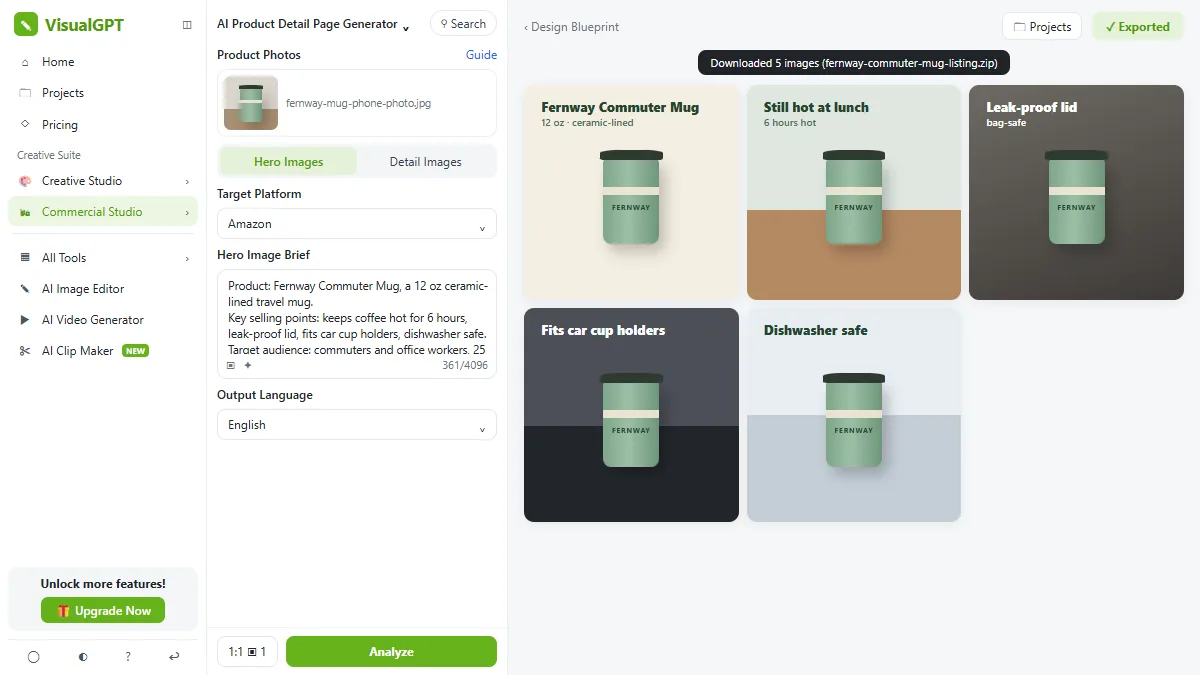 VisualGPT: Product Photos, Listing Images and Ads from One Phone Photo
Turn one phone photo into a lifestyle product shot, a five-image Amazon listing set and three launch ads in VisualGPT's Commercial Studio, checking the plan and every…
Free · Live ~8 min Beginner
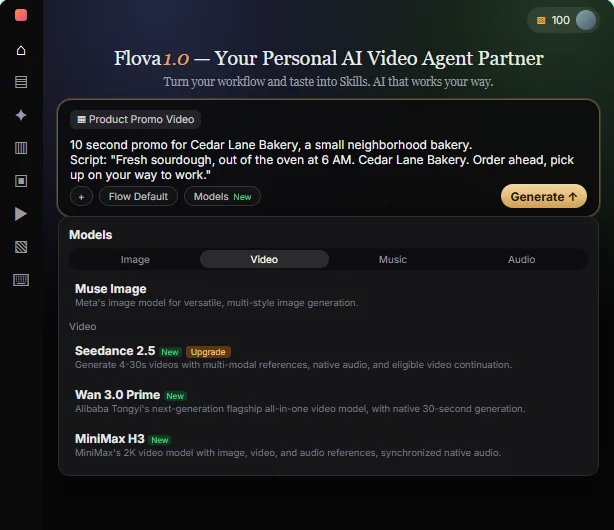 Flova: Plan a Promo Video from a Script Before You Spend a Credit
Give Flova's AI video agent a ten-second script for a small business, check its storyboard and credit estimate first, then make and fix one reference image.
Free · Live ~7 min Beginner
All 26 modules in AI Automation for Marketing
Terms in this lesson
Plain-English definitions, each with an example from a free lesson.