What is a custom vocabulary or personal dictionary in dictation and transcription?
Quick answer
A custom vocabulary, often called a personal dictionary, is a list of words you add to a voice tool so it spells them right: client names, product names, firm terms and acronyms. Without it, the tool guesses from common words and writes something that only sounds close.
Last updated
Take the free module →Module 10 of the free AI at Work: Start Here course, about 10 minutes. No account needed.
Updated · By Robert Breen
Why it matters for a small business
Voice tools do well with ordinary words and badly with the ones a business cares about most. "Harborview" becomes two words, a client's surname gets a common spelling, an acronym turns into a phrase. Each fix is a few seconds, but it happens every day, and the one that slips through lands in a client email with their name spelled wrong.
A custom vocabulary moves that fix to the start. You add the twenty names and terms you say most, once, and the tool uses them every time. It lowers the word error rate on exactly the words that are hardest to spot, because a misspelled name still looks like a real word when you skim.
What to put in a small firm's dictionary
| Type of word | Example |
|---|---|
| Client and company names | Harborview Dental |
| People with unusual spellings | A client's surname, the way they spell it |
| Your own firm's name | Northgate Accounting |
| Acronyms and form names | The forms and codes your team says out loud |
In a real lesson: Wispr Flow: Answer Emails and Write AI Prompts by Voice
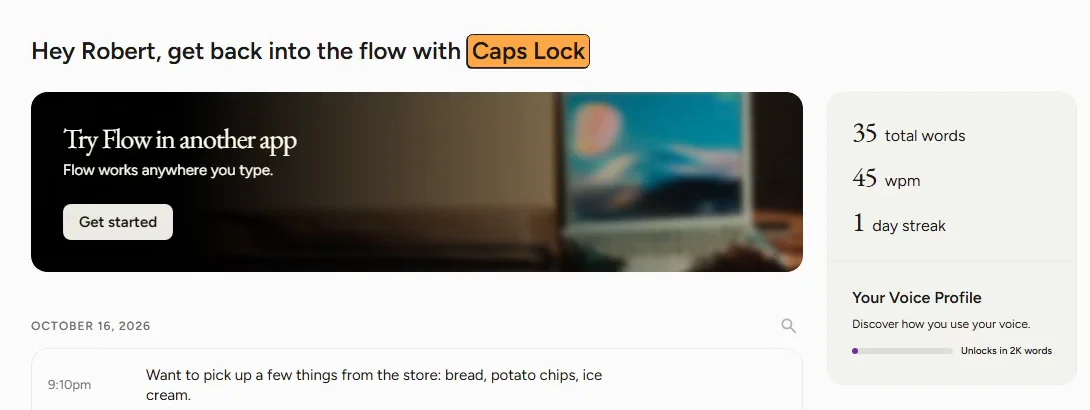
In the free Wispr Flow lesson, the chapter called Teach it your words starts from the problem: client names and firm terms are what voice tools get wrong most. wisprflow.ai says Flow learns your unique words and names automatically, or lets you add them yourself.
You click Dictionary in the Flow sidebar, and the lesson asks you to add the names you say every day, like Harborview, the made-up dental client whose email you just answered by voice dictation. The Captions lesson shows the cost of skipping this step: the AI wrote Britewell for Brightwell Financial Planning, and you fix it by hand in the Word panel.
Try this lesson free or read the step-by-step guide.
Common confusions
Custom vocabulary vs custom instructions
Custom instructions tell a chatbot how to answer. A custom vocabulary only tells a voice tool how to spell words it hears.
Custom vocabulary vs autocorrect
Autocorrect fixes typing after the fact. A vocabulary list helps the voice tool pick the right word as it listens.
Tips
- Start with your top 20 client names and your firm's name.
- Add a word the second time you have to fix it, not the tenth.
- Still read names in anything client-facing; a dictionary helps, it does not guarantee.
Related terms
More AI assistants terms
Where you use it: free lessons
- Wispr Flow: Answer Emails and Write AI Prompts by Voice (Wispr Flow, 10 min)
- Turn a Raw Client Video into a Captioned LinkedIn Clip using Captions (Captions, 8 min)
AI tools that use it
Frequently asked questions
- Where is the dictionary in Wispr Flow?
- In the lesson it is Dictionary in the Flow sidebar on the Windows desktop app.
- Does a custom vocabulary fix every misheard word?
- No. It helps with the words you add. Other names, numbers and soundalike words still need a quick read.
- Do transcription tools have custom vocabularies too?
- Some do. Check the settings of the tool you use; if it has none, fix names in the transcript before you share it.