AI for small operations teams: a one-page quick-start
A free one-page cheat sheet for operations teams: the free AI lessons in order, a late-order prompt and the calls AI must never make.
AI for small operations teams: a one-page quick-start
Automate internal request intake first: one form, an agent that sets priority and team, and a confirmation email.
Where to start, in order
- Prompt Writing 101: clear instructions are the whole job when you write triage rules.
- AI Maintenance & IT Request Form: a form, a webhook and an agent that sorts every request.
- AI Vendor Follow-Up Agent: drafts one chaser per late purchase order, with a reply-by date, into a sheet.
- Summarize a Meeting Transcript: decisions and an action items table, with "Not stated" when an owner or date is missing.
- Daily Job Alerts: a no-AI workflow that emails each person their rows every morning.
A prompt to copy: chase one late order
Role: You are the [YOUR ROLE] at [BUSINESS], writing to a vendor's sales rep or customer service team.
Context: We value this vendor but need an answer. The order: [ORDER DETAILS]. Use only these facts. Don't threaten to cancel, invent penalties, or mention other vendors.
Task: Write one follow-up that names the PO number and what was ordered, states the problem in one sentence, asks one clear question (a ship date, a tracking number or a fix), and asks for a reply by [REPLY BY].
Format: Under 80 words. Subject line with the PO number first, then the message, then my name. Polite, plain and firm. No "just checking in," no emoji.
From the free prompt library.
What stays with a named person
- Spend
- AI compares quotes and drafts a request; a person approves the purchase.
- Vendor terms
- Prices, quantities, dates and cancellations are agreed by a person.
- Safety
- The form marks safety risks Urgent, but a person must see them right away.
- The sort
- Read the Requests sheet daily at first and fix any wrong priority or team.
Remember: AI never approves spend, changes vendor terms or handles a safety issue alone. A person sends every vendor email.
Practice it free: Build an AI Maintenance and IT Request Form at learn.ynteractive.com/modules/lovable-n8n-operations. This sheet: learn.ynteractive.com/content/cheat-sheets/ai-quick-start-operations. Ridgeline Supply Co. is a made-up business from the lesson. By Robert Breen, October 1, 2026.
Practice it in the free lesson
Build an AI Maintenance and IT Request Form. Build an internal maintenance and IT request form in Lovable for Ridgeline Supply Co. and connect it to n8n — the AI agent sets the priority, assigns a team, saves the request to Google Sheets and… You do every step yourself in a practice copy of Lovable and n8n, it checks your work as you go, and “Do it for me” finishes any step you get stuck on. Free, and nothing touches your real accounts.
Start the free lessonLessons on this sheet
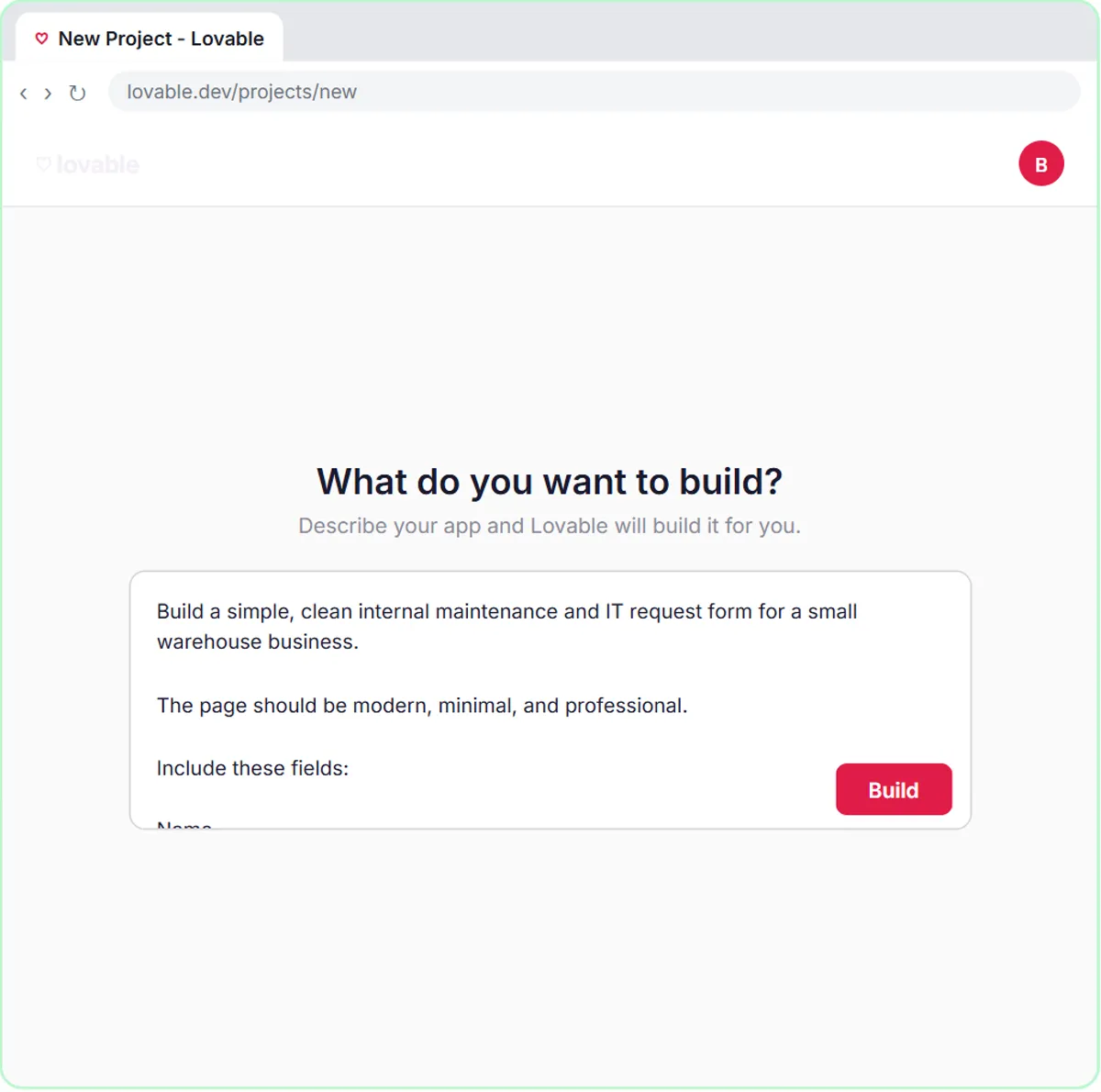 Build an AI Maintenance and IT Request Form
Build an internal maintenance and IT request form in Lovable for Ridgeline Supply Co. and connect it to n8n — the AI agent sets the priority, assigns a team, saves the…
Free · Live ~15 min
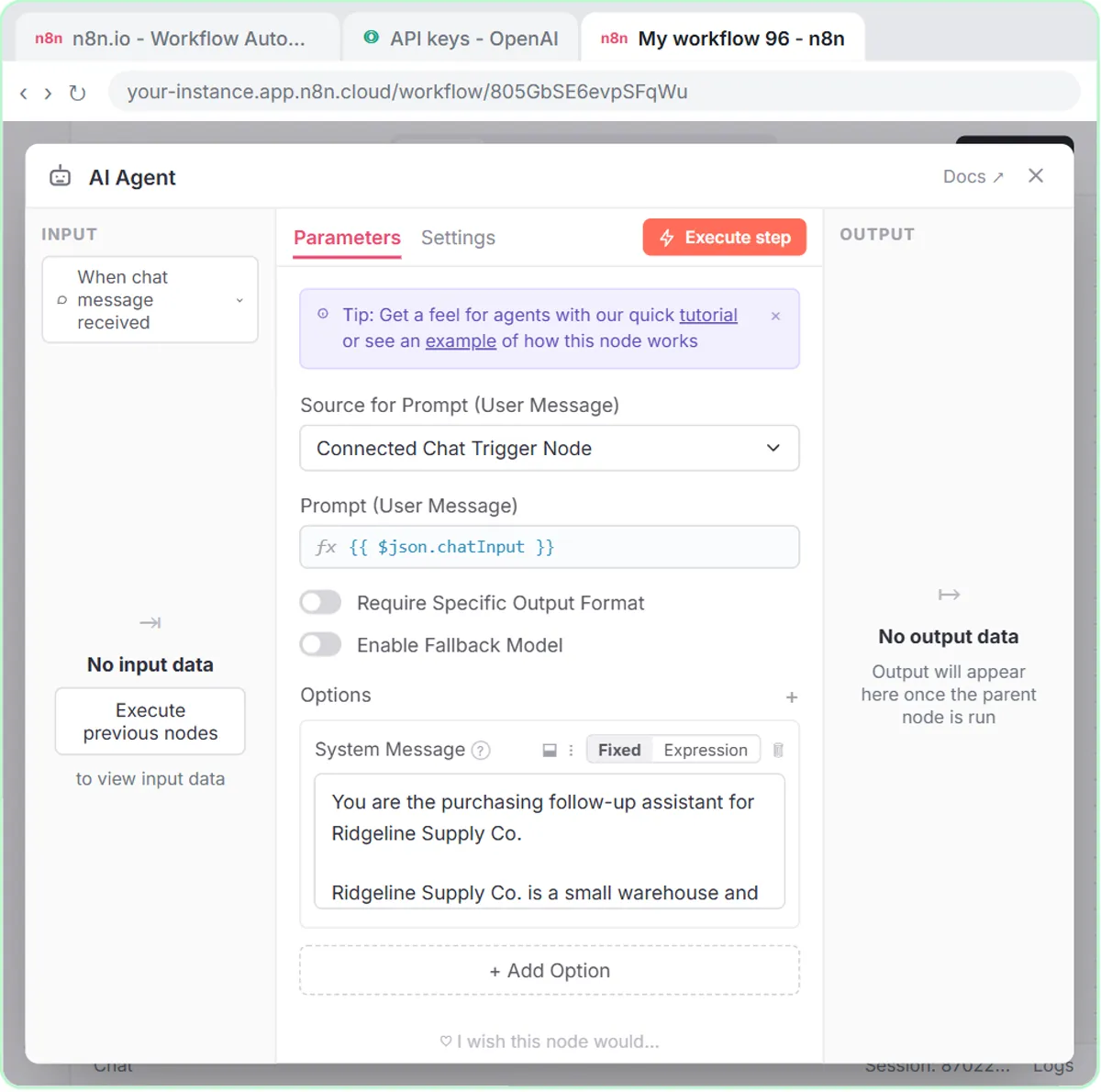 Build an AI Vendor Follow-Up Agent in n8n
Build an AI agent for Ridgeline Supply Co. that writes follow-up messages for late or pending purchase orders and saves them to Google Sheets — chat trigger, AI Agent…
Free · Live ~12 min
 Prompt Writing 101: Role, Context, Task, Format
Ask ChatGPT for the same customer email twice, once vaguely and once with a four-part prompt, and see exactly why structure gets a better answer.
Free · Live ~8 min
 Summarize a Meeting Transcript with ChatGPT
Paste a long meeting transcript into ChatGPT and get the decisions, an action items table with owners and due dates, and a follow-up email ready to send.
Free · Live ~9 min
 Daily Job Alerts: Email Each Tech Their Jobs from Google Sheets with n8n
Every morning at 7, n8n reads a plumbing company's jobs sheet, skips anything not assigned yet, and emails each job to the tech it's assigned to — customer, address…
Free · Live ~10 min
Related terms
Plain-English definitions, each with an example from a free lesson.
Related prompts
- Vendor late order follow-up prompt: Write a short, firm follow-up to a vendor about a late, short or unshipped purchase order: the PO, the problem, one question and…
- Action items table prompt: Paste a meeting transcript or rough notes and get a table of every task, owner and due date, with "Not stated" wherever nobody…
- Angry customer call talking points prompt: A ChatGPT prompt that preps you to call an upset customer: an opening line, facts to say, your real offer, answers to pushback…
- Appointment reminder text prompt: Write day-before reminder texts for each job on tomorrow's schedule: the time window, who's coming, one prep step and an easy…
More cheat sheets
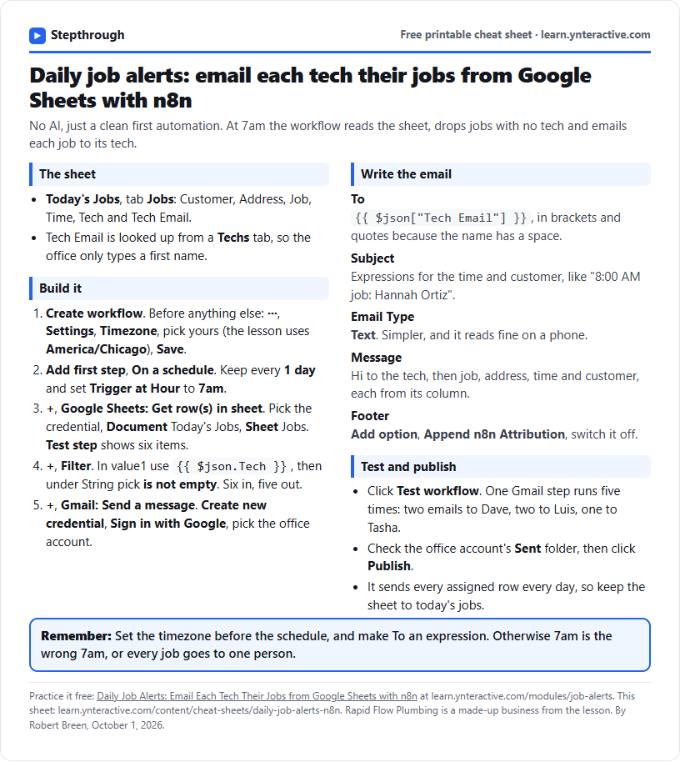 Daily Job Alerts in n8n Cheat Sheet
A free one-page cheat sheet: at 7am n8n reads today's jobs from Google Sheets, skips unassigned ones and emails each job to its tech.
Lesson cheat sheet Free PDF
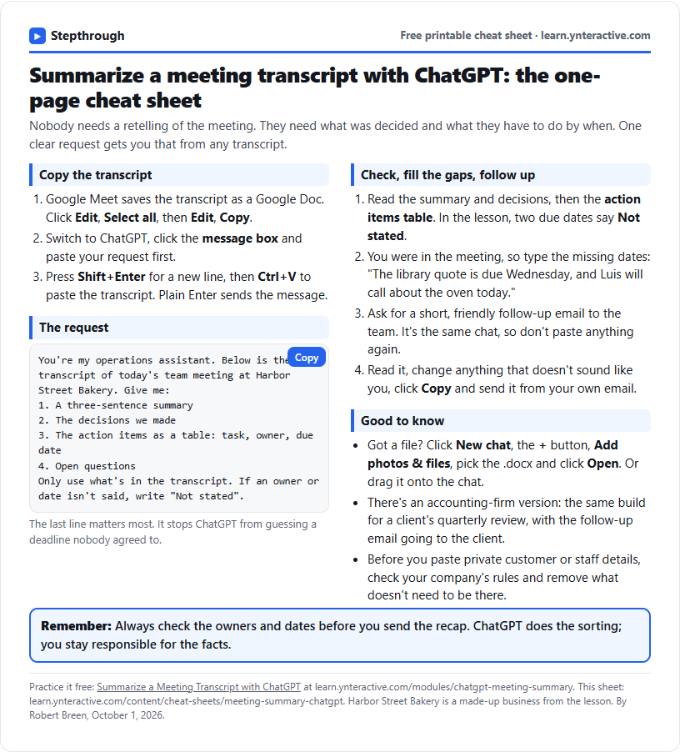 Summarize a Meeting with ChatGPT Cheat Sheet
A free one-page cheat sheet: turn a meeting transcript into decisions, an action items table with owners and dates, and a follow-up email.
Lesson cheat sheet Free PDF
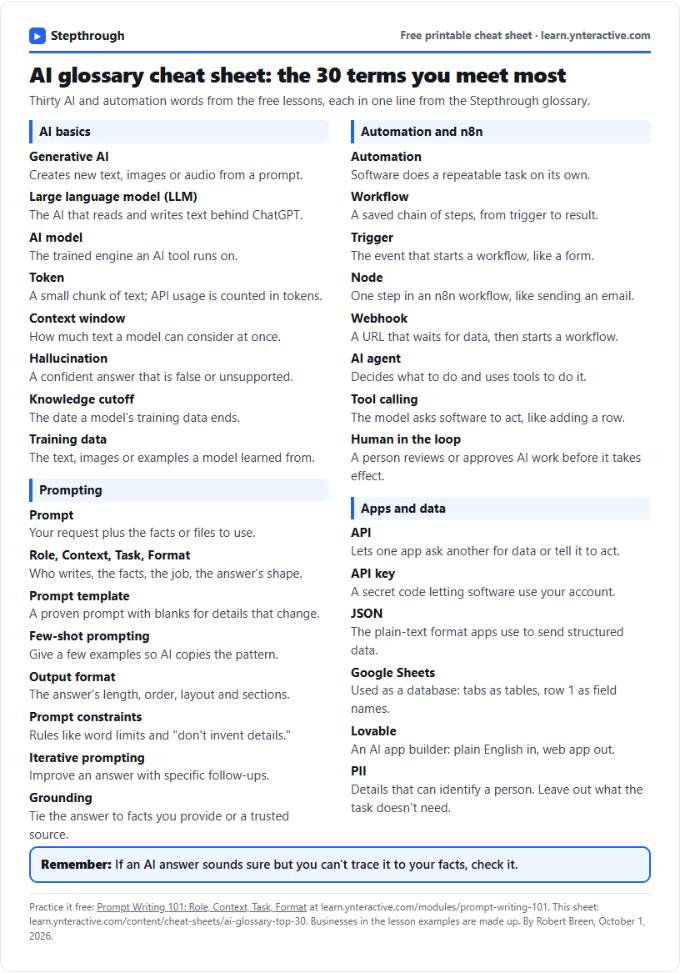 AI Glossary Cheat Sheet: 30 Terms in Plain English
A free one-page cheat sheet of 30 AI and automation terms in plain English: models, prompts, n8n workflows, apps and data.
Topic cheat sheet Free PDF