Auto-approval is where AI in finance goes from saving time to moving money. This checklist is for controllers, bookkeepers and owners deciding whether an agent is ready, and what to test first.
Should AI approve invoices at all?
Usually not by itself, at least at first. AI is very good at reading an invoice, filling in a row and flagging problems. Approval is a decision with money attached, and most small businesses are better served by AI that prepares the approval and a person who clicks it. Auto-approval can make sense later for small, routine, recurring bills from known vendors, once the checks below have run reliably for a while.
What are the checks an AI approval agent must pass?
Test each one with a planted example before you trust it:
- Duplicates. The same invoice number from the same vendor, or the same amount and date, must be flagged. A duplicate invoice is one of the most common ways businesses pay twice.
- Known vendor. The vendor must already be in your vendor list. New vendors go to a person.
- Unchanged bank details. Any change to where the money goes must stop the approval and be confirmed by phone, using a number you already have. Fake "our bank has changed" emails are a common fraud. The vendor bank change verification prompt drafts the reply.
- Match. The invoice must match a purchase order, a contract or your expense policy. See two-way match.
- Limit. Anything over an approval threshold goes to a person, no matter how clean it looks.
- Math. Line items times quantities must add up to the total, recalculated by a formula, not by the AI.
- Readable document. A scanned PDF is only a picture, and a text-reading step may find nothing in it. Blank or partial reads must go to review, not through.
- A Needs Review path. When the agent isn't sure, it must say so and route to a person instead of guessing.
- A log. Every decision, with the reason, goes into a sheet or system so there is an audit trail.
How does the invoice approval lesson handle this?
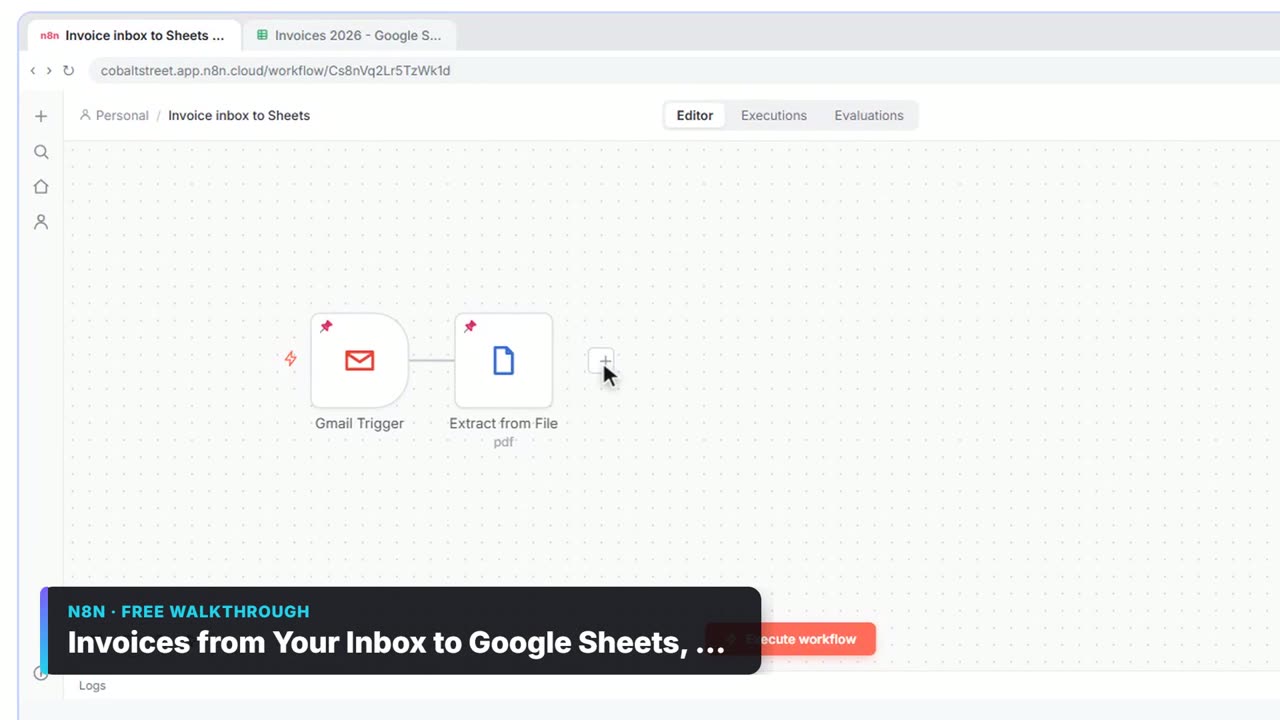
It puts a person exactly where the risk is. An n8n workflow reads each vendor invoice PDF from Gmail, has AI pull out the vendor, invoice number and total, and logs every invoice in Google Sheets. Anything over $1,000 waits for the owner to click Approve in an email, and test runs wait for the answer just like live runs. The lesson also warns that scanned invoices may come back with no text.
Try it free, step by step
Invoices from Your Inbox to Google Sheets, with Approval. Build an n8n workflow that reads each vendor invoice PDF from Gmail with AI, logs the vendor, invoice number and total in Google Sheets, and emails the owner an Approve button for anything over… You do every step yourself in a practice copy of n8n, it checks your work as you go, and “Do it for me” finishes any step you get stuck on. Free, and nothing touches your real accounts.
Start the free lessonHow do expense approvals differ?
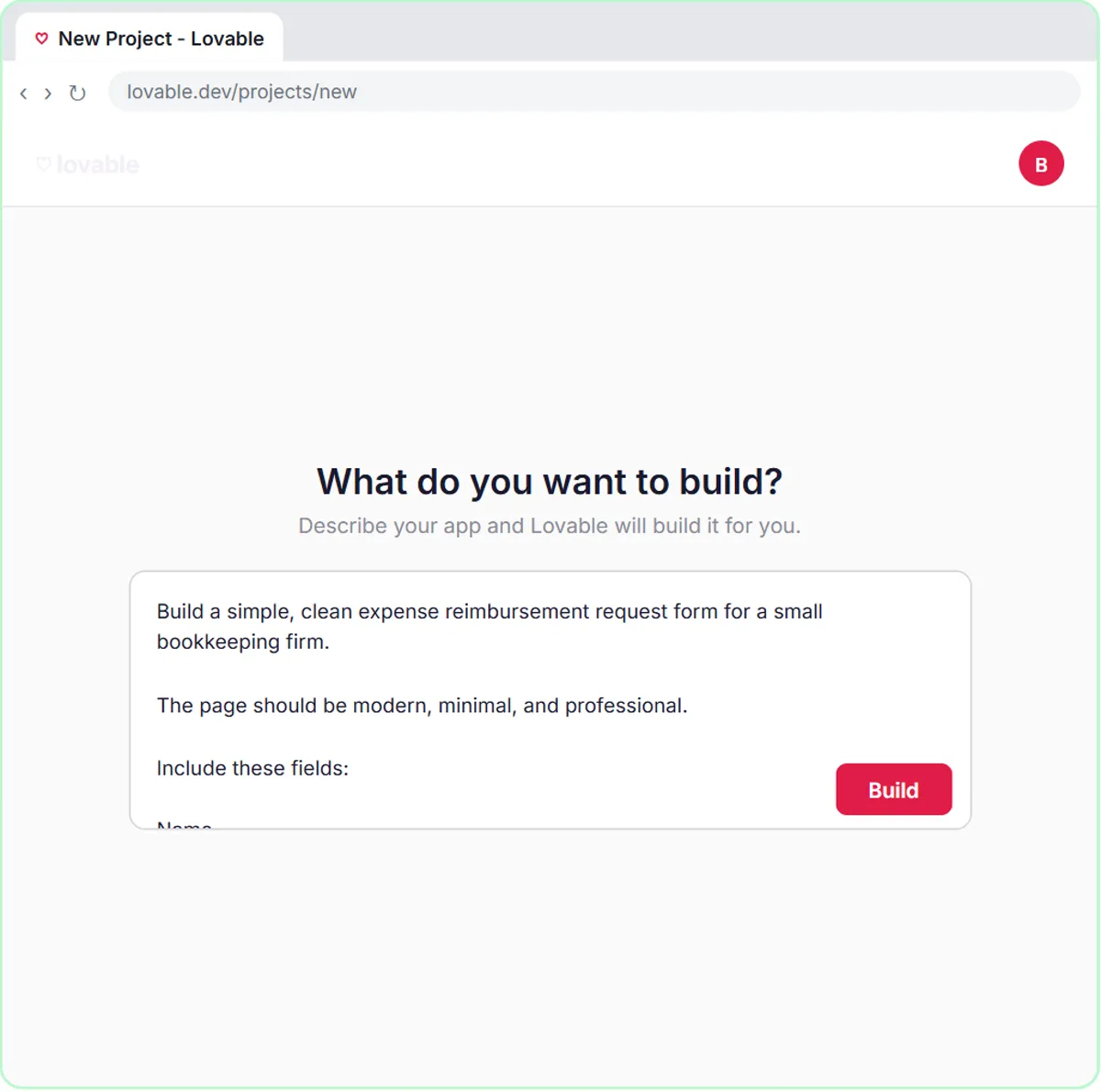
Expense reports add a policy check: is this the kind of spending the policy allows, and is the receipt there? In the free expense reimbursement form lesson, an AI agent checks each request against the policy, logs it in Google Sheets and emails the employee the status. The same rules apply: the agent explains its reason, unclear requests go to a person, and someone reviews the log.
How do I test an approval agent before trusting it?
Build a small test set and run it every time you change the prompt or the workflow:
| Test invoice | Expected result |
|---|---|
| A clean invoice under the limit from a known vendor | Approved or prepared for approval |
| The same invoice sent twice | Second one flagged as a duplicate |
| A known vendor with new bank details | Stopped for phone verification |
| An invoice over the limit | Sent to a person |
| A scanned PDF with no text | Sent to review |
| Totals that don't add up | Flagged |
If any row fails, the agent isn't ready, however good it looks on the clean invoices.
Key takeaways
- Let AI read, log and flag invoices before you let it approve any.
- Check duplicates, known vendor, unchanged bank details, a PO or policy match, a dollar limit and the math.
- Unreadable documents and unclear cases must go to a Needs Review path, never through.
- Log every decision with its reason.
- Test with planted bad invoices every time the workflow changes.
Frequently asked questions
- Can AI detect fake invoices?
It can flag warning signs, such as a new vendor, changed bank details or an amount that doesn't match a PO. It can't confirm a bank change is real. Always verify payment changes by phone with a number you already have.
- What dollar limit should auto-approval use?
There is no standard number. Pick one that fits your business's risk, write it down and start low. Many teams keep a person on every invoice until the agent has a long clean record.
- Who is responsible if AI approves a wrong invoice?
Your business is. That is why approvals, limits and the log should be owned by a named person, with the AI as a helper.
- Does auto-approval need an accountant's sign-off?
It is wise to have your accountant or controller review the rules and the test results before turning it on, especially if your books are audited.
Where can I go next?
Read How Do Purchase Orders Work? for the matching step, and Get Receipts into Google Sheets with AI and n8n for reading receipts.