Free SocialBee tutorials for small business
Updated
SocialBee. These 2 free modules teach it by building real projects, not by reading about features: Plan a Week of Social Posts in One Sitting using SocialBee and SocialBee: Turn Patient FAQs into an Evergreen TikTok Queue.
The SocialBee modules cover Marketing. Every module runs in a practice copy of SocialBee, so you can learn it without an account, then set it up for real.
2 modules
Stop posting in bursts. Let SocialBee’s AI Copilot plan a week of posts for a small firm, sort them into content categories and lay them out on the calendar, with every…
Free · Live ~12 min Beginner
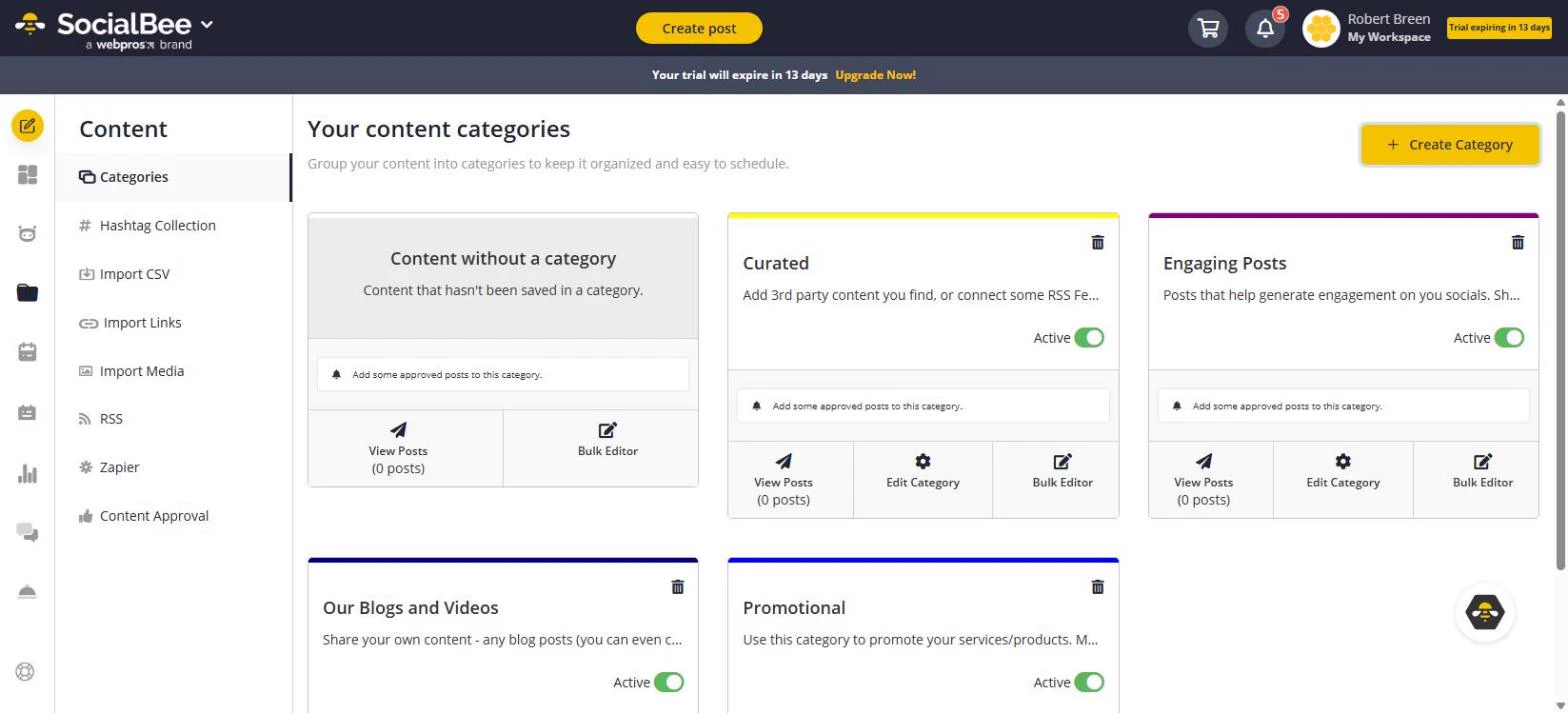 SocialBee: Turn Patient FAQs into an Evergreen TikTok Queue
The front desk answers the same five questions all week. Make a SocialBee category that re-posts its TikToks on a weekly slot, write the first FAQ post with AI…
Free · Live ~12 min Beginner
Prefer to watch or read? 1 of these module has a video walkthrough or a screenshot guide
What you do in each module
- Plan a Week of Social Posts in One Sitting using SocialBee (about 12 minutes, 32 steps, beginner). You work through: Let Copilot plan the week, Review and sort the posts, Add one more with the AI post generator and See the week on the calendar.
- SocialBee: Turn Patient FAQs into an Evergreen TikTok Queue (about 12 minutes, 36 steps, beginner). You work through: Make a category that repeats, Write the first FAQ post, TikTok settings, kept as a draft, Leave a note for the manager and Give the category a weekly slot.
Common questions
How long will this take?
The 2 modules take about 24 minutes in total, and you can do them in separate sittings.
Do I need experience first?
No. These modules are beginner level, and each step tells you exactly where to click.
Do I need a SocialBee account to start?
No. The practice runs in a copy of SocialBee inside your browser, and nothing touches your real accounts. When you are ready, you repeat the steps in your own account.
Is it free?
Yes. All 2 modules are free.
Where should I start?
Start with Plan a Week of Social Posts in One Sitting using SocialBee, then continue with SocialBee: Turn Patient FAQs into an Evergreen TikTok Queue.
Compare tools
Side-by-side comparisons, with prices and features checked against the vendors’ own pages.
The best AI social media schedulers as of October 2026: SocialBee, Blotato, Buffer, Hootsuite and Later, which networks each covers, and a free lesson.
⇆The best AI tools for marketers in 2026The best AI tools for marketers as of October 2026: Runable, Mixo, ProLevelMax, SocialBee, Opus Clip, Olum and ChatGPT, with a free lesson for each.
Frequently asked questions
- Are these SocialBee tutorials free?
- Yes. All 2 live SocialBee lessons here are free, and you can start without signing up. Each one is a real project you build step by step in a practice copy of SocialBee that checks your work.
- Where should a beginner start with SocialBee?
- Start with Plan a Week of Social Posts in One Sitting using SocialBee, about 12 minutes. Every step shows you where to click, and "Do it for me" finishes any step you get stuck on.
- Do I need my own SocialBee account to practice?
- No. The lessons run in a practice copy of SocialBee in your browser, so nothing touches your real accounts. To build the same workflow for real afterwards you need your own SocialBee account; check SocialBee's current pricing first.
Related
How every module works
Each step is shown on the left, with a cursor pointing to exactly where to click. You do the same thing on the right, in a practice copy of the real tool. Get it right and it moves on. Nothing touches your real accounts until you're ready to build it for real.
Start learning free