Free Run Solo Studio tutorials for small business
Updated
Run Solo Studio. These 2 free modules teach it by building real projects, not by reading about features: How to Import a Workflow in n8n: Run Solo Studio Unpaid-Invoice Reminders and Weekly Digest Email from Notion with n8n: Run Solo Studio's Sunday Prep (W5).
The Run Solo Studio modules cover Consulting & Agencies. Every module runs in a practice copy of Run Solo Studio, so you can learn it without an account, then set it up for real.
2 modules
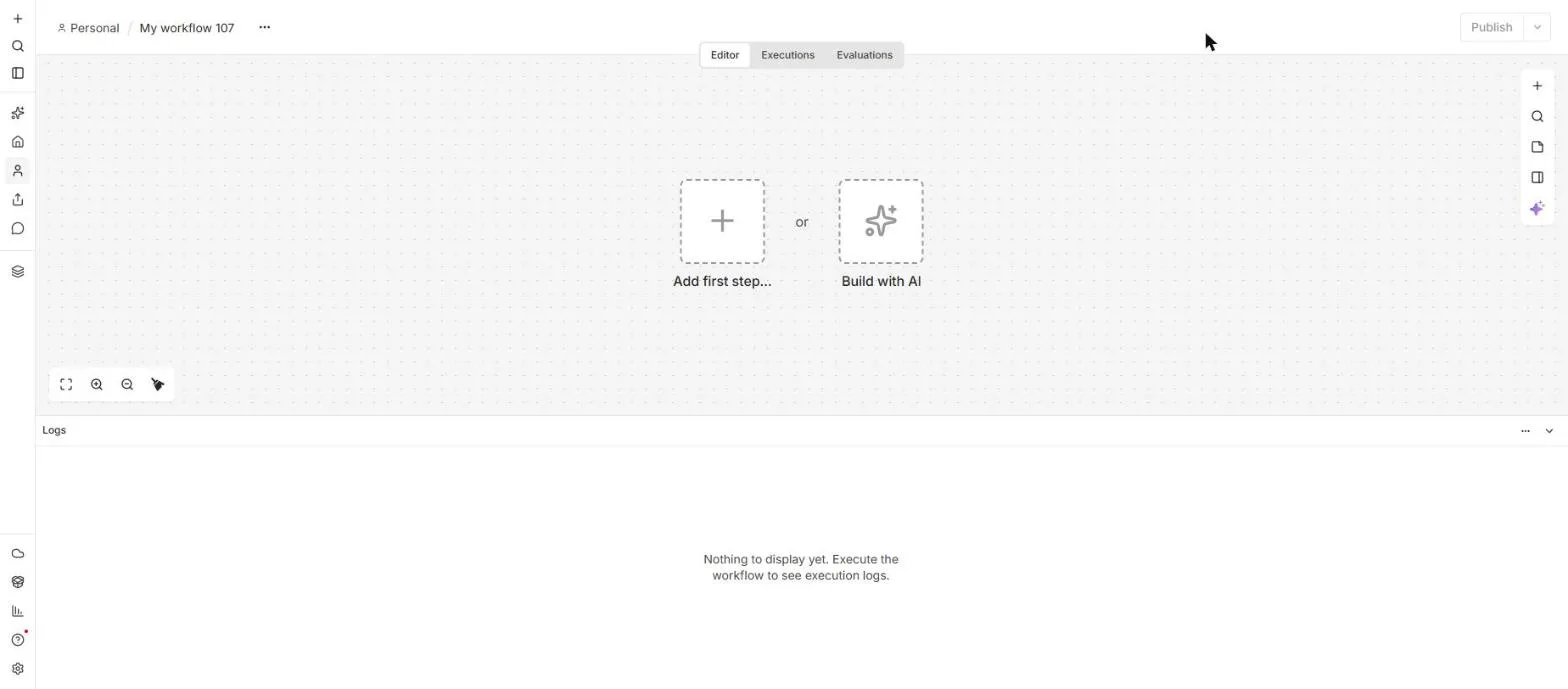 How to Import a Workflow in n8n: Run Solo Studio Unpaid-Invoice Reminders
A business case for solo consultants who chase late invoices by hand: price the weekly check, then import Run Solo Studio's W2 workflow into n8n, point it at your…
Free · Live ~10 min Intermediate
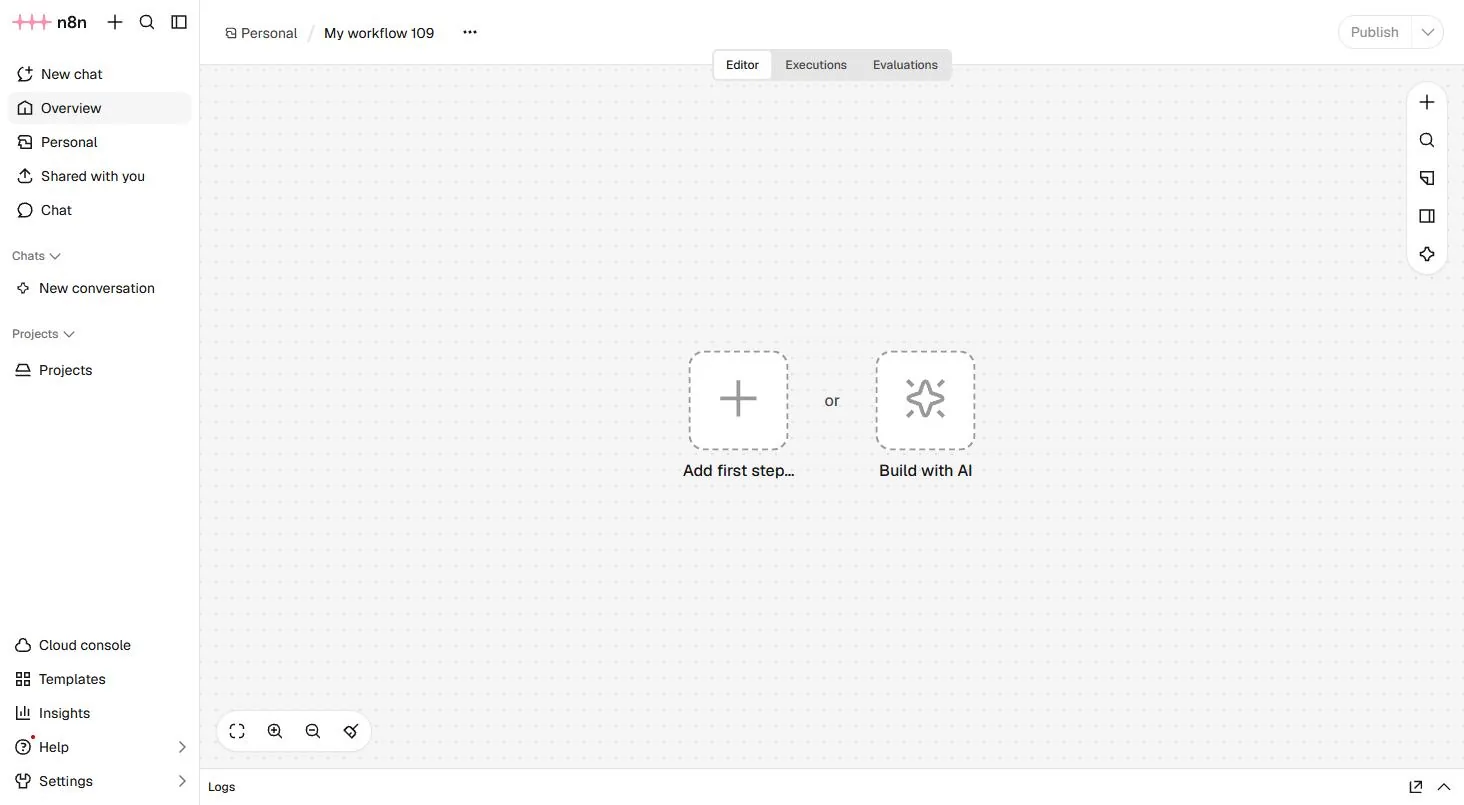 Weekly Digest Email from Notion with n8n: Run Solo Studio's Sunday Prep (W5)
A business case for solo consultants who plan the week by clicking through Notion: import Run Solo Studio's W5 Sunday digest into n8n, point it at four databases, learn…
Free · Live ~12 min Intermediate
Prefer to watch or read? 1 of these module has a video walkthrough or a screenshot guide
What you do in each module
- How to Import a Workflow in n8n: Run Solo Studio Unpaid-Invoice Reminders (about 10 minutes, 27 steps, intermediate). You work through: Hours spent chasing invoices, Import W2 into n8n, Fill in CONFIG, Connect Notion and email, Set the schedule and Test run.
- Weekly Digest Email from Notion with n8n: Run Solo Studio's Sunday Prep (W5) (about 12 minutes, 32 steps, intermediate). You work through: The Sunday hunt, Import W5 into n8n, Fill in CONFIG, The Notion queries, Digest and email and Schedule and time zone.
Common questions
How long will this take?
The 2 modules take about 22 minutes in total, and you can do them in separate sittings.
Do I need experience first?
These modules are marked intermediate. Each step shows you exactly where to click.
Do I need a Run Solo Studio account to start?
No. The practice runs in a copy of Run Solo Studio inside your browser, and nothing touches your real accounts. When you are ready, you repeat the steps in your own account.
Is it free?
Yes. All 2 modules are free.
Where should I start?
Start with How to Import a Workflow in n8n: Run Solo Studio Unpaid-Invoice Reminders, then continue with Weekly Digest Email from Notion with n8n: Run Solo Studio's Sunday Prep (W5).
Frequently asked questions
- Are these Run Solo Studio tutorials free?
- Yes. All 2 live Run Solo Studio lessons here are free, and you can start without signing up. Each one is a real project you build step by step in a practice copy of Run Solo Studio that checks your work.
- Where should a beginner start with Run Solo Studio?
- Start with How to Import a Workflow in n8n: Run Solo Studio Unpaid-Invoice Reminders, about 10 minutes. Every step shows you where to click, and "Do it for me" finishes any step you get stuck on.
- Do I need my own Run Solo Studio account to practice?
- No. The lessons run in a practice copy of Run Solo Studio in your browser, so nothing touches your real accounts. To build the same workflow for real afterwards you need your own Run Solo Studio account; check Run Solo Studio's current pricing first.
Related
How every module works
Each step is shown on the left, with a cursor pointing to exactly where to click. You do the same thing on the right, in a practice copy of the real tool. Get it right and it moves on. Nothing touches your real accounts until you're ready to build it for real.
Start learning free