Free Hardline tutorials for small business
Updated
Hardline. These 2 free modules teach it by building real projects, not by reading about features: Hardline: Turn a Site-Walk Call into a Daily Log and Punch List and Hardline: Turn Site Photos into a Punch List for the Owner Walk.
The Hardline modules cover Business Automations. Every module runs in a practice copy of Hardline, so you can learn it without an account, then set it up for real.
2 modules
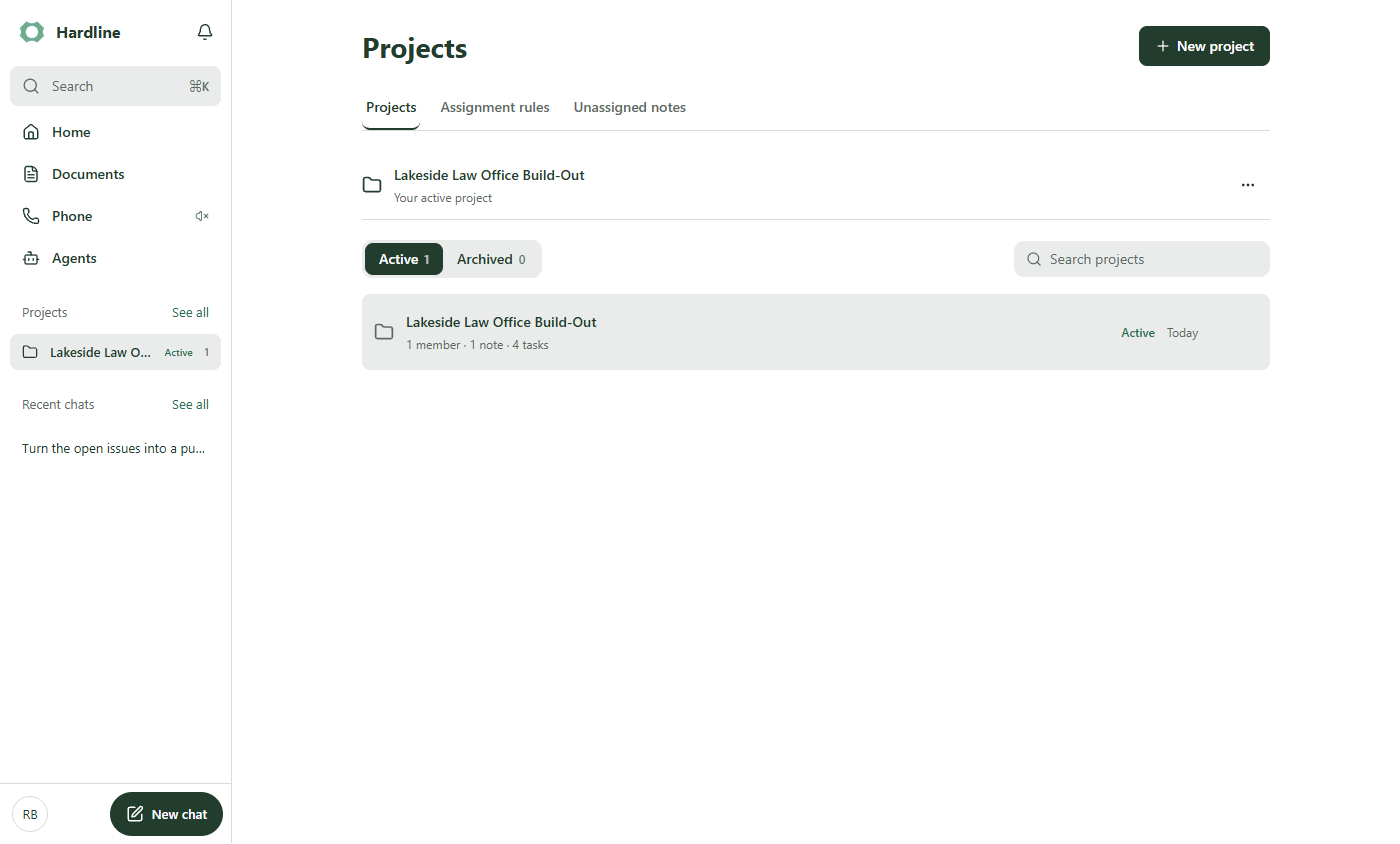 Hardline: Turn a Site-Walk Call into a Daily Log and Punch List
Project managers spend 30 minutes a day typing up the site walk, and punch items still slip. Capture the call notes in Hardline, get a dated daily log and tasks filed…
Free · Live ~7 min Beginner
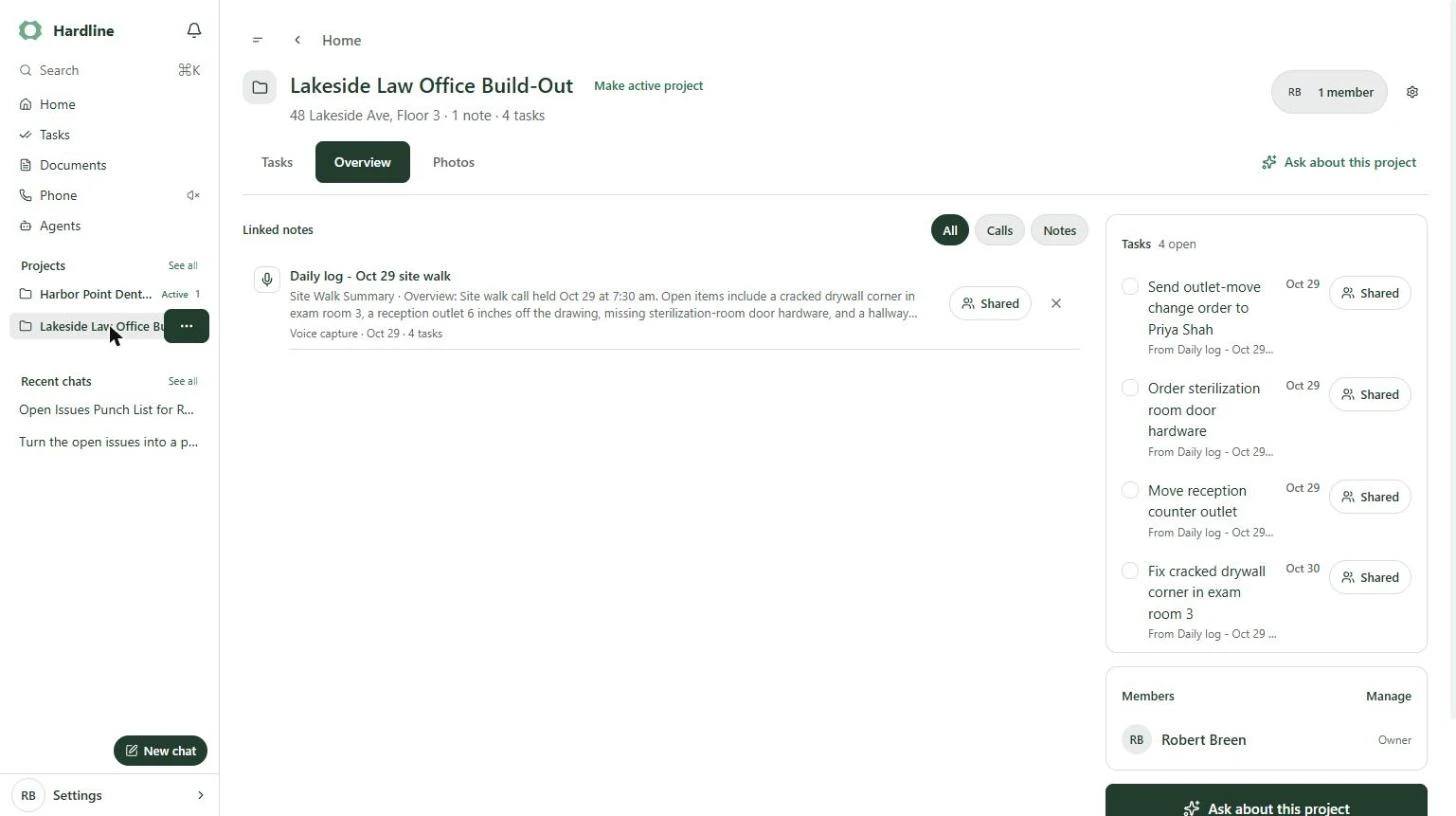 Hardline: Turn Site Photos into a Punch List for the Owner Walk
The owner walk is tomorrow and the punch list usually takes your evening. Capture each issue in Hardline as a photo with one line of context, then ask the project for a…
Free · Live ~7 min Beginner
What you do in each module
- Hardline: Turn a Site-Walk Call into a Daily Log and Punch List (about 7 minutes, 20 steps, beginner). You work through: Set up the project, Capture the site walk and Review the log and punch list.
- Hardline: Turn Site Photos into a Punch List for the Owner Walk (about 7 minutes, 12 steps, beginner). You work through: Point captures at the job, Capture each issue and Ask for the punch list.
Common questions
How long will this take?
The 2 modules take about 14 minutes in total, and you can do them in separate sittings.
Do I need experience first?
No. These modules are beginner level, and each step tells you exactly where to click.
Do I need a Hardline account to start?
No. The practice runs in a copy of Hardline inside your browser, and nothing touches your real accounts. When you are ready, you repeat the steps in your own account.
Is it free?
Yes. All 2 modules are free.
Where should I start?
Start with Hardline: Turn a Site-Walk Call into a Daily Log and Punch List, then continue with Hardline: Turn Site Photos into a Punch List for the Owner Walk.
Compare tools
Side-by-side comparisons, with prices and features checked against the vendors’ own pages.
Frequently asked questions
- Are these Hardline tutorials free?
- Yes. All 2 live Hardline lessons here are free, and you can start without signing up. Each one is a real project you build step by step in a practice copy of Hardline that checks your work.
- Where should a beginner start with Hardline?
- Start with Hardline: Turn a Site-Walk Call into a Daily Log and Punch List, about 7 minutes. Every step shows you where to click, and "Do it for me" finishes any step you get stuck on.
- Do I need my own Hardline account to practice?
- No. The lessons run in a practice copy of Hardline in your browser, so nothing touches your real accounts. To build the same workflow for real afterwards you need your own Hardline account; check Hardline's current pricing first.
Related
How every module works
Each step is shown on the left, with a cursor pointing to exactly where to click. You do the same thing on the right, in a practice copy of the real tool. Get it right and it moves on. Nothing touches your real accounts until you're ready to build it for real.
Start learning free