Updated . Built from Pangolinfo’s official docs and help center. Screens may differ slightly in your account. How we check this lesson
Your rating is slipping and the one- and two-star reviews are buried under hundreds of happy ones. Call Pangolinfo's Amazon Review API with filterByStar set to critical, sort by most helpful, and turn what comes back into a ranked fix list for your own product.
At a glance
| Question | Answer |
|---|---|
| What you build | Your rating is slipping and the one- and two-star reviews are buried under hundreds of happy ones. Call Pangolinfo's Amazon Review API with filterByStar set to critical, sort by most helpful, and turn what comes back into a ranked fix list for your own product. |
| Tools | Pangolinfo |
| Time | About 6 minutes, 6 steps in 2 parts |
| Level | Beginner, no coding needed |
| Cost | Free |
| Ways to learn it | Practice it step by step |
The 2 parts, in short
- Set up the request: Choose the Amazon Review API, Enter your own ASIN, Ask for critical reviews only, Most helpful first.
- Read and group: Send it and read the reviews, Group the complaints into a fix list.
What you'll build
You are Marcus, operations lead at Copperleaf Pet Co., a made-up brand that sells an automatic pet water fountain on Amazon. The rating has dropped from 4.5 to 4.2 stars in three months, and the critical reviews are buried under hundreds of five-star ones. Scrolling Amazon to find them takes an evening and you never know if you saw the important ones. In this starter lesson you open the Playground in the Pangolinfo Console, choose the Amazon Review API, ask for your own ASIN with filterByStar set to critical and sortBy set to helpful, read what each review says and which variant it was about, and group the complaints into a fix list for your supplier. Every field name comes from Pangolinfo's docs; the frame is a practice copy, not the real console.
You called the Amazon Review API from the Pangolinfo Playground with your ASIN, filterByStar critical and sortBy helpful, read each review's star, title, content, Verified Purchase flag and variant, and grouped the complaints into a fix list with a count for each. What this saves you: an evening of scrolling Amazon, and guessing which complaints matter most. Pangolinfo's docs say each page of reviews costs 5 credits (pageCount from 1 to 10), and the Free trial includes 60 credits a month with no card. To run it on your own product, log in to the Pangolinfo Console, open Playground and choose the Amazon Review API; if the endpoint list is slow to load, reload the page. This lesson was built from Pangolinfo's docs, not run against a real ASIN, so check each label against your own screen.
- Tools: Pangolinfo
- Time: about 6 minutes, 6 steps in 2 chapters
- Level: beginner, no coding needed
- Price: free
Practice first, then build it for real
Starter lesson based on Pangolinfo's public documentation (Amazon Review API, Amazon Scrapers API: Overview), read 20 November 2026. This is a plain practice frame, not Pangolinfo's own screens; nothing here touches a Pangolinfo account. Copperleaf Pet Co. and its data are made up. To build it for real you need your own Pangolinfo account, and some services charge once you use them for real work, so check each tool's current pricing.
Try it yourself, free
Reading the steps is a start. Doing them is how it sticks. The interactive module walks you through every click in a practice copy of Pangolinfo, checks each step, and never touches your real accounts.
Start “Pangolinfo: Pull Only the Critical Reviews and Turn Them into a Fix List for Marketing”Step by step: Pangolinfo: Pull Only the Critical Reviews and Turn Them into a Fix List for Marketing
All 6 steps of the interactive module, in order. In the module you watch each one, then do it yourself in a practice copy that checks your work.
1. Set up the request
- Choose the Amazon Review API. You are Marcus, operations lead at Copperleaf Pet Co., a made-up brand selling a pet water fountain on Amazon. The rating has slipped from 4.5 to 4.2 and the bad reviews are buried. In the Pangolinfo Console, open Playground. The API list starts on Amazon Scraper API; choose Amazon Review API.
You run operations at a pet supplies brand, and your rating is slipping. In the Pangolinfo Console, open Playground and choose the Amazon Review API.
- Enter your own ASIN. Type the asin of your fountain. This one is made up: B0EXAMPLE7. Leave site on amz_us for Amazon US.
Leave the site on Amazon US.
- Ask for critical reviews only. filterByStar starts on all_stars. The docs list one_star to five_star, positive and critical. Click critical.
Filter by star starts on all stars.
- Most helpful first. sortBy can be recent or helpful. The reviews other shoppers voted helpful are the ones shoppers read before buying. Click helpful. Keep pageCount at 2: the docs say 5 credits per page, so this costs 10 of your 60.
Sort by helpful. Those are the reviews shoppers read before they buy. Two pages costs ten credits.
2. Read and group
- Send it and read the reviews. Click Send. The result is code 0, message ok, pointCost 10. Each review has its star, title, content, purchased (Verified Purchase) and attributes, which tells you the variant, such as {"Size":"2.5L"}.
Each review comes back with its stars, title, text, whether it was a verified purchase, and which variant it was about.
- Group the complaints into a fix list. Count the same complaint across reviews, note the variant and whether it was a Verified Purchase, and rank them. Here the pump failing is 11 of 20, mostly on the 2.5L: that is the supplier call. Click Group the complaints.
Count each complaint, note the variant and whether the buyer was verified, and rank them. The pump failing on the larger size comes first.
More in AI Automation for Marketing
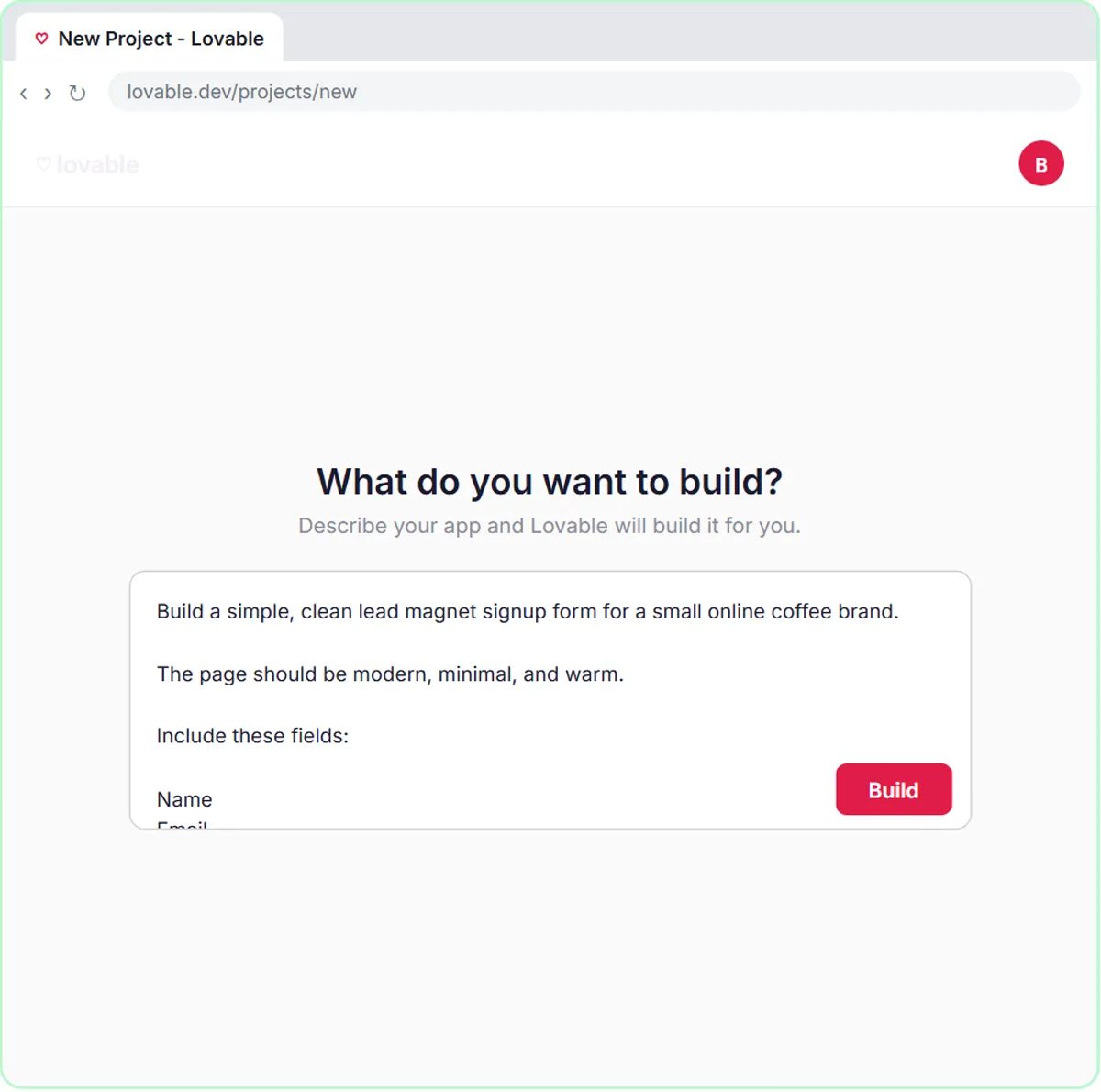 Build a Lead Magnet Signup Form with an AI Welcome Email
Build a "Get the free guide" signup form in Lovable for Harbor & Pine Coffee Roasters and connect it to n8n — the AI agent tags each lead by interest, saves it to…
Free · Live ~15 min Advanced
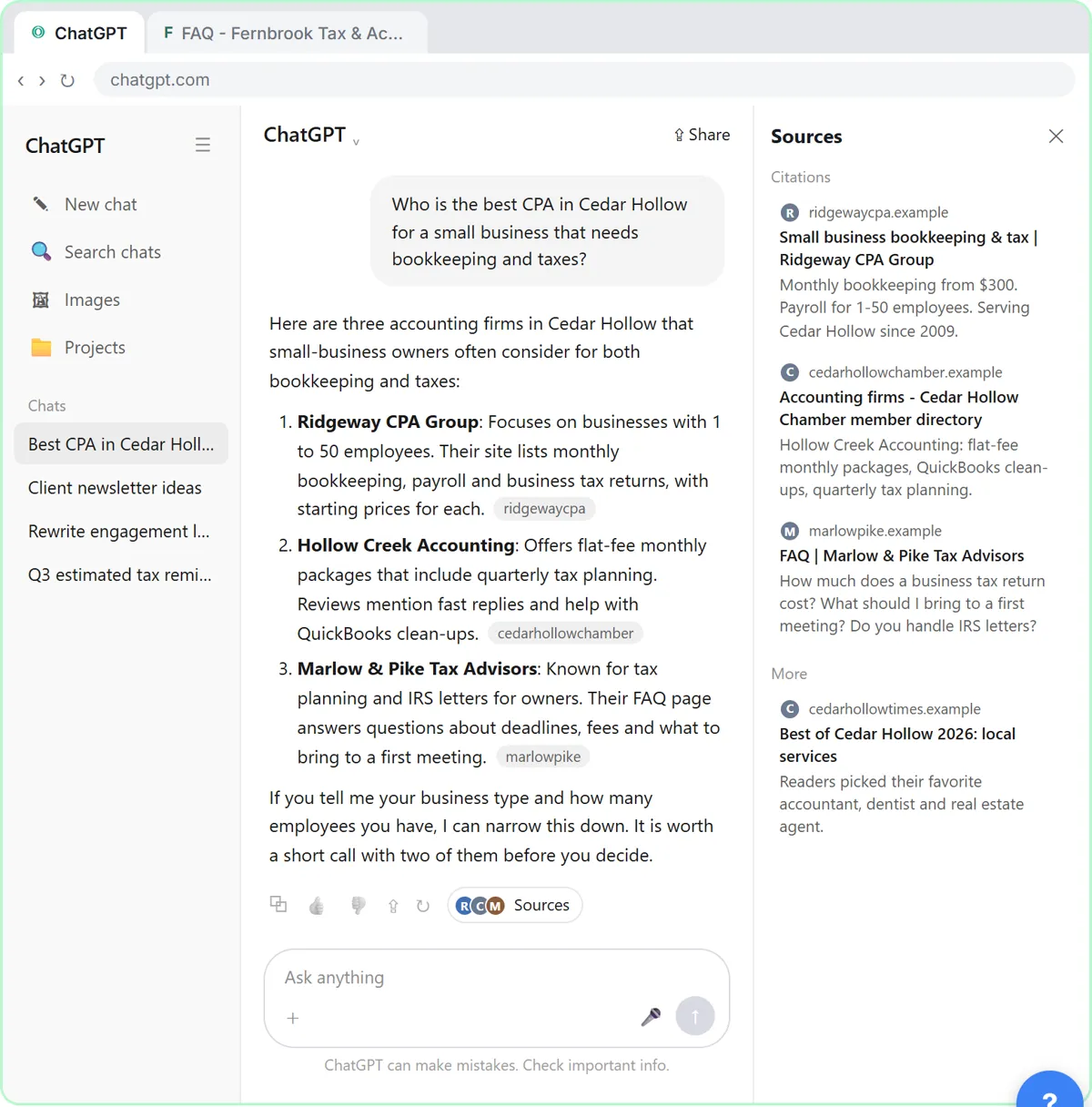 Get Your Business Recommended by ChatGPT
Ask ChatGPT who it recommends in your town, see which pages it trusts, then use it to write an FAQ page and Business Profile copy that answer real customer questions.
Free · Live ~10 min Intermediate
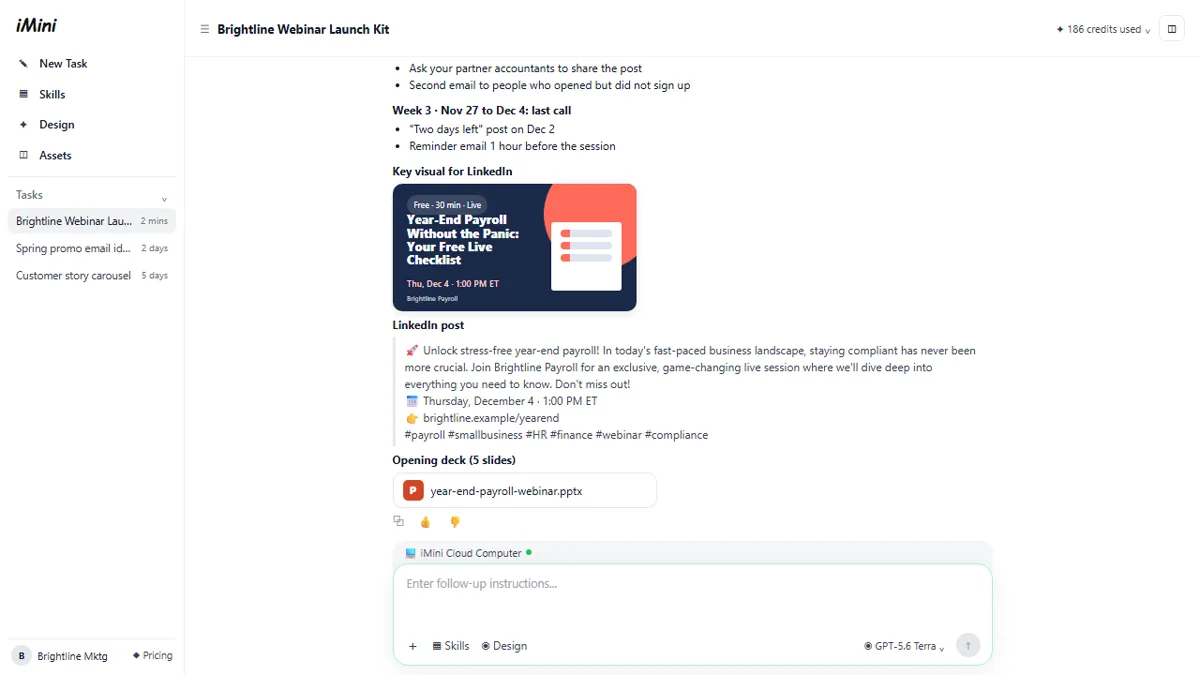 iMini AI Agent: Turn a Rough Idea into a Launch Kit
Brief the iMini Creative Agent once and get a launch plan, a LinkedIn visual, a post and a 5-slide deck, then fix the visual and humanize the post with follow-ups.
Free · Live ~8 min Beginner
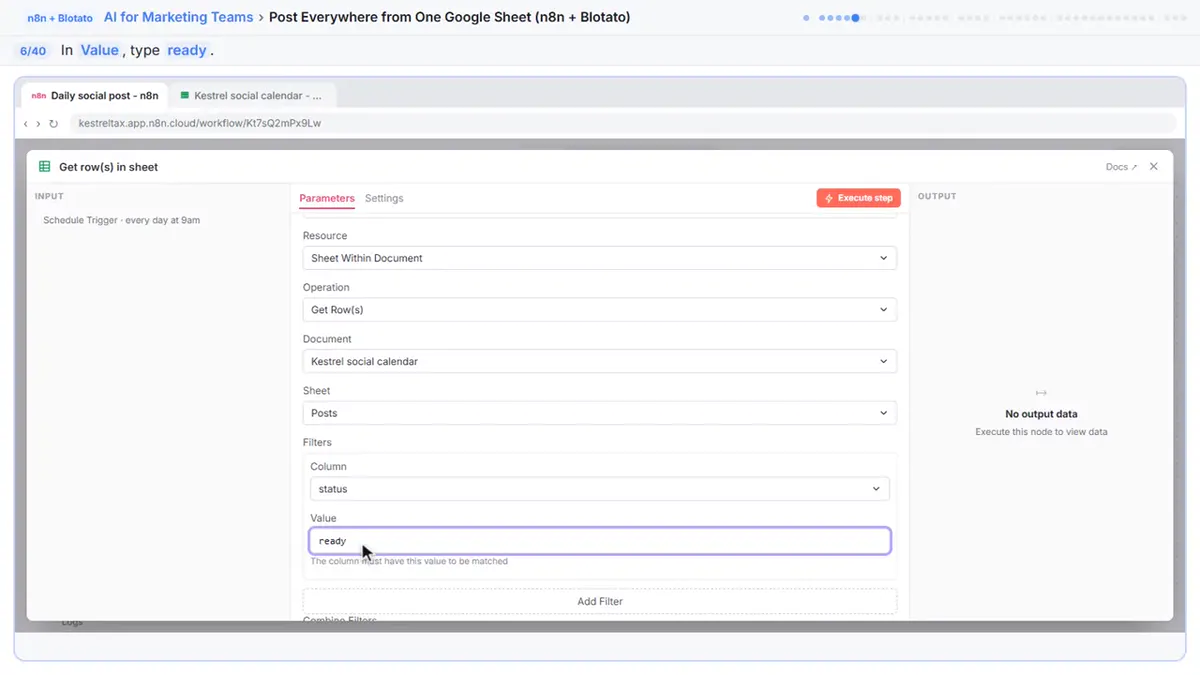 Post to Every Channel Daily from One Sheet using n8n + Blotato
Copying the same post into every social app can take half an hour a day, and on busy days nothing goes out. Plan a week of posts in one Google Sheet; every morning n8n…
Free · Live ~14 min Advanced
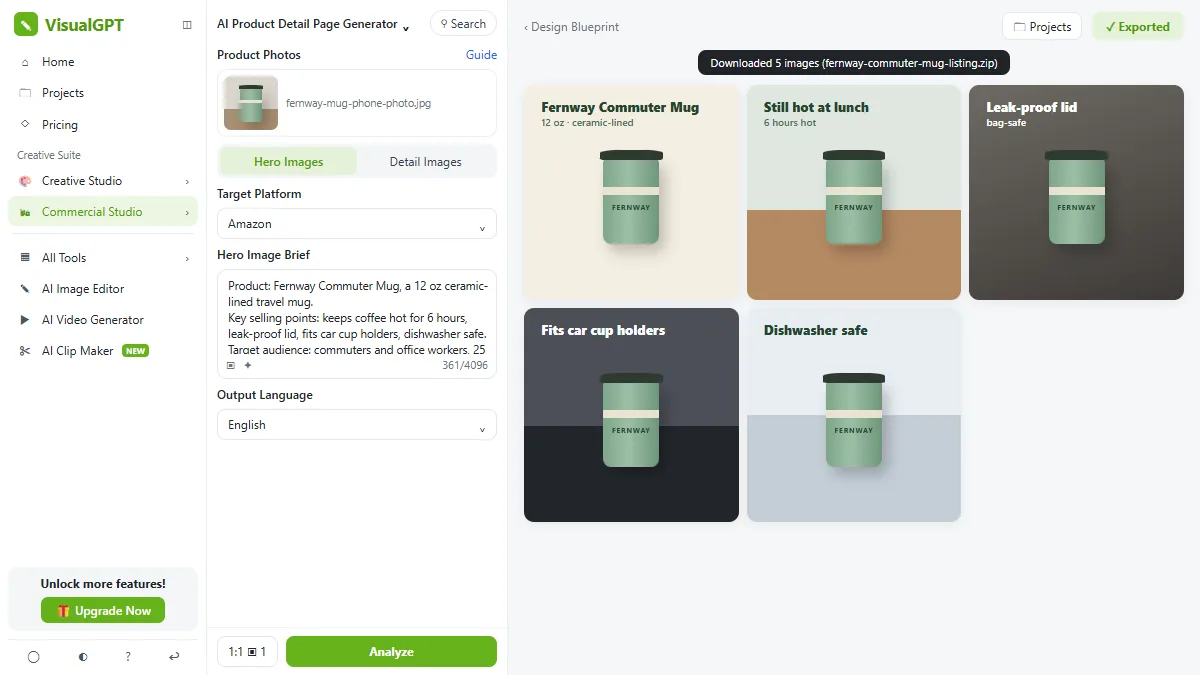 VisualGPT: Product Photos, Listing Images and Ads from One Phone Photo
Turn one phone photo into a lifestyle product shot, a five-image Amazon listing set and three launch ads in VisualGPT's Commercial Studio, checking the plan and every…
Free · Live ~8 min Beginner
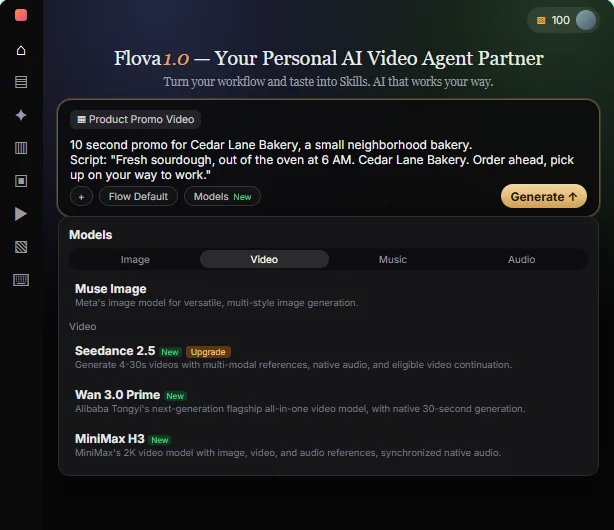 Flova: Plan a Promo Video from a Script Before You Spend a Credit
Give Flova's AI video agent a ten-second script for a small business, check its storyboard and credit estimate first, then make and fix one reference image.
Free · Live ~7 min Beginner
All 30 modules in AI Automation for Marketing
More Pangolinfo tutorials
Terms in this lesson
Plain-English definitions, each with an example from a free lesson.