What is a workflow timeout?
Quick answer
A timeout is the longest time a workflow, or one request inside it, is allowed to run before it is stopped and marked as failed. In n8n you can set a timeout for the whole workflow in its settings, and many nodes, such as HTTP Request, have their own timeout option for a single call.
Last updated
Take the free module →Module 7 of the free n8n Jump Start course, about 10 minutes. No account needed.
Updated · By Robert Breen
Why it matters for a small business
Without a limit, a run that waits on a server that never answers can hang for a long time, holding up the next run and hiding the real problem. With a timeout, the run fails quickly and clearly, so your error handling can retry it or send an alert.
Timeouts also protect your plan. Hosted automation tools cap how long a run may take, and a stuck run can count against you. Setting your own, shorter limit means you hear about slow steps early, before they become missed reports.
Where you'll use it: in n8n, open the workflow's Settings and turn on Timeout Workflow with a time limit. In an HTTP Request node, open Options and add Timeout in milliseconds. When a run is stopped, the Executions list shows it as failed, with the step that ran out of time.
In a real lesson: Get Alerted When an n8n Automation Fails, and Let It Retry by Itself
In the free n8n error handling lesson, Maple Lane Florist's 6am workflow fails because the supplier's server is busy, and for three days nobody notices. The lesson adds an error workflow that emails the owner, Retry On Fail, and an error output so the run still finishes.
A timeout on the supplier request completes that picture. If the server accepts the call but never answers, a 30-second timeout turns a silent hang into a clear failure, which the retries and the error email then handle.
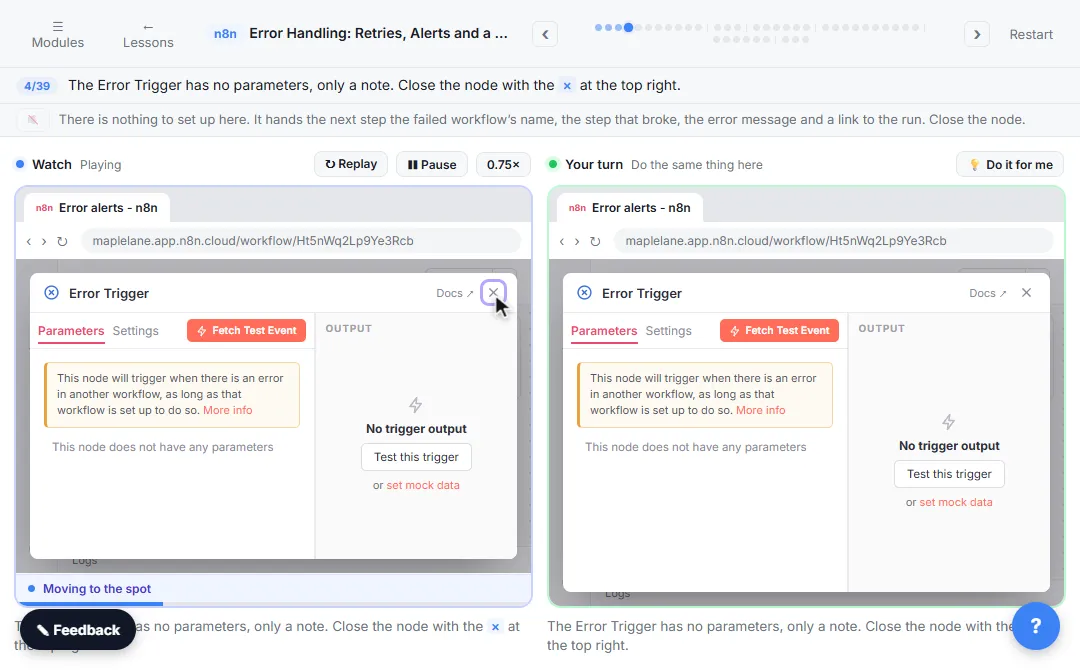
Try this lesson free or read the step-by-step guide.
Common confusions
Timeout vs rate limit
A timeout is about waiting too long for an answer. A rate limit is about sending too many requests.
Workflow timeout vs node timeout
The workflow timeout stops the whole run. A node timeout only limits one call, and the workflow can handle the failure and carry on.
Tips
- Set request timeouts a bit above the app's normal response time, not far above.
- Pair every timeout with an alert or retry, or failures go unseen.
- Check slow steps in the Executions list before raising a limit.
Related terms
More n8n and automation terms
Where you use it: free lessons
- Get Alerted When an n8n Automation Fails, and Let It Retry by Itself (n8n, 10 min)
- n8n: Call Any API with the HTTP Request Node (n8n, 9 min)
Frequently asked questions
- What happens to a run that times out in n8n?
- It is stopped and marked as failed. If the workflow has an error workflow set, that error workflow runs.
- Can a timeout be too short?
- Yes. If a normal call takes 10 seconds, a 5-second timeout fails every run. Check typical times in Executions first.