What does local-first mean for an AI tool?
Quick answer
Local-first software stores and processes your data on your own computer by default. Anything that sends data elsewhere, such as a cloud AI model, sync or an integration, is a separate choice you switch on.
Last updated
Take the free module →Module 41 of the free AI Apps Worth Knowing course, about 10 minutes. No account needed.
Updated · By Robert Breen
Why it matters for a small business
Most AI tools send what you type, and often your files, to a company's servers. That is fine for a marketing draft and a problem for client records, payroll or anything under a confidentiality agreement. A local-first tool flips the default: the data lives on the machine in front of you, and you decide what, if anything, leaves it.
"Local by default" is not the same as "never leaves". The moment you pick a cloud AI model, turn on cloud transcription, sync between devices or connect another app, some data travels. The useful question is not "is it local?" but "which settings send what, and where?" Good local-first tools document that clearly.
In a real lesson: Screenpipe: Map a Recurring Task Before You Automate It
The Screenpipe lesson is set at Alder & Finch Bookkeeping, a made-up firm. Screenpipe records the screen and audio and keeps the frames, transcripts and search index on the computer by default. Its privacy docs list what changes that: cloud transcription sends audio to the chosen service, a cloud AI model receives the context you ask about, and team sync sends encrypted data to the team store.
So the lesson sets the rules before anything else: the online banking window goes on the ignored list, AI PII removal is turned on, and the guide suggests a local model such as Ollama when the data must not leave the office.
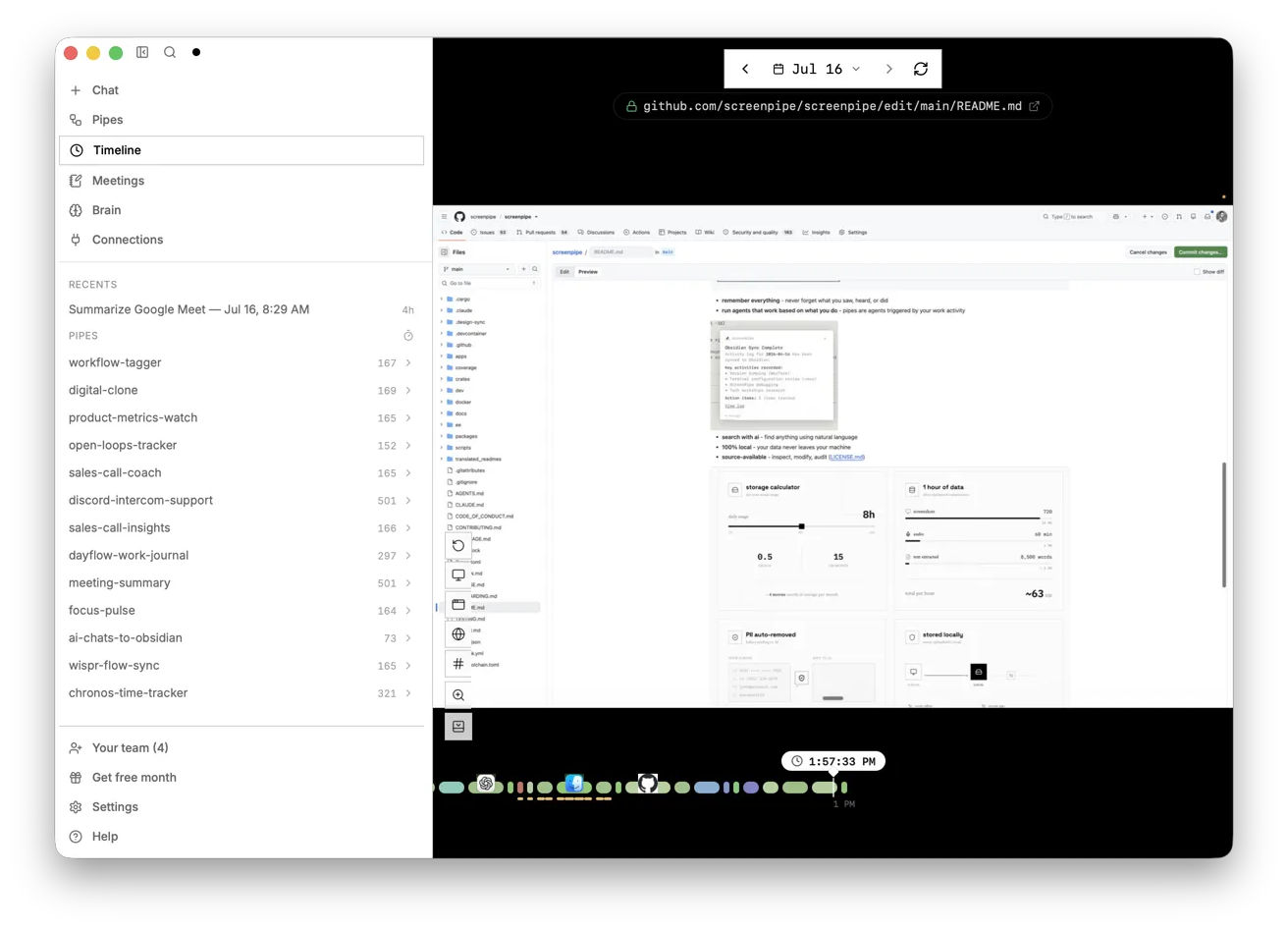
Try this lesson free or read the step-by-step guide.
Common confusions
Local-first vs offline
An offline app works without the internet. A local-first app keeps your data locally but may still use the internet for optional features like cloud AI or sync.
Local-first vs self-hosting
Self-hosting means running a server yourself, often for a whole team. Local-first usually means one app on one person's computer keeping its own data.
Tips
- Read the tool's data-flow or privacy page and list every setting that sends data off the device.
- Use a local AI model for anything that must stay in the office, and a cloud model only for low-risk work.
- Back up local data yourself, and encrypt the backup. Local means you are the one looking after it.
Related terms
More AI basics terms
Where you use it: free lessons
- Screenpipe: Map a Recurring Task Before You Automate It (Screenpipe, 10 min)
Frequently asked questions
- Is local-first AI more private?
- By default, usually yes, because the data is not on someone else's server. It stays private only as long as you keep cloud features off for sensitive work and protect the computer itself.
- Can a local-first tool still use ChatGPT or Claude?
- Often yes, as an option. When you choose a cloud model, the context you send goes to that provider, so treat it like any other cloud AI tool.