What is form validation?
Updated · By Robert Breen
Form validation is a web form checking the entries before it submits them: are the required fields filled in, does the email address look like an email, is the number a number. If something is wrong, the form shows a message and lets the person fix it instead of sending bad data.
Why it matters for a small business
Whatever a form sends, your automation has to deal with. A request with no email can't get a confirmation. A blank project description gives the AI nothing to work with, so it guesses. A typo like "name@gmail" means the reply bounces and the customer thinks you ignored them. Validation stops those problems at the door, while the person is still on the page and can fix them.
It is also a choice about what you really need. Every required field adds friction, and people abandon long forms. Good validation requires the few fields the workflow can't run without and leaves the nice-to-haves optional. That decision belongs to the business, not the tool, so it should be in the instructions you give the app builder.
In a real lesson: Build an AI Quote Request Form for Electrical Contractors
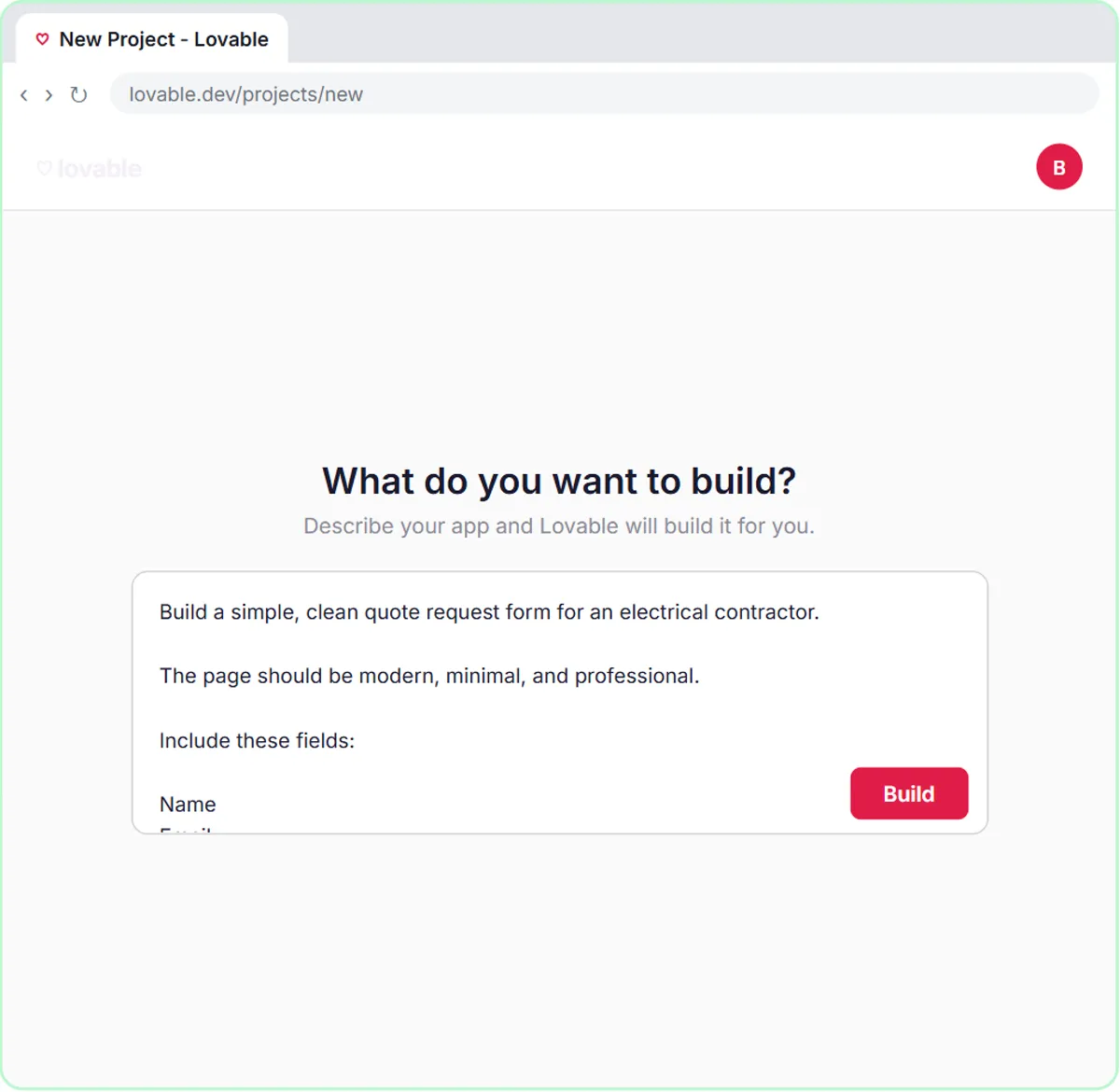
In the AI Quote Request Form lesson, you build a "Request a Free Quote" form for Oak & Wire Electric, a made-up electrician, with four fields: Name, Email, Project Details and Home Details. The prompt you paste into Lovable has a VALIDATION section: "Require Name, Email, and Project Details. Home Details is optional. Validate the email format."
Those three required fields are exactly what the workflow needs. The AI agent uses the project details to restate the job and, for standard services like a panel upgrade or a Level 2 EV charger, give the typical price range from its instructions, and it uses the email to send the customer that initial estimate note. Home details help, but the agent can still reply without them.
The same prompt has a SUBMISSION STATES section, so the person always knows what happened: the button changes to "Sending...", success shows "Thanks! Your quote request has been received.", and a failed request shows a friendly error.
Try this lesson free or read the step-by-step guide.
Common confusions
Form validation vs checking in the workflow
Validation in the form catches mistakes before submission. Anyone can still send odd data straight to a webhook, so the workflow should handle blanks and junk too.
Validation vs spam protection
Validation checks that entries are well-formed. A real-looking fake submission passes it. Spam protection is a separate layer.
Tips
- Require only what the workflow can't run without; make the rest optional.
- Always validate the email format if the workflow replies by email.
- Write the error messages in plain words: say what to fix, not just "invalid".
Related terms
Where you use it: free lessons
- Build an AI Quote Request Form for Electrical Contractors (Lovable and n8n, 15 min)
- Lovable + n8n: Build a Web App with an AI Backend (Lovable and n8n, 15 min)
- Build a Lead Magnet Signup Form with an AI Welcome Email (Lovable and n8n, 15 min)
More free tutorials
Prompt templates that use it
Frequently asked questions
- How do I make a field required in a Lovable form?
- Say so in your prompt, for example "Require Name, Email, and Project Details. Validate the email format." Then test the form with those fields blank to check it.
- Is form validation enough to keep bad data out?
- No. It stops honest mistakes in the browser, but your workflow should still check for blanks and odd values before acting on them.