Looker Studio (Data Studio) basics: connect GA4 and build a one-page website report, on one page
A free one-page Looker Studio cheat sheet: connect GA4, add scorecards, a trend chart, a table by channel and a date range control, then share it safely.
Looker Studio (Data Studio) basics: connect GA4 and build a one-page website report, on one page
The steps from the free Looker Studio Basics course, practised there on real Data Studio screens. Reports are private until you share them.
New words
- Data source
- The saved connection to your data, e.g. one GA4 property.
- Dimension
- What you group by: Date, Session default channel group.
- Metric
- What you count: Active users, Sessions, Engagement rate.
Connect and headline
- Create a report > Google Analytics (Authorize once) > account > property > Add.
- Click Untitled Report and name it.
- Add a chart > Scorecard, click the page, set the metric. Repeat for 3 numbers.
Trend, channels, dates
- Add a chart > Time series (Date + one metric).
- Add a chart > Table, dimension Session default channel group, metrics Sessions + Engagement rate.
- Add a control > Date range control, top right.
- View, then pick Last 30 days > Apply.
Share it right
- New reports are private; Share adds people by email.
- Shared viewers see the numbers through your connection, even without GA4 access.
- Check the report in View mode before you send the link.
Remember: Build the report once, share one link, and stop sending screenshots.
Practice it free: Looker Studio: Connect GA4 and Build Your First Report at learn.ynteractive.com/modules/looker-studio-ga4-first-report. This sheet: learn.ynteractive.com/content/cheat-sheets/looker-studio-basics. The small office is a made-up business from the lesson. By Robert Breen, October 25, 2026.
Practice it in the free lesson
Looker Studio: Connect GA4 and Build Your First Report. Stop screenshotting Google Analytics every Monday. Connect GA4 to the free Looker Studio (now Data Studio) and put the three numbers that matter at the top of a report that updates itself. You do every step yourself in a practice copy of Looker Studio, it checks your work as you go, and “Do it for me” finishes any step you get stuck on. Free, and nothing touches your real accounts.
Start the free lessonLessons on this sheet
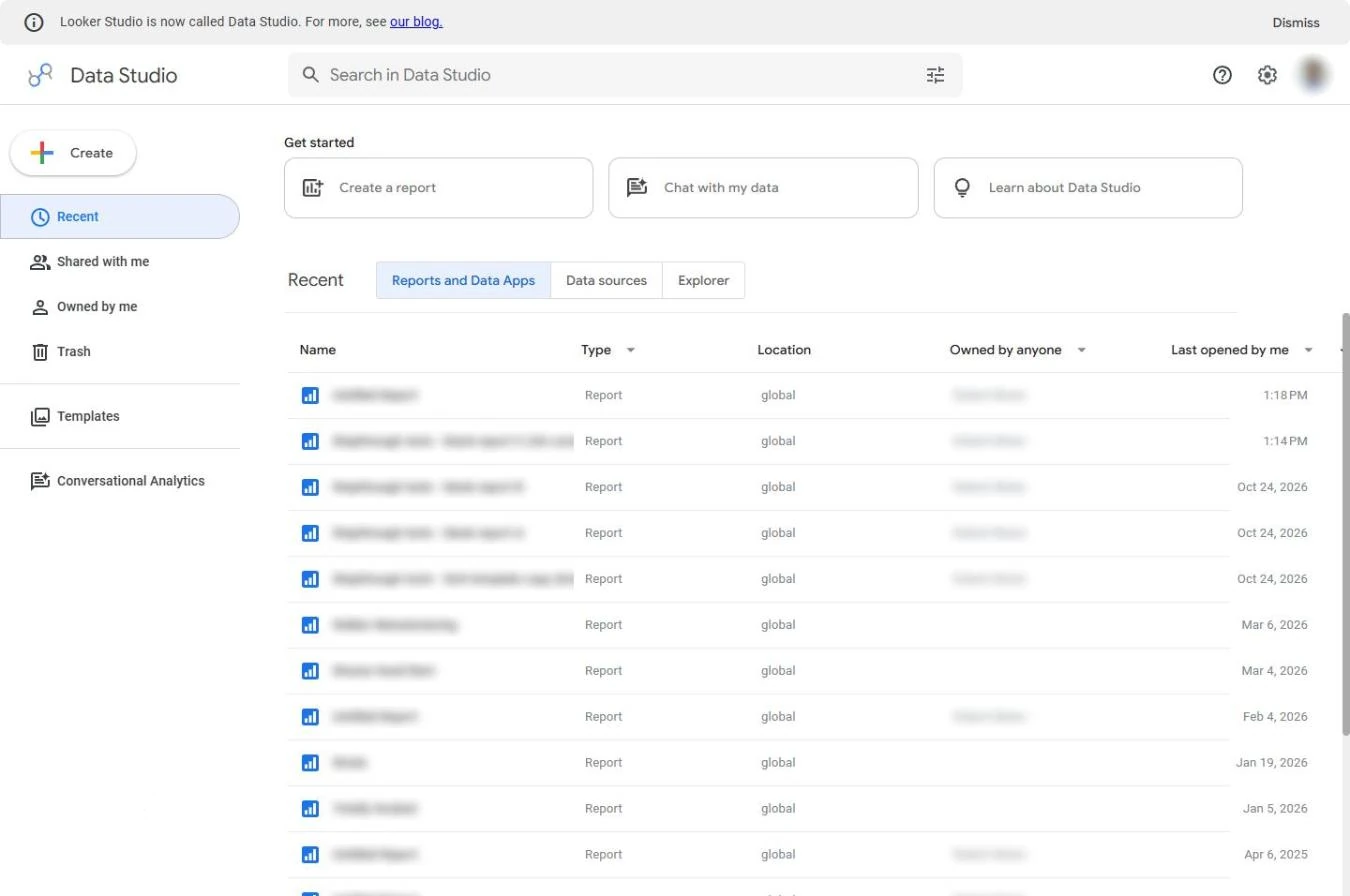 Looker Studio: Connect GA4 and Build Your First Report
Stop screenshotting Google Analytics every Monday. Connect GA4 to the free Looker Studio (now Data Studio) and put the three numbers that matter at the top of a report…
Free · Live ~8 min Beginner
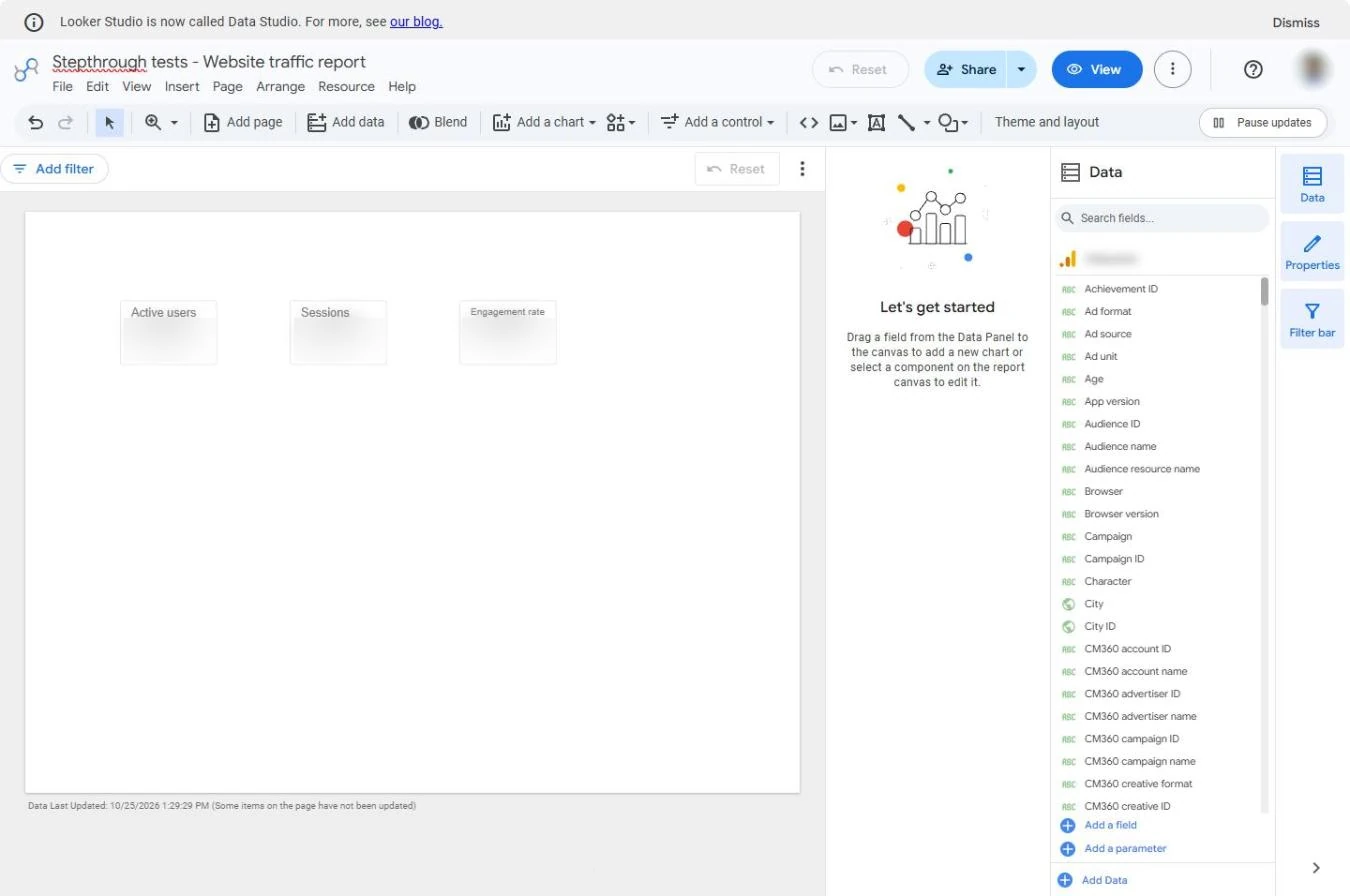 Looker Studio: Add a Trend Chart, Channel Table and Date Picker
Turn three GA4 numbers into a one-page dashboard: a trend over time, a table of which channel brings visitors, and a date picker so colleagues change the period…
Free · Live ~9 min Beginner
Related terms
Plain-English definitions, each with an example from a free lesson.
More cheat sheets
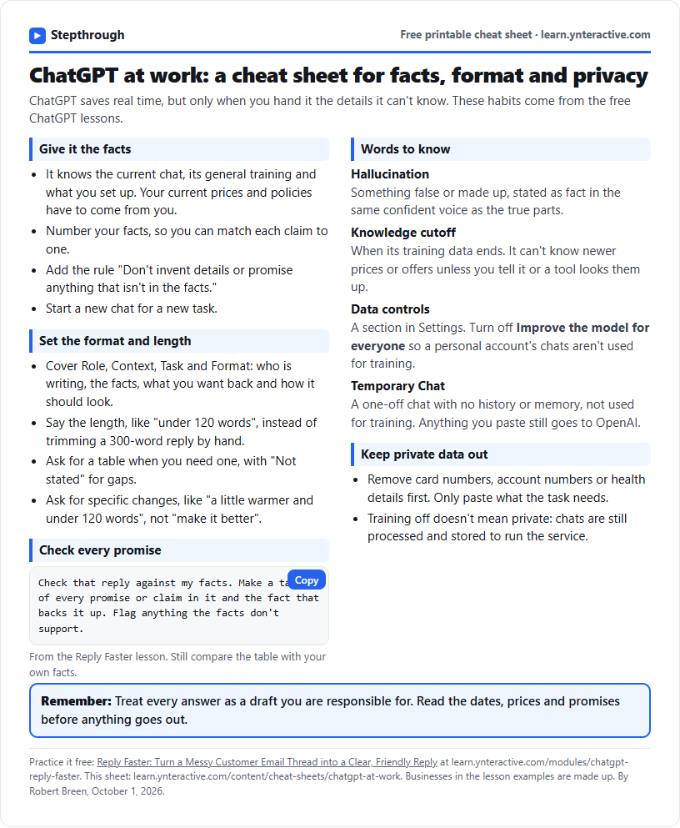 ChatGPT at Work Cheat Sheet: Facts, Format, Privacy
A free one-page cheat sheet for ChatGPT at work: give it facts, set the format and length, check every promise and keep private data out.
Tool cheat sheet Free PDF
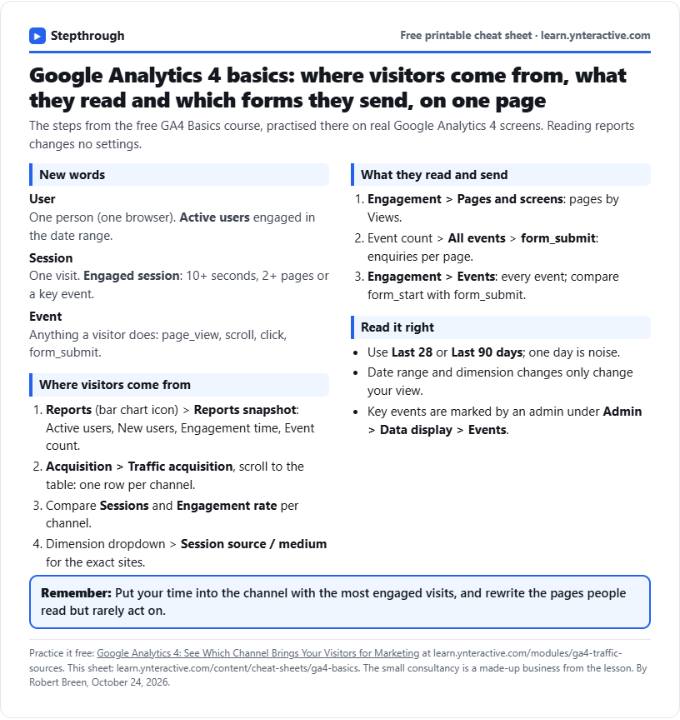 GA4 Cheat Sheet: Traffic Sources, Top Pages, Events
A free one-page GA4 cheat sheet: read the Reports snapshot, find which channel brings visitors, see top pages and form submissions, and read events.
Tool cheat sheet Free PDF
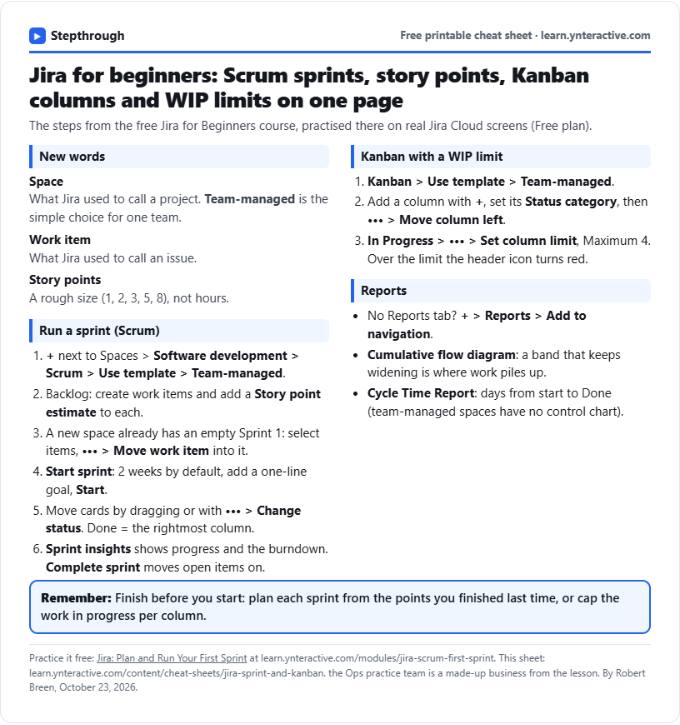 Jira Cheat Sheet: Sprints, Story Points, Kanban, WIP
A free one-page Jira cheat sheet: create a space, fill and run a sprint, story points, a Kanban board with a WIP limit, and the reports that show progress.
Tool cheat sheet Free PDF