Free Looker Studio tutorials for small business
Updated
Looker Studio. These 2 free modules teach it by building real projects, not by reading about features: Looker Studio: Connect GA4 and Build Your First Report and Looker Studio: Add a Trend Chart, Channel Table and Date Picker.
The Looker Studio modules cover Business intelligence. Every module runs in a practice copy of Looker Studio, so you can learn it without an account, then set it up for real.
2 modules
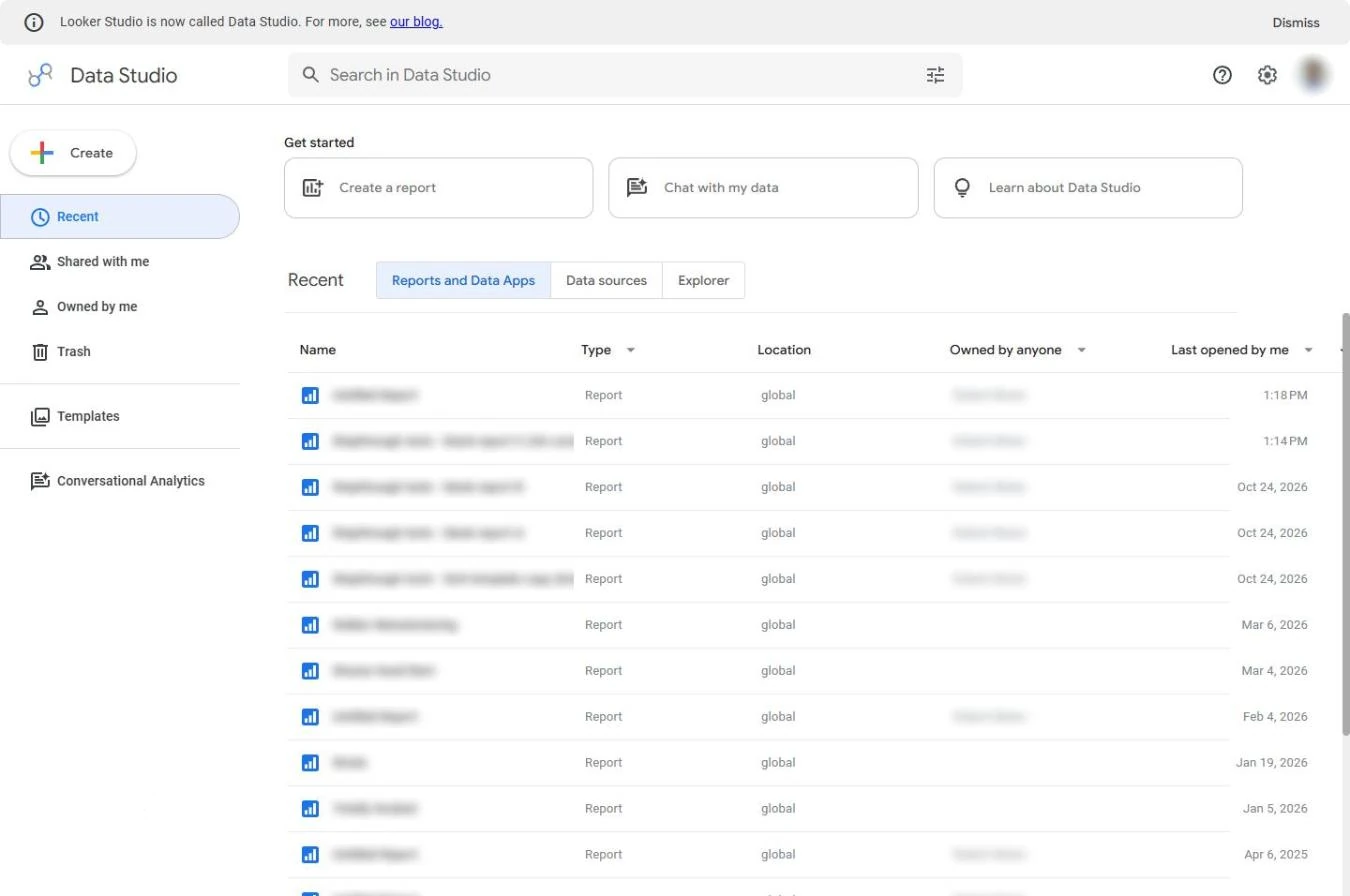 Looker Studio: Connect GA4 and Build Your First Report
Stop screenshotting Google Analytics every Monday. Connect GA4 to the free Looker Studio (now Data Studio) and put the three numbers that matter at the top of a report…
Free · Live ~8 min Beginner
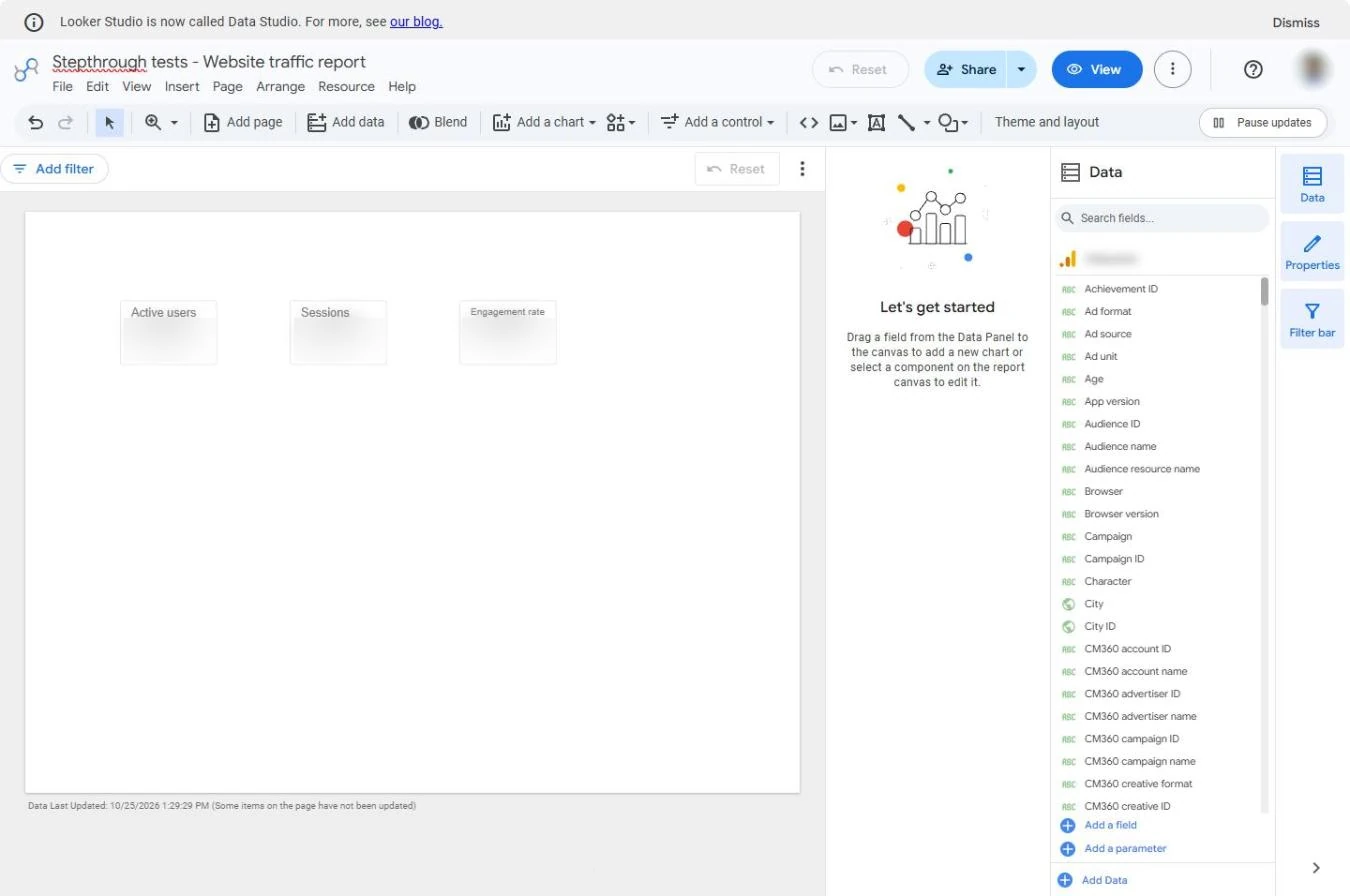 Looker Studio: Add a Trend Chart, Channel Table and Date Picker
Turn three GA4 numbers into a one-page dashboard: a trend over time, a table of which channel brings visitors, and a date picker so colleagues change the period…
Free · Live ~9 min Beginner
What you do in each module
- Looker Studio: Connect GA4 and Build Your First Report (about 8 minutes, 9 steps, beginner). You work through: Connect GA4 and Your first scorecards.
- Looker Studio: Add a Trend Chart, Channel Table and Date Picker (about 9 minutes, 14 steps, beginner). You work through: The trend, Where visitors come from and Let people pick the dates.
Common questions
How long will this take?
The 2 modules take about 17 minutes in total, and you can do them in separate sittings.
Do I need experience first?
No. These modules are beginner level, and each step tells you exactly where to click.
Do I need a Looker Studio account to start?
No. The practice runs in a copy of Looker Studio inside your browser, and nothing touches your real accounts. When you are ready, you repeat the steps in your own account.
Is it free?
Yes. All 2 modules are free.
Where should I start?
Start with Looker Studio: Connect GA4 and Build Your First Report, then continue with Looker Studio: Add a Trend Chart, Channel Table and Date Picker.
Frequently asked questions
- Are these Looker Studio tutorials free?
- Yes. All 2 live Looker Studio lessons here are free, and you can start without signing up. Each one is a real project you build step by step in a practice copy of Looker Studio that checks your work.
- Where should a beginner start with Looker Studio?
- Start with Looker Studio: Connect GA4 and Build Your First Report, about 8 minutes. Every step shows you where to click, and "Do it for me" finishes any step you get stuck on.
- Do I need my own Looker Studio account to practice?
- No. The lessons run in a practice copy of Looker Studio in your browser, so nothing touches your real accounts. To build the same workflow for real afterwards you need your own Looker Studio account; check Looker Studio's current pricing first.
Related
How every module works
Each step is shown on the left, with a cursor pointing to exactly where to click. You do the same thing on the right, in a practice copy of the real tool. Get it right and it moves on. Nothing touches your real accounts until you're ready to build it for real.
Start learning free