What is a date range control?
Quick answer
A date range control is a report control that lets the person viewing a report choose the period (last 7 days, last 30 days, last quarter or custom dates). Every chart on the page then shows that period. It changes the view for that person only.
Last updated
Take the free module →Module 2 of the free Looker Studio Basics: A Free GA4 Website Dashboard course, about 9 minutes. No account needed.
Updated · By Robert Breen
Why it matters for a small business
Without one, people ask for "the same report, but for last month" and someone rebuilds it. With one, they change the period themselves in two clicks.
It also makes one report serve several meetings: the weekly check-in looks at the last 7 days, the monthly review at last month, and the board at last quarter, all from the same link.
In a real lesson: Looker Studio: Add a Trend Chart, Channel Table and Date Picker
In the Looker Studio dashboard lesson you click Add a control, pick Date range control, place it at the top right, switch to View, and choose Last 30 days from the Auto date range menu, then Apply.
The presets include Today, Yesterday, Last 7, 14, 28 and 30 days, last week, last month, last quarter and last year, and a viewer can also pick exact start and end dates on the two calendars.
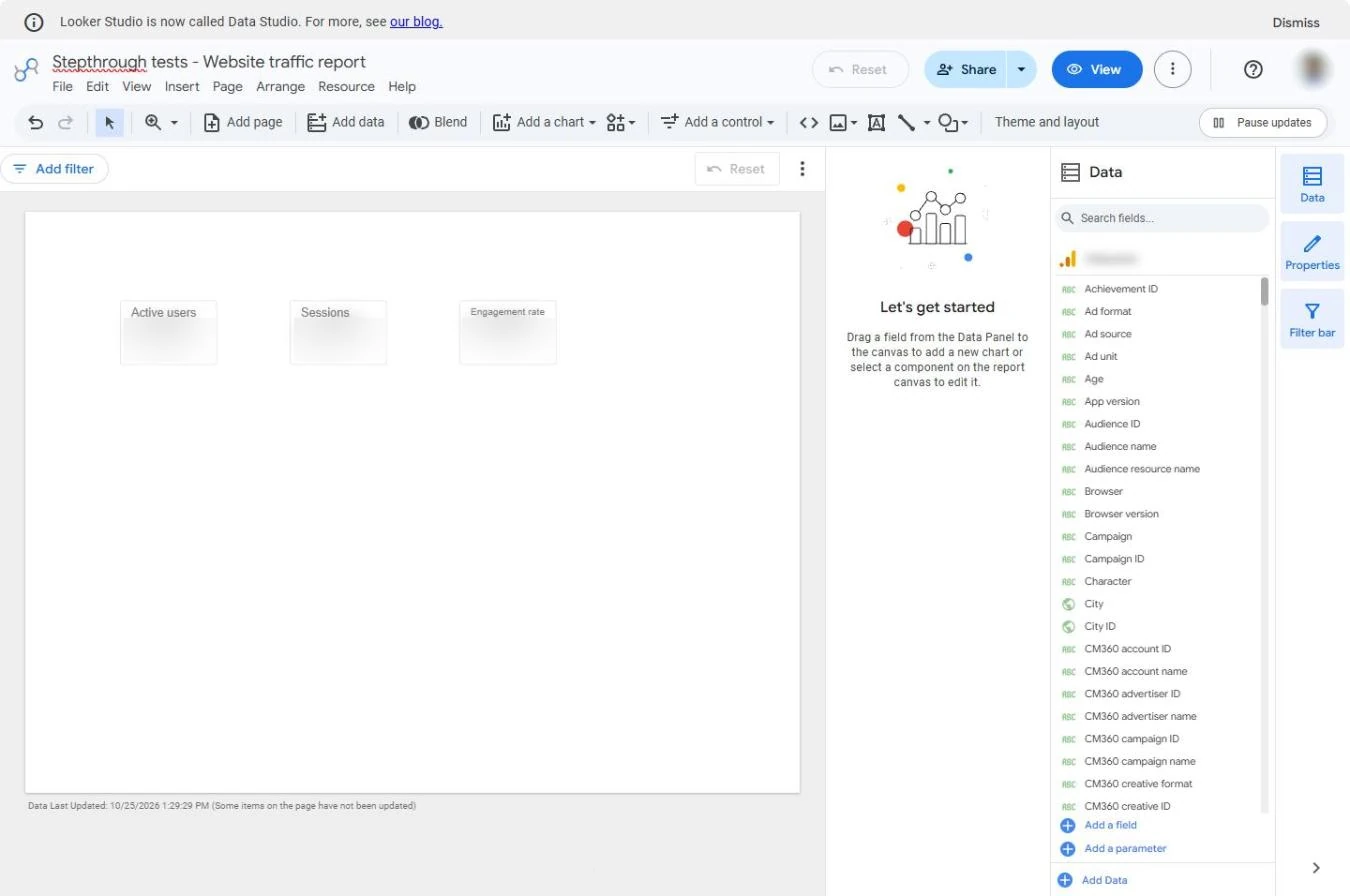
Try this lesson free or read the step-by-step guide.
Common confusions
Date range control vs filter control
A date range control changes the period. A filter control, such as a drop-down list, limits the rows, for example to one channel or one country.
Date range control vs a chart's own date range
A chart can be given its own fixed date range in Setup; then the control no longer changes that chart. Use that only for charts that must always show, say, the full year.
Control vs default date range
The report's default date range (in a chart's Setup) is what everyone sees first. The control lets each viewer change it for themselves without editing the report.
Tips
- Put it at the top right, where people look for it.
- Keep the default at the last 28 or 30 days; a single day is noise for most small sites.
- Tick Include today only when people need live numbers; today's figures are incomplete until the day ends.
Related terms
More Business terms
Where you use it: free lessons
- Looker Studio: Add a Trend Chart, Channel Table and Date Picker (Looker Studio, 9 min)
Frequently asked questions
- Does a date range control change the report for everyone?
- No. It changes the period for the person using it. Editors set the default that everyone sees first.
- Why does one chart ignore the date range control?
- That chart probably has a custom date range set in its Setup panel. Switch it back to Auto and it follows the control again.
- How do I add a date range control in Looker Studio?
- In edit mode click Add a control, pick Date range control and click where it should go, usually the top right. Switch to View to try it.