Google Analytics 4 basics: where visitors come from, what they read and which forms they send, on one page
A free one-page GA4 cheat sheet: read the Reports snapshot, find which channel brings visitors, see top pages and form submissions, and read events.
Google Analytics 4 basics: where visitors come from, what they read and which forms they send, on one page
The steps from the free GA4 Basics course, practised there on real Google Analytics 4 screens. Reading reports changes no settings.
New words
- User
- One person (one browser). Active users engaged in the date range.
- Session
- One visit. Engaged session: 10+ seconds, 2+ pages or a key event.
- Event
- Anything a visitor does: page_view, scroll, click, form_submit.
Where visitors come from
- Reports (bar chart icon) > Reports snapshot: Active users, New users, Engagement time, Event count.
- Acquisition > Traffic acquisition, scroll to the table: one row per channel.
- Compare Sessions and Engagement rate per channel.
- Dimension dropdown > Session source / medium for the exact sites.
What they read and send
- Engagement > Pages and screens: pages by Views.
- Event count > All events > form_submit: enquiries per page.
- Engagement > Events: every event; compare form_start with form_submit.
Read it right
- Use Last 28 or Last 90 days; one day is noise.
- Date range and dimension changes only change your view.
- Key events are marked by an admin under Admin > Data display > Events.
Remember: Put your time into the channel with the most engaged visits, and rewrite the pages people read but rarely act on.
Practice it free: Google Analytics 4: See Which Channel Brings Your Visitors for Marketing at learn.ynteractive.com/modules/ga4-traffic-sources. This sheet: learn.ynteractive.com/content/cheat-sheets/ga4-basics. The small consultancy is a made-up business from the lesson. By Robert Breen, October 24, 2026.
Practice it in the free lesson
Google Analytics 4: See Which Channel Brings Your Visitors for Marketing. A beginner GA4 walkthrough on real screens: read the Reports snapshot, then the Traffic acquisition report, to see whether search, social, email or referrals bring your website visitors. Free; read… You do every step yourself in a practice copy of Google Analytics, it checks your work as you go, and “Do it for me” finishes any step you get stuck on. Free, and nothing touches your real accounts.
Start the free lessonLessons on this sheet
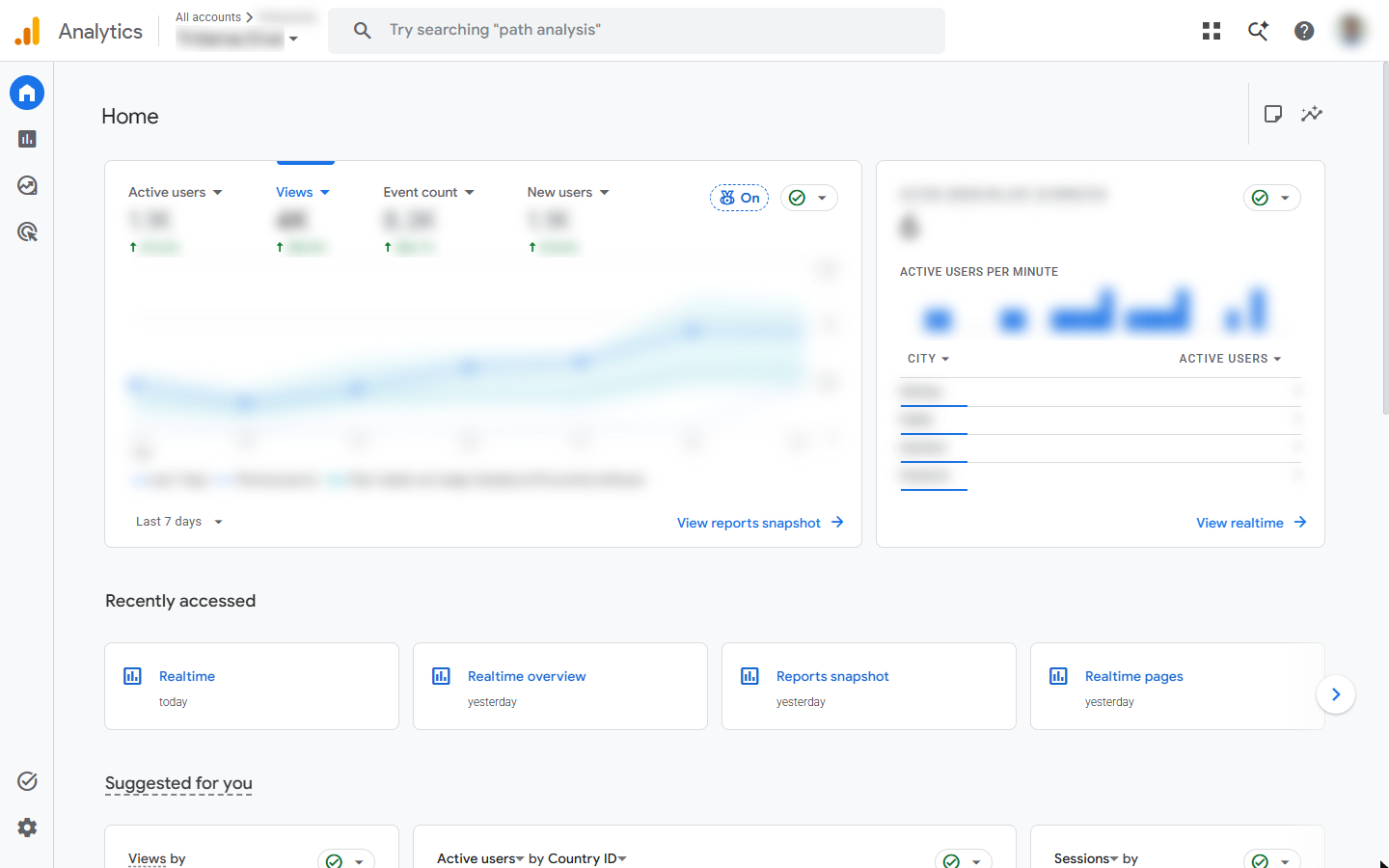 Google Analytics 4: See Which Channel Brings Your Visitors for Marketing
A beginner GA4 walkthrough on real screens: read the Reports snapshot, then the Traffic acquisition report, to see whether search, social, email or referrals bring your…
Free · Live ~8 min Beginner
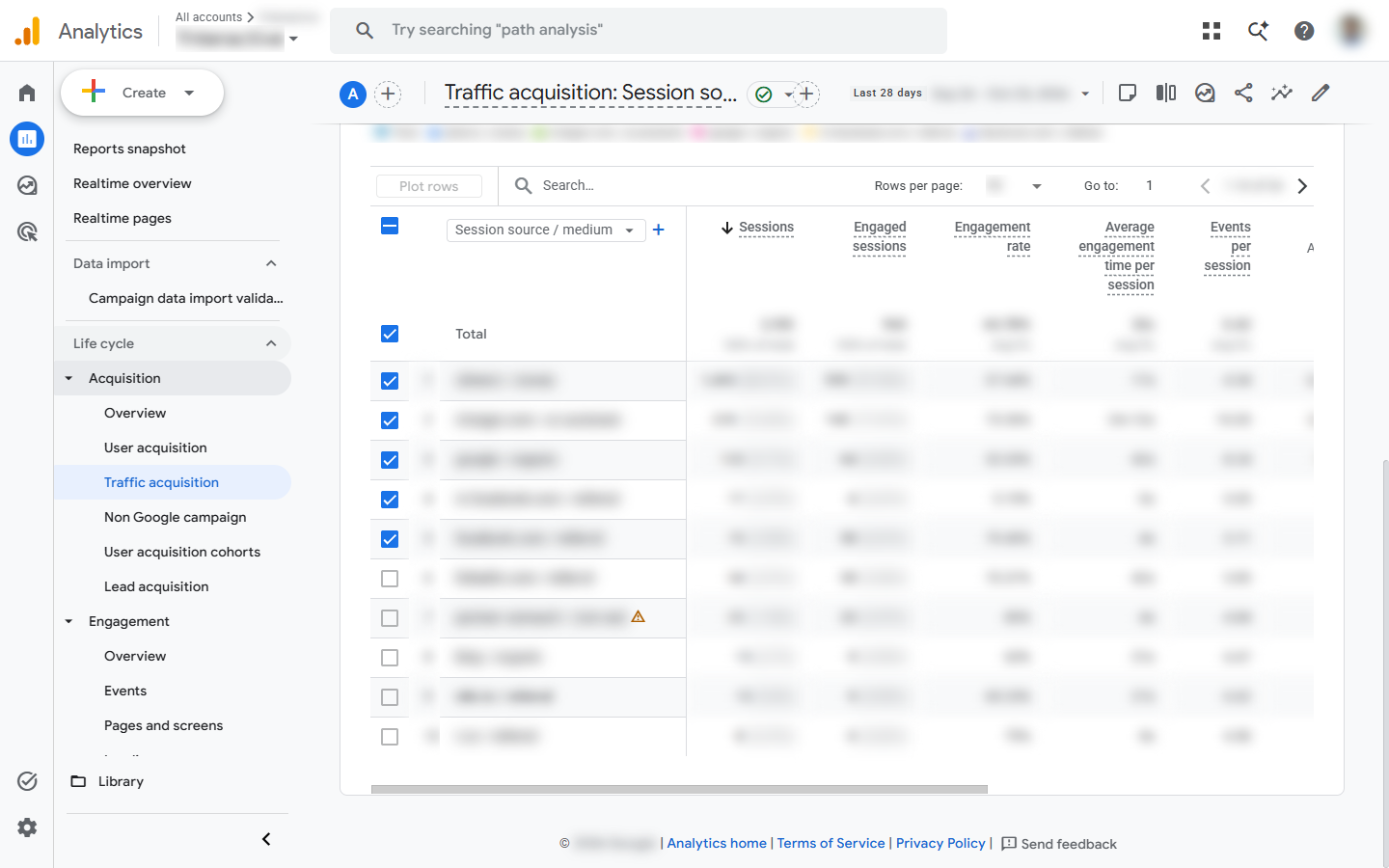 Google Analytics 4: Find Your Top Pages and Form Submissions for Marketing
A beginner GA4 walkthrough on real screens: find the pages people read most, see which pages bring contact form submissions, and read the Events report over 90 days…
Free · Live ~8 min Beginner
Related terms
Plain-English definitions, each with an example from a free lesson.
More cheat sheets
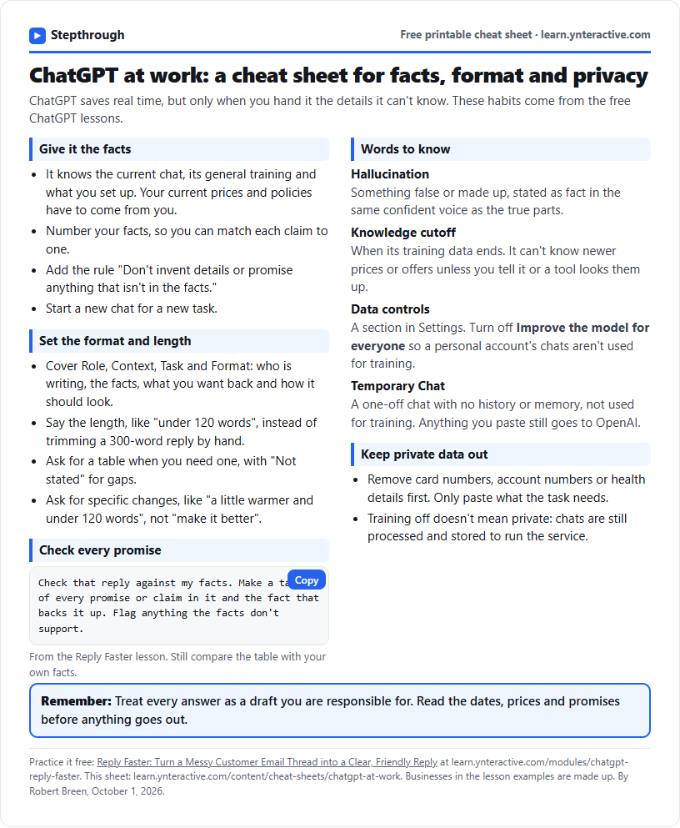 ChatGPT at Work Cheat Sheet: Facts, Format, Privacy
A free one-page cheat sheet for ChatGPT at work: give it facts, set the format and length, check every promise and keep private data out.
Tool cheat sheet Free PDF
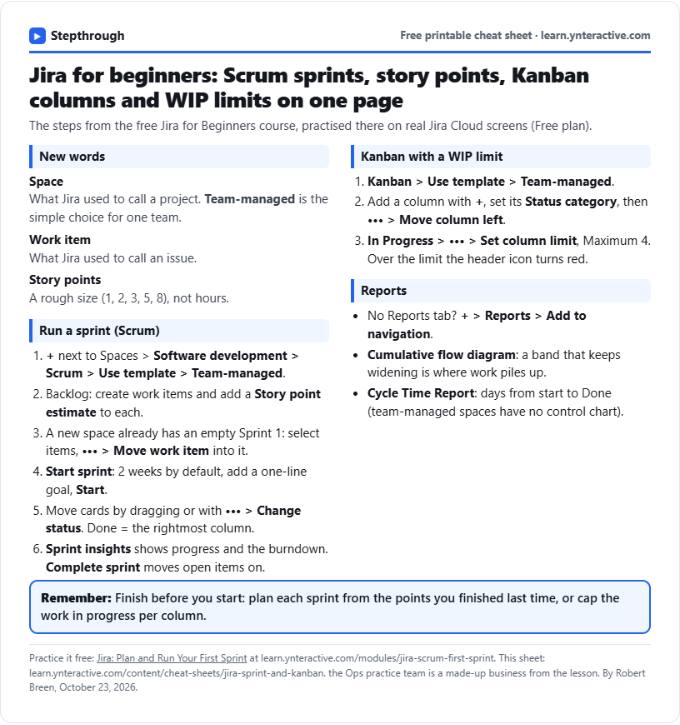 Jira Cheat Sheet: Sprints, Story Points, Kanban, WIP
A free one-page Jira cheat sheet: create a space, fill and run a sprint, story points, a Kanban board with a WIP limit, and the reports that show progress.
Tool cheat sheet Free PDF
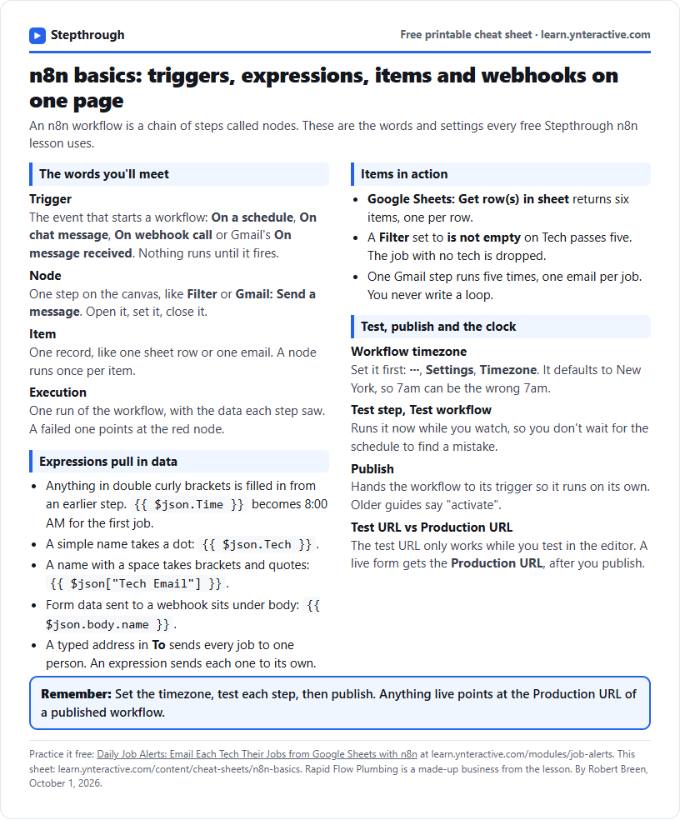 n8n Basics Cheat Sheet: Triggers, Items, Webhooks
A free one-page cheat sheet of n8n basics: triggers, expressions, items, executions, the workflow timezone and webhook test vs production URLs.
Tool cheat sheet Free PDF