What is a key event in Google Analytics 4?
Quick answer
In Google Analytics 4 every visitor action is an event (page_view, scroll, click, form_submit). A key event is an event you have marked as important to the business, such as a contact form sent or a booking made. Google renamed GA4 "conversions" to key events in 2024.
Last updated
Take the free module →Module 2 of the free Google Analytics 4 Basics: Where Visitors Come From course, about 8 minutes. No account needed.
Updated · By Robert Breen
Why it matters for a small business
Visits alone do not pay the bills. Key events let GA4 report, per channel and per page, how many visits turned into an enquiry, so you can compare a channel that brings many visitors with one that brings fewer but better ones.
Marking an event as key is an admin setting (Admin, Data display, Events). Reading which pages bring form submissions needs no setting at all: in Pages and screens, set the Event count column to form_submit.
In a real lesson: Google Analytics 4: Find Your Top Pages and Form Submissions for Marketing
In the free GA4 top pages lesson you open Engagement, Pages and screens, then change Event count from All events to form_submit, so each page shows how many forms were sent from it.
Then the Events report over the last 90 days lets you compare form_start with form_submit: many starts and few submits means people give up on the form.
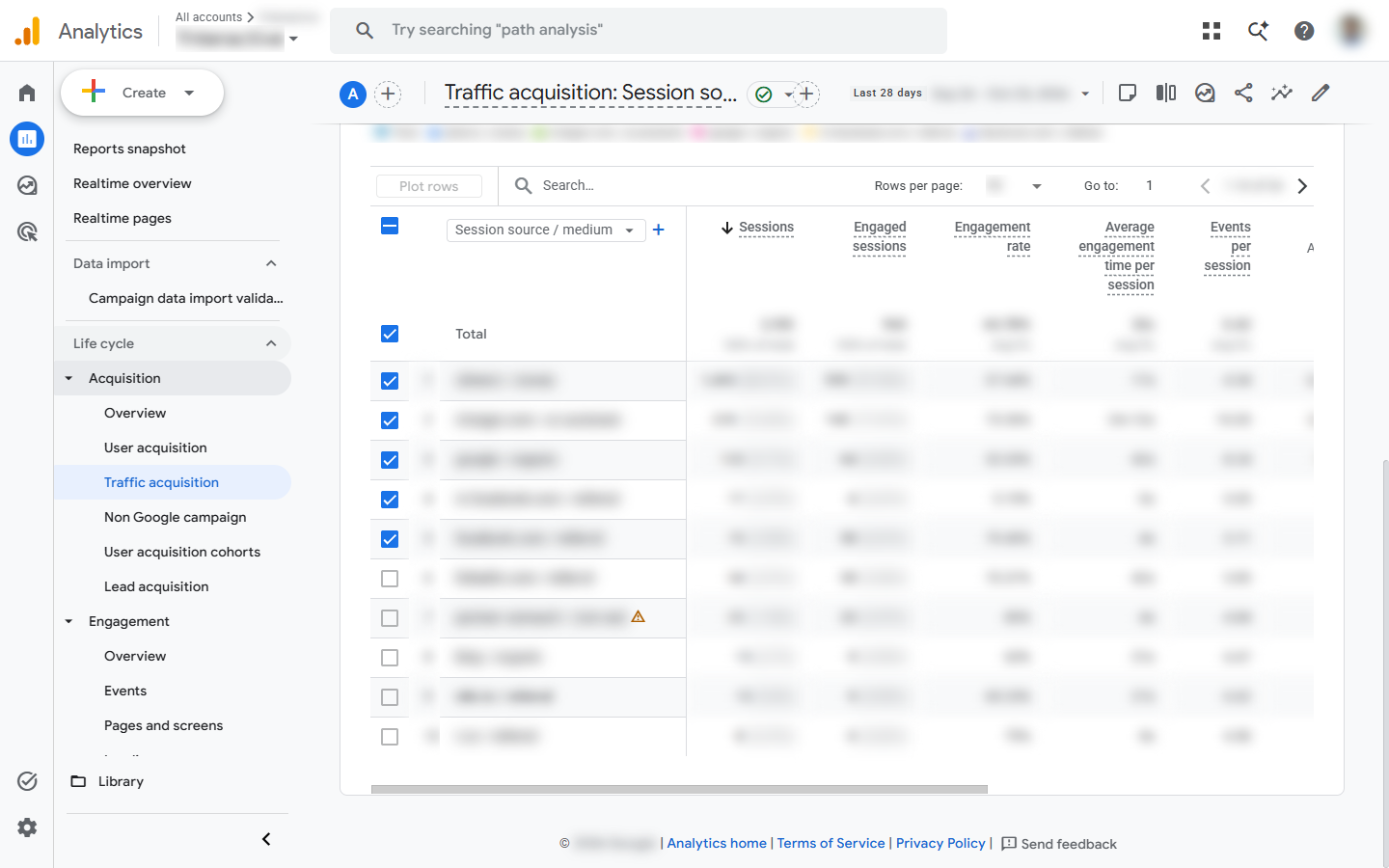
Try this lesson free or read the step-by-step guide.
Common confusions
Event vs key event
Every action is an event. Only the few you mark as important are key events, and only those appear in the Key events columns of acquisition reports.
Key event vs goal
Goals were the Universal Analytics version. GA4 has no goals; you mark events as key instead.
Tips
- Keep key events to the two or three actions that mean business: a form sent, a call booked, a purchase.
- Check the event name in the Events report first; you can only mark events your site already sends.
Related terms
More Business terms
Where you use it: free lessons
- Google Analytics 4: Find Your Top Pages and Form Submissions for Marketing (Google Analytics, 8 min)
- Google Analytics 4: See Which Channel Brings Your Visitors for Marketing (Google Analytics, 8 min)
Frequently asked questions
- Are key events the same as conversions?
- Yes. In 2024 Google renamed GA4 conversions to key events; "conversion" is now used for Google Ads.
- How do I see which pages bring form submissions?
- In Reports, Engagement, Pages and screens, click All events under Event count and pick form_submit.