Free Google Analytics tutorials for small business
Updated
Google Analytics. These 2 free modules teach it by building real projects, not by reading about features: Google Analytics 4: See Which Channel Brings Your Visitors for Marketing and Google Analytics 4: Find Your Top Pages and Form Submissions for Marketing.
The Google Analytics modules cover Marketing. Every module runs in a practice copy of Google Analytics, so you can learn it without an account, then set it up for real.
2 modules
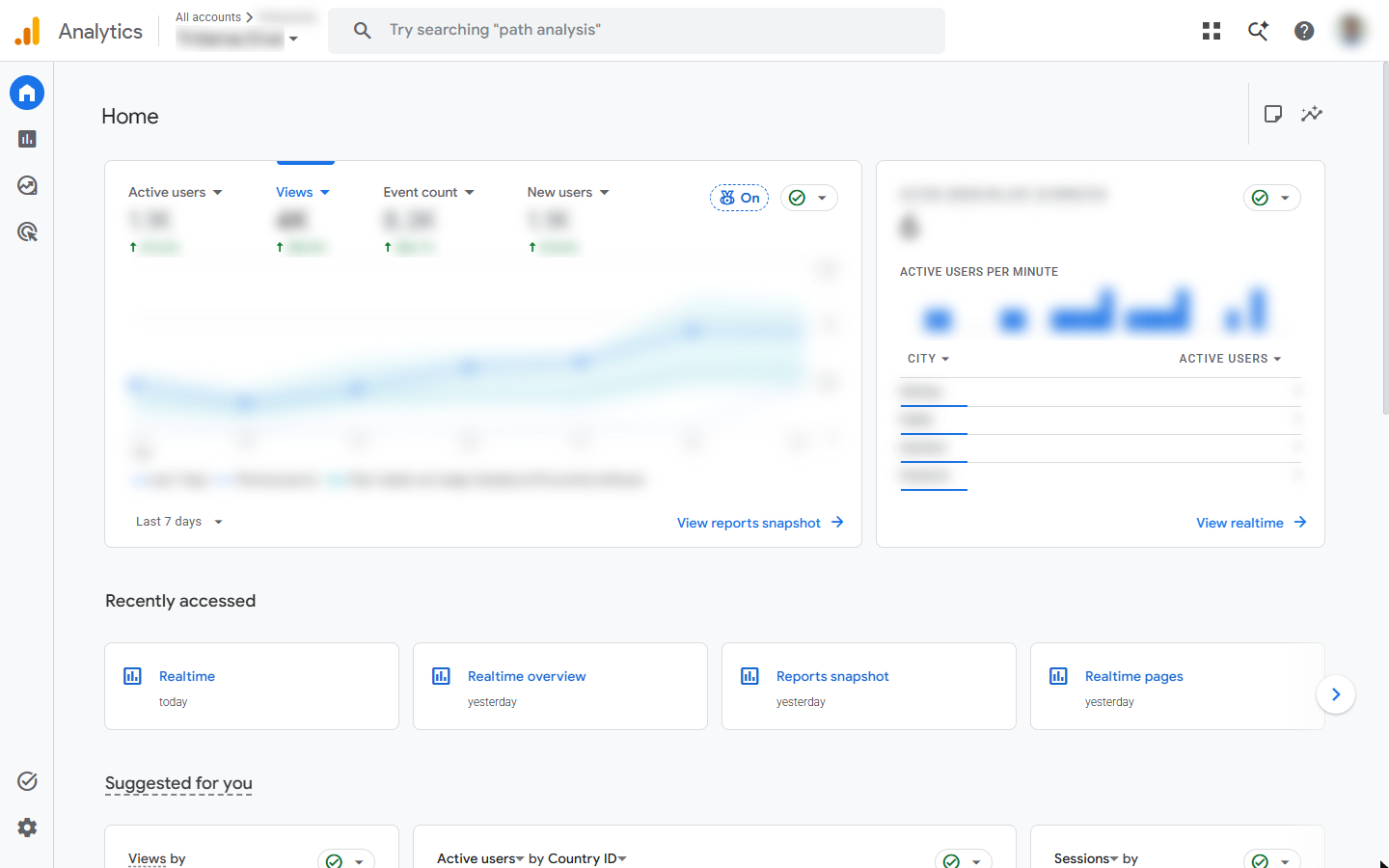 Google Analytics 4: See Which Channel Brings Your Visitors for Marketing
A beginner GA4 walkthrough on real screens: read the Reports snapshot, then the Traffic acquisition report, to see whether search, social, email or referrals bring your…
Free · Live ~8 min Beginner
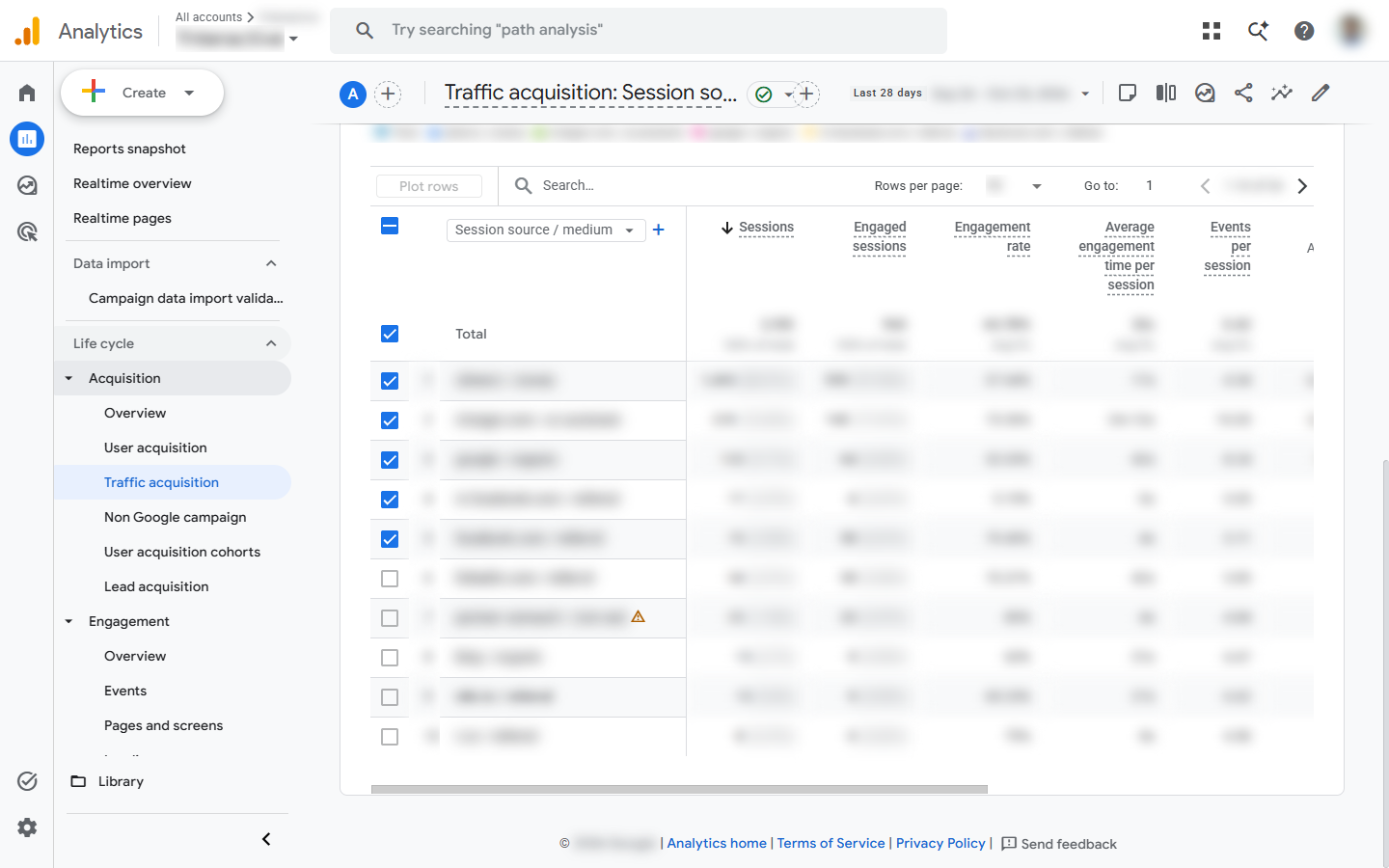 Google Analytics 4: Find Your Top Pages and Form Submissions for Marketing
A beginner GA4 walkthrough on real screens: find the pages people read most, see which pages bring contact form submissions, and read the Events report over 90 days…
Free · Live ~8 min Beginner
What you do in each module
- Google Analytics 4: See Which Channel Brings Your Visitors for Marketing (about 8 minutes, 8 steps, beginner). You work through: Read the snapshot, Which channel brings visitors and Down to the exact source.
- Google Analytics 4: Find Your Top Pages and Form Submissions for Marketing (about 8 minutes, 8 steps, beginner). You work through: Your top pages, Which pages bring enquiries and What visitors do.
Common questions
How long will this take?
The 2 modules take about 16 minutes in total, and you can do them in separate sittings.
Do I need experience first?
No. These modules are beginner level, and each step tells you exactly where to click.
Do I need a Google Analytics account to start?
No. The practice runs in a copy of Google Analytics inside your browser, and nothing touches your real accounts. When you are ready, you repeat the steps in your own account.
Is it free?
Yes. All 2 modules are free.
Where should I start?
Start with Google Analytics 4: See Which Channel Brings Your Visitors for Marketing, then continue with Google Analytics 4: Find Your Top Pages and Form Submissions for Marketing.
Frequently asked questions
- Are these Google Analytics tutorials free?
- Yes. All 2 live Google Analytics lessons here are free, and you can start without signing up. Each one is a real project you build step by step in a practice copy of Google Analytics that checks your work.
- Where should a beginner start with Google Analytics?
- Start with Google Analytics 4: See Which Channel Brings Your Visitors for Marketing, about 8 minutes. Every step shows you where to click, and "Do it for me" finishes any step you get stuck on.
- Do I need my own Google Analytics account to practice?
- No. The lessons run in a practice copy of Google Analytics in your browser, so nothing touches your real accounts. To build the same workflow for real afterwards you need your own Google Analytics account; check Google Analytics's current pricing first.
Related
How every module works
Each step is shown on the left, with a cursor pointing to exactly where to click. You do the same thing on the right, in a practice copy of the real tool. Get it right and it moves on. Nothing touches your real accounts until you're ready to build it for real.
Start learning free