Google Sheets job tracker: freeze, drop-downs, SUMIF, colour rules and filter views on one page
A free one-page Google Sheets cheat sheet: freeze the header, a Status drop-down, SUMIF totals, a highlight rule, filter views and safe sharing.
Google Sheets job tracker: freeze, drop-downs, SUMIF, colour rules and filter views on one page
The steps from the free Google Workspace for Work course, practised there on real Google Sheets screens (free Google account).
Set up the sheet
- Type sheets.new in the address bar, click the title and rename it.
- Headers in row 1, one job per row: Date, Client, Crew, Status, Amount.
- Click row 1, then View > Freeze > 1 row.
Status drop-down
- Type D2:D100 in the Name box and press Enter.
- Data > Data validation > Add rule. Criteria is already Dropdown.
- Select the "Option 1" text before typing, add Booked, Done, Invoiced, Paid, then Done.
Totals and colours
- SUMIF
=SUMIF($D$2:$D$100, G2, $E$2:$E$100)next to each status label, copied down.- Highlight a row
- Select A2:E100, Format > Conditional formatting > Custom formula is
=$D2="Done", yellow fill. - Total shows 0?
- Check the spelling matches the drop-down and Amount holds numbers, not "$" text.
Views and sharing
- Data > Create filter view: only changes what you see. Filter Crew, then Save view with a name.
- Share: add people by email as Editor or Viewer.
- Keep General access on Restricted. "Anyone with the link" means anyone who gets the link.
- Made a mistake? File > Version history restores an earlier version.
Remember: Pick values from a drop-down, let formulas do the totals, and share with named people, never with anyone who has the link.
Practice it free: Google Sheets: Build a Job Tracker That Totals Itself at learn.ynteractive.com/modules/google-sheets-job-tracker. This sheet: learn.ynteractive.com/content/cheat-sheets/google-sheets-job-tracker. Maria's cleaning company is a made-up business from the lesson. By Robert Breen, October 23, 2026.
Practice it in the free lesson
Google Sheets: Build a Job Tracker That Totals Itself. A beginner Google Sheets walkthrough on real screens: freeze the header, make Status a drop-down, total each status with SUMIF, highlight finished-but-unbilled jobs and save a filter view for each… You do every step yourself in a practice copy of Google Sheets, it checks your work as you go, and “Do it for me” finishes any step you get stuck on. Free, and nothing touches your real accounts.
Start the free lessonLessons on this sheet
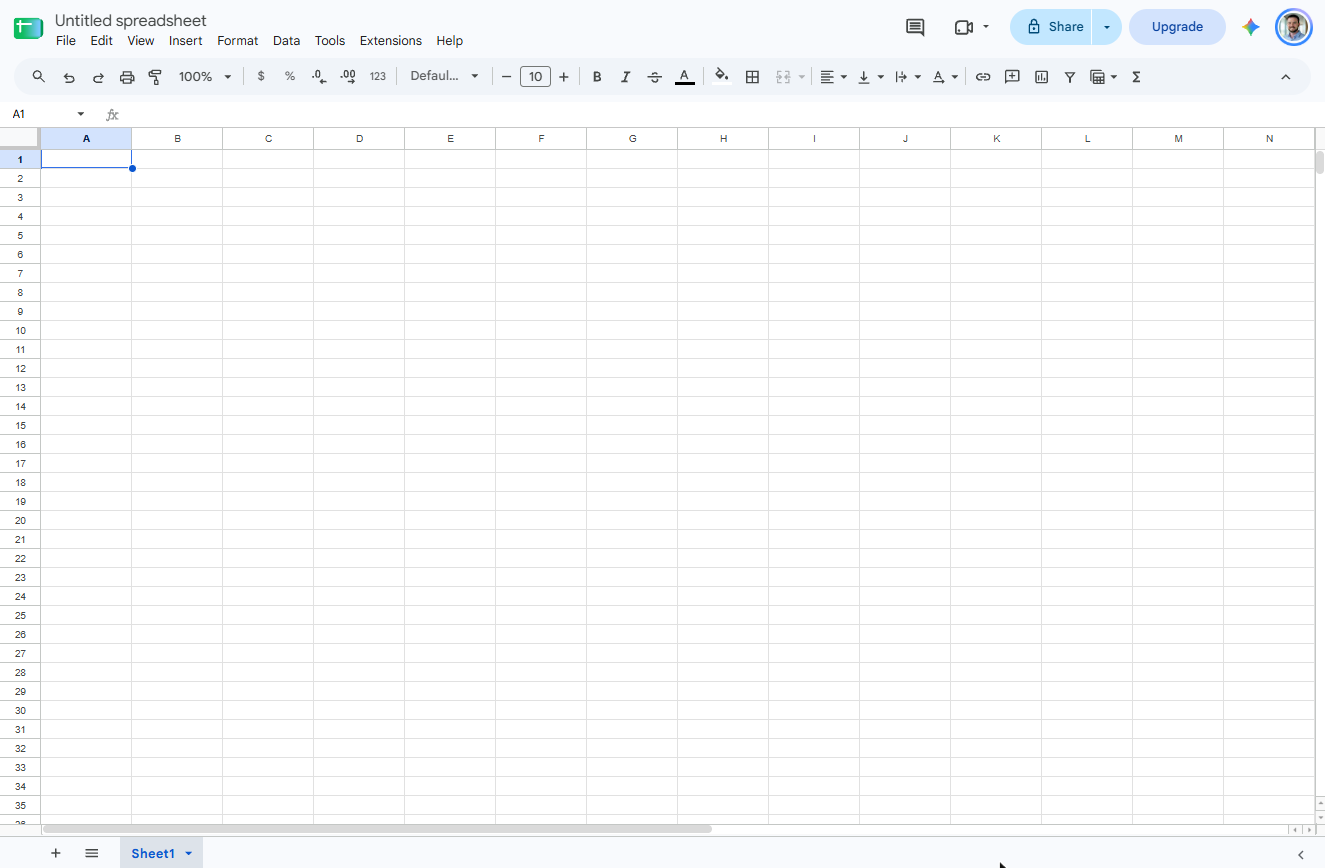 Google Sheets: Build a Job Tracker That Totals Itself
A beginner Google Sheets walkthrough on real screens: freeze the header, make Status a drop-down, total each status with SUMIF, highlight finished-but-unbilled jobs and…
Free · Live ~15 min Beginner
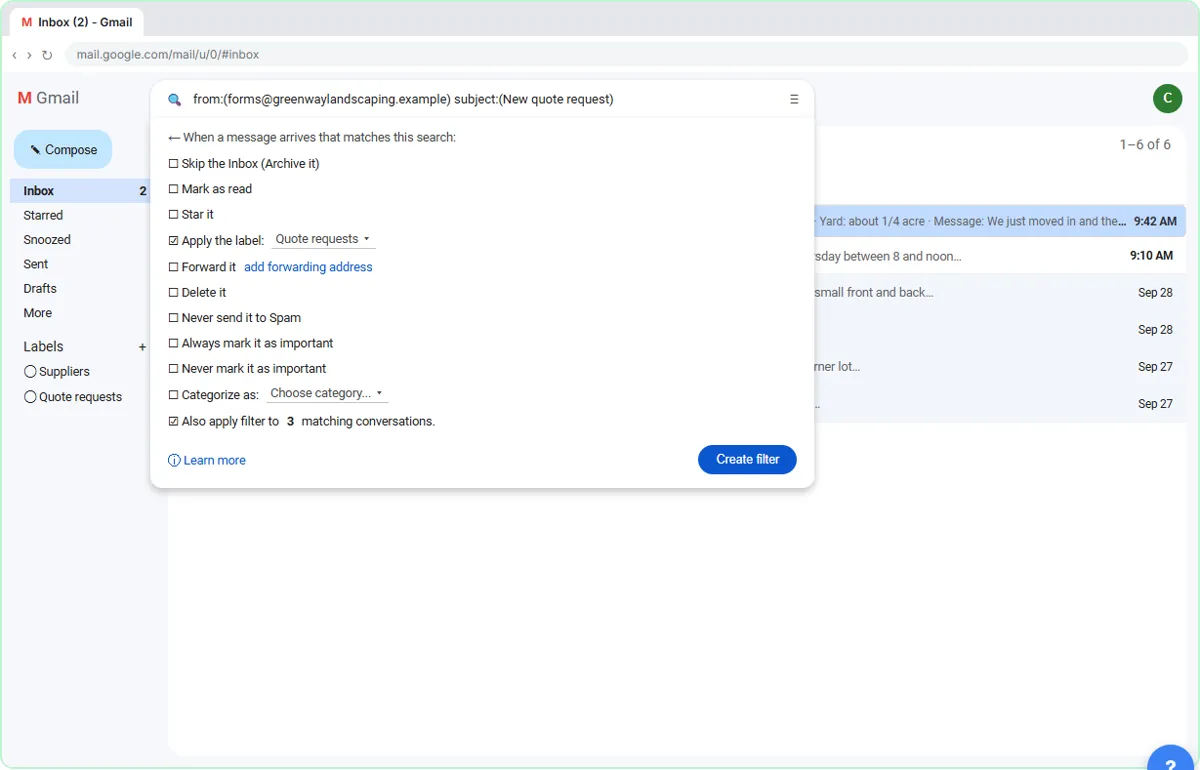 Gmail Filters, Labels and AI Draft Replies With a Human Check
Make Gmail label every website quote request automatically, draft the reply with Help me write, and catch the made-up price before it's sent.
Free · Live ~8 min Intermediate
Related terms
Plain-English definitions, each with an example from a free lesson.
More cheat sheets
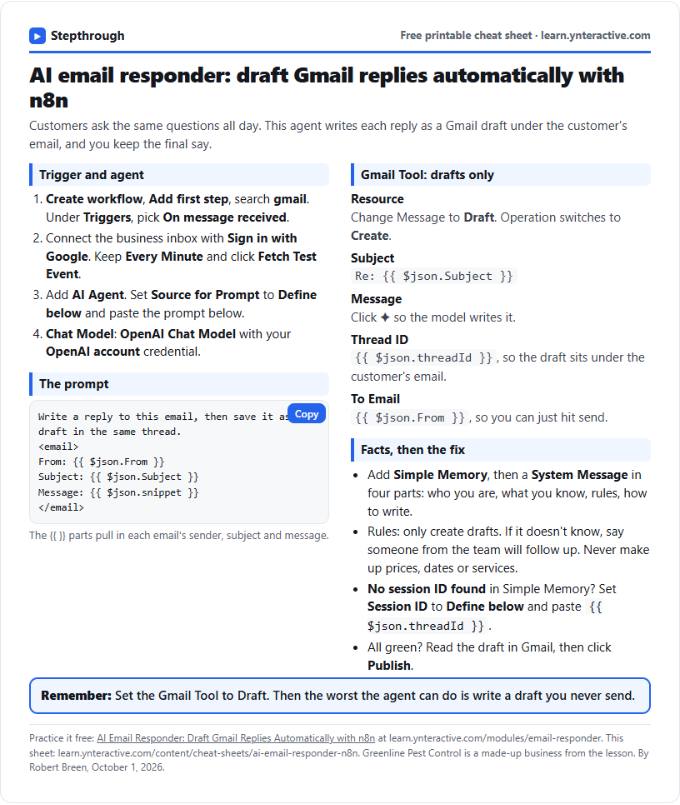 AI Email Responder in n8n Cheat Sheet
A free one-page cheat sheet: n8n watches Gmail, an AI agent reads each customer email and saves a reply as a draft in the same thread.
Lesson cheat sheet Free PDF
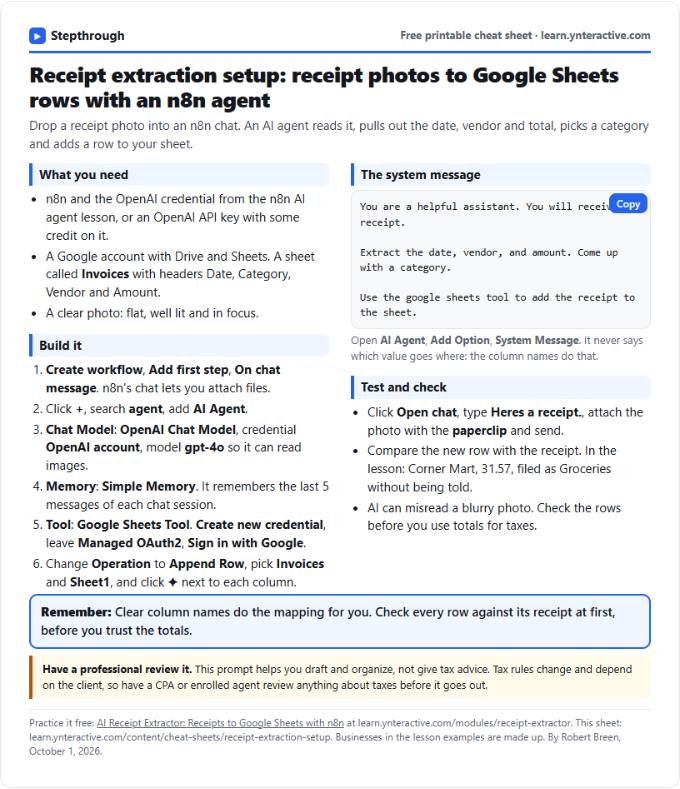 AI Receipt Extractor in n8n Cheat Sheet
A free one-page cheat sheet: attach a receipt photo in n8n chat, and an AI agent pulls the date, vendor and amount into a Google Sheets row.
Lesson cheat sheet Free PDF
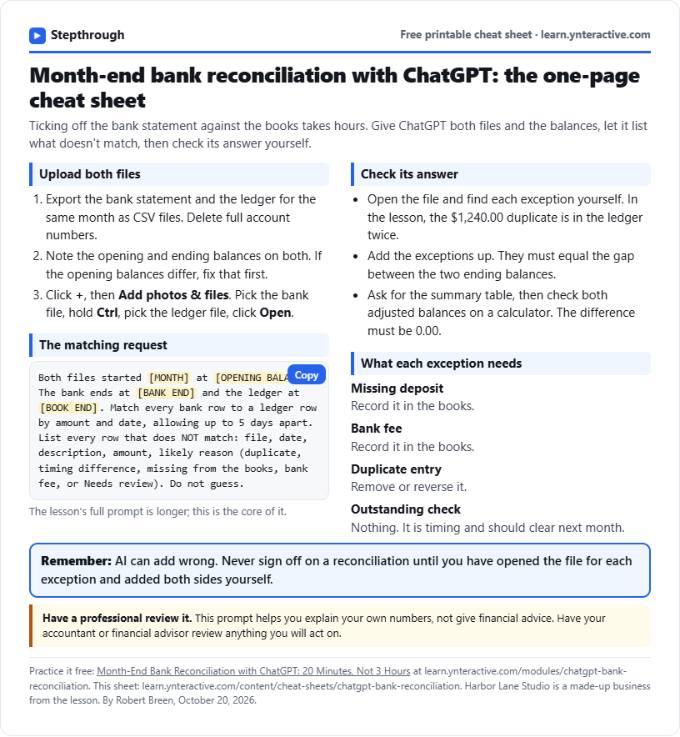 ChatGPT Bank Reconciliation Cheat Sheet
A free one-page cheat sheet: match a bank statement CSV to the ledger with ChatGPT, list the exceptions, build the summary and check the math yourself.
Lesson cheat sheet Free PDF