What is pinned data?
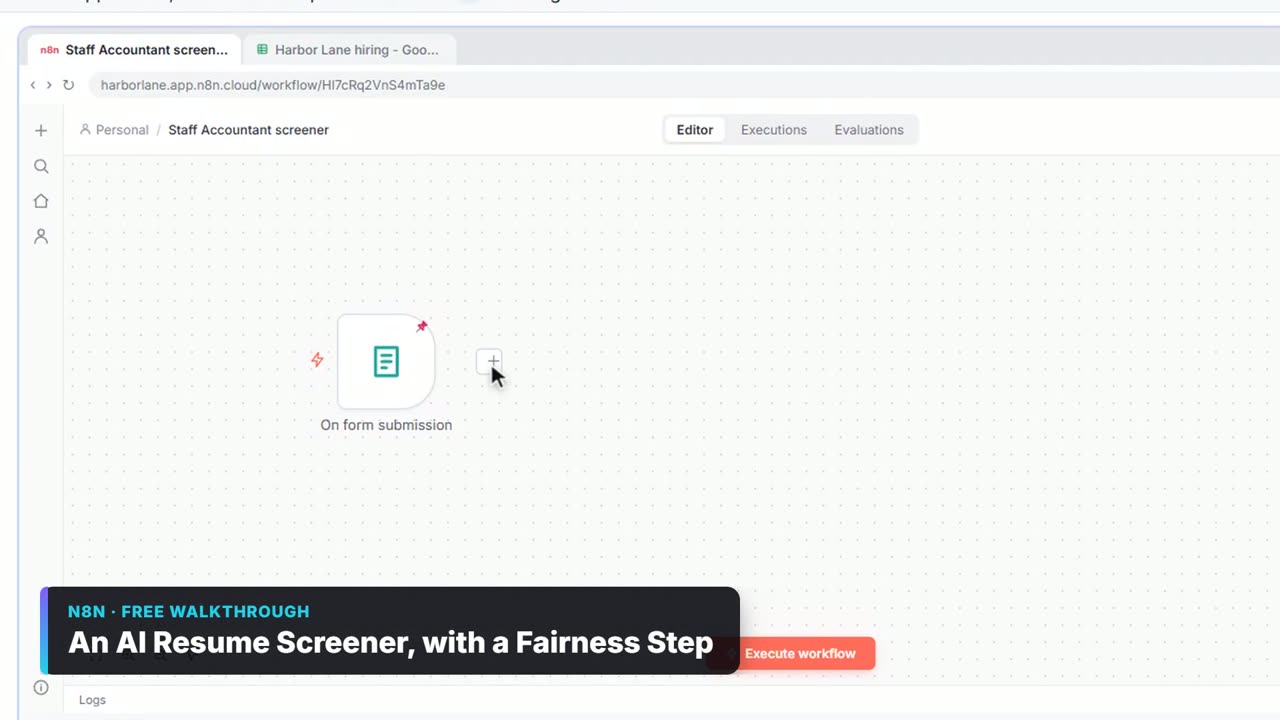
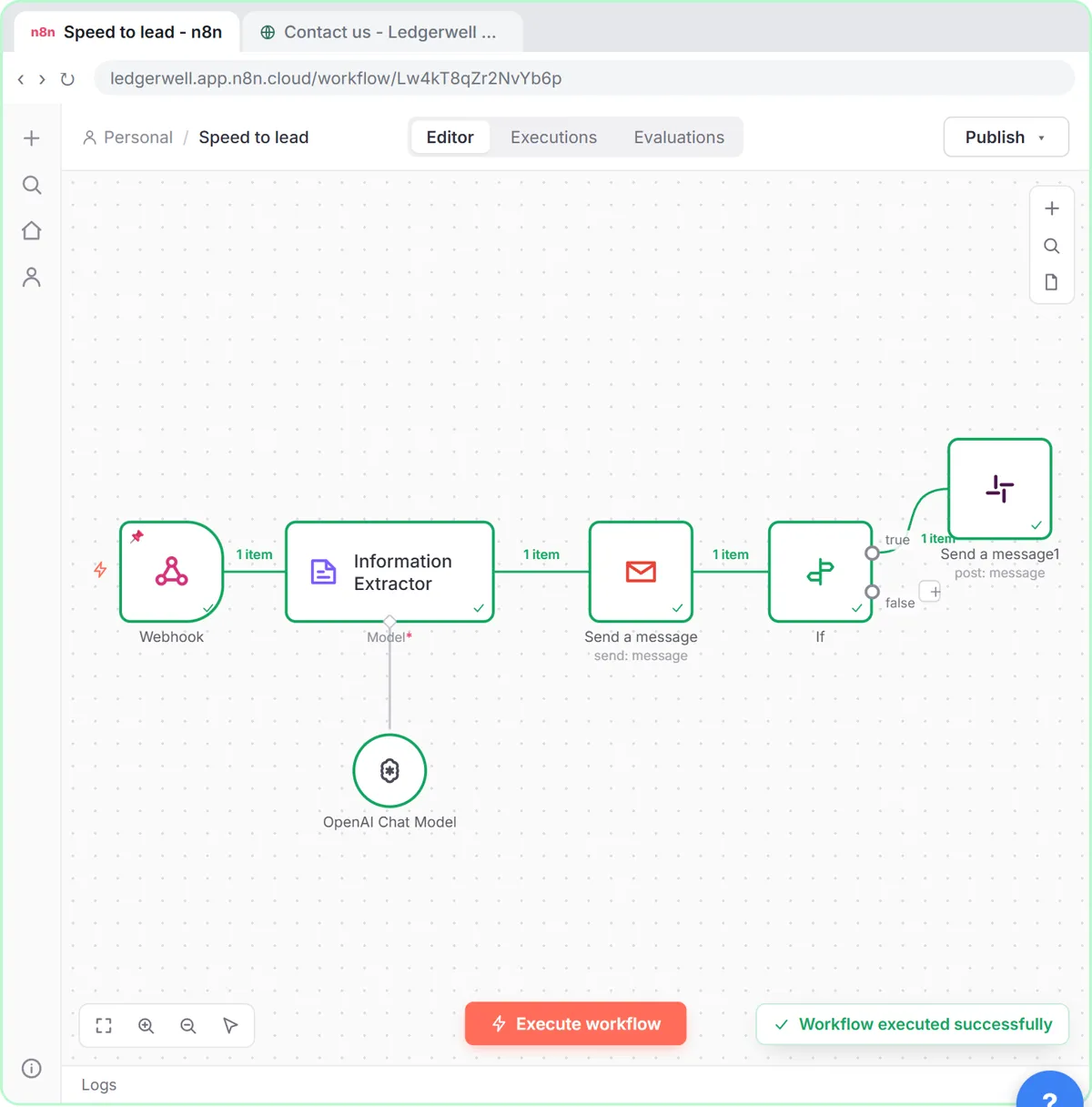
A node's output, frozen. When a node has pinned data, n8n uses it instead of running the node during manual tests. A pin icon shows on the node. The glossary entry is pinned data.
How do I set mock data on a trigger?
From the Meeting to Action lesson:
- Add Trigger manually and double-click the node (When clicking 'Execute workflow').
- On the OUTPUT side, click set mock data.
- Paste a JSON list. Each object in the list becomes one item and each key becomes a field.
- Click Save. The OUTPUT shows 4 items, and the pin shows n8n will reuse them.
The JSON came from ChatGPT: the meeting's action items with the same four keys on every item (Meeting, Owner, Task, Due date), which match the sheet's columns, so the Google Sheets node can use Map Automatically.
How do I pin a real test run?
Run the trigger once with a real sample, then pin its output.
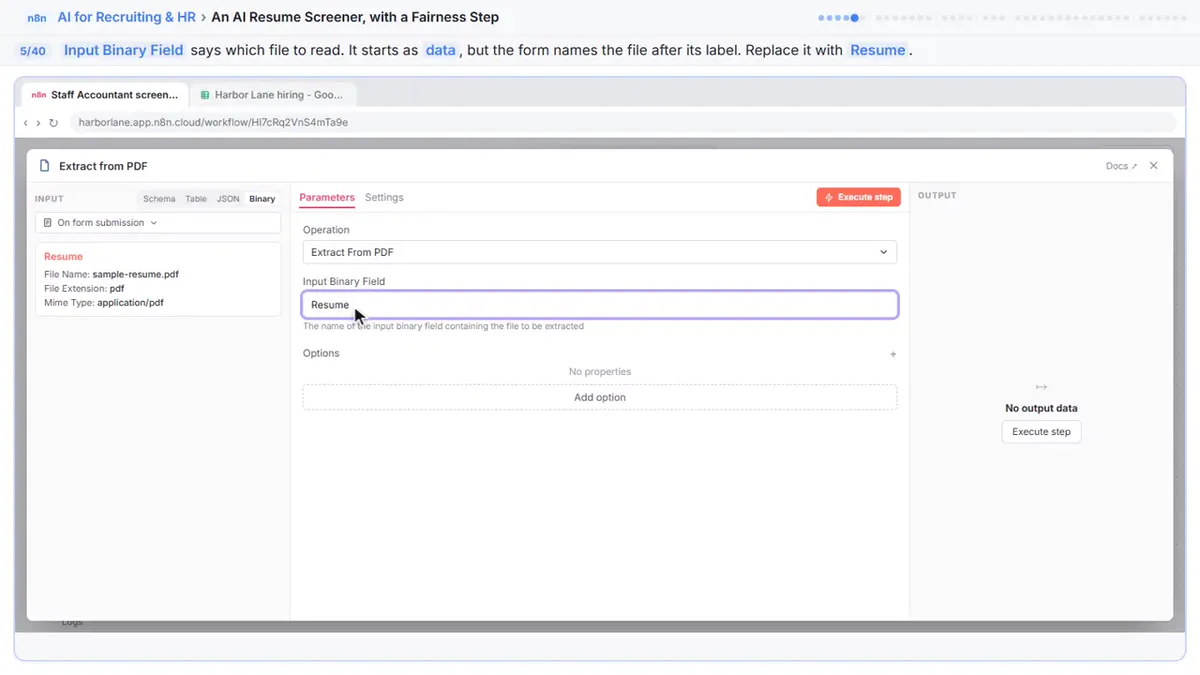
- The resume screener's form was tested once with a sample application and that test is pinned. Execute previous nodes then runs the sample through Extract from PDF and the Information Extractor so you have fields to map.
- The invoice approval workflow has a test invoice pinned to the Gmail Trigger and Extract from File, so Execute workflow runs on it without a new email.
When should I use pinned data?
| Situation | Why pin |
|---|---|
| Gmail or form triggers | No need to send a new email or submission each test |
| Paid API calls | Each test doesn't spend credits |
| AI steps | Same input every time, so you can compare outputs |
| Long workflows | Build later nodes without rerunning the early ones |
Try it free, step by step
Meeting to Action: Recap, Tracker Rows and a Kickoff Deck (ChatGPT, n8n, Gamma). Turn rough meeting notes into a checked recap in ChatGPT, four action-item rows in a Google Sheet through n8n, and a five-slide kickoff deck in Gamma. You do every step yourself in a practice copy of n8n, it checks your work as you go, and “Do it for me” finishes any step you get stuck on. Free, and nothing touches your real accounts.
Start the free lessonDoes pinned data affect the live workflow?
No. Pinned data is only used in manual executions in the editor. A published workflow started by its real trigger uses real data. Still, unpin before you publish so your own tests reflect what production will see, and so you don't forget a stale sample.
Common mistakes
- Forgetting it's pinned. You change the trigger and nothing changes, because the pin is still used. Unpin to fetch fresh data.
- Pinning sensitive data. Pins are saved with the workflow. Use made-up samples, not real customers.
- Mock data with inconsistent keys. Give every object the same keys, or columns go missing.
Key takeaways
- Pinned data is a frozen node output reused in manual tests.
- set mock data on a trigger lets you paste a JSON list; each object becomes an item.
- Pin a real run of a Gmail or form trigger to test without sending new data.
- Pins don't affect production, but unpin before publishing and avoid real personal data.
Frequently asked questions
- How do I pin data in n8n?
Run the node, then click the pin icon on its OUTPUT. Or, on a trigger, click set mock data, paste JSON and save.
- How do I unpin data in n8n?
Open the node and click the pin icon on the OUTPUT again to unpin it.
- Does pinned data run in production?
No. Pinned data is only used for manual executions in the editor.
- Where can I learn n8n testing?
How to Test an n8n Workflow and the free n8n Jump Start course.