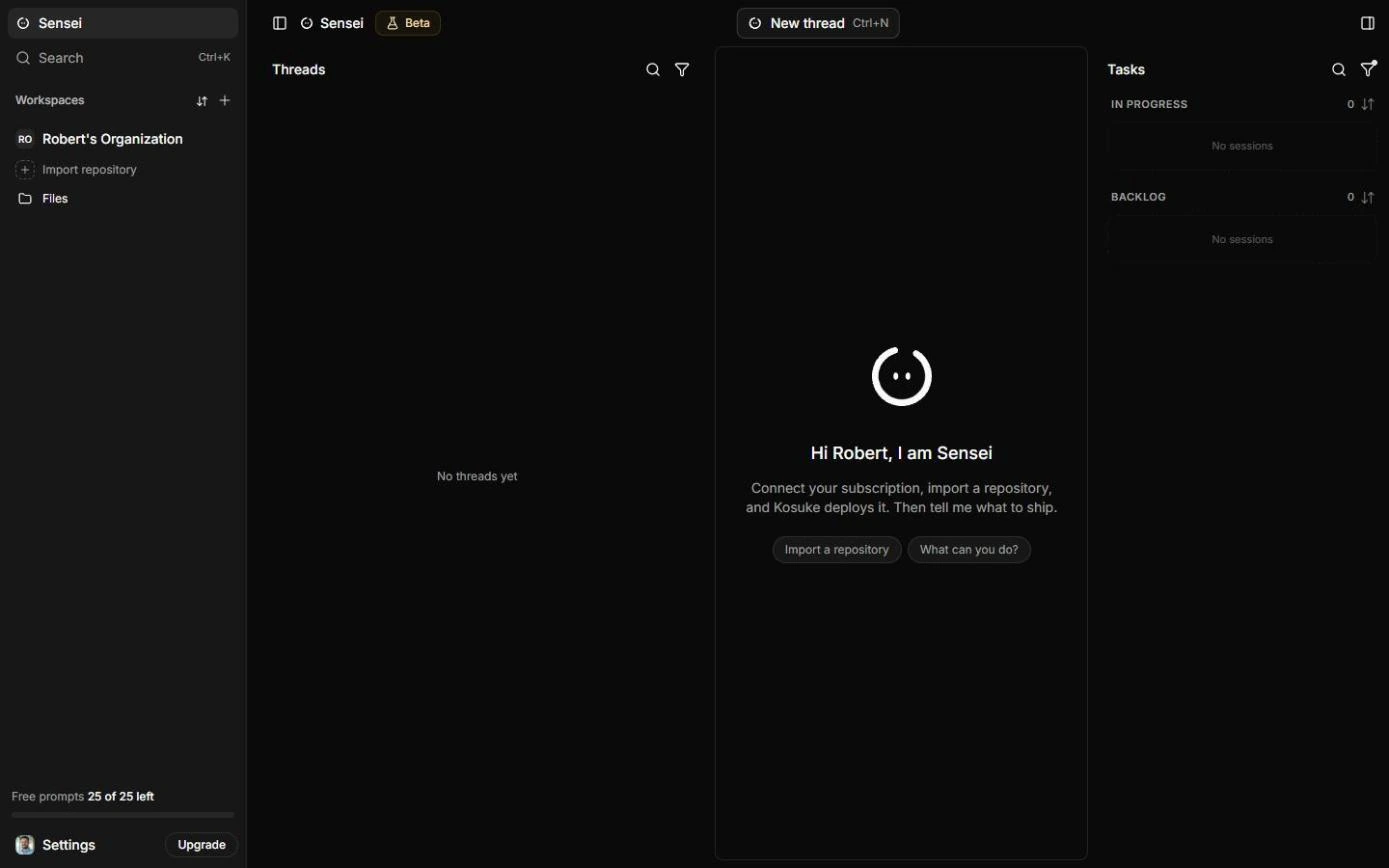
What changes by role is who reviews, what "done" looks like, and how much testing a change needs.
What does every role get from the same workflow?
| Step | What you do | What you get |
|---|---|---|
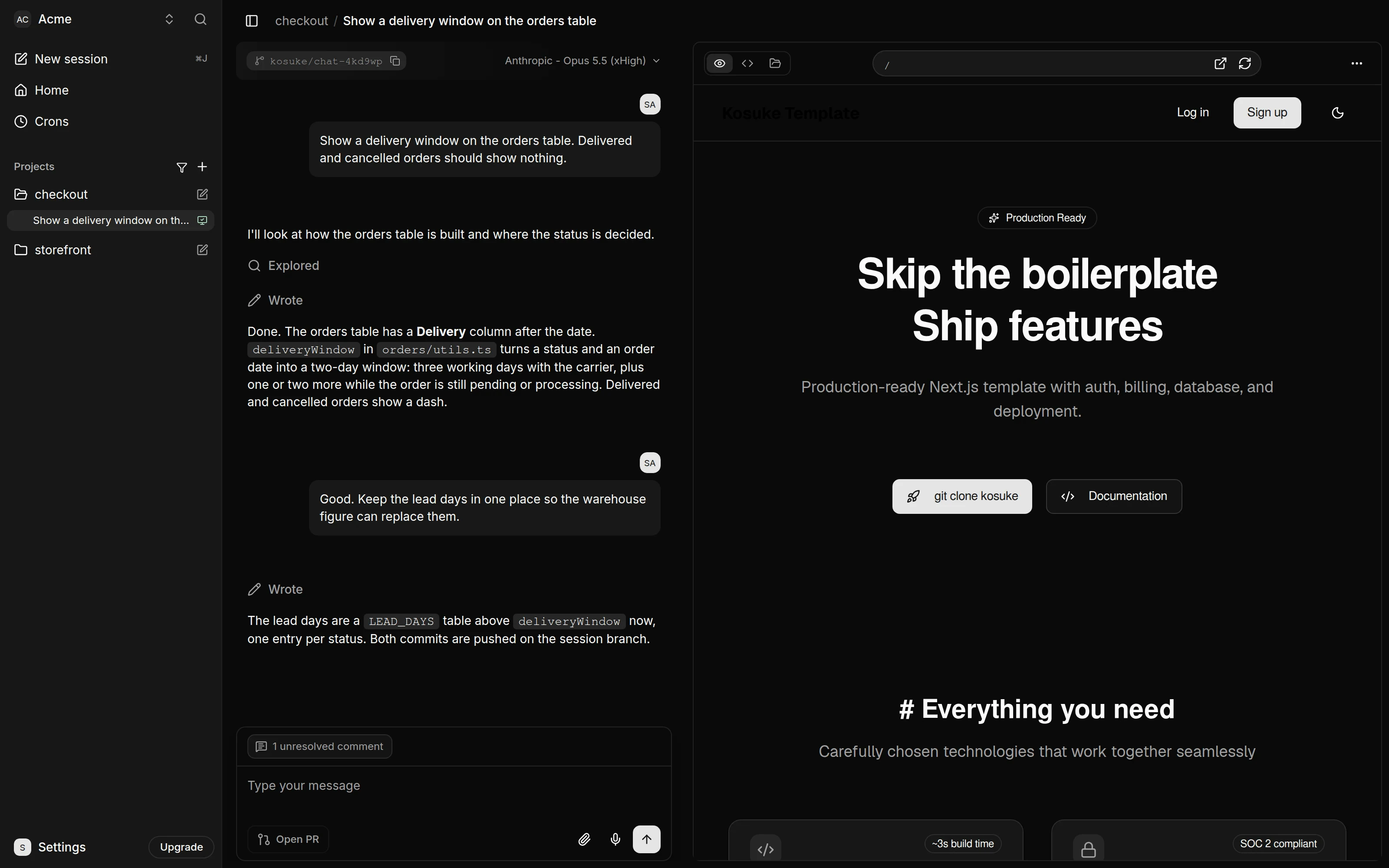
| Ask | New Session, describe the change | A branch and sandbox, live site untouched |
| Check | Click through the Preview, phone size on | Bugs found by you, not a client |
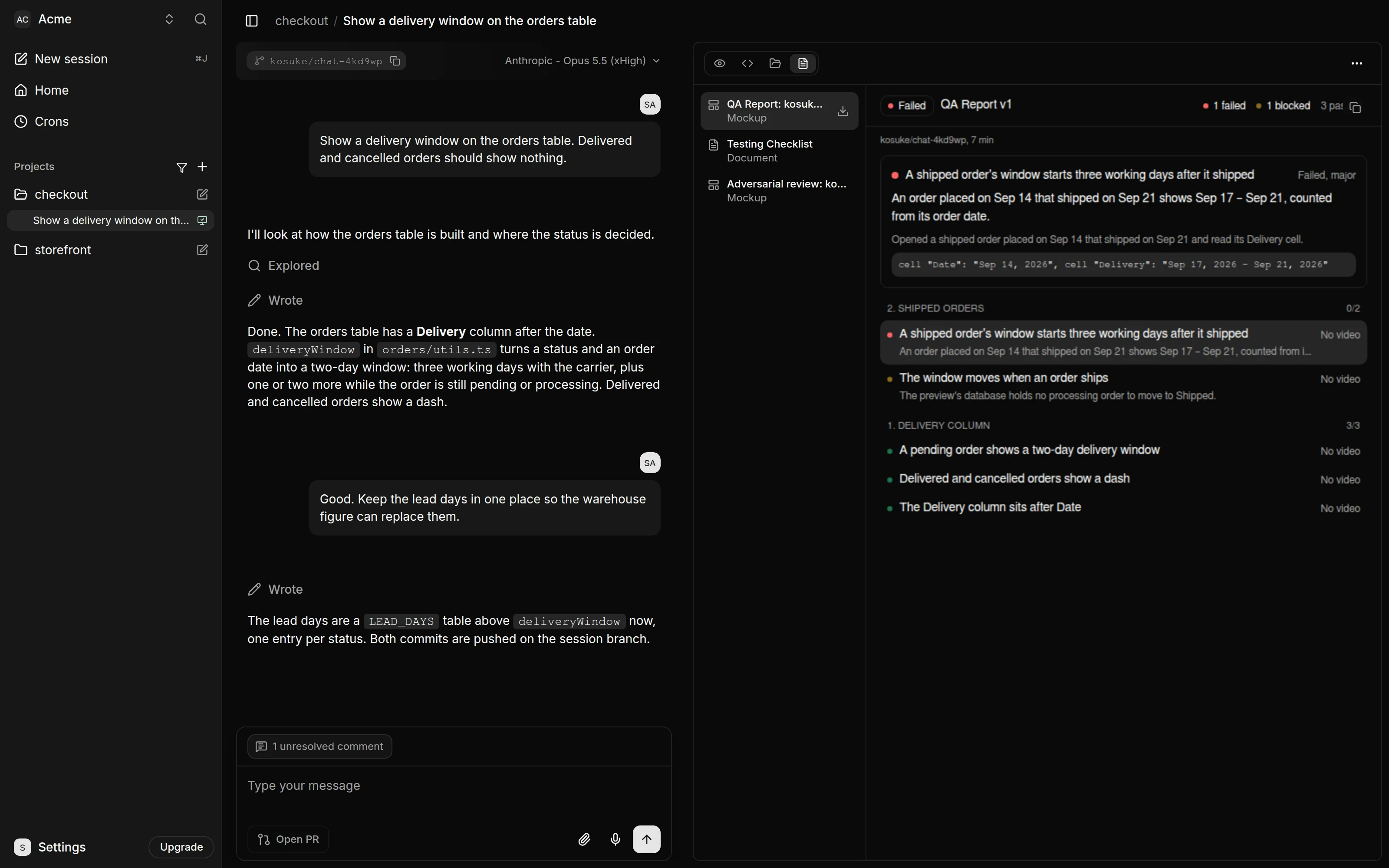
| Test | /kosuke:automated-qa | A QA Report with a video per section |
| Show | Share preview | A link anyone can open, no account |
| Hand off | Open PR | A pull request with a qa: label and links |
How do agency owners use it?
This is the preview lesson's case. Jordan runs Harbor Lane Studio, a made-up agency with 12 client websites. Each change used to mean a staging copy, screenshots, emails and waiting, about 1.5 hours a change, and last month a booking button did nothing on phones for four days before the client noticed. With Kosuke, Jordan describes the change, checks it at phone size, runs QA and sends the client a share link before anything goes live. In the lesson's example numbers, that's about 20 minutes a change.
- Watch: share links have no password or expiry. Revoke them after sign-off.
How do operations leads use it?
This is the QA lesson's case. Sam Alvarez runs operations at Acme, a made-up online store, and used to hand-test every change by opening test orders in every status, about 2 hours a change. A change to the orders page once showed shipped orders the wrong delivery window, and 38 customers emailed before anyone noticed. In the lesson, QA catches that same bug as a FAILED item, --fix repairs it, and a BLOCKED item is unblocked by adding a processing test order.
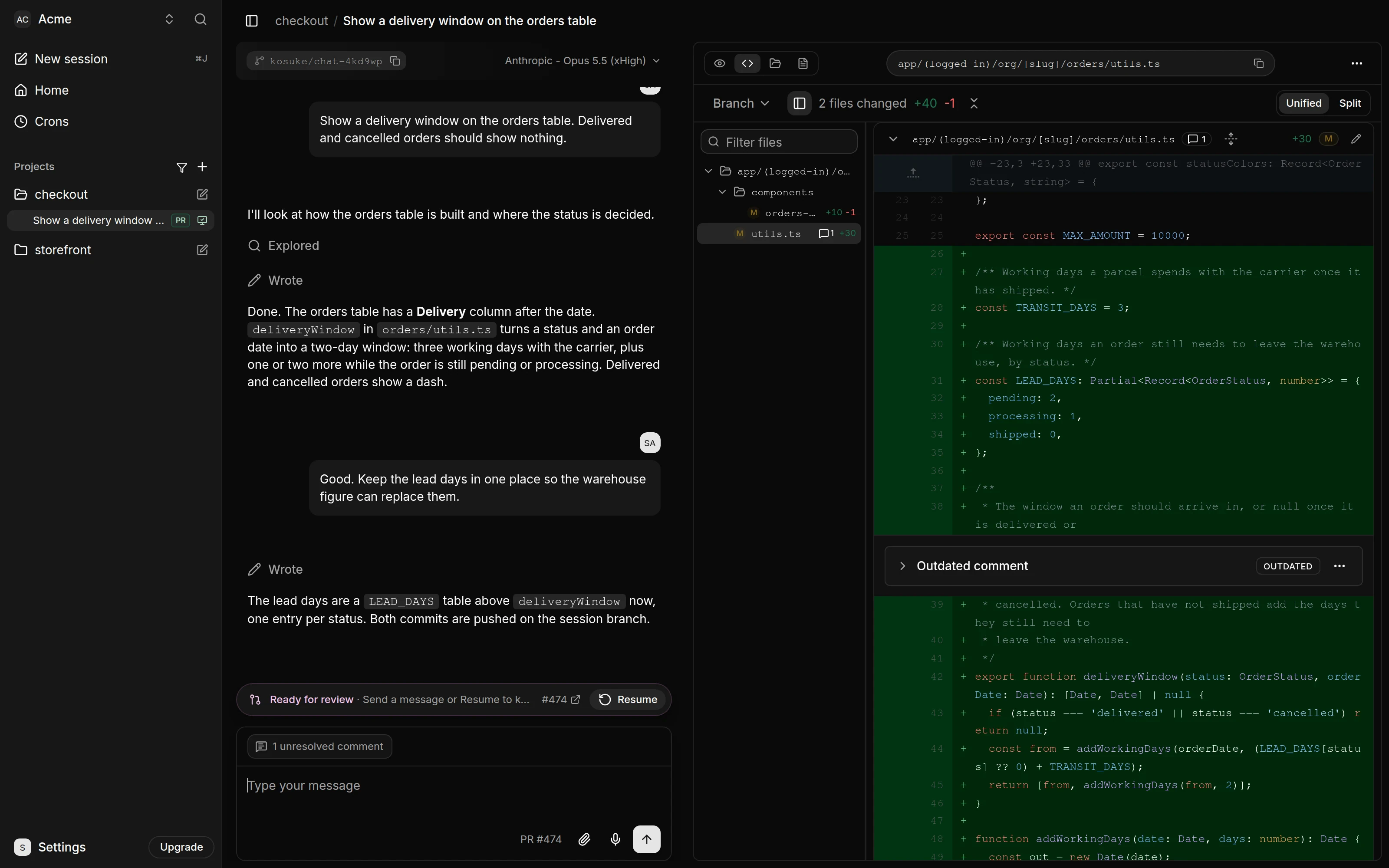
- Watch: BLOCKED isn't a bug. Give the tester the test data it needs, then name the item in the next run.
Try it free, step by step
Kosuke: Let the AI Test Its Own Changes with Automated QA. A business case for small teams that use an AI coding agent: price what hand-testing every change costs, then let Kosuke's automated QA test the change in a real browser, record video, fix what… You do every step yourself in a practice copy of Kosuke, it checks your work as you go, and “Do it for me” finishes any step you get stuck on. Free, and nothing touches your real accounts.
Start the free lessonHow do marketing managers use it?
A marketing manager who owns the company site asks for a new pricing section, a banner or a form change in plain words. The Preview shows the real page, not a mock-up, and the responsive toggle shows it at phone size, where most visitors will see it. The pull request goes to whoever maintains the site.
- Change: set Agent replies to Not-tech so the agent explains what it did in plain language.
- Watch: a passed report is evidence, not a guarantee. Read the page copy yourself.
How do founders and small business owners use it?
A founder running a store or booking site, with an AI agent doing the code, uses Kosuke as the review step they never had. The Trial gives $10 of sandbox credit, granted once per person, with sandbox time billed by the second while it runs; the AI model runs on your own Anthropic or OpenAI account.
- Change: give Kosuke access to only the one repository.
- Watch: the live site changes only when a pull request is merged. Merge on GitHub when you're happy.
How do consultants and freelancers use it?
A consultant who makes changes in a client's repository can hand over a pull request that already carries the qa: passed label and a comment linking the QA Report, the Testing Checklist and each section's video. The client's developer reviews and merges as usual.
- Watch: the Project QA Guide, saved in project settings under Advanced, should name the environment variable for a password, never the password.
How do product and customer-facing teams use it?
Anyone who signs off on changes others asked for, such as a product owner or a customer success lead, can open the share link, try the flow and read the QA Report, all without a Kosuke account or the code. The report lists failed and blocked sections first, and each item plays its video.
- Watch: sharing a link wakes a paused sandbox, and that time counts toward usage.
Which role should start with which lesson?
Start with the preview lesson if your main job is approving changes for others, and the QA lesson if your main job is testing. Both share the same safety model: every change on its own branch and sandbox, merged only through a pull request. For pitfalls see Kosuke mistakes; for quick answers see the Kosuke FAQ; for settings see the preview cheat sheet. Kosuke is listed in the AI tools directory.
Key takeaways
- One workflow fits every role: ask, check on phone, test, share, hand off.
- Agencies gain client sign-off before go-live; ops gains recorded tests.
- Non-developers stay in plain language with Not-tech replies.
- Nobody's review is replaced: a person still clicks through and merges.
Frequently asked questions
- Which role saves the most time?
The lessons' examples: an agency at 20 changes a month, and an ops lead at 12 changes a month. Use your own numbers.
- Can a client approve without a Kosuke account?
Yes. The share link opens the running site with no account.
- Does Kosuke merge the change?
No. You or your developer merge the pull request on GitHub.
- Is it only for websites?
The lessons use a client website and a store's orders page; the lessons describe it for websites and internal tools.