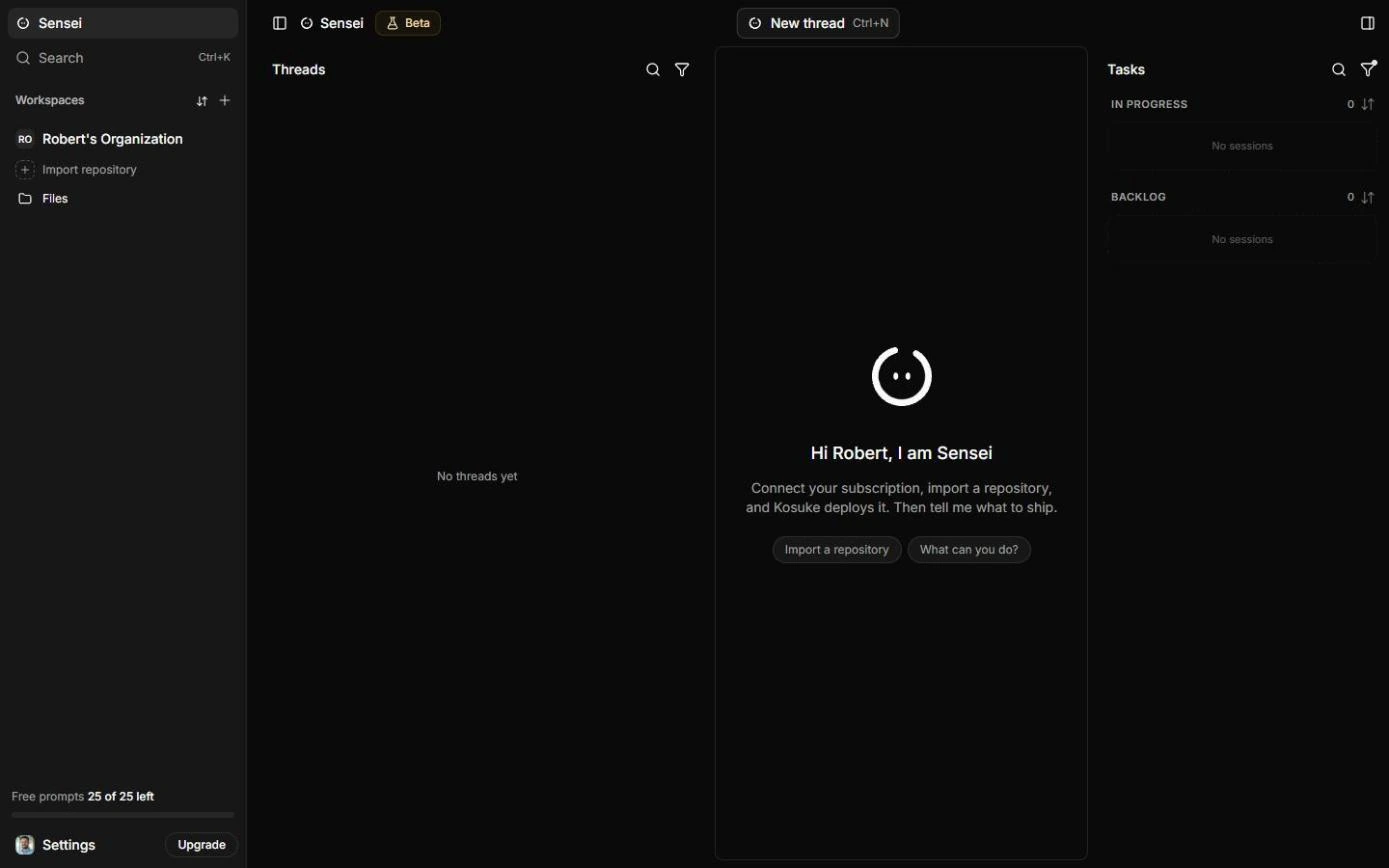
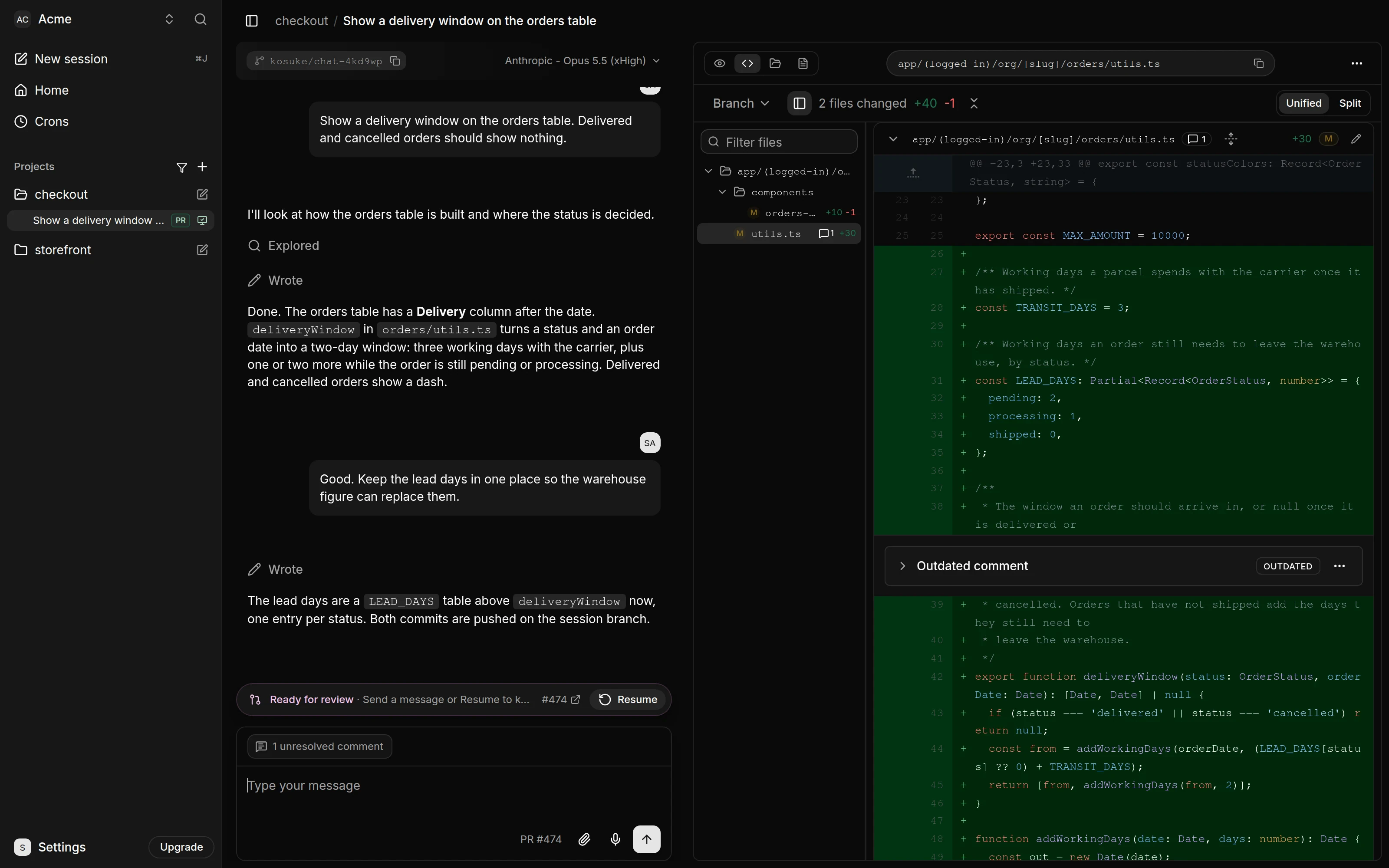
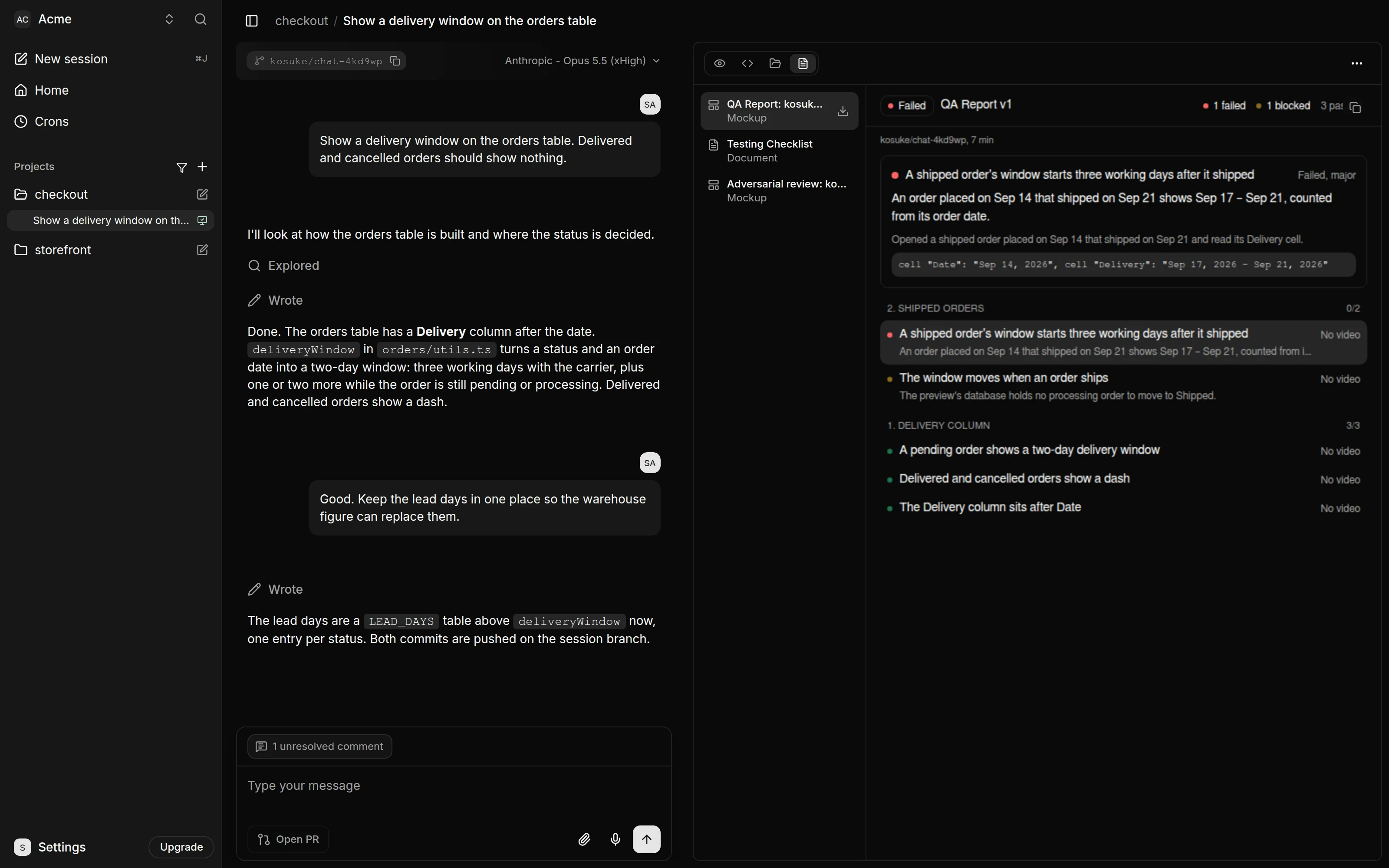
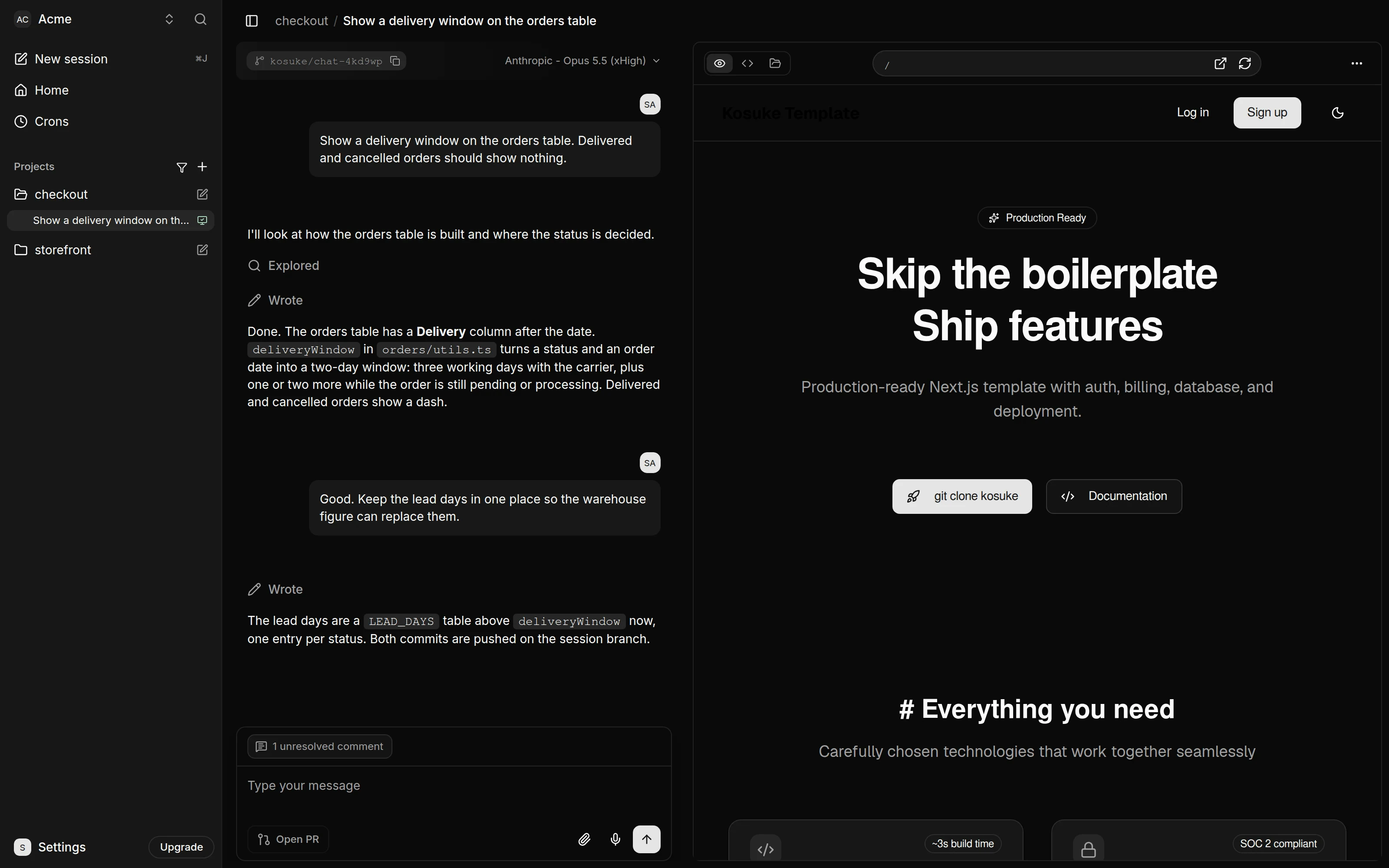
A note on how the lessons were built: setup screens were checked in a real Kosuke account in October 2026, and the session, Preview, QA and pull request screens follow Kosuke's own documentation and screenshots at docs.kosuke.ai, because GitHub and a Claude account weren't connected. Kosuke's screens change over time, so yours may differ slightly.
What does a Kosuke session look like?
A session is one chat for one change. It gets its own branch, its own sandbox (a running copy of your site) and its own Preview on the right of the chat.
What does it cost?
From Kosuke's plans and billing page as summarized in the preview lesson: a new workspace starts on a free Trial with $10 of sandbox credit, granted once per person ($30 with a promo code), and up to 3 sandboxes at once. Sandbox time is billed by the second while a sandbox runs; a Small sandbox (2 vCPU, 4 GB) is $0.51 an hour, so the Trial covers roughly 20 hours on Small. Paid plans are Starter at $20 a month with $25 of included usage and Pro at $190 a month with $250. The AI model isn't on the Kosuke bill; it runs on your own Anthropic or OpenAI account. When Trial credit runs out, Kosuke stops starting sandboxes until you subscribe, and nothing is billed. Check docs.kosuke.ai for current prices.
Try it free, step by step
Kosuke: Let the AI Test Its Own Changes with Automated QA. A business case for small teams that use an AI coding agent: price what hand-testing every change costs, then let Kosuke's automated QA test the change in a real browser, record video, fix what… You do every step yourself in a practice copy of Kosuke, it checks your work as you go, and “Do it for me” finishes any step you get stuck on. Free, and nothing touches your real accounts.
Start the free lessonKey takeaways
- Each change lives in its own session, branch, sandbox and Preview.
- Automated QA tests from a written checklist in a real browser and records video.
- Share links need no Kosuke account but have no password or expiry.
- The live site changes only when a pull request is merged on GitHub.
Frequently asked questions
- Do I need to be a developer?
No. Kosuke has a guide for making changes without writing code, and the Agent replies setting Not-tech makes the agent explain its work in plain language. Someone imports the repository and deploys it once, and someone merges the pull request.
- What do I need to use it for real?
A GitHub repository for the site, an Anthropic or OpenAI account for the agent (an API key, or your Claude Code or Codex login), and a Kosuke workspace. The lessons' practice copies need none of them.
- Which AI providers can it use?
The preview lesson's check of Settings > Workspace > AI Providers showed Anthropic with API Key, Claude Code and AWS Bedrock. The lessons connect Claude Code.
- Can the live site break while the agent works?
No change reaches the live site until a pull request is merged on GitHub. If the client says no, the session is archived and its pull request closed.
- How does automated QA test a change?
Send
/kosuke:automated-qa. One tester per checklist section opens your site in a headless browser, works through its items and records a video. It's a kind of browser agent aimed at your own change.- What's the difference between FAILED and BLOCKED?
FAILED means the expected result didn't happen: a bug. BLOCKED means the tester couldn't reach the state it needs, such as a missing test order. Use
--fixfor the first; add the setup and name the item for the second. More in Kosuke mistakes.- What does --fix do?
QA repairs the FAILED items once testing ends, commits one fix per section, and has a new tester check them again. Each run with
--fixis one repair round. The command box also lists--restartand--sync; the lessons use--fix.- What do the qa: labels mean?
qa: passed(green) when every tested item passed,qa: blocked(yellow) when nothing failed but something couldn't run, andqa: failed(red) when anything failed. The label moves to the pull request when you press Open PR.- Can my client see a change before it goes live?
Yes. Share preview creates a link to the running site. The client needs no Kosuke account and sees the site, and the QA Report if there is one, not the chat or the code. Revoke the link when you're done.
- What does a sandbox do when nobody is using it?
It pauses, and wakes again when you send a message or open the session. A visit to a share link wakes it too, and that time counts toward usage.
- Where is the test checklist kept?
The agent keeps a Testing Checklist for the branch, grouped in sections with a severity per item: critical, major or minor. The QA Report sits in the session's Artifacts tab.
- Who uses Kosuke at work?
Agency owners, ops leads and small business owners who use an AI coding agent on a website or internal tool. See Kosuke use cases by role, the preview cheat sheet, the QA cheat sheet and the Kosuke directory entry.