Mistake to Avoid: Letting AI Invent Expense Categories
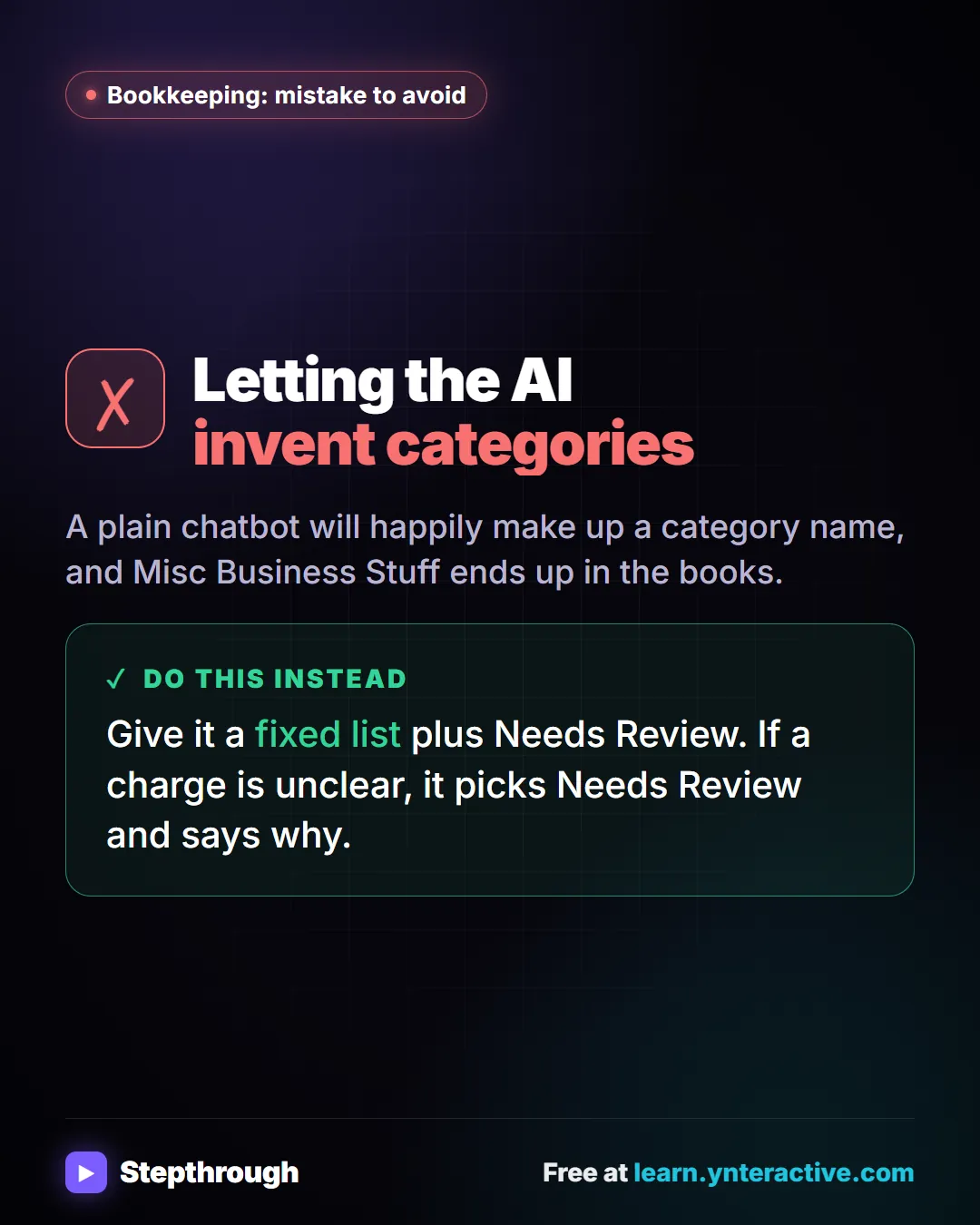
A visual tip for bookkeepers: give an AI agent a fixed list of categories plus Needs Review, so it never makes up a category name.
The guide in text
The mistake
Letting the AI invent categories
A plain chatbot will happily make up a category name, and Misc Business Stuff ends up in the books.
Do this instead
Give it a fixed list plus Needs Review. If a charge is unclear, it picks Needs Review and says why.
The full definition: What is expense categorization? in the AI glossary, with an example from a free lesson, common confusions and tips.
Businesses and people in the examples are made up. The steps, screens and wording come from the free lesson and the Stepthrough glossary and prompt library.
Do it yourself, free
Build an AI Agent That Categorizes Business Expenses. Build an AI agent for Maple Street Bookkeeping that sorts business expenses into categories, writes a short note for each and saves them to Google Sheets — chat trigger, AI Agent, system prompt… You do every step yourself in a practice copy of n8n, it checks your work as you go, and “Do it for me” finishes any step you get stuck on. Free, and nothing touches your real accounts.
Start the free lessonRelated terms
Plain-English definitions, each with an example from a free lesson.
Related prompts
- Email subject lines prompt: Get ten honest subject lines for a finished email, each with preview text and a character count, grouped by approach so you can…
- Expense categorization prompt: Sort a batch of expenses into your own categories, with a short note each and a Needs Review bucket for anything unclear…
- Social post ideas prompt: A four-part ChatGPT prompt for social post ideas built on your services and real customer questions: platform, hook and call to…
- Client monthly report prompt: Turn your agency's monthly numbers and work log into a client report: what changed, what you did, what's next. Every number…
From the blog
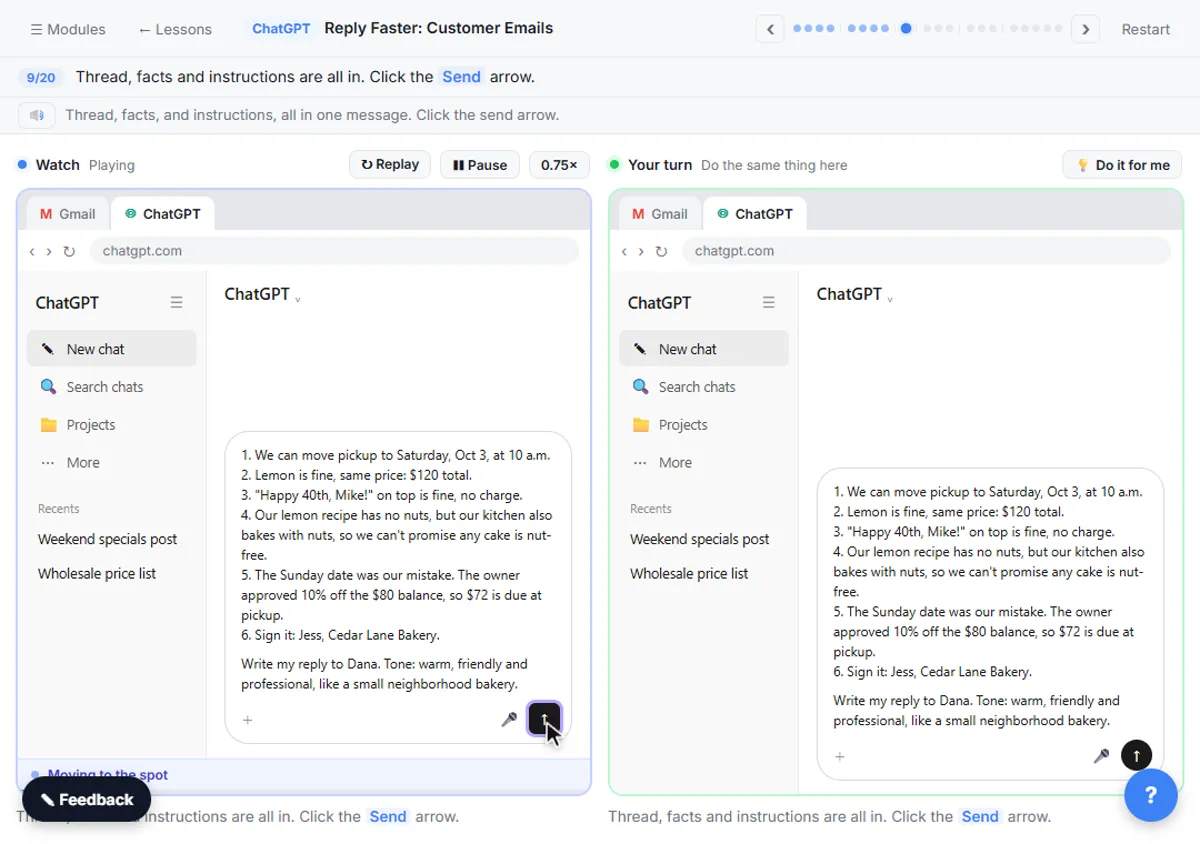 How to Stop ChatGPT from Making Things Up: 5 Guardrails
Stop ChatGPT from making things up with five guardrails: a facts list, a Not stated rule, never-invent rules, a closed category list and a final check.
Oct 1, 2026 6 min read
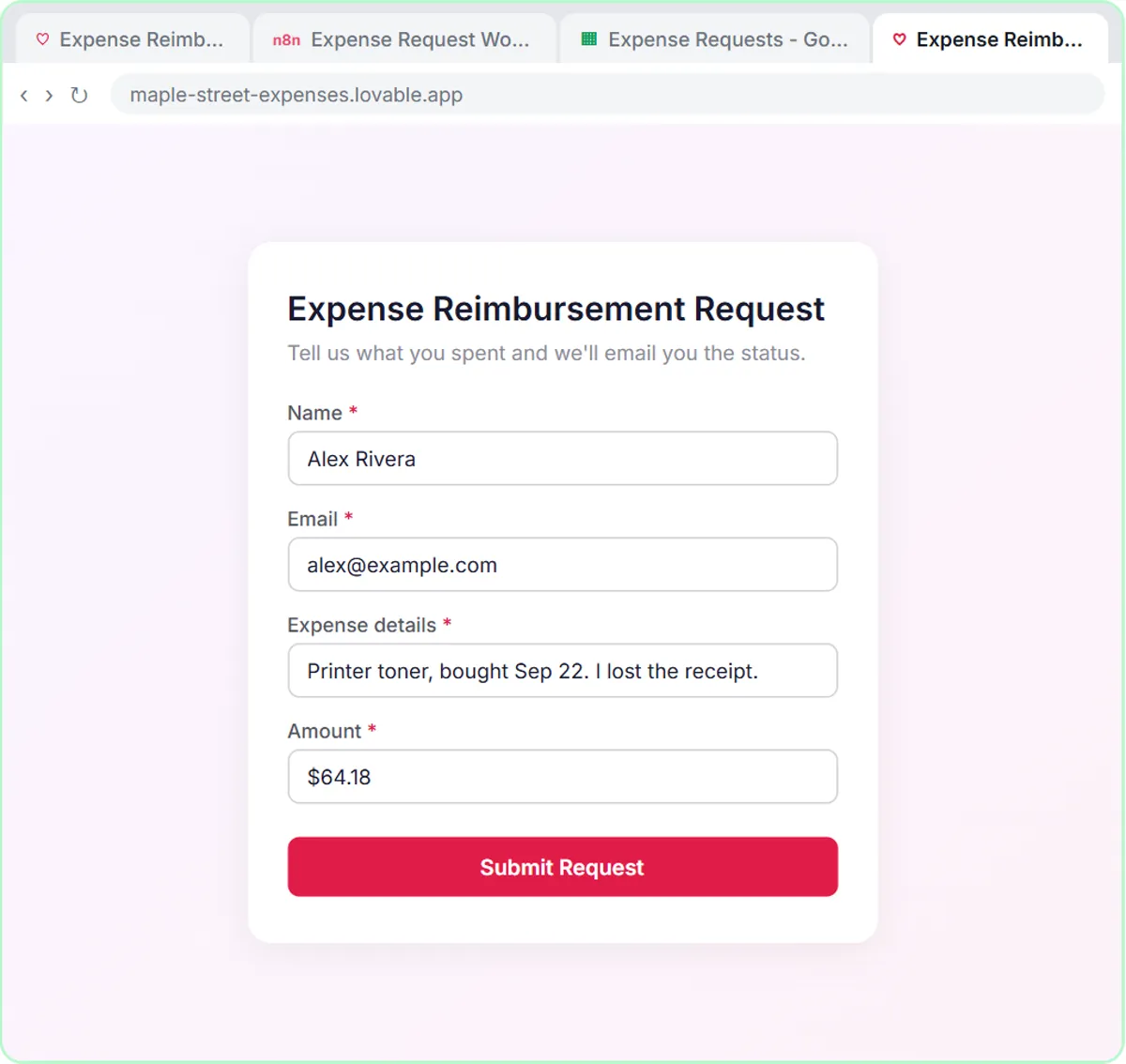 Automate Expense Reimbursement Requests with AI
Expense reimbursement automation for small teams: a Lovable form and an n8n AI agent that checks the policy, logs it in Sheets and emails the status.
Oct 1, 2026 6 min read
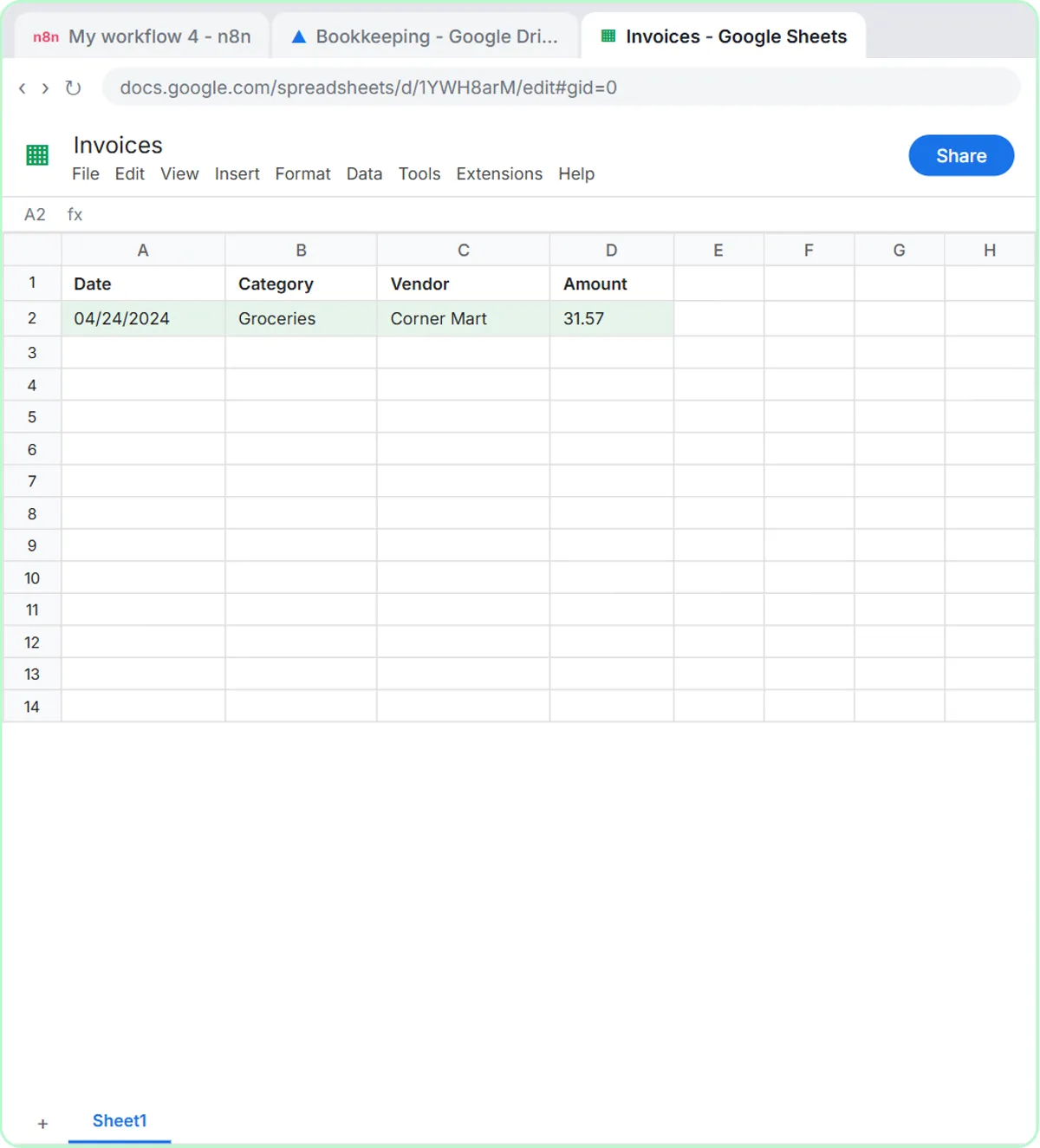 Get Receipts into Google Sheets with AI and n8n
Receipts to Google Sheets without typing: build an n8n agent that reads a receipt photo, picks a category and adds a row. Plus an expense categorizer.
Oct 1, 2026 6 min read
More visual guides
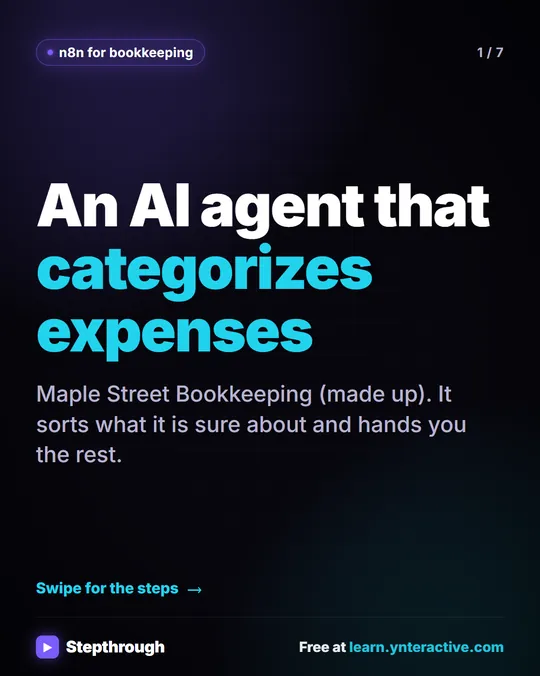 5 Steps to an AI Agent That Categorizes Business Expenses
A visual guide: an n8n agent sorts expenses into a fixed list of categories, flags unclear ones as Needs Review and saves them to Google Sheets.
Step-by-step guide 7 slides
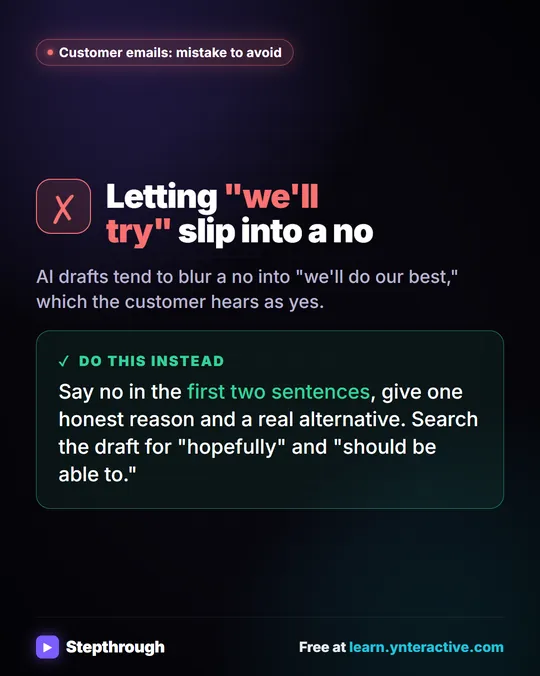 Mistake to Avoid: A Soft Yes When You Mean No
A visual tip for customer emails: AI drafts blur a no into "we'll do our best." Say no early, give one reason and a real alternative.
Mistake to avoid One graphic
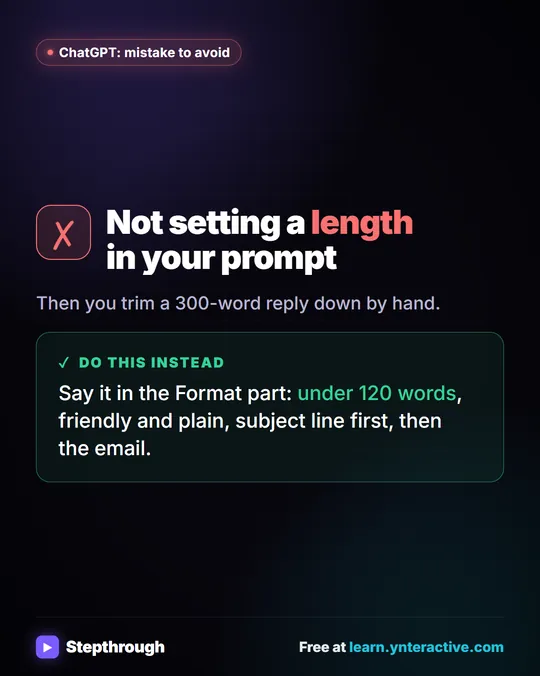 Mistake to Avoid: Not Setting a Length in Your Prompt
A visual tip: say the length in the Format part of your prompt, like under 120 words, instead of trimming a 300-word reply by hand.
Mistake to avoid One graphic