Free Clueso tutorials for small business
Updated
Clueso. These 2 free modules teach it by building real projects, not by reading about features: Clueso: Turn a Rough Screen Recording into a Training Video and Help Article and Clueso: Turn Release Notes into a Customer How-to Video.
The Clueso modules cover Business Automations. Every module runs in a practice copy of Clueso, so you can learn it without an account, then set it up for real.
2 modules
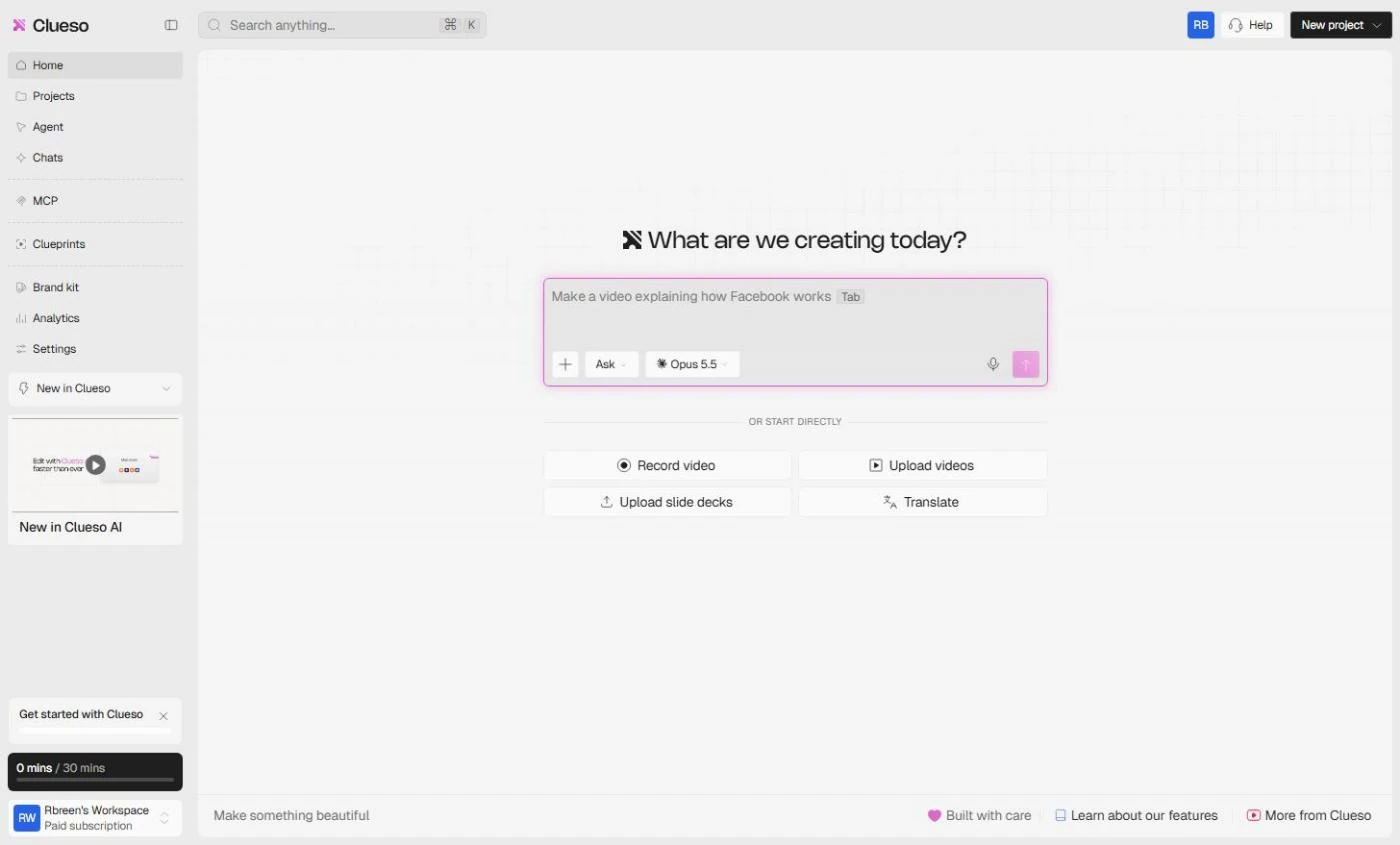 Clueso: Turn a Rough Screen Recording into a Training Video and Help Article
Stop teaching the same task by hand. Upload a rough screen recording to Clueso, add it as the source in Start with Prompt, brief a training video with steps, voiceover…
Free · Live ~10 min Beginner
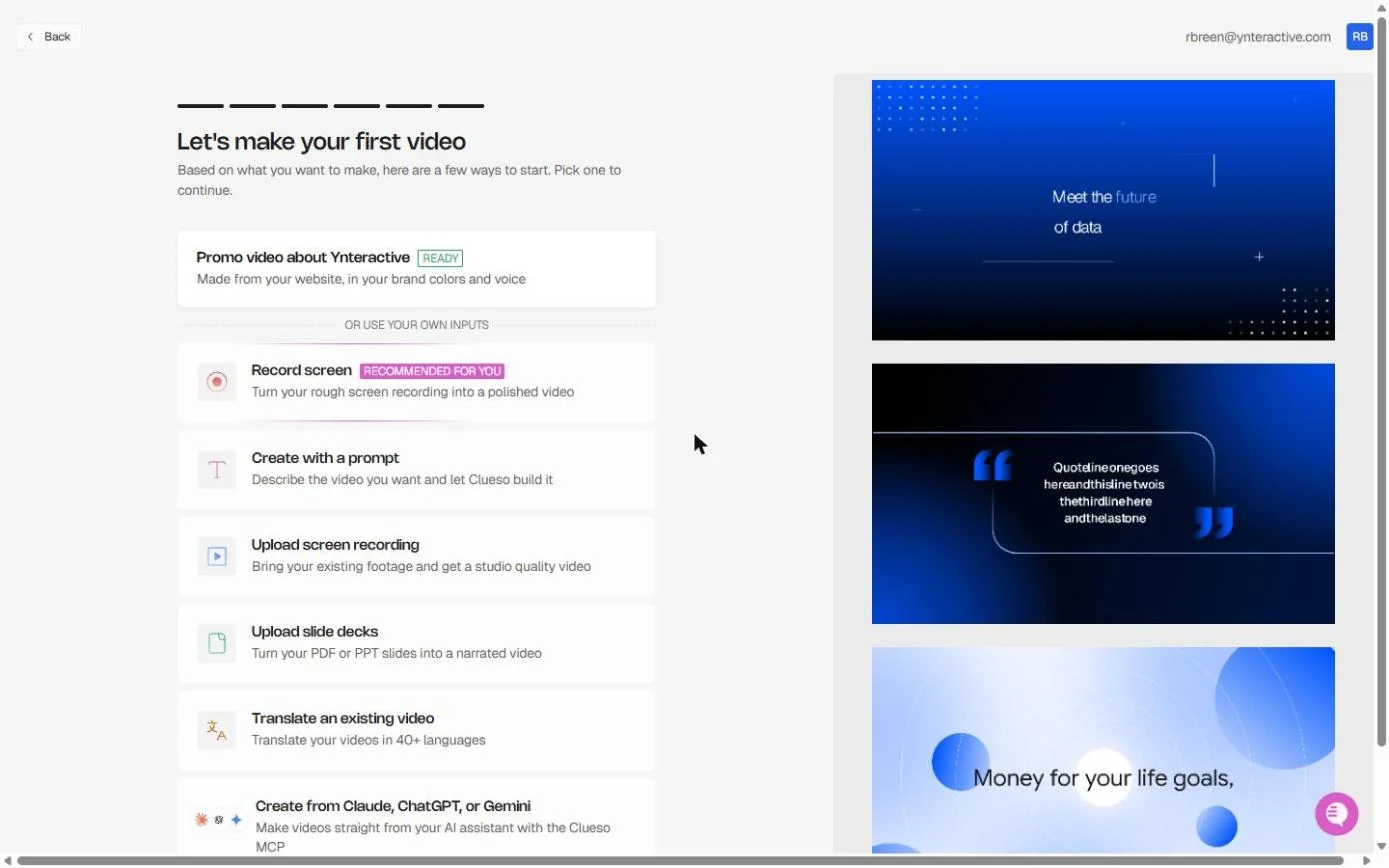 Clueso: Turn Release Notes into a Customer How-to Video
Every release brings the same "how do I turn this on?" tickets. Paste the release note and a short screen recording into Clueso, prompt a 60-second customer how-to…
Free · Live ~10 min Beginner
What you do in each module
- Clueso: Turn a Rough Screen Recording into a Training Video and Help Article (about 10 minutes, 22 steps, beginner). You work through: Upload the recording, Open Start with Prompt, Prompt the training video and The finished video and article.
- Clueso: Turn Release Notes into a Customer How-to Video (about 10 minutes, 21 steps, beginner). You work through: Upload the recording, Prompt the how-to video, Check the plan and fix a step and The video, the article and the share link.
Common questions
How long will this take?
The 2 modules take about 20 minutes in total, and you can do them in separate sittings.
Do I need experience first?
No. These modules are beginner level, and each step tells you exactly where to click.
Do I need a Clueso account to start?
No. The practice runs in a copy of Clueso inside your browser, and nothing touches your real accounts. When you are ready, you repeat the steps in your own account.
Is it free?
Yes. All 2 modules are free.
Where should I start?
Start with Clueso: Turn a Rough Screen Recording into a Training Video and Help Article, then continue with Clueso: Turn Release Notes into a Customer How-to Video.
Frequently asked questions
- Are these Clueso tutorials free?
- Yes. All 2 live Clueso lessons here are free, and you can start without signing up. Each one is a real project you build step by step in a practice copy of Clueso that checks your work.
- Where should a beginner start with Clueso?
- Start with Clueso: Turn a Rough Screen Recording into a Training Video and Help Article, about 10 minutes. Every step shows you where to click, and "Do it for me" finishes any step you get stuck on.
- Do I need my own Clueso account to practice?
- No. The lessons run in a practice copy of Clueso in your browser, so nothing touches your real accounts. To build the same workflow for real afterwards you need your own Clueso account; check Clueso's current pricing first.
Related
How every module works
Each step is shown on the left, with a cursor pointing to exactly where to click. You do the same thing on the right, in a practice copy of the real tool. Get it right and it moves on. Nothing touches your real accounts until you're ready to build it for real.
Start learning free