What is text-to-video AI?
Quick answer
Text-to-video is AI that makes a video from written text. Some models generate film-like footage from a short prompt; others, built for business, take a script or a document, split it into scenes, write narration, design slides or visuals and add an AI voice, producing a training or explainer video.
Last updated
Take the free module →Module 19 of the free AI for Recruiting & HR course, about 6 minutes. No account needed.
Updated · By Robert Breen
Why it matters for a small business
Training is often repeated live: the same talk to every new hire, a slightly different version each time. A short video made from the written procedure gives everyone the same version and frees the person who used to give it.
Video used to mean recording, editing and re-recording whenever anything changed. With text-to-video, a change is a sentence: edit the text or ask for one scene to be rebuilt.
The weak point is accuracy. The tool can skip a step, invent one or phrase a rule loosely, so the outline needs checking against the source before anyone watches it.
In a real lesson: X-Pilot: Turn an Onboarding SOP into a Training Video for Recruiting & HR
In the X-Pilot SOP training video lesson you paste one line of context (who the video is for, how long, the tone) and a Week 1 onboarding SOP. X-Pilot plans the scenes, writes the script, builds the slides and adds a voice: a 2-minute video with 7 scenes.
You tick each SOP step against a scene in Details > Outline, then add a missing rule by typing it in Ask X-Pilot and naming the scene; only that scene is rebuilt. Details > Export holds the MP4, the outline and the captions.
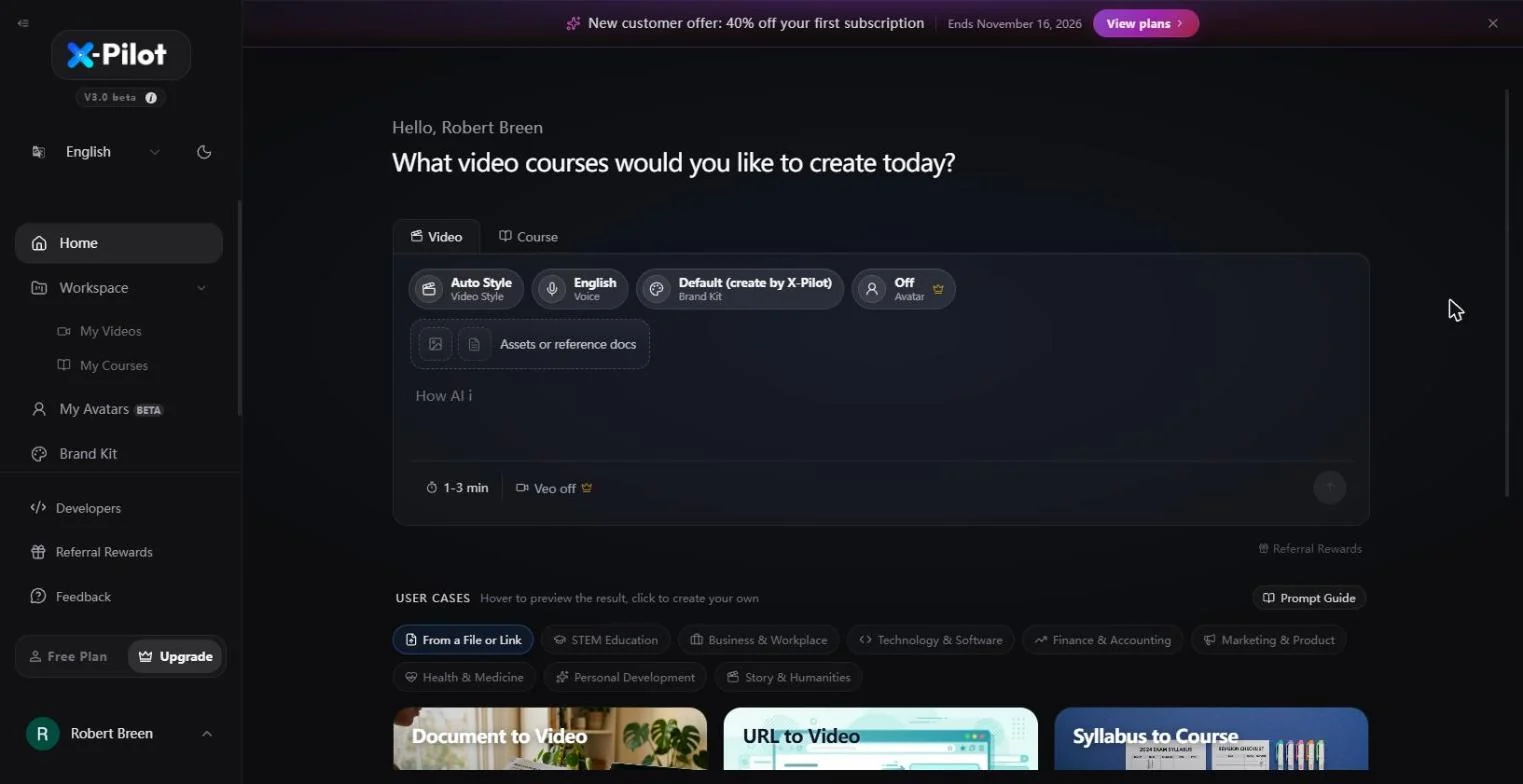
Try this lesson free or read the step-by-step guide.
Common confusions
Text-to-video vs image to video
Image to video animates a picture you already have. Text-to-video starts from words only.
Text-to-video vs AI video agent
An AI video agent is the chat assistant that plans and steers a whole video project. Text-to-video is the underlying job of turning words into video, which an agent may do as one of its steps.
Text-to-video vs text-to-speech
Text-to-speech only produces the voice. Text-to-video produces the visuals and timing too, usually with a synthetic voice inside.
Tips
- Start the prompt with audience, length and tone.
- Paste procedures as numbered steps; they map cleanly to scenes.
- Check the outline, not the finished video, for missing or invented steps.
- Have someone who knows the process watch it before you share it.
Related terms
More AI basics terms
Where you use it: free lessons
AI tools that use it
Frequently asked questions
- What is text-to-video used for in business?
- Training and onboarding videos, product explainers, short social clips and internal announcements: anywhere a written document would be easier to follow as a video.
- How long does text-to-video take?
- Business tools usually return a short narrated video in a few minutes. Film-style generators make clips of a few seconds each, and longer videos are stitched together from them.
- Can I edit a text-to-video result?
- Yes. Most tools let you edit the script or slides, or type a change and rebuild one scene, without starting again.