What are form submission states?
Updated · By Robert Breen
Submission states are the different things a form shows after someone clicks submit: a sending state while the data travels (like a button that says "Sending..."), a success message once it arrives, and an error message if it fails. Together they tell the person what just happened.
Why it matters for a small business
Without them, a form leaves people guessing. If nothing changes after the click, they click again and you get duplicate requests. If the request fails silently, they assume you got it and wait for a reply that never comes. Three short messages remove all of that doubt.
When a form feeds an automation, the states also have to match what the back end really did. A success message should only appear when the workflow confirms it received the data, and the error message should tell people what to do instead, like calling the office. That is why the n8n workflow in these builds waits and replies to the form at the end.
In a real lesson: Build an AI Maintenance and IT Request Form
In the AI Maintenance & IT Request Form lesson, you build a "Report a Problem" form for Ridgeline Supply Co., a made-up warehouse business. The prompt to Lovable has a SUBMISSION STATES section: while submitting, the button changes to something like "Sending..."; after success it shows "Request received! Check your email for the priority."; and if the webhook request fails, "Something went wrong. Please tell your supervisor."
Each error message is written for its audience. The warehouse form sends staff to their supervisor; Blue Maple Plumbing's says "Please call us instead"; Cedar Ridge Heating & Air's says "Please call the office."
On the n8n side, the Webhook trigger's Respond option is set to Using 'Respond to Webhook' Node, and the workflow ends with a Respond to Webhook node. So the form only shows success after the agent has set the priority and team, saved the row and sent the email, as the voice-over describes for a stuck dock door with trucks waiting.
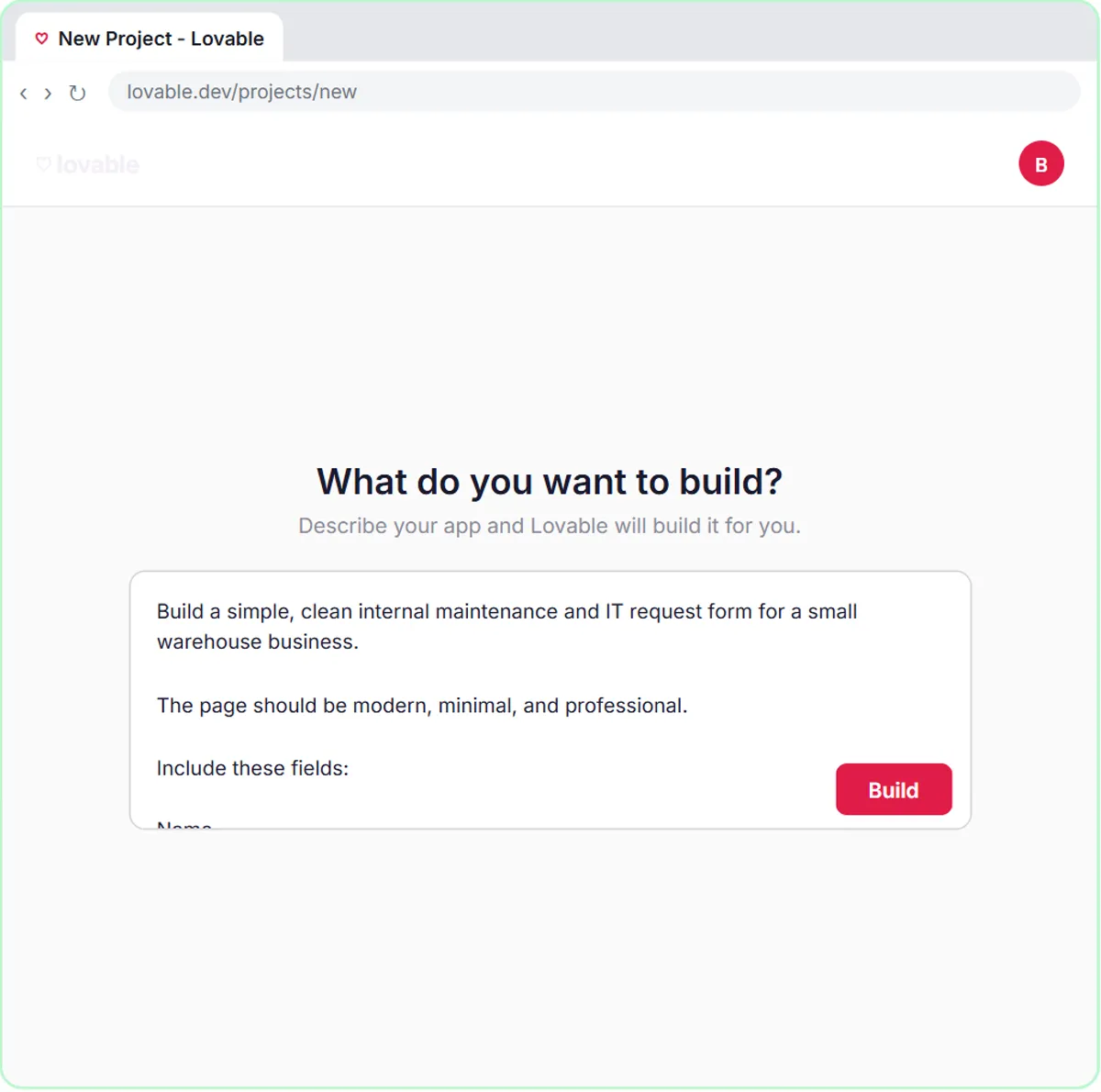
Try this lesson free or read the step-by-step guide.
Common confusions
Submission states vs form validation
Form validation checks entries before sending. Submission states report what happened after the person clicks submit.
Success message vs confirmation email
The success message appears on screen right away. A confirmation email, like an autoresponder, arrives in the inbox and gives the person a record.
Tips
- Write all three states into your app-builder prompt, in your own words.
- Make the error message give a fallback, like a phone number or a person to tell.
- Test the failure state by pointing the form at a wrong address once.
Related terms
Where you use it: free lessons
- Build an AI Maintenance and IT Request Form (Lovable and n8n, 15 min)
- Lovable + n8n: Build a Web App with an AI Backend (Lovable and n8n, 15 min)
- Build an AI Emergency Request Form for Your Plumbing Company (Lovable and n8n, 15 min)
Frequently asked questions
- Why does my form show success even when the workflow failed?
- The webhook may be answering immediately instead of waiting. Set the n8n Webhook node to respond using a Respond to Webhook node at the end of the workflow.
- What should a form's error message say?
- That it didn't go through, in plain words, and what to do instead, such as try again or call the office. Avoid technical codes.