What is pandas in Python?
Quick answer
pandas is the free Python library for working with tables. It keeps data in a DataFrame (named columns, numbered rows, like a spreadsheet) and gives one-line commands to total, group, stack, clean and save it.
Last updated
Take the free module →Module 1 of the free Python for Spreadsheet Work Jump Start course, about 12 minutes. No account needed.
Updated · By Robert Breen
Why it matters for a small business
Most office data arrives as a table: a CSV or Excel export from a sales, accounting or HR system. pandas reads it in one line (pd.read_csv) and then does in one line what takes many clicks in a spreadsheet: sum a column, total by customer, stack monthly files, drop duplicates.
Because the steps are written down, they run the same way on next month's file. That is the main win over a spreadsheet: no rebuilt pivot table, no forgotten filter, no missed row.
A handful of commands covers most office work: sum, groupby, sort_values, concat, merge, drop_duplicates and the str functions for cleaning text. Everything else can be looked up when you need it. pandas also writes results back out: totals.to_csv('totals.csv') or to_excel saves a file you can open in Excel or Google Sheets, so a pandas notebook can sit between a messy export and the clean report your team already reads, without anyone else having to learn Python.
In a real lesson: Python: Clean a Messy Invoice Export Before You Total It
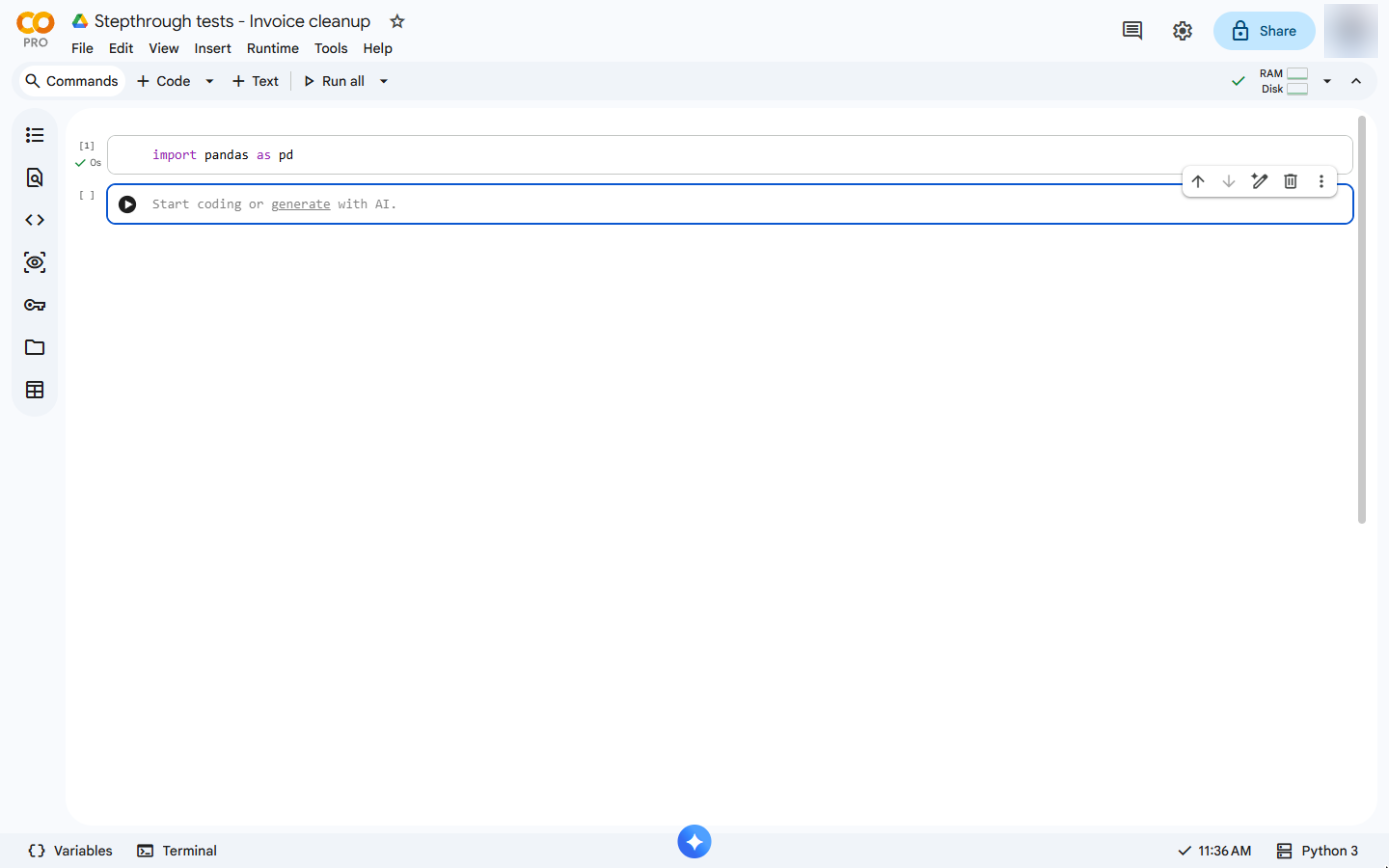
In the free Python invoice clean-up lesson, an export has "maple dental " with a trailing space, "COBALT LEGAL" next to "Cobalt Legal", amounts stored as text like "1,250" and one invoice twice.
Three pandas lines fix it: str.strip().str.title() for the names, str.replace(',', '').astype(int) for the amounts and drop_duplicates() for the copy. The totals are then right: Maple Dental $1,250, Cobalt Legal $860, Harbor Accounting $640.
Try this lesson free or read the step-by-step guide.
Common confusions
DataFrame vs list
A list is one column of values. A DataFrame is a whole table of named columns, built here from lists with pd.DataFrame.
concat vs merge
concat stacks tables with the same columns under each other. merge matches rows from two tables side by side, like a VLOOKUP.
Tips
- Show the table after every change (type its name on the last line of the cell) to check it looks right.
- Clean names and numbers before you remove duplicates or total anything.
Related terms
More Data, Sheets and Gmail terms
Where you use it: free lessons
- Python: Total a Sales Export by Customer in Google Colab (Google Colab, 12 min)
- Python: Combine Monthly Sales Exports into One Quarter (Google Colab, 12 min)
- Python: Clean a Messy Invoice Export Before You Total It (Google Colab, 12 min)
Frequently asked questions
- Why is pandas imported as pd?
- import pandas as pd is the usual short name, so commands read pd.DataFrame or pd.read_csv instead of pandas.DataFrame.
- Is pandas free?
- Yes. pandas is open source and already installed in Google Colab.
- Can pandas replace a pivot table?
- For totals by group, yes: df.groupby('customer')['amount'].sum() gives one total per customer, and the line runs again on the next export.