What is Calendly?
Quick answer
Calendly (calendly.com) is a scheduling tool. You connect your calendar, set the hours you are available, and share a booking link; the other person picks an open time and the meeting lands on both calendars. Paid plans add an AI notetaker and Callie, an AI assistant that schedules over email.
Last updated
Take the free module →Module 2 of the free AI Apps Worth Knowing course, about 18 minutes. No account needed.
Updated · By Robert Breen
Why it matters for a small business
Booking a first call by email often takes four or five messages, and every day of back-and-forth is a day a new enquiry can go cold. A booking link in the first reply lets the person book right away, which is the point of speed to lead.
Calendly's help center says connecting Google Calendar lets it check your availability, prevent double bookings and add scheduled meetings automatically. You pick which calendars to check under Calendars to check for conflicts, and you can set meeting limits per day, week or month and buffer times between meetings.
On the Standard and Teams plans, Calendly's Notetaker joins Zoom, Google Meet and Microsoft Teams calls and writes recaps with action items, and Callie, in beta, coordinates scheduling when you add it to an email thread.
In a real lesson: Never Lose a Client Follow-up using Capsule CRM
The Capsule CRM lesson does not use Calendly. In it, Priya Shah, a partner at Merrin & Cole, a made-up four-person accounting firm, finds that five of this month's fourteen enquiries never got a follow-up. She adds Brightside Dental Group and Dana Whitfield to Capsule, creates an opportunity in the New milestone, and adds a Follow up task with a due date.
Calendly does the booking part of that follow-up. Priya's first reply to Dana would include her Calendly link for a discovery call, Dana picks a time Priya's calendar shows as free, and Priya moves the opportunity to the Meeting milestone. Capsule keeps track of the deal; Calendly gets the call on the calendar.
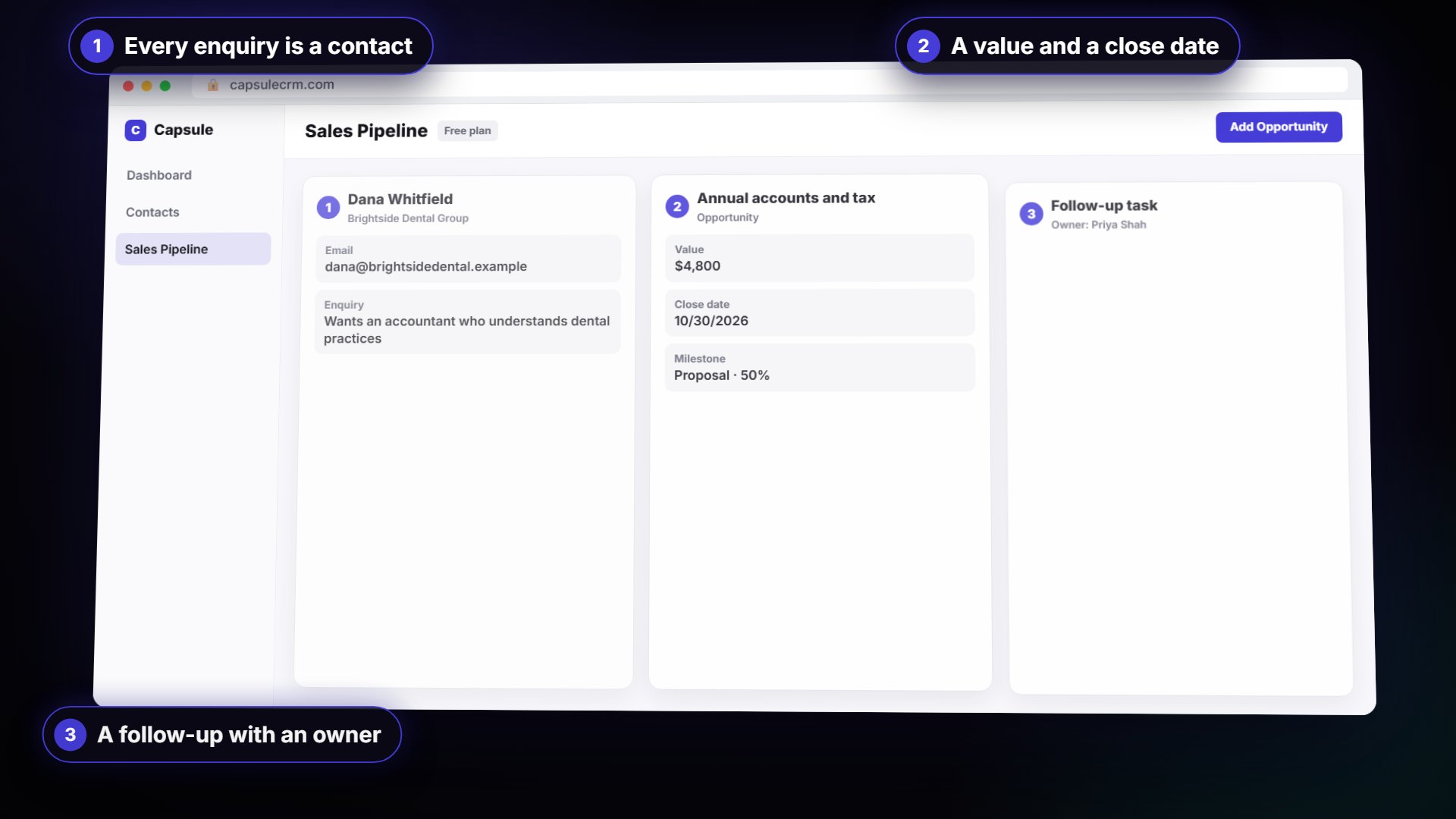
Try this lesson free or read the step-by-step guide.
Common confusions
Calendly vs a shared calendar
A shared calendar shows your whole schedule. Calendly shows only the open times you allow, inside the hours you set, and books the meeting for you.
Calendly vs a CRM
Calendly books the meeting. A CRM like Capsule tracks the person, the deal and every follow-up before and after it.
Tips
- Connect every calendar you use, so personal events block time too.
- Add a buffer after calls so meetings do not stack back to back.
- Put the booking link in your first reply to a new enquiry, not the third.
Related terms
More Web apps terms
Where you use it: free lessons
- Never Lose a Client Follow-up using Capsule CRM (Capsule CRM, 18 min)
- Connect Claude to Google Drive, Gmail and Google Calendar (Claude, 8 min)
- Speed-to-Lead Agent: Answer Every Web Lead in 60 Seconds (n8n, 15 min)
- Turn Instagram Comments into Booked Consultations using Manychat (Manychat, 18 min)
AI tools that use it
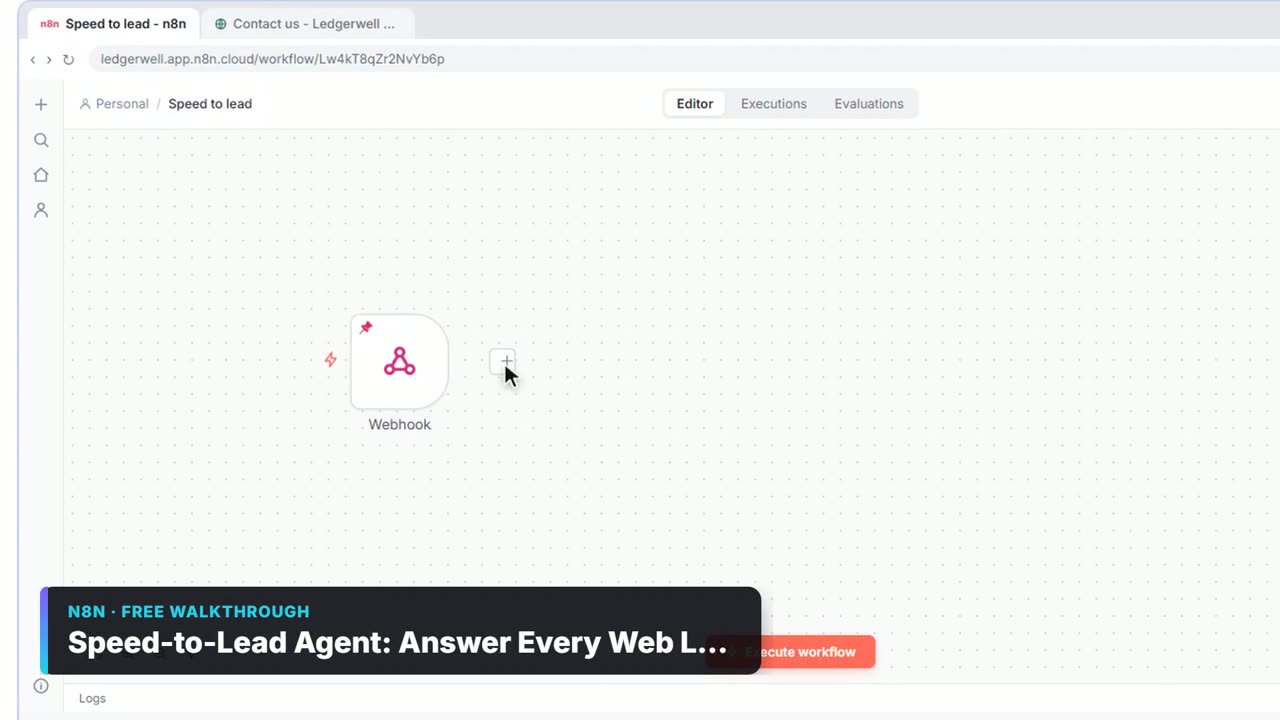
Watch it in a free lesson: Speed-to-Lead Agent: Answer Every Web Lead in 60 Seconds
 3:28
3:28Speed-to-Lead Agent: Answer Every Web Lead in 60 Seconds: video walkthrough
Build an n8n workflow that scores every website lead with AI, emails a personal first reply within seconds, and pings Slack only when a lead is hot. The whole lesson narrated step by step, recorded in Stepthrough’s simulated practice environment.
Frequently asked questions
- Is Calendly free?
- Yes. Calendly's pricing page lists an always-free plan with one event type, one calendar connection, one-on-one scheduling and a customizable booking page. The Notetaker and Callie are on paid plans. See calendly.com/pricing.
- Do the people booking with me need a Calendly account?
- No. Calendly's pricing page says seats are for the people who host meetings; invitees do not need an account or a seat.
- Which calendars does Calendly work with?
- Its help center covers connecting Google Calendar, and you can choose which of your calendars it checks for conflicts. Paid plans connect more than one calendar.