Trello for teams: a board, lists, cards, labels, due dates and a free automation rule on one page
A free one-page Trello cheat sheet: a team board, lists for each stage, cards with labels and due dates, and a free rule that marks Done cards complete.
Trello for teams: a board, lists, cards, labels, due dates and a free automation rule on one page
The steps from the free Trello for Teams course, practised there on real Trello screens (Free plan).
New words
- Board
- One project or process, e.g. Client onboarding.
- List
- A stage, left to right: To do, In progress, Waiting on client, Done.
- Card
- One task. Holds labels, dates, checklists, comments.
Set up the board
- Create > Create board, type a title, check the Workspace, Create.
- Type the first list name, Add list; repeat for each stage.
- Add a card under To do; start each card with the client name.
Labels and due dates
- Open a card > Labels > pencil on a colour > name it (Urgent) > Save, then tick it.
- Dates > tick Due date > pick the day > Save (reminder 1 day before).
- Drag cards between lists; that is the status update.
A free automation rule
- Board header lightning bolt (Automation) > Rules > Create automation.
- + Add Trigger > Card Move: when a card is added to list Done by anyone > +.
- Action: Dates > mark the card as complete > + > Save.
Remember: If a tidy-up job happens every time, make it a rule; if a task is stuck with someone outside the team, give it its own list.
Practice it free: Trello: Track Client Onboarding on One Team Board at learn.ynteractive.com/modules/trello-client-onboarding. This sheet: learn.ynteractive.com/content/cheat-sheets/trello-team-board. The four-person bookkeeping firm is a made-up business from the lesson. By Robert Breen, October 24, 2026.
Practice it in the free lesson
Trello: Track Client Onboarding on One Team Board. A beginner Trello walkthrough on real screens: put every new-client task on one board with lists for each stage, cards for each task, an Urgent label and a due date, so nothing waits in someone's… You do every step yourself in a practice copy of Trello, it checks your work as you go, and “Do it for me” finishes any step you get stuck on. Free, and nothing touches your real accounts.
Start the free lessonLessons on this sheet
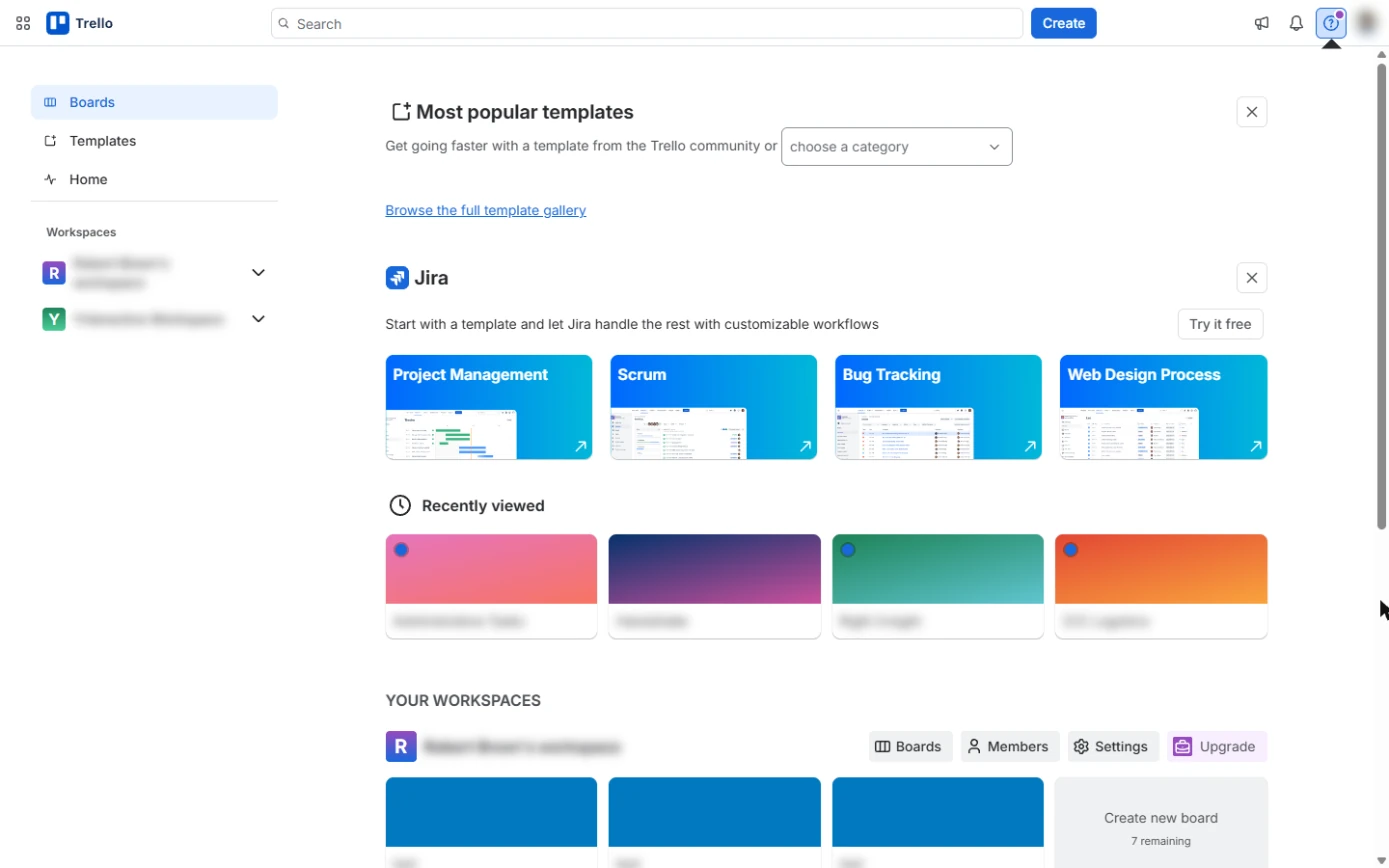 Trello: Track Client Onboarding on One Team Board
A beginner Trello walkthrough on real screens: put every new-client task on one board with lists for each stage, cards for each task, an Urgent label and a due date, so…
Free · Live ~10 min Beginner
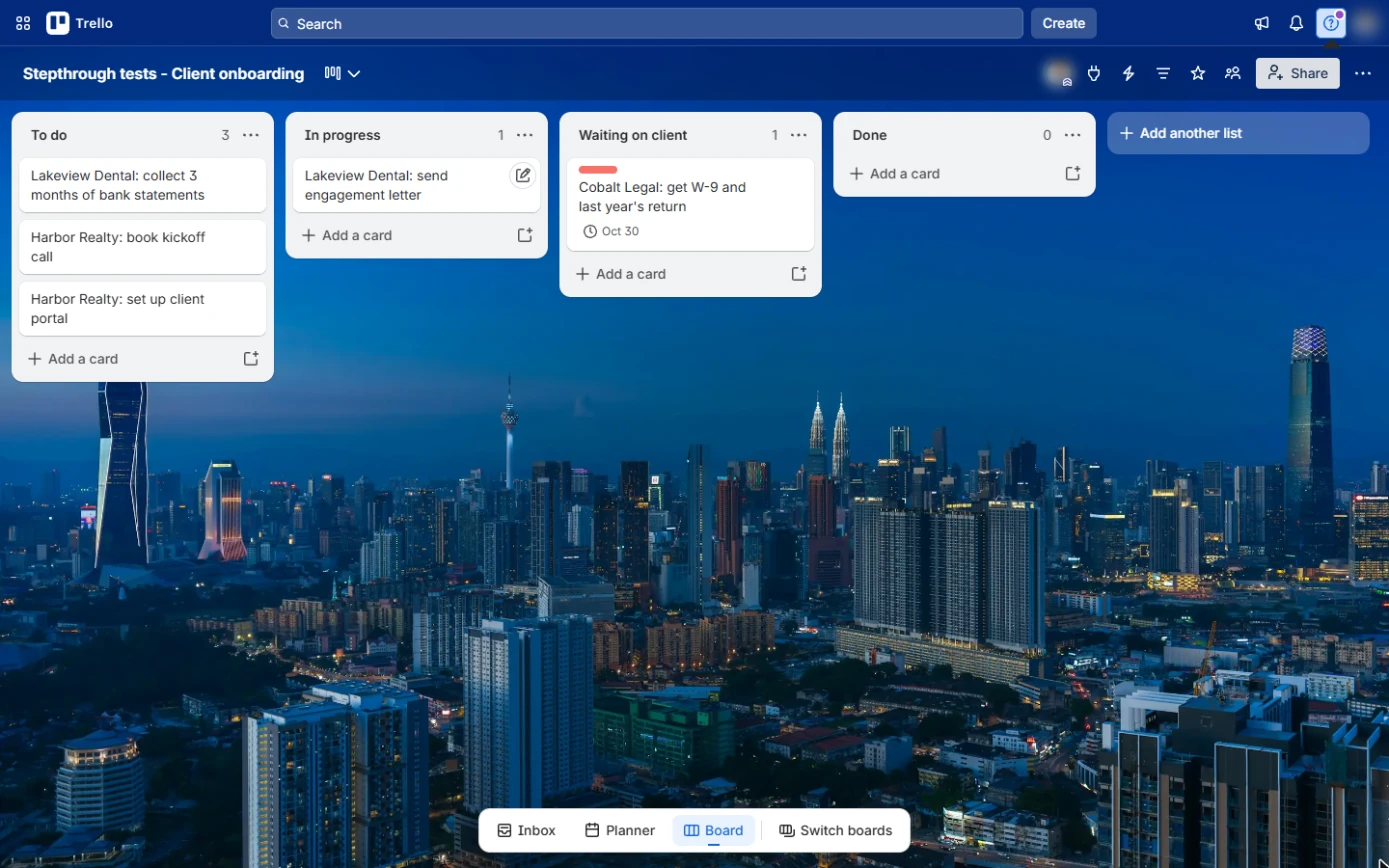 Trello: Mark Work Complete Automatically with a Free Rule
A beginner Trello automation on real screens: one free rule that marks every card complete the moment it reaches Done, so the board stays true without anyone tidying…
Free · Live ~7 min Beginner
Related terms
Plain-English definitions, each with an example from a free lesson.
More cheat sheets
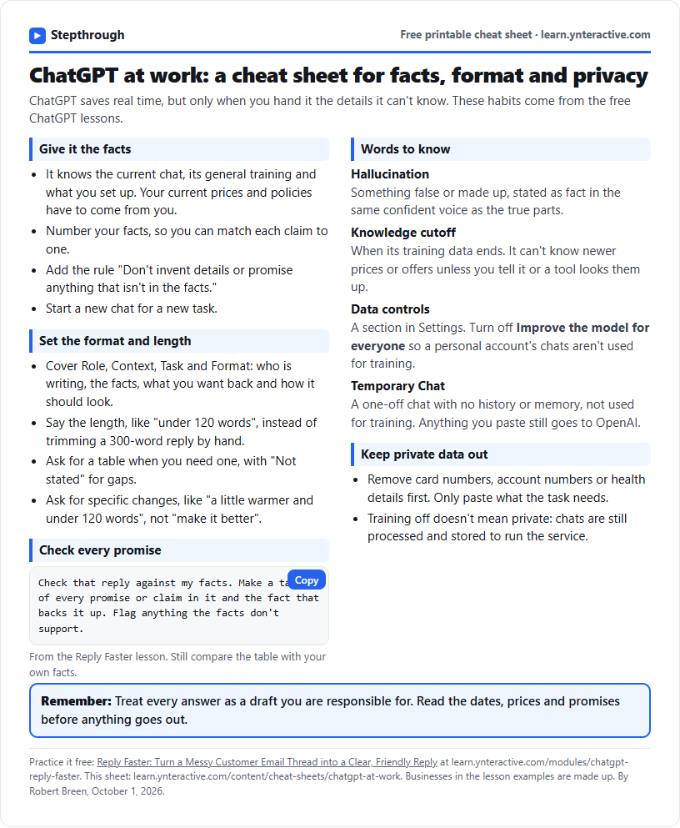 ChatGPT at Work Cheat Sheet: Facts, Format, Privacy
A free one-page cheat sheet for ChatGPT at work: give it facts, set the format and length, check every promise and keep private data out.
Tool cheat sheet Free PDF
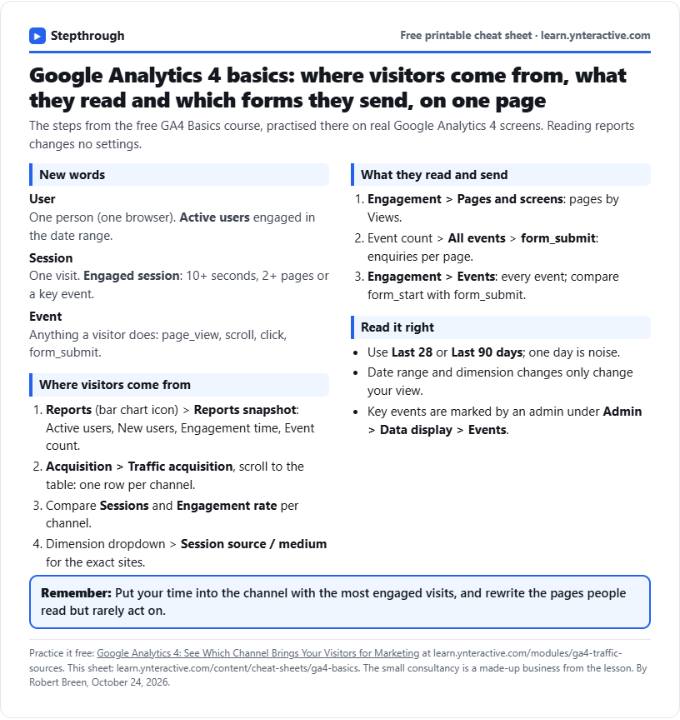 GA4 Cheat Sheet: Traffic Sources, Top Pages, Events
A free one-page GA4 cheat sheet: read the Reports snapshot, find which channel brings visitors, see top pages and form submissions, and read events.
Tool cheat sheet Free PDF
 Jira Cheat Sheet: Sprints, Story Points, Kanban, WIP
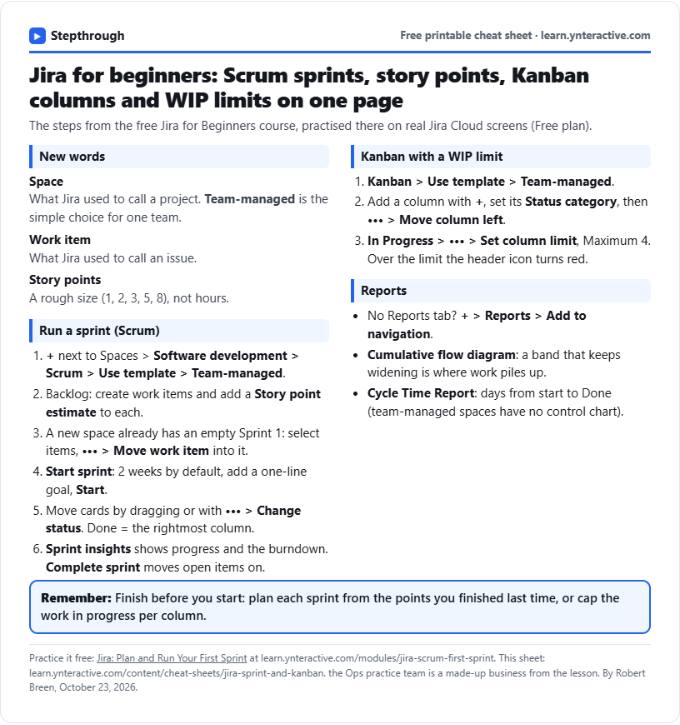
A free one-page Jira cheat sheet: create a space, fill and run a sprint, story points, a Kanban board with a WIP limit, and the reports that show progress.
Tool cheat sheet Free PDF