Free Trello tutorials for small business
Updated
Trello. These 2 free modules teach it by building real projects, not by reading about features: Trello: Track Client Onboarding on One Team Board and Trello: Mark Work Complete Automatically with a Free Rule.
The Trello modules cover Project management. Every module runs in a practice copy of Trello, so you can learn it without an account, then set it up for real.
2 modules
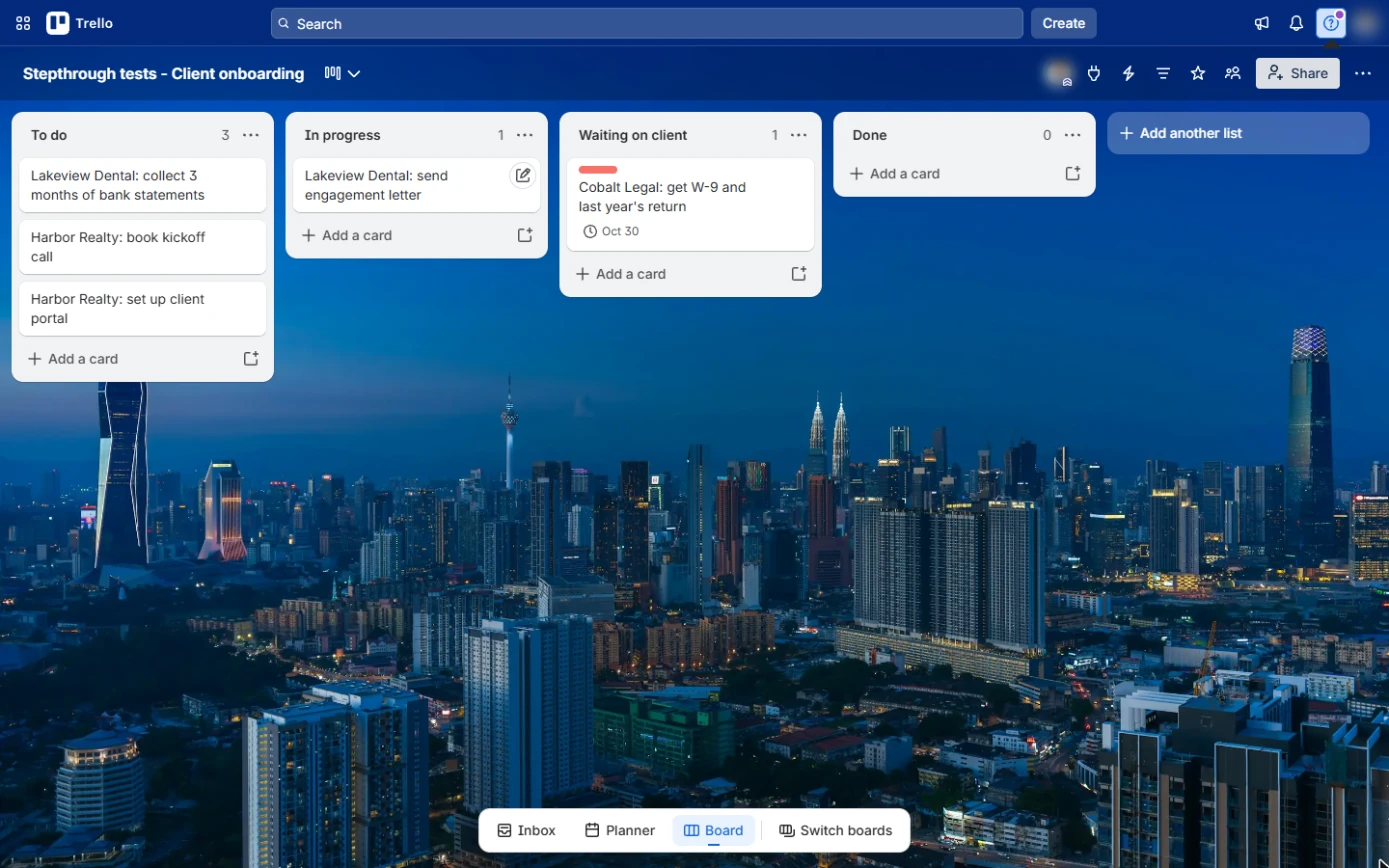
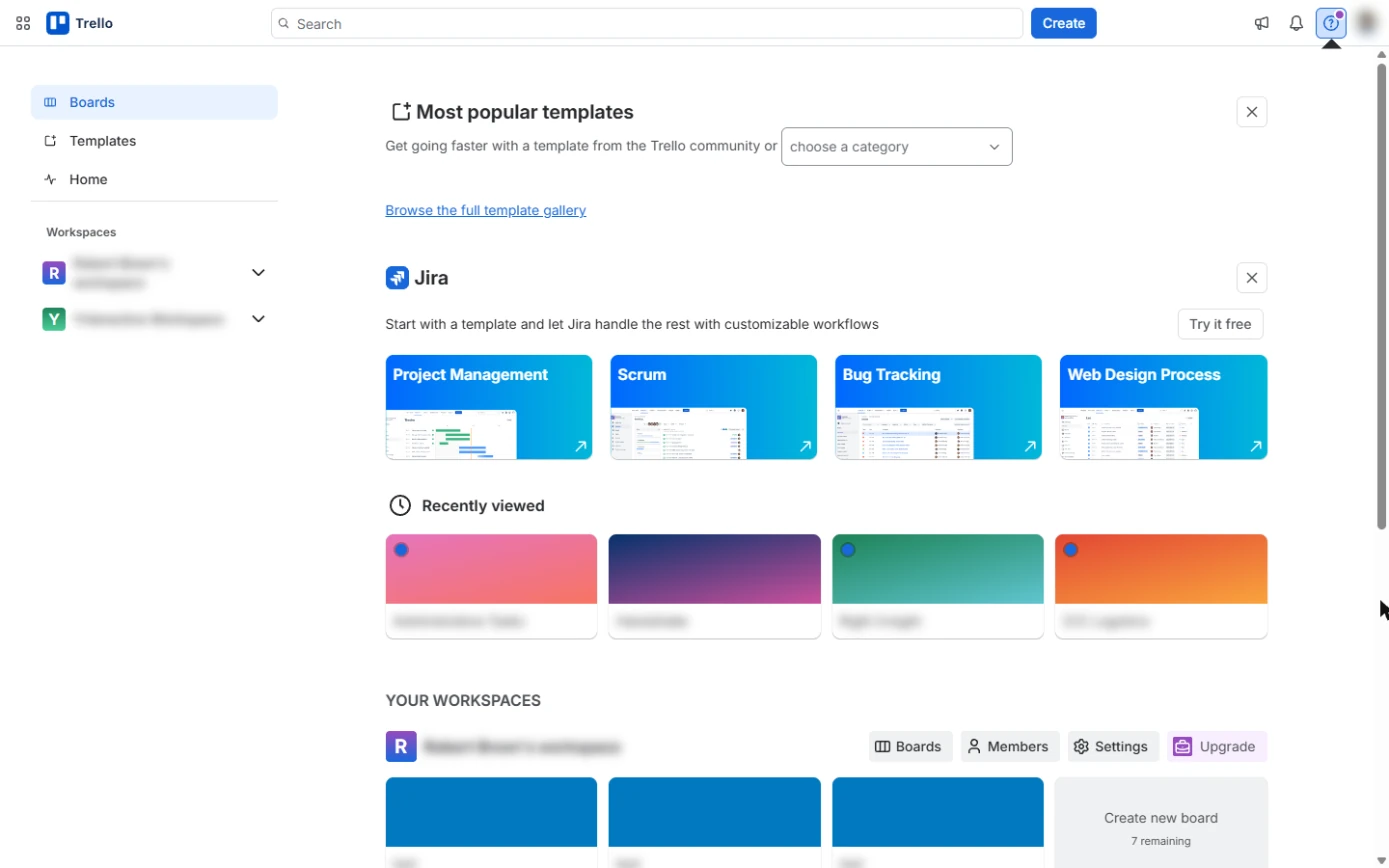 Trello: Track Client Onboarding on One Team Board
A beginner Trello walkthrough on real screens: put every new-client task on one board with lists for each stage, cards for each task, an Urgent label and a due date, so…
Free · Live ~10 min Beginner
 Trello: Mark Work Complete Automatically with a Free Rule
A beginner Trello automation on real screens: one free rule that marks every card complete the moment it reaches Done, so the board stays true without anyone tidying…
Free · Live ~7 min Beginner
What you do in each module
- Trello: Track Client Onboarding on One Team Board (about 10 minutes, 22 steps, beginner). You work through: Create the team board, Lists that match how work moves, One card per task, Labels and due dates and Move work across the board.
- Trello: Mark Work Complete Automatically with a Free Rule (about 7 minutes, 13 steps, beginner). You work through: Open Automation, The trigger: a card lands in Done, The action: mark it complete and Test it.
Common questions
How long will this take?
The 2 modules take about 17 minutes in total, and you can do them in separate sittings.
Do I need experience first?
No. These modules are beginner level, and each step tells you exactly where to click.
Do I need a Trello account to start?
No. The practice runs in a copy of Trello inside your browser, and nothing touches your real accounts. When you are ready, you repeat the steps in your own account.
Is it free?
Yes. All 2 modules are free.
Where should I start?
Start with Trello: Track Client Onboarding on One Team Board, then continue with Trello: Mark Work Complete Automatically with a Free Rule.
Frequently asked questions
- Are these Trello tutorials free?
- Yes. All 2 live Trello lessons here are free, and you can start without signing up. Each one is a real project you build step by step in a practice copy of Trello that checks your work.
- Where should a beginner start with Trello?
- Start with Trello: Track Client Onboarding on One Team Board, about 10 minutes. Every step shows you where to click, and "Do it for me" finishes any step you get stuck on.
- Do I need my own Trello account to practice?
- No. The lessons run in a practice copy of Trello in your browser, so nothing touches your real accounts. To build the same workflow for real afterwards you need your own Trello account; check Trello's current pricing first.
Related
How every module works
Each step is shown on the left, with a cursor pointing to exactly where to click. You do the same thing on the right, in a practice copy of the real tool. Get it right and it moves on. Nothing touches your real accounts until you're ready to build it for real.
Start learning free