Excel and Word for the web: top customers from a sales export and a one-page client update
A free one-page cheat sheet: clean a sales export and find top customers with an Excel PivotTable, then turn meeting notes into a styled Word update.
Excel and Word for the web: top customers from a sales export and a one-page client update
Modules 2 and 3 of the free Excel and Word for the Web Jump Start, practised there on real Microsoft 365 screens.
Clean the export (Excel)
- Paste the export into A1 of a blank workbook: headers in row 1, one row per order.
- Click a cell in the list, then Data > Remove Duplicates.
- Keep every column and My data has headers ticked, OK. Excel says how many rows it removed.
Top customers with a PivotTable
- Insert
- Insert > PivotTable, then New sheet under Create your own PivotTable.
- Group
- Tick Customer: it goes into Rows.
- Total
- Tick Amount: it goes into Values as Sum of Amount.
- Sort
- Click a total, Data > Sort Descending: biggest customer first.
- Money
- Select the totals, Home > number format > Currency.
Notes into a client update (Word)
- Paste the notes into a blank document. Word may offer Copilot: Not now is fine.
- First line: Styles > Title. Each section line: Styles > Heading 1.
- Select what was done, click Bullets.
- End of Next steps, Enter, Insert > Table > 3x4: Task, Owner, Due. Tab moves to the next cell.
- In the table: Table tab, table styles arrow, a Grid Table with a dark header.
Before it goes out
- Select anything to check, Review > New Comment. Type @name to notify a colleague.
- Resolve or delete comments before you send the update to the client.
- Check one PivotTable total by hand the first time.
Remember: Clean the data before you count it, and use styles instead of fonts: the totals stay right and every update looks the same.
Practice it free: Excel for the Web: Find Your Top Customers in a Sales Export at learn.ynteractive.com/modules/excel-web-top-customers. This sheet: learn.ynteractive.com/content/cheat-sheets/excel-pivottable-and-word-update. Lena's office-supply shop and Northgate IT is a made-up business from the lesson. By Robert Breen, October 23, 2026.
Practice it in the free lesson
Excel for the Web: Find Your Top Customers in a Sales Export. A beginner Excel for the web walkthrough on real screens: clean a sales export with Remove Duplicates, total every customer with a PivotTable and sort the biggest to the top in about ten minutes. You do every step yourself in a practice copy of Excel, it checks your work as you go, and “Do it for me” finishes any step you get stuck on. Free, and nothing touches your real accounts.
Start the free lessonLessons on this sheet
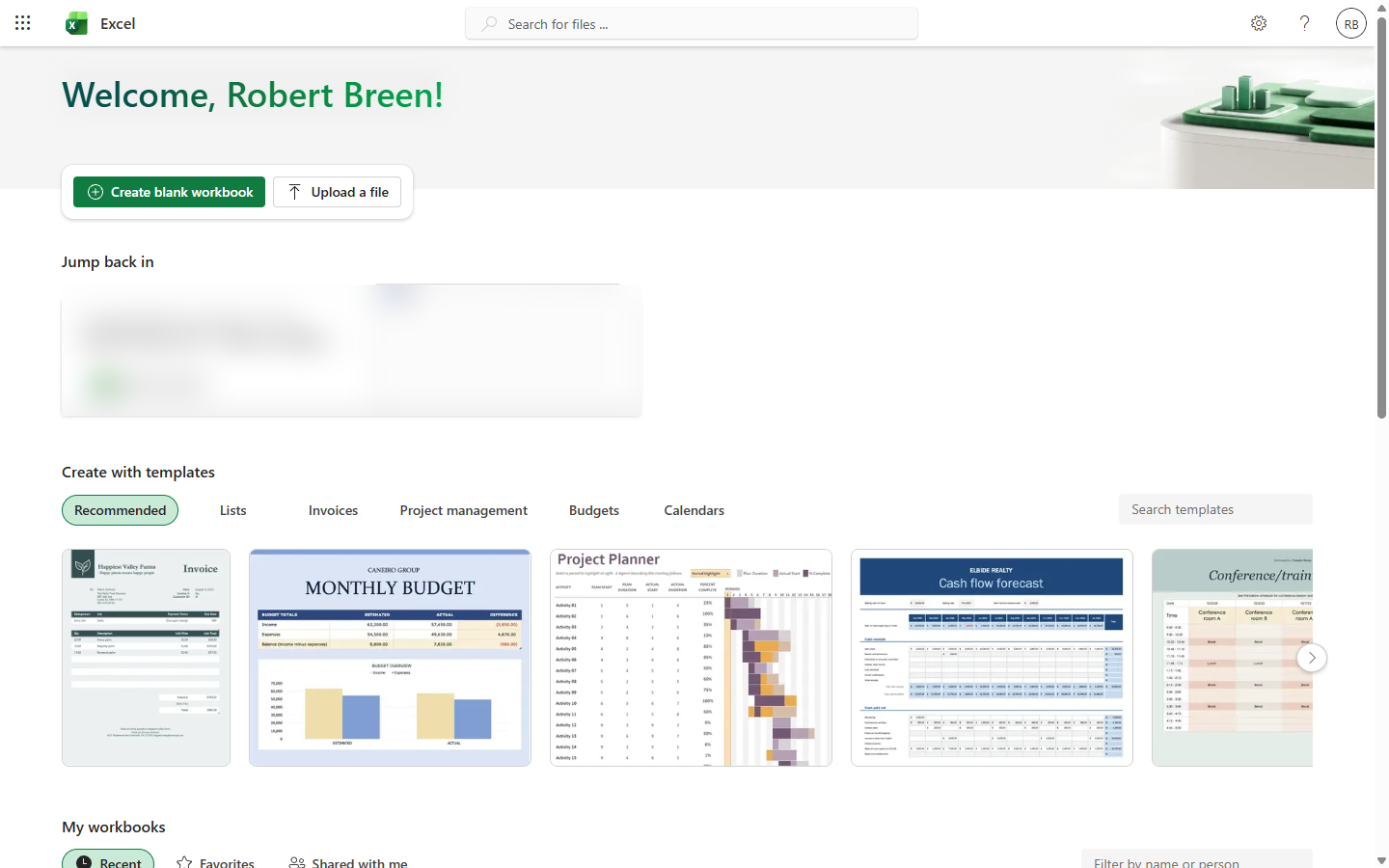 Excel for the Web: Find Your Top Customers in a Sales Export
A beginner Excel for the web walkthrough on real screens: clean a sales export with Remove Duplicates, total every customer with a PivotTable and sort the biggest to…
Free · Live ~12 min Beginner
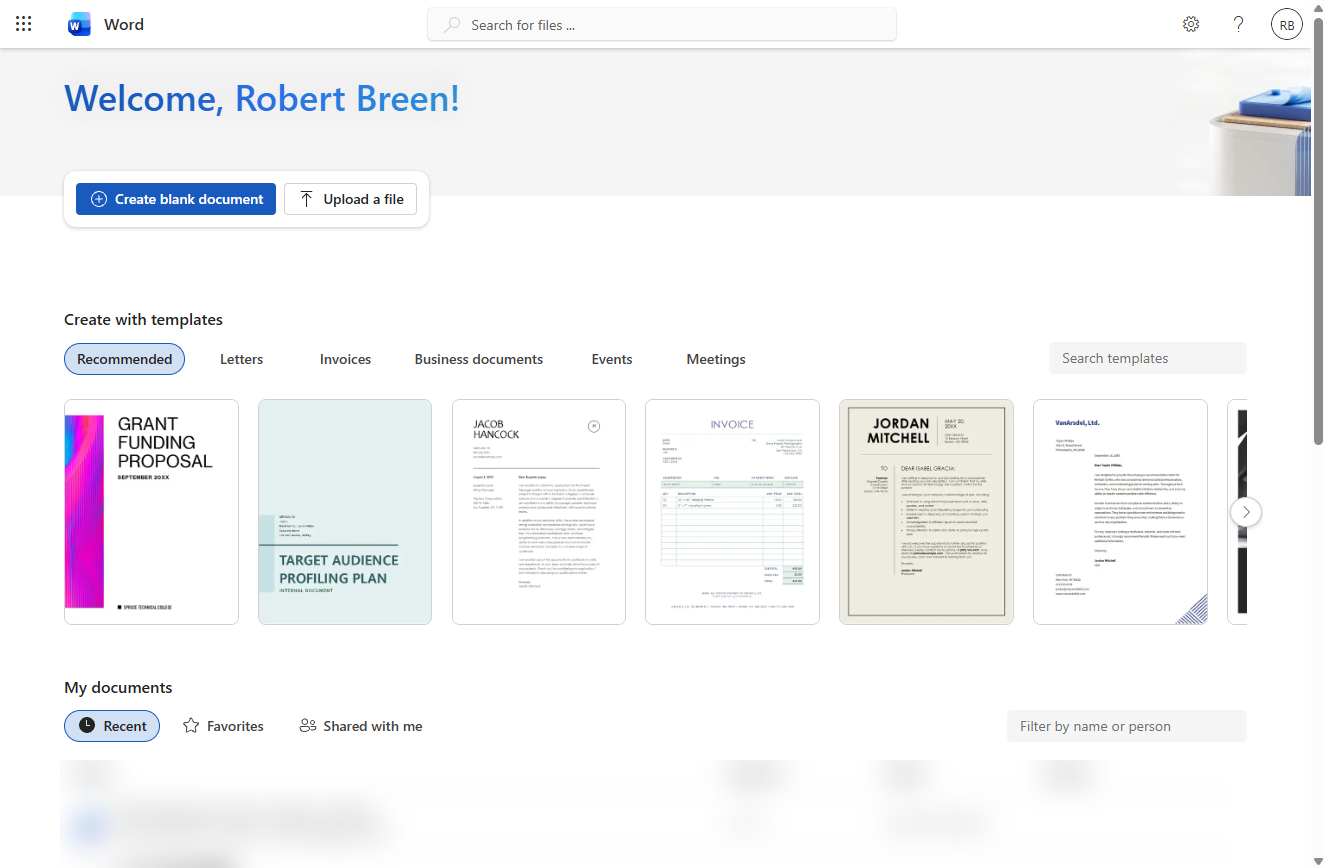 Word for the Web: Turn Meeting Notes into a Client Update
A beginner Word for the web walkthrough on real screens: turn rough meeting notes into a one-page client update with heading styles, bullets, a next-steps table and a…
Free · Live ~12 min Beginner
Related terms
Plain-English definitions, each with an example from a free lesson.
More cheat sheets
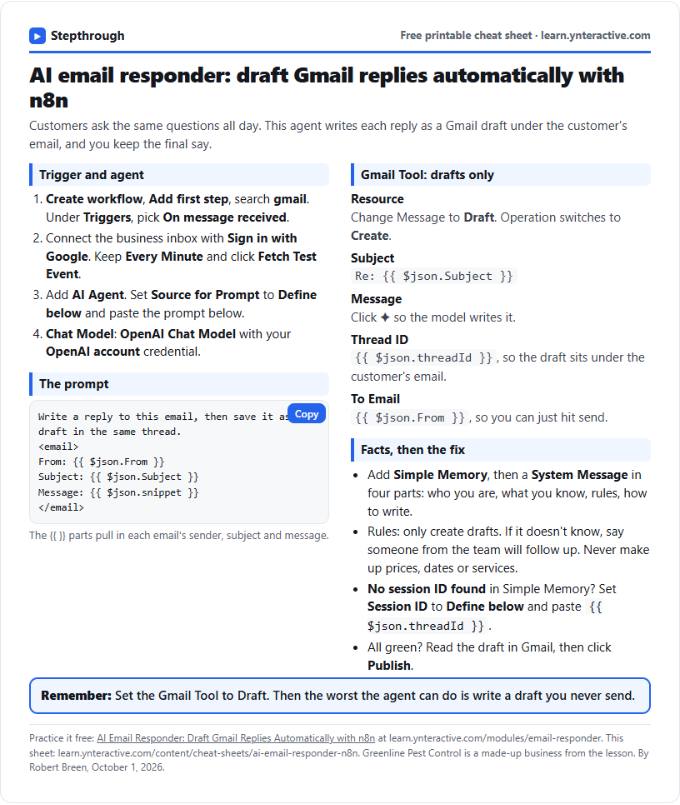 AI Email Responder in n8n Cheat Sheet
A free one-page cheat sheet: n8n watches Gmail, an AI agent reads each customer email and saves a reply as a draft in the same thread.
Lesson cheat sheet Free PDF
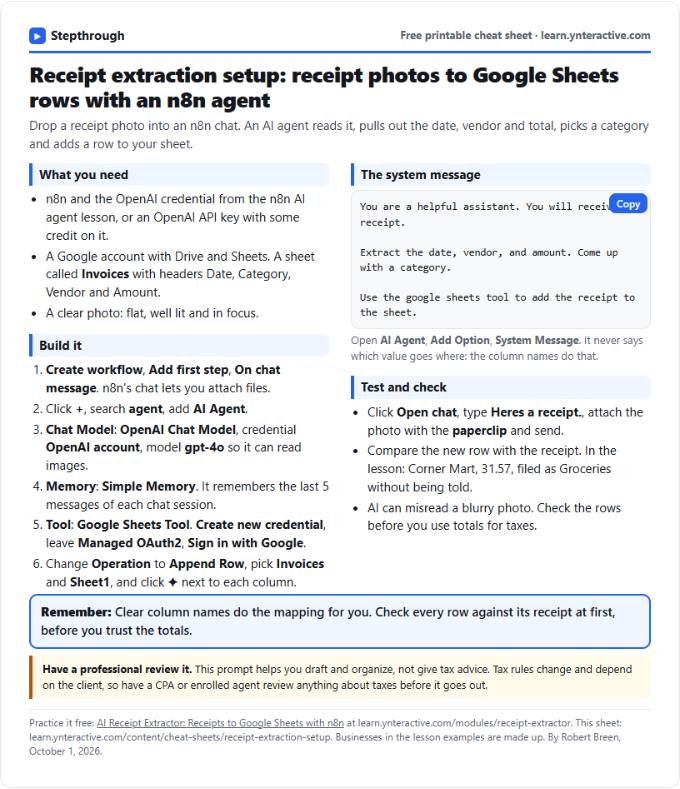 AI Receipt Extractor in n8n Cheat Sheet
A free one-page cheat sheet: attach a receipt photo in n8n chat, and an AI agent pulls the date, vendor and amount into a Google Sheets row.
Lesson cheat sheet Free PDF
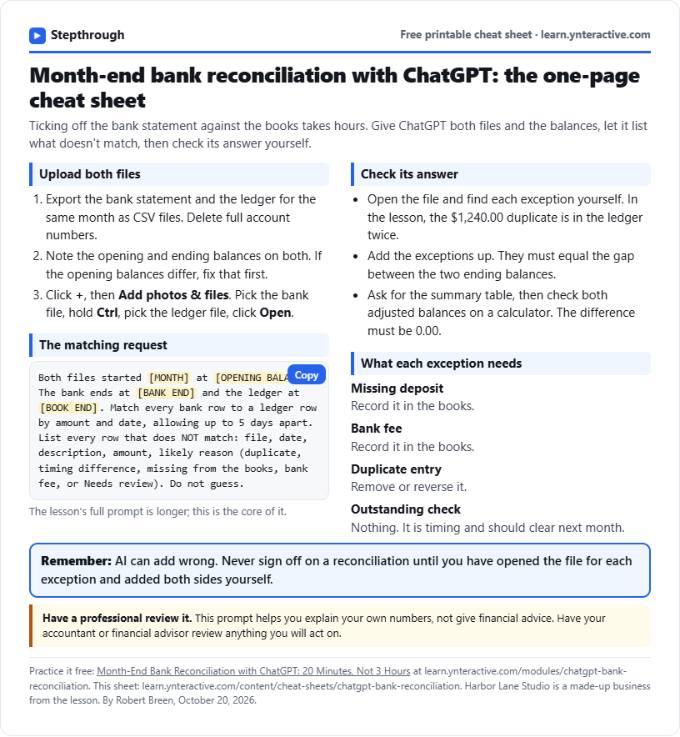 ChatGPT Bank Reconciliation Cheat Sheet
A free one-page cheat sheet: match a bank statement CSV to the ledger with ChatGPT, list the exceptions, build the summary and check the math yourself.
Lesson cheat sheet Free PDF