Free Foxit tutorials for small business
Updated
Foxit. These 3 free modules teach it by building real projects, not by reading about features: AI Contract Review in 10 Minutes using Foxit AI, Foxit PDF Editor: Catch Every Change in a Revised Contract and Foxit PDF Editor: Fill and Sign a Form without Printing.
The Foxit modules cover Operations. Every module runs in a practice copy of Foxit, so you can learn it without an account, then set it up for real.
3 modules
Skimmed contracts hide auto-renewals, late fees and liability caps. Upload one to Foxit Workspace, get a plain-English summary and every renewal and exit date, check…
Free · Live ~10 min Beginner
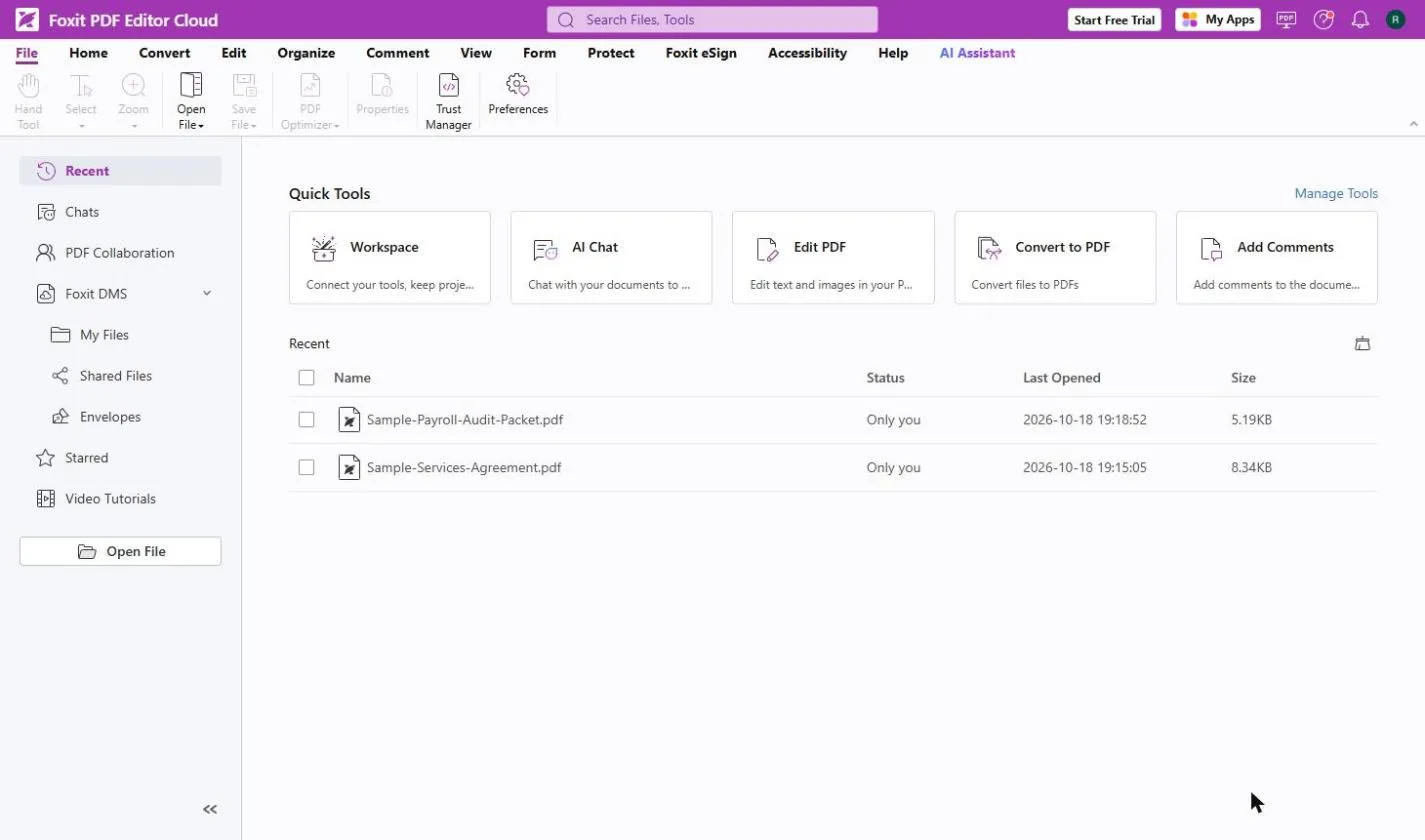 Foxit PDF Editor: Catch Every Change in a Revised Contract
A vendor sends "version 2, just small cleanups". Compare both PDFs in Foxit PDF Editor, see every changed fee, date and clause, and reply with a list.
Free · Live ~8 min Beginner
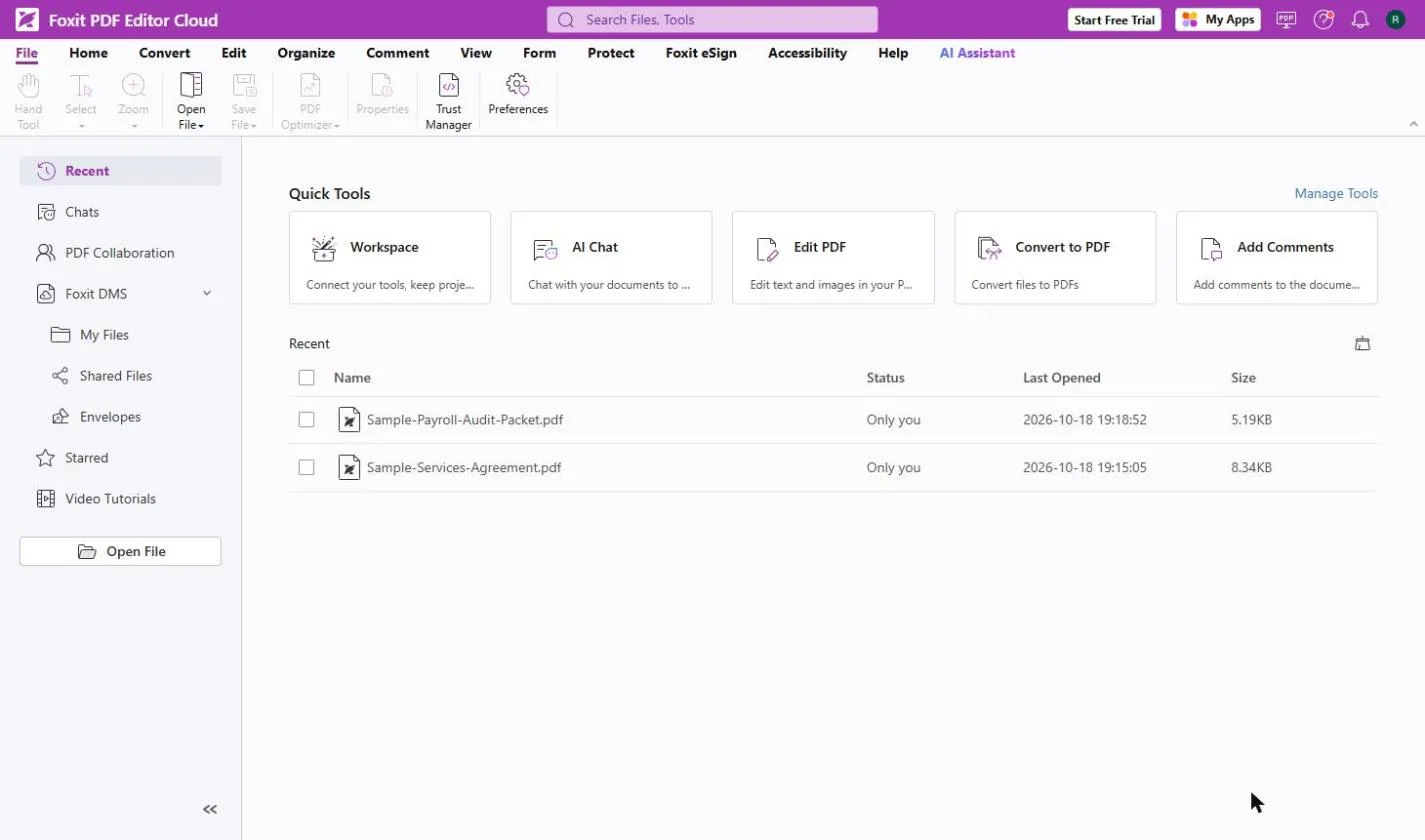 Foxit PDF Editor: Fill and Sign a Form without Printing
A client will not pay until their vendor form comes back signed. Fill in a flat PDF, tick the boxes, sign and date it in Foxit PDF Editor, no printer.
Free · Live ~8 min Beginner
What you do in each module
- AI Contract Review in 10 Minutes using Foxit AI (about 10 minutes, 16 steps, beginner). You work through: Set up the review, Get the plain-English version, Pull out renewal and exit terms and Hand your boss one page.
- Foxit PDF Editor: Catch Every Change in a Revised Contract (about 8 minutes, 22 steps, beginner). You work through: What a quiet revision costs, Open both versions, Read the summary, Walk through each change, Keep the list and Reply with confidence.
- Foxit PDF Editor: Fill and Sign a Form without Printing (about 8 minutes, 25 steps, beginner). You work through: What a paper form costs, Open the form, Fill in the blanks, Make your signature, Sign and date it and Send it back.
Common questions
How long will this take?
The 3 modules take about 26 minutes in total, and you can do them in separate sittings.
Do I need experience first?
No. These modules are beginner level, and each step tells you exactly where to click.
Do I need a Foxit account to start?
No. The practice runs in a copy of Foxit inside your browser, and nothing touches your real accounts. When you are ready, you repeat the steps in your own account.
Is it free?
Yes. All 3 modules are free.
Where should I start?
Start with AI Contract Review in 10 Minutes using Foxit AI, then continue with Foxit PDF Editor: Catch Every Change in a Revised Contract.
Compare tools
Side-by-side comparisons, with prices and features checked against the vendors’ own pages.
Frequently asked questions
- Are these Foxit tutorials free?
- Yes. All 3 live Foxit lessons here are free, and you can start without signing up. Each one is a real project you build step by step in a practice copy of Foxit that checks your work.
- Where should a beginner start with Foxit?
- Start with AI Contract Review in 10 Minutes using Foxit AI, about 10 minutes. Every step shows you where to click, and "Do it for me" finishes any step you get stuck on.
- Do I need my own Foxit account to practice?
- No. The lessons run in a practice copy of Foxit in your browser, so nothing touches your real accounts. To build the same workflow for real afterwards you need your own Foxit account; check Foxit's current pricing first.
Related
How every module works
Each step is shown on the left, with a cursor pointing to exactly where to click. You do the same thing on the right, in a practice copy of the real tool. Get it right and it moves on. Nothing touches your real accounts until you're ready to build it for real.
Start learning free